AI Tools Directory: 8,929 tools, compared and categorised

Every AI tool we track, with pricing, platform and category on each entry. Filter down to a shortlist, then open the ones worth a closer look.

Browse by category

All 1,589 categories

Top-rated AI tools

Filter 8,929 AI tools by pricing, category, platform and language.

1,520 tools

Filtering by
Pricing: Free Trial
Clear all
Screenshot of the SimpleTexting interface
Free Trial

SimpleTexting

SimpleTexting is a cloud-based SMS marketing platform that enables businesses to send mass text messages, automate SMS workflows, and engage customers with two-way messaging to improve communication and marketing effectiveness.

Screenshot of the EZ Texting interface
Free Trial

EZ Texting

EZ Texting is a cloud-based SMS marketing platform that enables businesses to send mass text messages, automate campaigns, and engage customers with two-way messaging.

Screenshot of the PhishTool interface
Free

PhishTool

PhishTool is a cybersecurity platform designed to detect, analyze, and automate response to phishing threats, helping organizations improve email security and incident handling.

Screenshot of the Big Interview interface
Free Trial

Big Interview

Big Interview is an online platform offering AI-powered mock interviews and expert video coaching to help job seekers practice and improve their interview skills.

Screenshot of the Frase interface
Free Trial

Frase

Frase is an AI-driven SEO content platform that generates content briefs, assists with writing, and optimizes articles to improve search engine rankings.

Screenshot of the D-ID interface
Free Trial

D-ID

D-ID is an AI platform that creates realistic talking avatars and animates photos by converting images and text into lifelike videos with synchronized speech and facial expressions.

Screenshot of the Foxy AI interface
Free Trial

Foxy AI

Foxy AI is an AI-powered writing assistant that helps users generate and refine content such as blog posts, marketing copy, and product descriptions through an easy-to-use web platform.

Screenshot of the Krisp AI interface
Free Trial

Krisp AI

Krisp AI is a noise cancelling application that removes background noise from audio calls and recordings in real-time using AI, improving voice clarity across multiple platforms.

Screenshot of the 750 Words interface
Free Trial

750 Words

750 Words is a web-based platform that encourages users to write 750 words daily to build a consistent writing habit, offering a distraction-free interface and progress tracking.

Screenshot of the GooseChase interface
Free Trial

GooseChase

GooseChase is a platform that enables users to create and manage interactive scavenger hunts through a mobile app and web dashboard, ideal for team building, education, and event engagement.

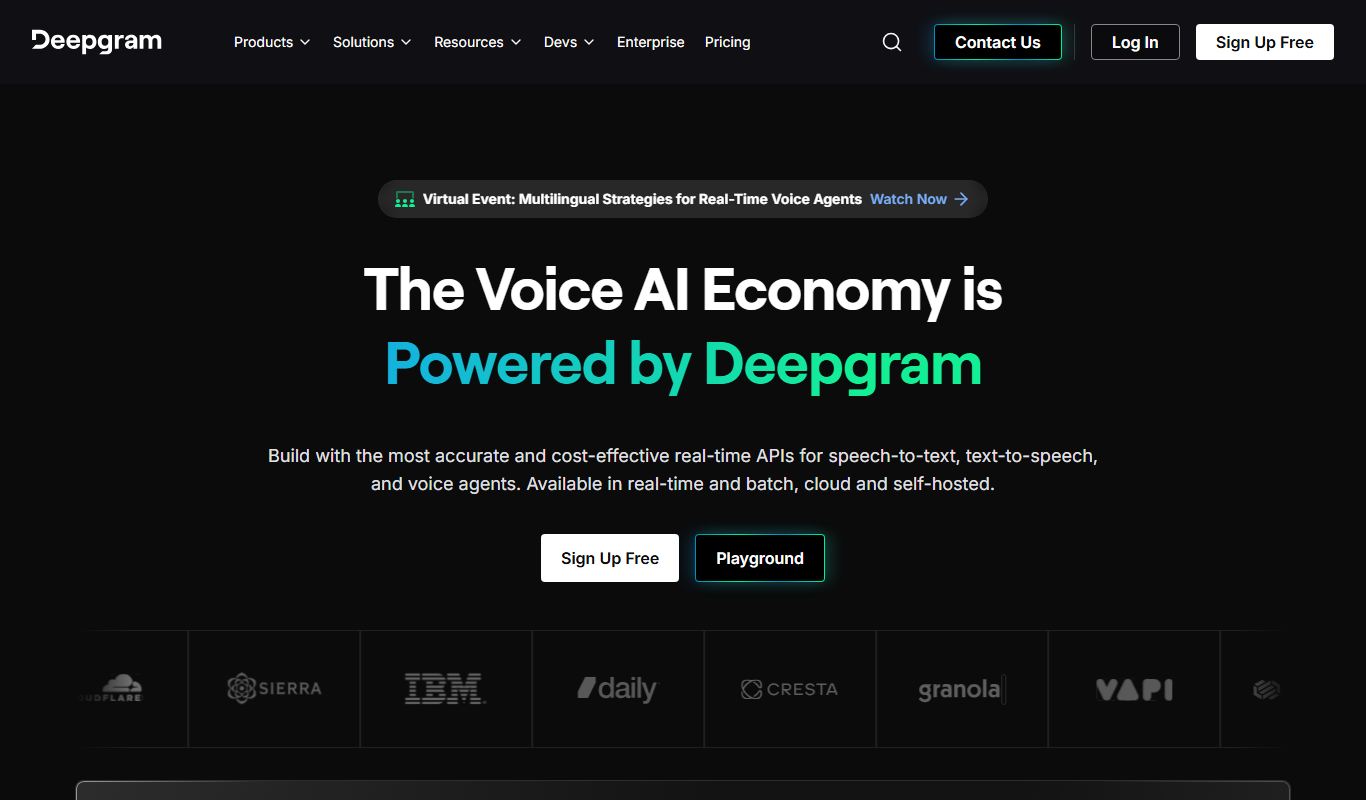
Screenshot of the Deepgram interface
Free Trial

Deepgram

Deepgram is an AI-driven speech-to-text platform providing accurate, customizable, and scalable audio transcription services with real-time streaming and multi-language support.

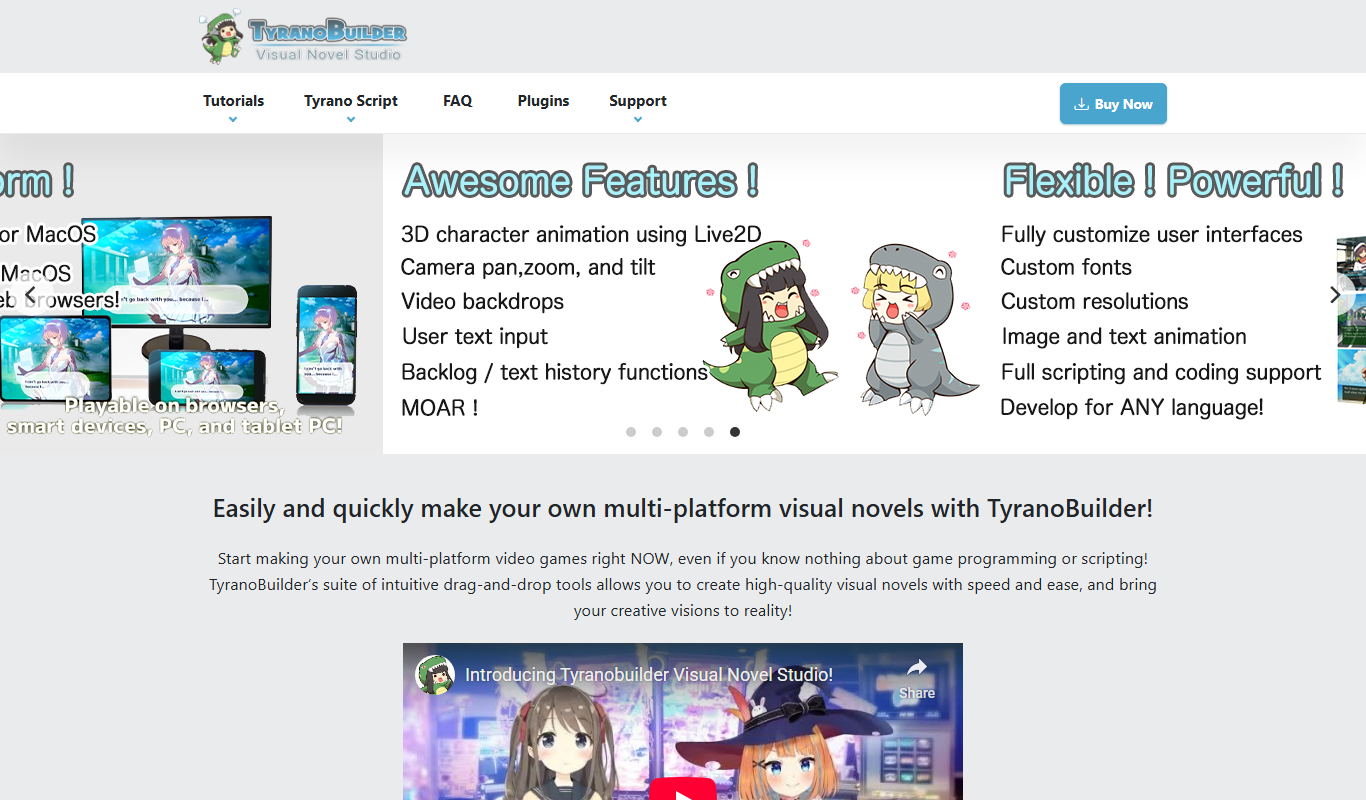
Screenshot of the TyranoBuilder interface
Free Trial

TyranoBuilder

TyranoBuilder is a no-code visual novel maker that enables users to create interactive story games with branching narratives using a drag-and-drop interface, supporting multimedia integration and cross-platform export.

Page 1 of 127

Popular AI tool collections

Ten tools per shortlist, ranked, for when a category is still too many results.

All 486 collections

Still deciding

Compare two AI tools side by side

Pricing, supported platforms and what each one is actually good at, laid out in one table. 764 comparisons are written and ready.

Browse comparisons

About the TiorAI AI tools directory

Every one of the 8,929 entries here carries the same fields: what the tool does, what it costs, which platforms it runs on, and which categories it belongs to. That is what makes filtering across the whole catalogue possible rather than decorative.

The catalogue is not the point on its own; competitors list the same tools. What is worth your time is what sits on top of it: comparisons that commit to a recommendation, alternative sets that are genuinely comparable, and entries that get corrected when a vendor changes its pricing.

Common questions

How do I narrow 14,000 tools down to a shortlist?

Start from a category rather than the full list: the category index above jumps straight into the twelve largest ones. From there, use the pricing shortcuts to drop anything outside your budget, then open the three or four entries that look closest and compare them side by side.

What does each pricing label mean?

Free means there is a usable tier at no cost with no time limit. Freemium means a free tier exists but the useful features sit behind a paid plan. Free trial means paid-only after a fixed evaluation window. Subscription means recurring billing with no free tier. Labels come from the vendor and are re-checked when a listing is updated.

Can I combine filters?

Yes. Category, pricing, tech stack, language and platform stack together, and every combination has its own URL, so a filtered view can be bookmarked or shared. Active filters appear above the results and can be removed one at a time.

Why do some tools have no screenshot?

Around 8% of entries have no captured screenshot, usually because the tool sits behind a login or the site blocks automated capture. Those entries show the tool's initial instead. It is not a signal about the tool's quality.

How are tools ordered by default?

Newest first, so the front of the directory reflects what has recently shipped. Switch the sort to Top Rated for the highest-scoring entries, or Most Popular to order by real visitor interest across views and outbound clicks.

What is the difference between an alternative and a comparison?

An alternatives page answers "what else does this job?" and lists comparable tools for one product. A comparison page takes two named tools and works through pricing, capability and fit to reach a recommendation. Both are linked from every tool entry.