


Free
Edit in PPT
Edit in PPT converts images, PDF pages and NotebookLM slide decks into editable PowerPoint files and refines them with plain-language AI edits.
589 tools in this category. Filter by pricing, platform or language to narrow the list.
Edit in PPT converts images, PDF pages and NotebookLM slide decks into editable PowerPoint files and refines them with plain-language AI edits.

DoryAI ClipTutor is an AI-driven tool that automatically summarizes videos by extracting key clips, helping users save time reviewing and sharing important content.
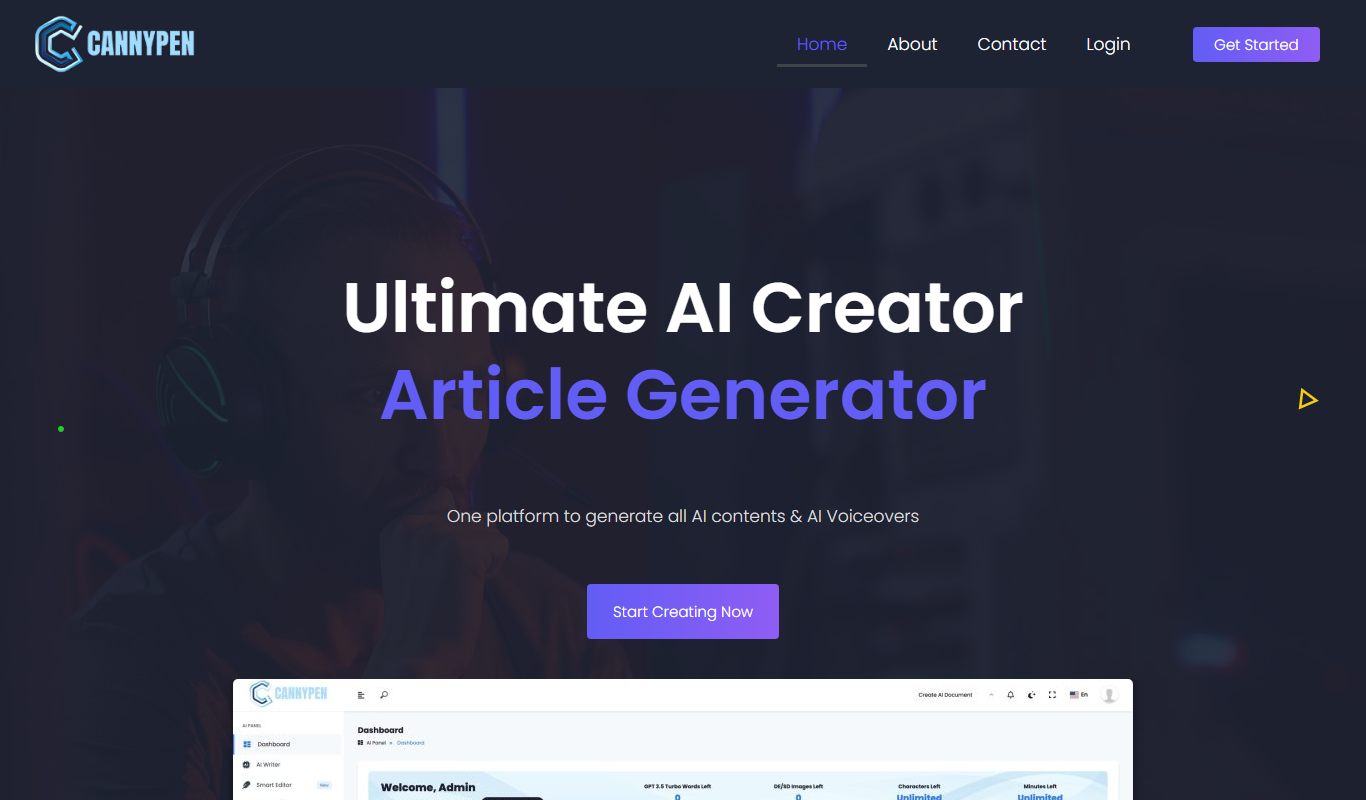
Cannypen is an AI-powered writing assistant that helps users generate, brainstorm, and refine written content efficiently through advanced language models.

Refleta is an AI-powered writing assistant that helps users improve grammar, style, and content quality through real-time suggestions in a web-based editor.

DocXter is an AI assistant for interacting with any document: upload a document, ask questions, simplify the language and extract insights, with OCR and AI agents.

Toolsaday is an AI content platform with Text Genie, a paraphrasing tool, email and story generators, Novel Studio, text to speech and an image generator.

Quilter uses physics-driven AI to automate PCB placement and routing, returning review-ready layout candidates in hours for designs from Altium, Cadence and Xpedition.

AFAnotes blocks distracting app notifications, delivers personalised scheduled summaries and tracks screen time, with Slack and Instagram integration, on iOS and Android.

Notely AI turns audio into notes, transcribing and summarizing meetings and lectures.

Cleft is a voice-first note-taking app for iPhone, iPad and Mac: talk it out, and on-device transcription turns the recording into a structured note you can send to Notion, Apple Notes or Obsidian.

Sonnet AI is a meeting assistant and notetaker that records without bots, transcribes, writes custom notes, extracts action items and updates your CRM.
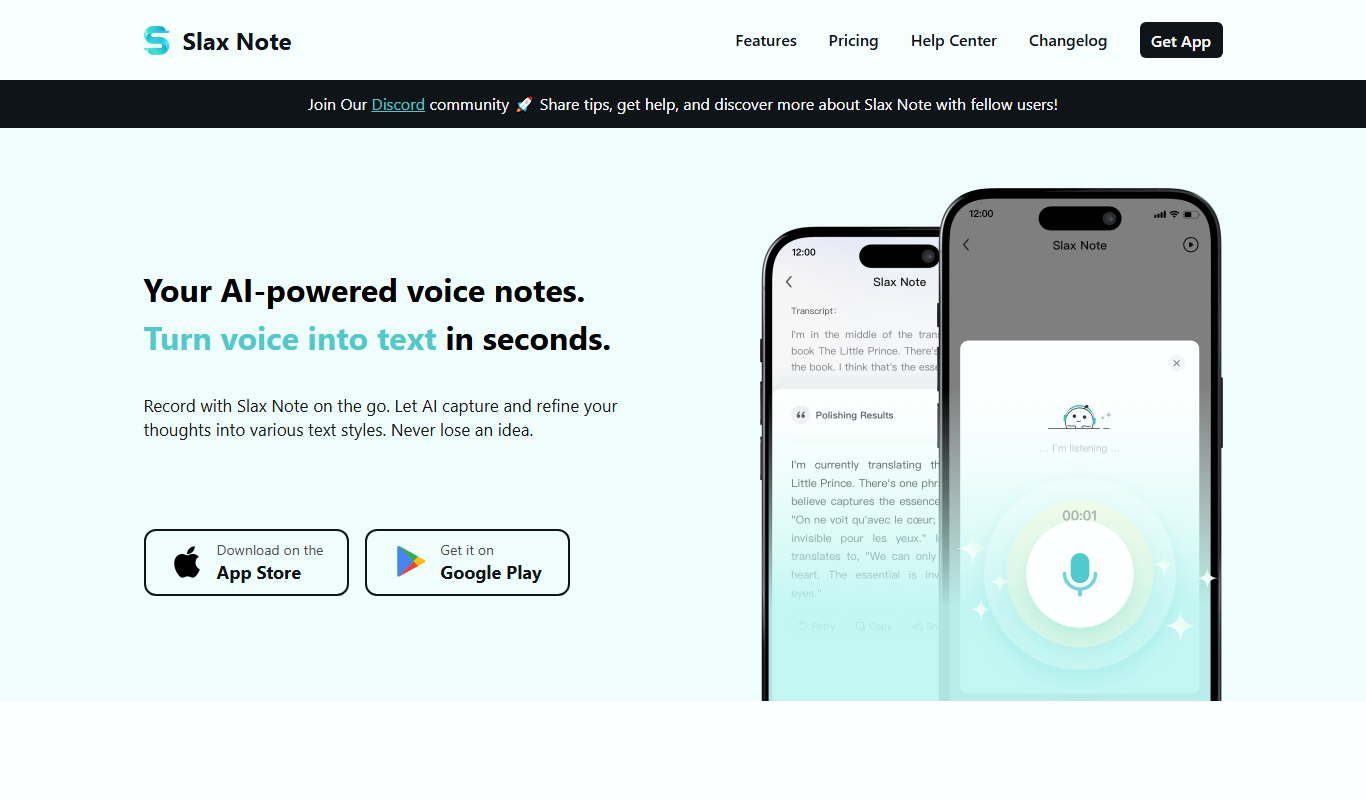
Slax Note is an AI voice notes app: record once, and the prompts you pick turn the speech into a clean note, a tweet or a blog draft. Free to start.
Page 11 of 25