

What S My Browser Size
Check network details quickly with the what s my browser size. This free tool queries multiple databases simultaneously and returns comprehensive results in seconds.
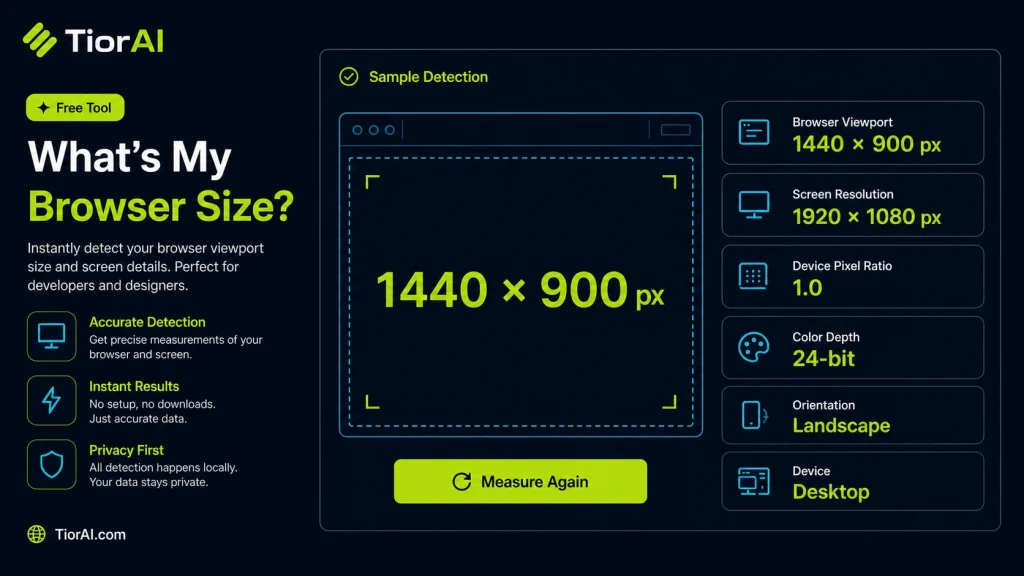
| Property | Current Value |
|---|---|
| Viewport Width | — |
| Viewport Height | — |
| Screen Width | — |
| Screen Height | — |
| Device Pixel Ratio | — |
| Color Depth | — |
How to use it
- Enter Domain or IP Enter the domain name, IP address, or URL into the What S My Browser Size to start the lookup or analysis.
- Run the Check Click the check button to query the relevant databases. Results are retrieved and displayed in seconds.
- Analyze the Results Review the detailed results including status, records, and diagnostics to troubleshoot or verify your query.
Tip The What S My Browser Size checks multiple databases simultaneously, saving you the time of querying each one individually.
Understanding Browser Window Size
The browser window size refers to the dimensions of the visible area within a web browser where web pages are displayed. It is typically measured in pixels, representing the width and height of the viewport. Knowing your browser size is essential for web development and design because it affects how content is rendered and how responsive layouts behave.
Why is browser size important? Modern websites often use responsive design techniques to adapt their layout based on the viewport size. This ensures usability across devices like desktops, tablets, and smartphones. Measuring the browser size helps developers test and optimize their sites for different screen resolutions and window configurations.
Common use cases include:
- Testing responsive web designs to ensure elements adjust correctly at various widths and heights.
- Debugging layout issues caused by fixed or fluid elements that behave differently depending on viewport size.
- Determining available screen real estate for web applications that need to fit content dynamically.
Browser size can be measured in two main ways: innerWidth and innerHeight refer to the viewport size excluding browser chrome (toolbars, scrollbars), while outerWidth and outerHeight include the entire browser window including interface elements. Understanding these distinctions helps in precise layout testing and development.
What Is Browser Size and Why It Matters
Browser size refers to the width and height of the visible area inside your web browser where websites are rendered. This measurement is crucial because it determines how web content is displayed and how responsive designs adjust to different devices and window sizes.
Web developers rely on knowing the browser size to ensure their sites look good and function properly across desktops, tablets, and phones. The size can be measured as the inner dimensions, which exclude browser toolbars and scrollbars, or as the outer dimensions, which include the entire browser window.
When to Use Browser Size Tools
- Testing website responsiveness by checking how layouts adapt to various viewport sizes.
- Debugging UI issues that only appear at certain window dimensions.
- Preparing consistent screenshots or demos by setting a fixed browser size.
- Designing fluid or adaptive layouts that depend on accurate viewport measurements.
Common Mistakes to Avoid
- Mixing up inner window size with full screen resolution or outer window size, leading to incorrect assumptions about available space.
- Not accounting for changes in browser size caused by user resizing or opening developer tools, which can affect layout testing.
Understanding browser size and how to measure it accurately helps create better web experiences and simplifies troubleshooting layout problems.
Frequently asked questions
Reviews and questions
Whether this tool gave people the answer they needed, and what they asked about it.
Sign in to review this tool.
Sign In to ReviewNo reviews yet
Be the first to say whether this tool gave you what you needed.
Ask how to read the result, or what the tool does with an edge case — or answer someone else.
Sign In to AskNo questions yet
Not sure how to read a result? Be the first to ask.
AI tools related to this topic
Tools from the TiorAI directory that work on the same kind of job.

Fellou AI Browser
Fellou AI Browser is a free, privacy-focused web browser that integrates an AI chat assistant to enhance browsing with ad and tracker blocking for secure, efficient web use.