

What Operating System
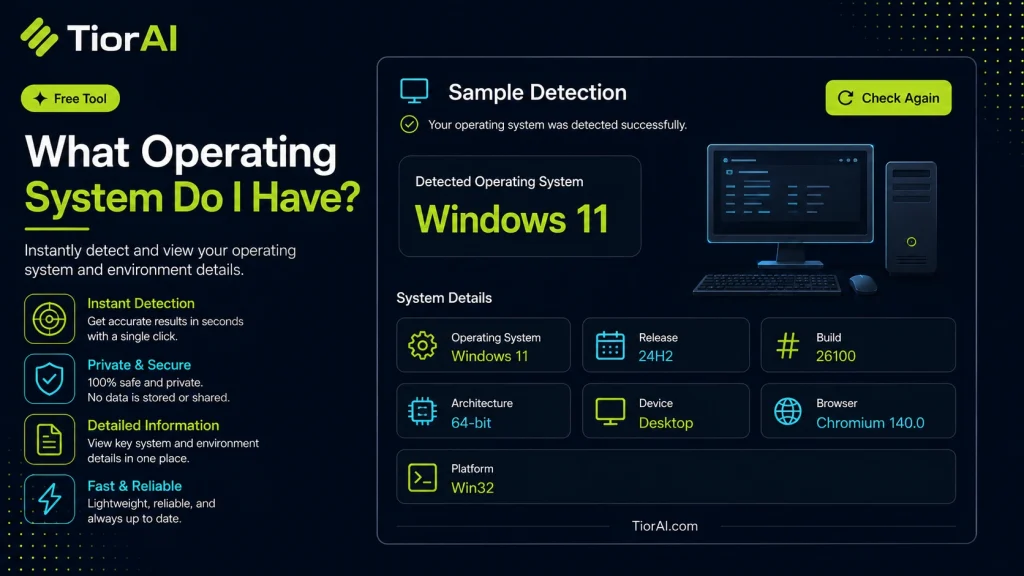
Understanding Operating System Detection Operating system detection identifies the software platform your device runs on by analyzing data your browser sends to websites. This data includes the User-Agent string, which contains information about your OS type and version. Detecting the OS helps developers and IT…
How to use it
- Paste or Enter Your Input Paste your code, text, or data into the input field. The tool supports large inputs without performance issues.
- Process and Analyze Click the action button or let the tool auto-process your input. Results appear in real time with highlighted details.
- Copy or Download the Output Review the results and copy the output to clipboard or download as a file for use in your project.
Tip For large inputs, process in sections to validate intermediate results and catch errors early.
About What Operating System
Operating system detection is the process of identifying the software platform that a device is running. An operating system (OS) manages hardware resources and provides services for computer programs. Common OS examples include Windows, macOS, Linux, Android, and iOS.
Online tools that detect operating systems analyze information sent by your device’s browser, such as the User-Agent string and other HTTP headers. These details reveal clues about the OS type and version. This detection is important for web developers and IT professionals to optimize websites, troubleshoot compatibility issues, or customize user experiences based on the visitor’s environment.
Why OS detection matters
- Compatibility: Ensures software or websites function correctly on different platforms.
- Security: Helps identify outdated or vulnerable OS versions.
- Analytics: Provides insights into the distribution of user platforms.
People commonly use OS detection tools when they need to verify their system details without navigating complex system menus, or when troubleshooting software that behaves differently across operating systems.
Understanding Operating System Detection
Operating system detection identifies the software platform your device runs on by analyzing data your browser sends to websites. This data includes the User-Agent string, which contains information about your OS type and version. Detecting the OS helps developers and IT professionals ensure compatibility, optimize performance, and provide tailored experiences.
When to Use an Operating System Detection Tool
- Quickly find your device’s OS for troubleshooting or technical support.
- Confirm your OS version before installing software or updates.
- Test websites or applications across different operating systems.
- Collect analytics on user platforms visiting your website.
Common Mistakes to Avoid
- Assuming detection is always perfectly accurate; some browsers allow User-Agent spoofing.
- Mixing up browser identification with operating system detection, which are related but distinct.
Operating system detection tools provide a straightforward way to identify your device’s platform without manual checks. They rely on standard browser data, making them safe and easy to use. However, understanding their limitations ensures you interpret results correctly and use the information effectively.
Frequently asked questions
Reviews and questions
Whether this tool gave people the answer they needed, and what they asked about it.
Sign in to review this tool.
Sign In to ReviewNo reviews yet
Be the first to say whether this tool gave you what you needed.
Ask how to read the result, or what the tool does with an edge case — or answer someone else.
Sign In to AskNo questions yet
Not sure how to read a result? Be the first to ask.
AI tools related to this topic
Tools from the TiorAI directory that work on the same kind of job.

ChatGPT
ChatGPT is an AI chatbot by OpenAI powered by GPT-4o. It handles writing, coding, research, data analysis, and natural conversation. Free tier available, Plus at $20/month.