

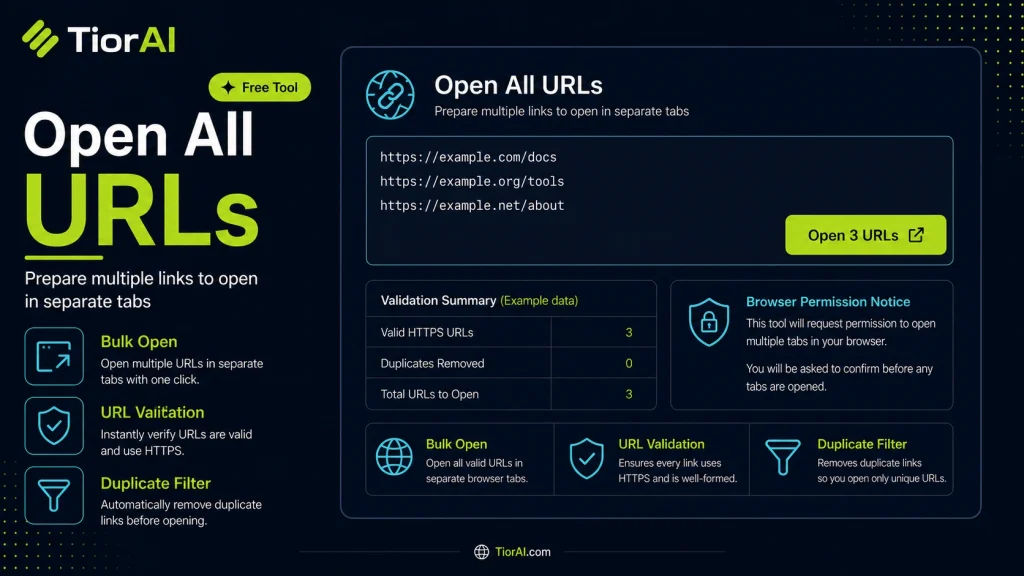
Note: Your browser may block pop-ups. Allow pop-ups for this site if tabs do not open.
| URLs Found | 0 |
|---|---|
| Tabs Opened | 0 |
| # | Blocked URL |
|---|
How to use it
- Paste Your Text Paste or type your text into the Open All Urls. The tool handles content of any length with no character limits.
- Apply the Tool Click the action button to process your text. The transformation is applied instantly to your content.
- Copy the Result Review the transformed text and copy it to your clipboard for use in documents, emails, or projects.
Tip Combine the Open All Urls with other text tools on TiorAI for a complete content processing workflow.
Understanding URL Opening Automation
Opening multiple URLs simultaneously is a common task in web browsing and research workflows. This process involves automating the action of launching several web addresses at once, typically in separate browser tabs or windows. The underlying technology leverages browser scripting capabilities, often through JavaScript, to trigger multiple window.open() commands or similar functions.
Why is this needed? When working with large sets of links—such as research references, product pages, or monitoring dashboards—manually opening each URL is time-consuming and inefficient. Automating this task saves time and reduces repetitive strain.
Common use cases include:
- Researchers compiling sources from multiple websites.
- Digital marketers reviewing campaign URLs.
- Developers testing multiple endpoints or environments.
- Content managers verifying links before publishing.
By using tools that open all URLs at once, users streamline their workflow and improve productivity without needing advanced technical skills.
What is URL Opening Automation?
Opening multiple URLs at once is a practical way to save time when working with many web links. This process uses browser scripting to launch each URL in a new tab or window automatically. It is especially useful for researchers, marketers, developers, and content managers who need to access many pages quickly.
When to Use an Open All URLs Tool
- Reviewing a list of articles or references efficiently.
- Comparing competitor websites side-by-side.
- Testing multiple development or staging environments.
- Accessing saved or bookmarked URLs without manual effort.
Common Mistakes to Avoid
- Inputting URLs without proper separators, which can cause errors.
- Opening too many URLs at once, risking browser slowdowns or crashes.
Using an Open All URLs tool correctly can streamline your workflow and reduce repetitive tasks. However, be mindful of browser limitations and security considerations when opening multiple links simultaneously.
Frequently asked questions
Reviews and questions
Whether this tool gave people the answer they needed, and what they asked about it.
Sign in to review this tool.
Sign In to ReviewNo reviews yet
Be the first to say whether this tool gave you what you needed.
Ask how to read the result, or what the tool does with an edge case — or answer someone else.
Sign In to AskNo questions yet
Not sure how to read a result? Be the first to ask.