

ICO to GIF
Convert ICO images to GIF format quickly and free with our online converter. Upload your ICO file and download the converted GIF image instantly – no software installation required, works on all devices.
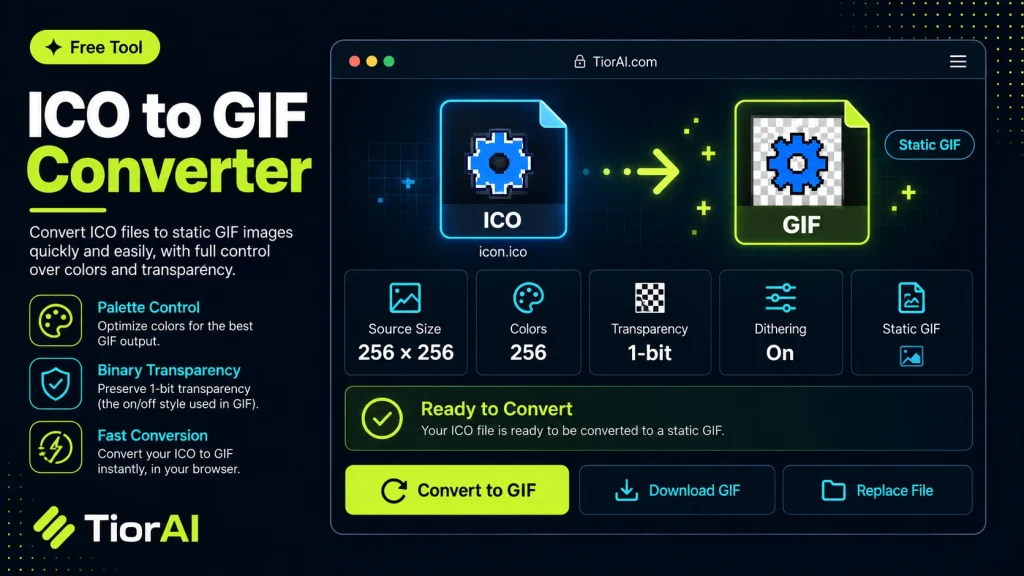
ICO to GIF Converter
Your files never leave your browser.
Conversion settings
Uses balanced quality, original dimensions, browser auto-orientation, high-quality resizing, and removes metadata.
Advanced Settings
Conversion results
How to use it
- Upload Your Image Upload or drag and drop your image into the Ico to Gif. Supports PNG, JPG, WebP, and other common formats.
- Process the Image Configure your desired settings and click process. The tool applies changes to your image in seconds.
- Download the Result Preview the processed image and download it in your preferred format, ready for use.
Tip Use the Ico to Gif to prepare images for the web — optimized files load faster and improve Core Web Vitals.
Understanding ICO and GIF Formats
ICO files are icon image files primarily used to represent icons in Microsoft Windows environments. They often contain multiple images at different sizes and color depths within a single file, allowing the operating system to select the most appropriate icon size for display.
GIF (Graphics Interchange Format) is a widely supported image format known for its ability to support simple animations and transparency. Unlike ICO files, GIFs are typically single images or animations used on websites and in digital media.
Converting ICO files to GIF format involves extracting the icon images from the ICO container and saving them as GIF images. This conversion is useful when you want to use icons on platforms or applications that do not support ICO files but do support GIFs.
Why Convert ICO to GIF?
- Web compatibility: Many web browsers and online platforms do not support ICO files directly, but GIFs are universally supported.
- Animation potential: While ICO files can contain multiple images, GIFs can be animated, allowing for dynamic icons or effects.
- Editing flexibility: GIFs are easier to edit and manipulate in common image editing software compared to ICO files.
Overall, ICO to GIF conversion is a practical step when adapting desktop icons for web use or when preparing icons for applications that require GIF format.
What is ICO to GIF Conversion?
ICO files are icon images commonly used in Windows environments, containing multiple sizes and color depths within a single file. GIFs are a popular web-friendly image format that supports simple animations and transparency. Converting ICO to GIF involves extracting the icon image from the ICO file and saving it as a GIF image, making it easier to use icons on platforms that do not support ICO files.
When Should You Use ICO to GIF Conversion?
- When you want to display Windows icons on websites or applications that only support GIF images.
- When preparing icons for presentations or documents that accept GIF but not ICO files.
- When you need to edit or animate icons using software that works better with GIF format.
- When converting icons for compatibility with software or platforms that do not recognize ICO files.
Common Mistakes to Avoid
- Uploading ICO files with multiple icon sizes without selecting the desired size, which can lead to unexpected GIF outputs.
- Expecting the GIF to retain all transparency effects exactly as in the ICO, which may not happen due to format limitations.
Technical Context
ICO files can contain several images at different resolutions, but GIFs have a limited color palette and simpler transparency support. This means some visual details or transparency nuances may be lost or altered during conversion. Understanding these differences helps set realistic expectations when converting ICO files to GIF format.
Frequently asked questions
Reviews and questions
Whether this tool gave people the answer they needed, and what they asked about it.
Sign in to review this tool.
Sign In to ReviewNo reviews yet
Be the first to say whether this tool gave you what you needed.
Ask how to read the result, or what the tool does with an edge case — or answer someone else.
Sign In to AskNo questions yet
Not sure how to read a result? Be the first to ask.
AI tools related to this topic
Tools from the TiorAI directory that work on the same kind of job.

Any Video Converter
Any Video Converter is a multimedia software that converts video files between numerous formats, downloads online videos, and offers basic editing and DVD burning features.

Bank Statement Converter
Bank Statement Converter is an online tool that converts PDF bank statements into Excel and CSV formats, enabling easy data extraction and financial management.

Code Language Converter
Code Language Converter is an online tool that translates code between 30+ programming languages with AI-powered conversion, with a free plan and a paid PRO plan.

Conversion Blitz
Conversion Blitz is an AI lead generation software suite to find leads, send targeted emails, create a chatbot and more.