

HEIC to ICO
Convert HEIC images to ICO format quickly and free with our online converter. Upload your HEIC file and download the converted ICO image instantly – no software installation required, works on all devices.
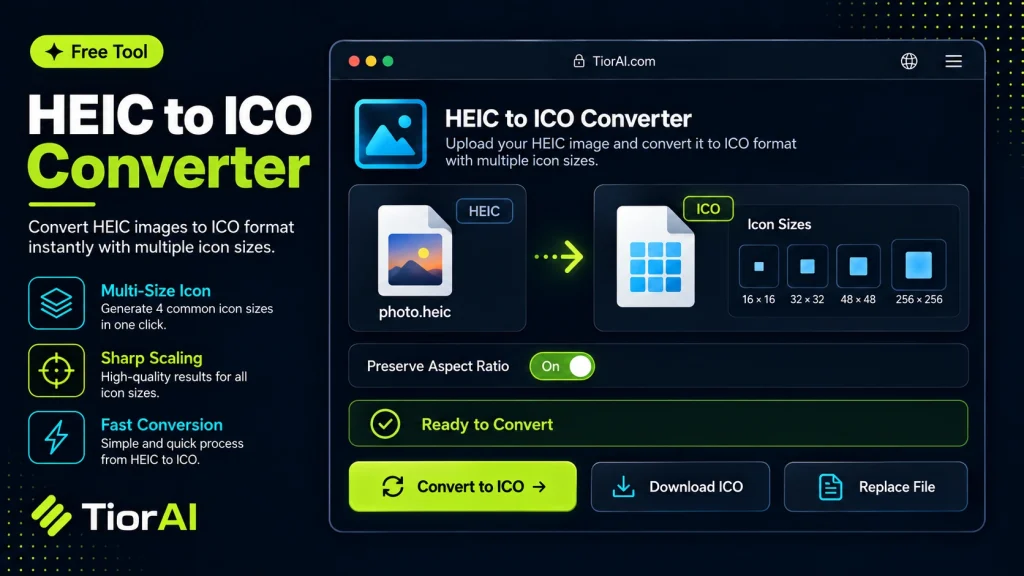
HEIC to ICO Converter
Your files never leave your browser.
Conversion settings
Uses balanced quality, original dimensions, preserved transparency, browser auto-orientation, high-quality resizing, and removes metadata.
Advanced Settings
Conversion results
How to use it
- Upload Your Image Upload or drag and drop your image into the Heic to Ico. Supports PNG, JPG, WebP, and other common formats.
- Process the Image Configure your desired settings and click process. The tool applies changes to your image in seconds.
- Download the Result Preview the processed image and download it in your preferred format, ready for use.
Tip Use the Heic to Ico to prepare images for the web — optimized files load faster and improve Core Web Vitals.
Understanding HEIC to ICO Conversion
HEIC (High Efficiency Image Coding) is a modern image format commonly used by Apple devices to store photos efficiently with high quality and smaller file sizes. ICO is a file format used primarily for icons in Windows operating systems, containing one or more small images at multiple sizes and color depths.
Converting HEIC files to ICO format involves changing a high-quality photo into a small icon file suitable for use as application icons, website favicons, or desktop shortcuts. This conversion is necessary because operating systems and software that require icons typically do not support HEIC files directly.
Common situations for this conversion include developers or designers who want to create icons from photos taken on iPhones or other devices that save images in HEIC format. Since ICO files support multiple resolutions within a single file, the conversion process often involves resizing and optimizing the image to fit icon standards.
- HEIC is optimized for photos, not icons.
- ICO files are designed for small, scalable icons.
- Conversion requires resizing and format change.
What is HEIC to ICO Conversion?
HEIC is a modern image format used mainly by Apple devices to store high-quality photos efficiently. ICO files, on the other hand, are specialized image files used for icons in Windows and other software. Converting HEIC to ICO means transforming a photo into an icon file that can be used for applications, websites, or desktop shortcuts.
This conversion is important because ICO files support multiple sizes and transparency, which are necessary for icons to display correctly across different contexts. HEIC files are not designed for this purpose and are generally unsupported as icons.
When to Use HEIC to ICO Conversion
- If you have photos in HEIC format that you want to use as Windows icons.
- When creating favicons for websites from HEIC images.
- For developers needing application icons derived from HEIC photos.
Common Mistakes to Avoid
- Attempting to use HEIC images directly as icons without conversion, which causes compatibility problems.
- Failing to resize images during conversion, resulting in icons that are too large or improperly displayed.
Understanding the differences between HEIC and ICO formats helps ensure your icons look correct and work across platforms. Proper conversion tools resize and optimize images to meet icon format requirements, preserving transparency and clarity.
Frequently asked questions
Reviews and questions
Whether this tool gave people the answer they needed, and what they asked about it.
Sign in to review this tool.
Sign In to ReviewNo reviews yet
Be the first to say whether this tool gave you what you needed.
Ask how to read the result, or what the tool does with an edge case — or answer someone else.
Sign In to AskNo questions yet
Not sure how to read a result? Be the first to ask.
AI tools related to this topic
Tools from the TiorAI directory that work on the same kind of job.

Any Video Converter
Any Video Converter is a multimedia software that converts video files between numerous formats, downloads online videos, and offers basic editing and DVD burning features.

Bank Statement Converter
Bank Statement Converter is an online tool that converts PDF bank statements into Excel and CSV formats, enabling easy data extraction and financial management.

Code Language Converter
Code Language Converter is a free web-based tool that translates code snippets between multiple programming languages, helping developers convert syntax quickly and learn language differences.

Conversion Blitz
Conversion Blitz is a web-based landing page builder that helps marketers create optimized pages with drag-and-drop tools and A/B testing to increase conversions.