

Grade Calculator
Calculate your final grade by entering assignment scores and their weights. Add multiple categories to get your weighted average and letter grade.
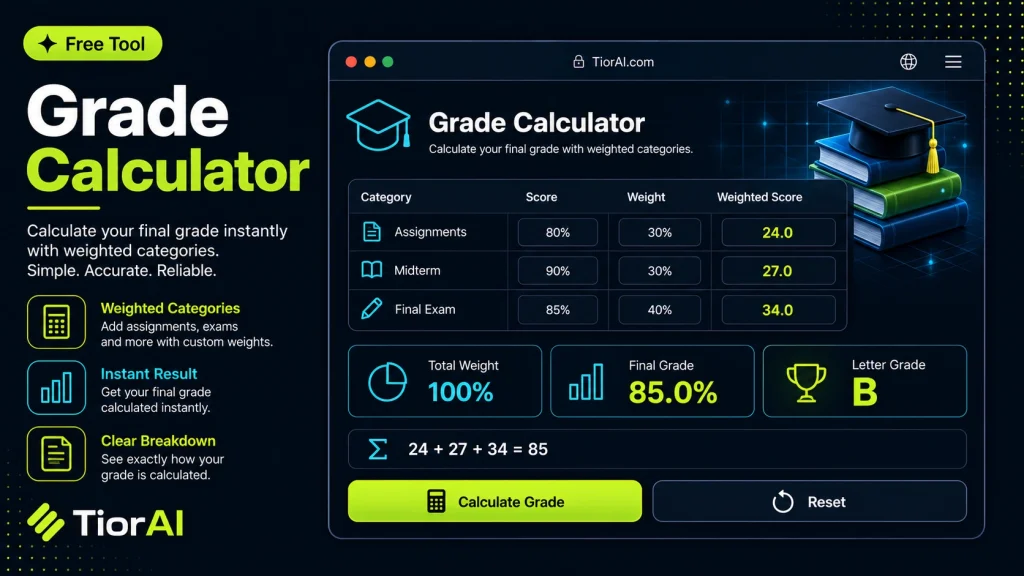
| Category Name | Score (%) | Weight (%) | Actions |
|---|---|---|---|
| Total Weight: | 0% (Should equal 100%) | ||
| Result | Value |
|---|---|
| Weighted Average | - |
| Letter Grade | - |
| Status | - |
| Categories Counted | - |
How to use it
- Enter Your Values Input your numbers or parameters into the Grade Calculator. Fill in all required fields for an accurate calculation.
- Calculate Results Click the calculate button to process your inputs. The Grade Calculator delivers instant, accurate results.
- Review and Use Review your calculated results, explore the breakdown, and copy or share the output for your needs.
Tip Pair the Grade Calculator with a spreadsheet — paste results directly into Excel or Google Sheets for further analysis.
Understanding Grade Calculators
A grade calculator is a digital tool designed to help students and educators compute academic grades based on inputted scores and weighting criteria. It automates the process of calculating final grades by applying mathematical formulas to raw scores, percentages, or points earned across assignments, tests, and other graded components.
Grade calculation is essential because academic performance often depends on multiple graded elements, each contributing differently to the final grade. For example, homework might count for 20%, quizzes 30%, and the final exam 50%. Manually calculating the weighted average can be error-prone and time-consuming, especially when dealing with many components or complex grading schemes.
Common situations where grade calculators are used include:
- Students estimating their current or final course grade based on completed assignments.
- Teachers verifying grade computations to ensure accuracy before reporting.
- Academic advisors helping students understand the impact of upcoming assessments on their overall performance.
By simplifying these calculations, grade calculators provide clarity and help users make informed decisions about study priorities and academic goals.
What is a Grade Calculator?
A grade calculator is a practical tool that helps you compute your overall academic grade by combining individual scores with their respective weights. Instead of manually calculating weighted averages, this tool automates the process, saving time and reducing errors.
When to Use a Grade Calculator
- Estimating your current grade based on completed assignments and tests.
- Planning how much you need to score on future assessments to reach your target grade.
- Verifying final grades before submission to avoid calculation mistakes.
- Comparing different grading schemes to understand their effects on your overall performance.
Common Mistakes to Avoid
- Entering weight percentages that do not add up to 100%, which leads to incorrect results.
- Mixing raw scores with percentages without proper conversion.
- Ignoring extra credit or dropped grades that can affect the final calculation.
Technical Context
Grade calculators typically use weighted average formulas, where each score is multiplied by its weight, summed, and then divided by the total weight. This approach ensures that components with higher importance influence the final grade accordingly. Understanding this calculation method helps users input data correctly and interpret results accurately.
Frequently asked questions
Reviews and questions
Whether this tool gave people the answer they needed, and what they asked about it.
Sign in to review this tool.
Sign In to ReviewNo reviews yet
Be the first to say whether this tool gave you what you needed.
Ask how to read the result, or what the tool does with an edge case — or answer someone else.
Sign In to AskNo questions yet
Not sure how to read a result? Be the first to ask.
AI tools related to this topic
Tools from the TiorAI directory that work on the same kind of job.

Essay-Grader.ai – Grade essays in seconds using AI
Essay-Grader.ai is an AI-based online tool that grades essays quickly and provides detailed feedback on grammar, coherence, and content quality to help educators and students save time and improve writing.