

Duplicate Line Remover
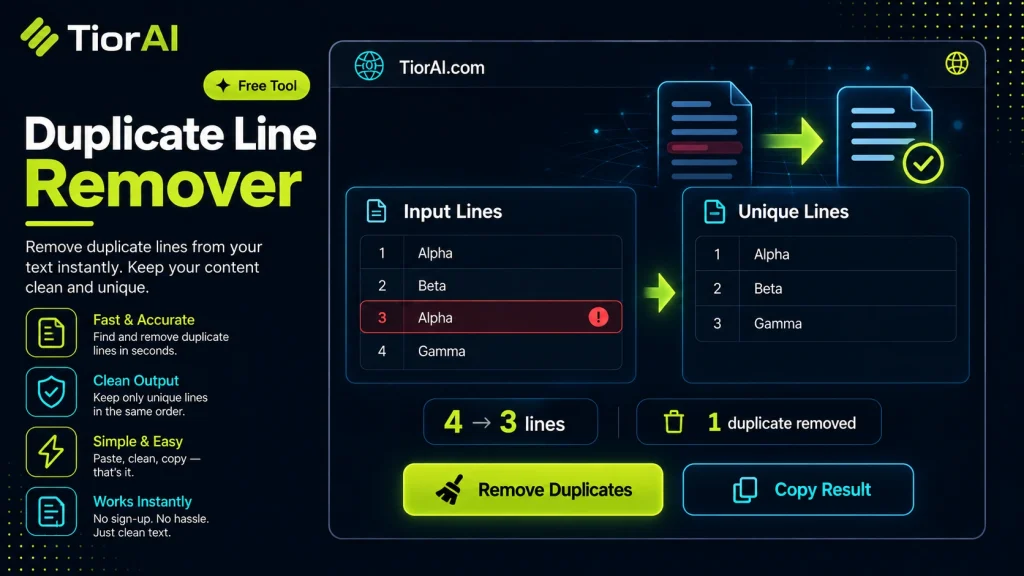
Instantly remove repeating lines from your list or text while keeping original formatting.
How to use it
- Paste Your Text Paste or type your text into the Duplicate Line Remover. The tool handles content of any length with no character limits.
- Apply the Tool Click the action button to process your text. The transformation is applied instantly to your content.
- Copy the Result Review the transformed text and copy it to your clipboard for use in documents, emails, or projects.
Tip Use the Duplicate Line Remover to clean up copied text from PDFs or web pages that often carry hidden formatting issues.
Understanding Duplicate Lines in Text
In many text-based files, such as code scripts, configuration files, logs, or lists, duplicate lines can occur unintentionally or as a result of data aggregation. Duplicate lines are exact repetitions of a line of text that appear multiple times within the same document. Removing these duplicates helps in cleaning data, improving readability, and optimizing processing.
Why Duplicate Lines Exist
- Data aggregation: When combining multiple sources, repeated entries often appear.
- Manual editing errors: Copy-pasting or editing mistakes can introduce duplicates.
- Logging and output: Logs or reports may contain repeated lines due to recurring events.
Technical Mechanism Behind Duplicate Line Removal
At its core, a duplicate line remover processes text by reading it line by line and identifying lines that have appeared before. The tool typically uses a data structure like a hash set to keep track of unique lines encountered. When a line is read, the tool checks if it already exists in the set:
- If it does not exist, the line is added to the output and recorded in the set.
- If it already exists, the line is skipped, effectively removing the duplicate.
This approach ensures that only the first occurrence of each line is preserved, and subsequent duplicates are discarded. Some advanced tools may offer options to preserve the original order or sort the lines after removal.
Common Real-World Scenarios
- Cleaning data lists: Removing repeated entries from email lists, inventory items, or user inputs.
- Code and script maintenance: Eliminating redundant lines in configuration files or scripts to prevent conflicts or errors.
- Log file analysis: Simplifying logs by removing repeated entries to focus on unique events.
- Text processing: Preparing data for further analysis or transformation by ensuring uniqueness.
Understanding how duplicate lines arise and the technical method to remove them helps users appreciate the value of such tools in everyday text processing tasks.
What is Duplicate Line Removal?
Duplicate line removal is the process of identifying and eliminating repeated lines within a text document. This is important for cleaning data, improving clarity, and ensuring that each line or entry is unique. Duplicate lines often occur in lists, code files, logs, or any text-based data that has been aggregated or edited multiple times.
How Does Duplicate Line Removal Work?
The process involves reading the text line by line and tracking which lines have already been encountered. When a line is read, the tool checks if it has appeared before. If it has not, the line is kept; if it has, the line is discarded. This method ensures that only the first occurrence of each line remains, preserving the original order of the text.
When Should You Use a Duplicate Line Remover?
- When you have a list of items, such as email addresses or product SKUs, and need to ensure each entry is unique.
- When cleaning configuration or code files to remove redundant lines that might cause errors or confusion.
- When analyzing log files and you want to reduce repeated entries to focus on unique events.
- When preparing data for import into databases or spreadsheets that require unique records.
Common Mistakes to Avoid
- Expecting the tool to remove lines that are similar but not exactly the same. Duplicate line removers only remove exact matches.
- Assuming the tool will reorder lines after removing duplicates. Most tools preserve the original order by default.
Technical Context
Duplicate line removal is a straightforward text processing task that can be implemented efficiently using data structures like hash sets or dictionaries to track seen lines. This approach allows the tool to operate in linear time relative to the number of lines, making it suitable for large files within resource limits. However, very large files may require specialized tools or scripts to handle memory constraints.
Understanding the underlying mechanism helps users set realistic expectations about what the tool can and cannot do, such as handling only exact duplicates and preserving line order.
Worked examples
Removing duplicate email addresses from a mailing list
Cleaning a mailing list before sending a newsletter to avoid sending duplicate emails
Cleaning redundant lines in a configuration file
Removing repeated configuration directives to prevent conflicts in application settings
Before set timeout=30 set retries=5 set timeout=30 set verbose=trueAfter set timeout=30 set retries=5 set verbose=true
Frequently asked questions
Reviews and questions
Whether this tool gave people the answer they needed, and what they asked about it.
Sign in to review this tool.
Sign In to ReviewNo reviews yet
Be the first to say whether this tool gave you what you needed.
Ask how to read the result, or what the tool does with an edge case — or answer someone else.
Sign In to AskNo questions yet
Not sure how to read a result? Be the first to ask.
AI tools related to this topic
Tools from the TiorAI directory that work on the same kind of job.

background-remover.com
Background-Remover.com is a free online AI tool that automatically removes backgrounds from images, allowing users to download transparent PNGs quickly without manual editing.

Duplicate Cleaner Pro
Duplicate Cleaner Pro is a Windows software tool that scans for and removes duplicate files, helping users free up disk space and organize their files efficiently.