

Countdown Timer
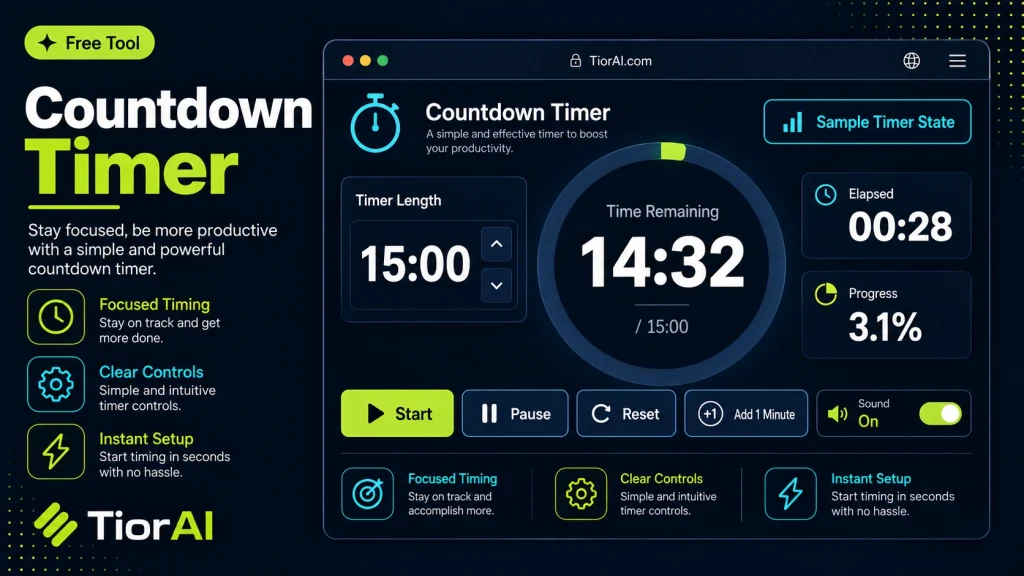
A countdown timer is a simple yet powerful tool that counts down from a specified time to zero. It helps users keep track of how much time remains before an event or deadline. This is useful in many contexts, from managing work sessions to timing…
Countdown: -
How to use it
- Configure Settings Set your preferences and parameters in the Countdown Timer. Customize the output to match your specific requirements.
- Generate Output Click generate to create your result. The tool processes your settings and produces output instantly.
- Copy or Download Review the generated output, then copy it to your clipboard or download it for immediate use.
Tip Customize all available settings in the Countdown Timer before generating — small tweaks can make a big difference.
Understanding Countdown Timers
A countdown timer is a tool that measures the time remaining until a specific event or deadline. It counts backward from a set duration or target date to zero, providing a clear visual or numerical indication of how much time is left. This concept is widely used in various fields such as productivity, event planning, cooking, and online sales.
Countdown timers are essential because they help manage time effectively by creating a sense of urgency or awareness. They are commonly implemented using simple programming logic that calculates the difference between the current time and the target time, updating the display in real-time.
People use countdown timers in many situations:
- Work and study sessions: To allocate fixed periods for tasks or breaks (e.g., Pomodoro technique).
- Event reminders: Counting down to meetings, deadlines, or launches.
- Cooking and exercise: Timing specific activities to ensure accuracy.
- Online sales and promotions: Displaying limited-time offers to encourage quick decisions.
Technically, countdown timers rely on accurate system clocks and often use JavaScript or other scripting languages to update the display dynamically. They can be simple numeric displays or more complex visual timers with progress bars or animations.
What is a Countdown Timer?
A countdown timer is a simple yet powerful tool that counts down from a specified time to zero. It helps users keep track of how much time remains before an event or deadline. This is useful in many contexts, from managing work sessions to timing cooking or workouts.
When to Use a Countdown Timer
- To monitor the time left for completing a task or project.
- To create urgency during limited-time sales or promotions.
- To structure study or work periods for better productivity.
- To time activities like exercise routines or cooking steps.
- To remind yourself or others of an upcoming event or meeting.
Common Mistakes to Avoid
- Not considering time zone differences, which can cause the timer to show incorrect remaining time.
- Failing to sync the timer with the device’s system clock, leading to drift or inaccurate countdowns.
Countdown timers typically rely on the device’s internal clock and update the display dynamically using scripting languages like JavaScript. They can be set for fixed durations or specific dates and times, making them versatile for many practical uses.
Frequently asked questions
Reviews and questions
Whether this tool gave people the answer they needed, and what they asked about it.
Sign in to review this tool.
Sign In to ReviewNo reviews yet
Be the first to say whether this tool gave you what you needed.
Ask how to read the result, or what the tool does with an edge case — or answer someone else.
Sign In to AskNo questions yet
Not sure how to read a result? Be the first to ask.
AI tools related to this topic
Tools from the TiorAI directory that work on the same kind of job.
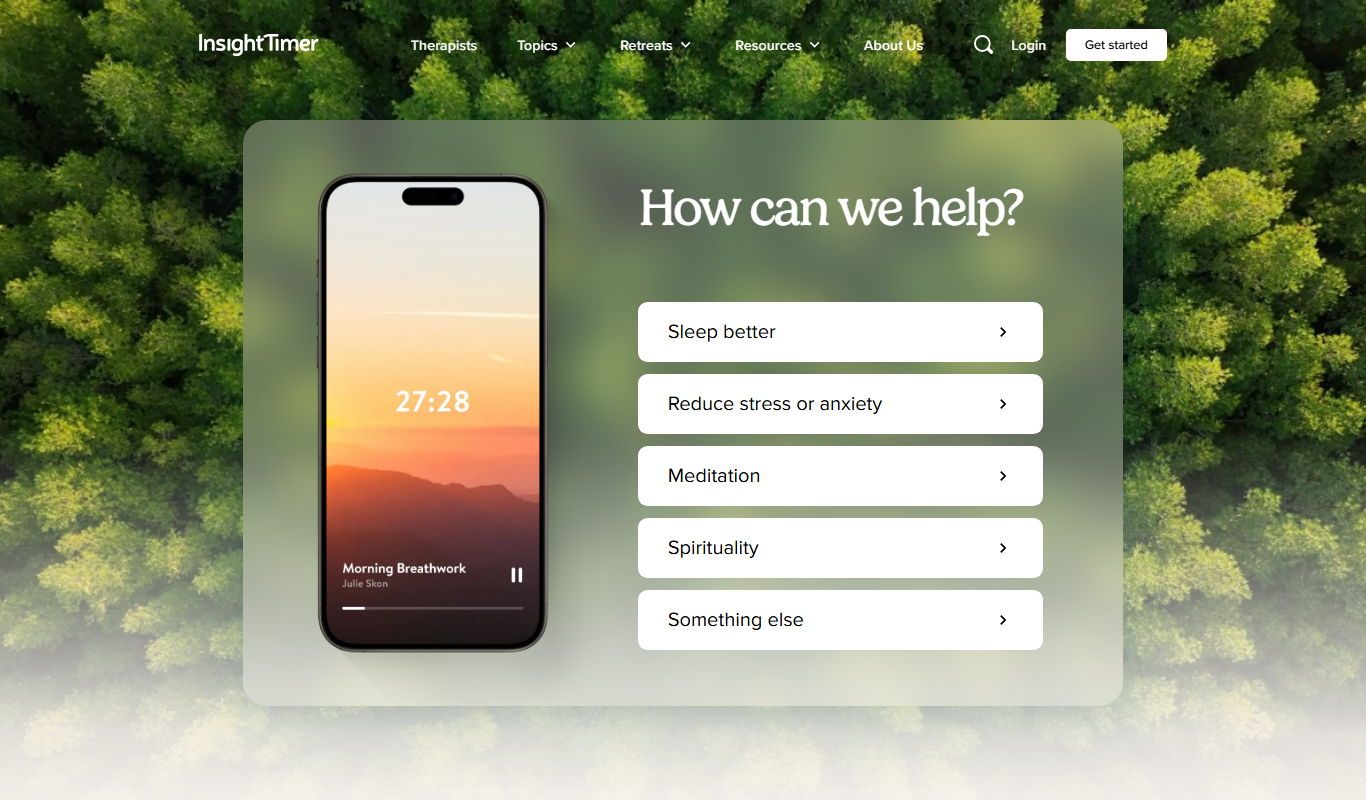
Insight Timer
Insight Timer is a meditation app providing thousands of free guided meditations, sleep music, and mindfulness tools accessible on mobile and web platforms.