

Benchmark Builder
Run up to four JavaScript snippets the same number of times and compare how fast each one is.
Between 1,000 and 1,000,000. Higher counts are steadier but take longer and freeze the page while they run.
| Snippet | Operations / sec | Total Time | Relative Speed |
|---|
How the benchmark runs
- Each snippet is compiled once with the Function constructor, then called the chosen number of times in a tight loop.
- Everything runs in your own browser. Nothing is uploaded, and the code you type is never sent anywhere.
- Results are approximate. Engine warm-up, garbage collection and background tabs all move the numbers, so run twice before trusting a small difference.
- A snippet that throws is reported on its own row instead of stopping the whole run.
How to use it
- Enter Your Input Provide your input data or parameters into the Benchmark Builder. The tool guides you through the required fields.
- Process Your Request Click the action button to process your input. The tool handles your request and generates results instantly.
- Get Your Results Review the output and copy, download, or share the results for your intended use case.
Tip Share the Benchmark Builder with colleagues who handle similar tasks — it saves everyone time.
About Benchmark Builder
Benchmarking is the process of measuring the performance of code, algorithms, or systems to understand their efficiency and speed under various conditions. A benchmark builder is a tool designed to help developers create customized benchmarks by specifying the code snippets or functions they want to test and compare.
Benchmarking is essential in software development because it provides objective data on how different implementations perform. This helps developers optimize their code, choose the best algorithms, or identify bottlenecks. For example, when deciding between two sorting algorithms, benchmarking can reveal which one runs faster on typical input sizes.
Why Use a Benchmark Builder?
- Customization: Developers can tailor benchmarks to their specific code and scenarios.
- Comparison: It allows side-by-side performance comparison of multiple code snippets.
- Repeatability: Benchmarks can be saved and rerun to track performance changes over time.
Commonly, benchmark builders are used during optimization phases, performance testing, or when evaluating third-party libraries. They help ensure that changes improve performance rather than degrade it.
Understanding Benchmarking
Benchmarking measures the performance of code snippets or algorithms to determine their efficiency. This process is crucial for developers aiming to optimize their software or compare different implementations objectively. By running controlled tests, benchmarking reveals which code runs faster or uses fewer resources.
When to Use a Benchmark Builder
- Comparing execution speed of multiple code versions performing the same task.
- Evaluating the impact of code changes during optimization.
- Validating new algorithms or libraries against existing solutions.
- Tracking performance regressions after updates.
- Demonstrating algorithm efficiency differences for learning purposes.
Common Mistakes to Avoid
- Failing to isolate the code under test, which can introduce noise in results.
- Ignoring warm-up runs, leading to inaccurate timing due to initial overhead.
- Comparing code snippets with different tasks or input sizes, causing misleading conclusions.
Using a benchmark builder helps developers create repeatable, customized performance tests. It provides clear, side-by-side comparisons that guide optimization decisions and improve software quality.
Frequently asked questions
Reviews and questions
Whether this tool gave people the answer they needed, and what they asked about it.
Sign in to review this tool.
Sign In to ReviewNo reviews yet
Be the first to say whether this tool gave you what you needed.
Ask how to read the result, or what the tool does with an edge case — or answer someone else.
Sign In to AskNo questions yet
Not sure how to read a result? Be the first to ask.
AI tools related to this topic
Tools from the TiorAI directory that work on the same kind of job.

AI Builder Buddy
AI Builder Buddy is a no-code platform that enables users to create, train, and deploy custom AI models without programming skills, streamlining AI adoption for businesses.

AI Website Builder
Hyddle's AI Website Builder is a web platform that uses artificial intelligence to automate website creation, enabling users to build responsive, SEO-friendly sites quickly without coding skills.
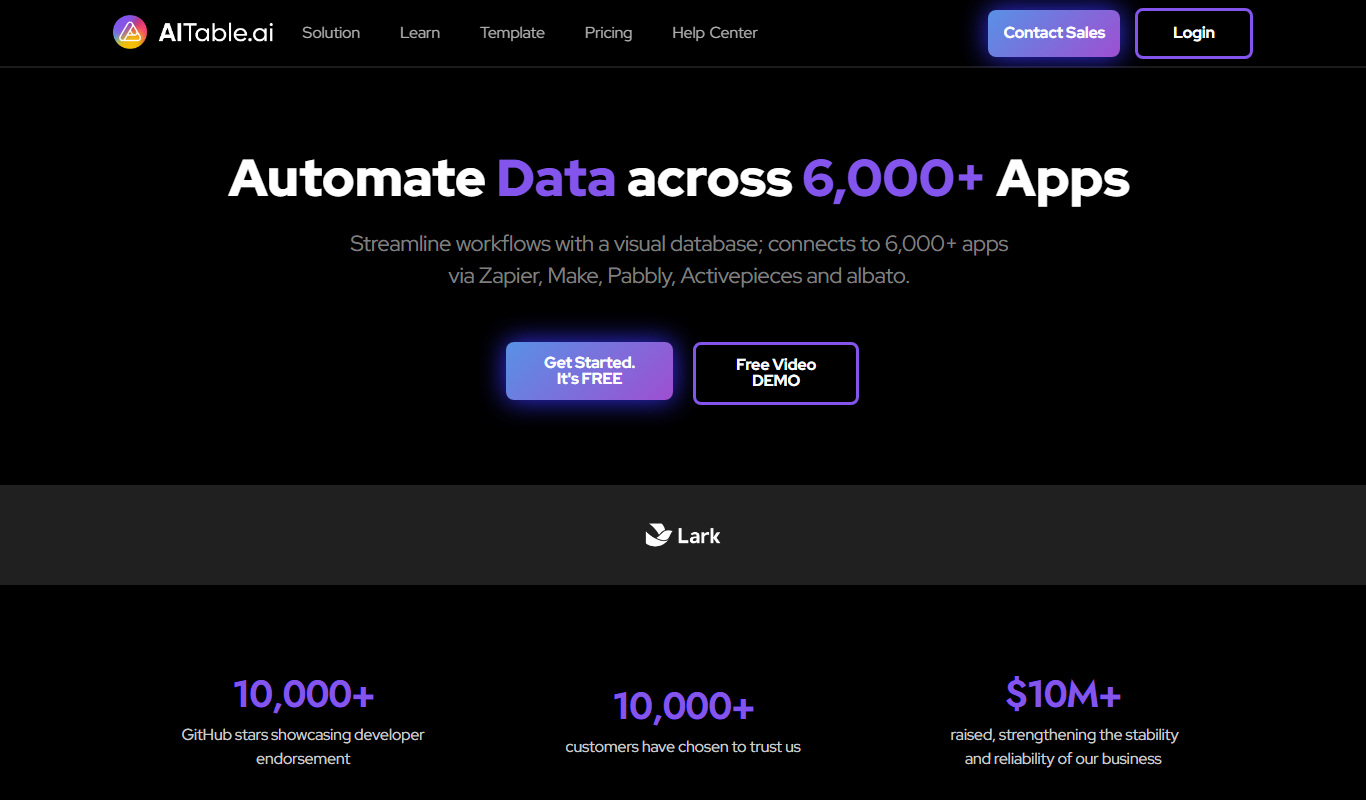
AlTable.ai: No-code Al Agents Builder
AlTable.ai is a no-code platform that lets users create custom AI agents to automate tasks and workflows by integrating data and APIs without programming skills.

Beaver Builder
Beaver Builder is a WordPress plugin that provides a drag-and-drop front-end page builder for creating responsive websites without coding.
Brizy AI Website Builder
Brizy AI Website Builder is a web-based platform that uses artificial intelligence to help users create professional, responsive websites quickly without coding skills. It offers AI-generated content, drag-and-drop design, and hosting services.