

Whisper AI Free vs Paid: Free vs Paid Compared
Compare the free and paid tiers of Whisper AI Free and Paid — features, usage limits, and which plan is worth paying for.
- Tool
- Whisper AI
- Format
- Plan tiers
- Updated
- April 20, 2026


Free vs paid, side by side
| Feature |
Whisper AI Free
Whisper AI
|
Paid
Whisper AI
|
|---|---|---|
| Plans | Open Source (Free) | OpenAI API |
| Price | $0 | $0.006/minute |
| What you get | Free self-hosted Python library — run locally on your own hardware. | Pay-per-use API for production deployments without managing infrastructure. |
What Whisper AI is
Key features
-
99-Language Support
Transcribe and translate audio in 99 languages with strong multilingual performance.
-
Near-Human Accuracy
Achieves near-human word error rates on English including technical vocabulary.
-
Multiple Model Sizes
Choose from five sizes from tiny (fast) to large (most accurate).
-
Open Source & Free
Fully open source under MIT license — run locally at zero cost.
-
Language Detection
Automatically detects spoken language from audio without manual configuration.
-
OpenAI API
Use via OpenAI API at $0.006/minute for scalable production deployments.
Strengths and trade-offs of Whisper AI
Strengths
- Near-human accuracy on English transcription
- Supports 99 languages with strong multilingual performance
- Fully open source and free for self-hosted use
- Robust to accents, background noise, and technical vocabulary
- Foundation used by many leading commercial transcription tools
Trade-offs
- Requires technical setup for self-hosting (Python, FFmpeg)
- Slower than real-time for the largest most accurate model
- No built-in UI — developers only for direct use
- Real-time transcription requires additional engineering
Who it is for
- Software developers and engineers
- Researchers and academics
- Podcast producers and content creators
- Journalists and interview transcribers
- Enterprises building custom transcription pipelines
What people use it for
-
Audio Transcription
Transcribe interviews, lectures, recordings, and audio files into accurate text.
-
Video Subtitling
Generate subtitles and captions for videos in 99 languages.
-
Meeting Notes
Automatically transcribe meeting recordings to searchable shareable notes.
-
Multilingual Transcription
Process multilingual audio with automatic language detection.
-
Podcast Transcription
Convert podcast episodes into blog posts, show notes, or searchable archives.
-
Developer Integration
Build custom transcription apps and voice-enabled features using the Whisper model.
Getting started
Install Whisper
Install via: pip install openai-whisper (requires Python and FFmpeg).
Prepare Audio File
Prepare audio in MP3, MP4, WAV, or most standard formats.
Run Transcription
Run: whisper audio.mp3 --model large for best accuracy.
Receive Output
Receive plain text transcript with optional timestamps and language detection.
Deploy via API
Use OpenAI Whisper API at $0.006/minute for production deployments without self-hosting.
Common questions
Fully open source and free locally. API costs $0.006/minute.
~3–5% word error rate on English, comparable to human accuracy.
pip install openai-whisper then run from command line.
99 languages for transcription and English translation.
Comparable or better for multilingual accuracy, and free locally.
Explore alternatives
Other tools that do a similar job, picked on each tool’s own profile.
 Free
FreeDescript
Descript is an AI-driven audio and video editing platform that allows users to edit media by editing transcripts, includes AI transcription and AI Speech voice clones, and supports collaboration.
- Free Trial
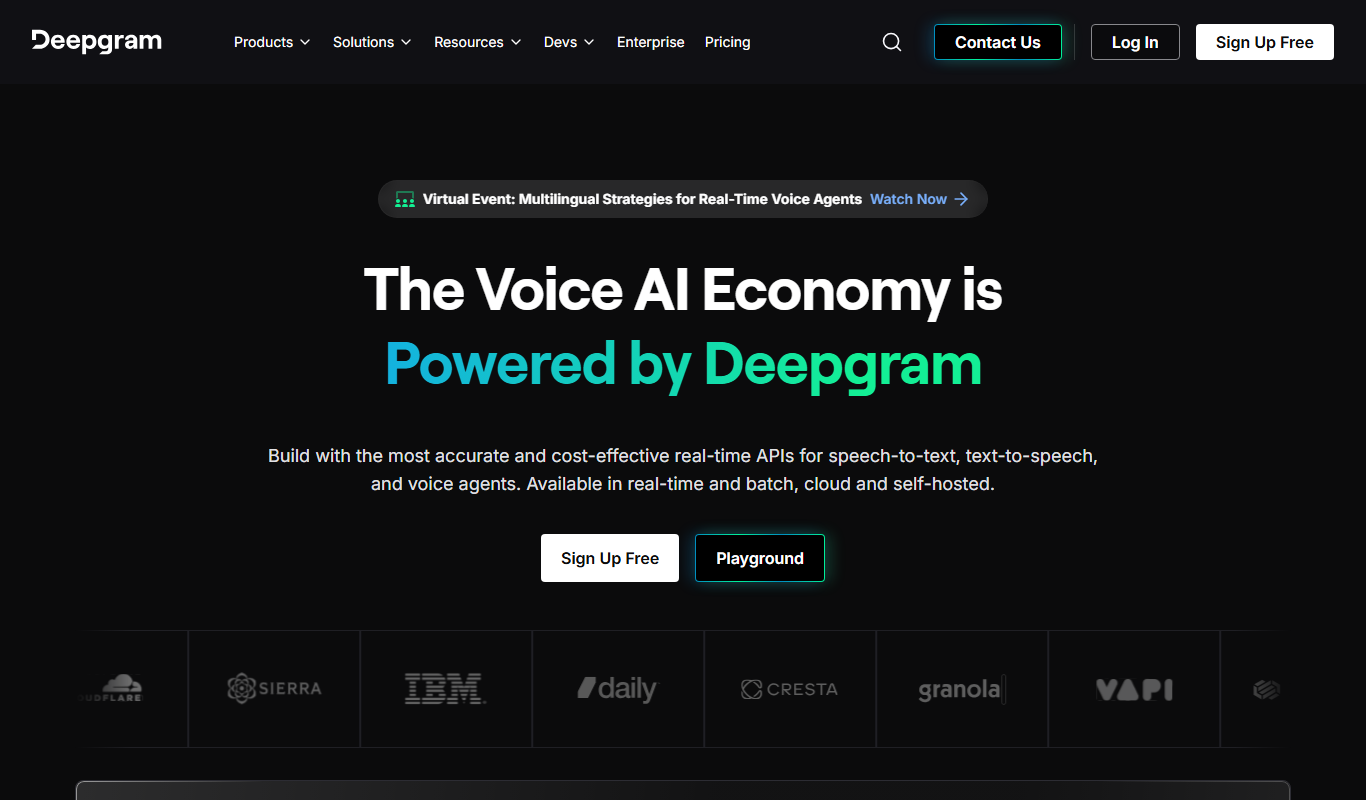
Deepgram
Deepgram is an AI-driven speech-to-text platform providing accurate, customizable, and scalable audio transcription services with real-time streaming and multi-language support.
- Freemium
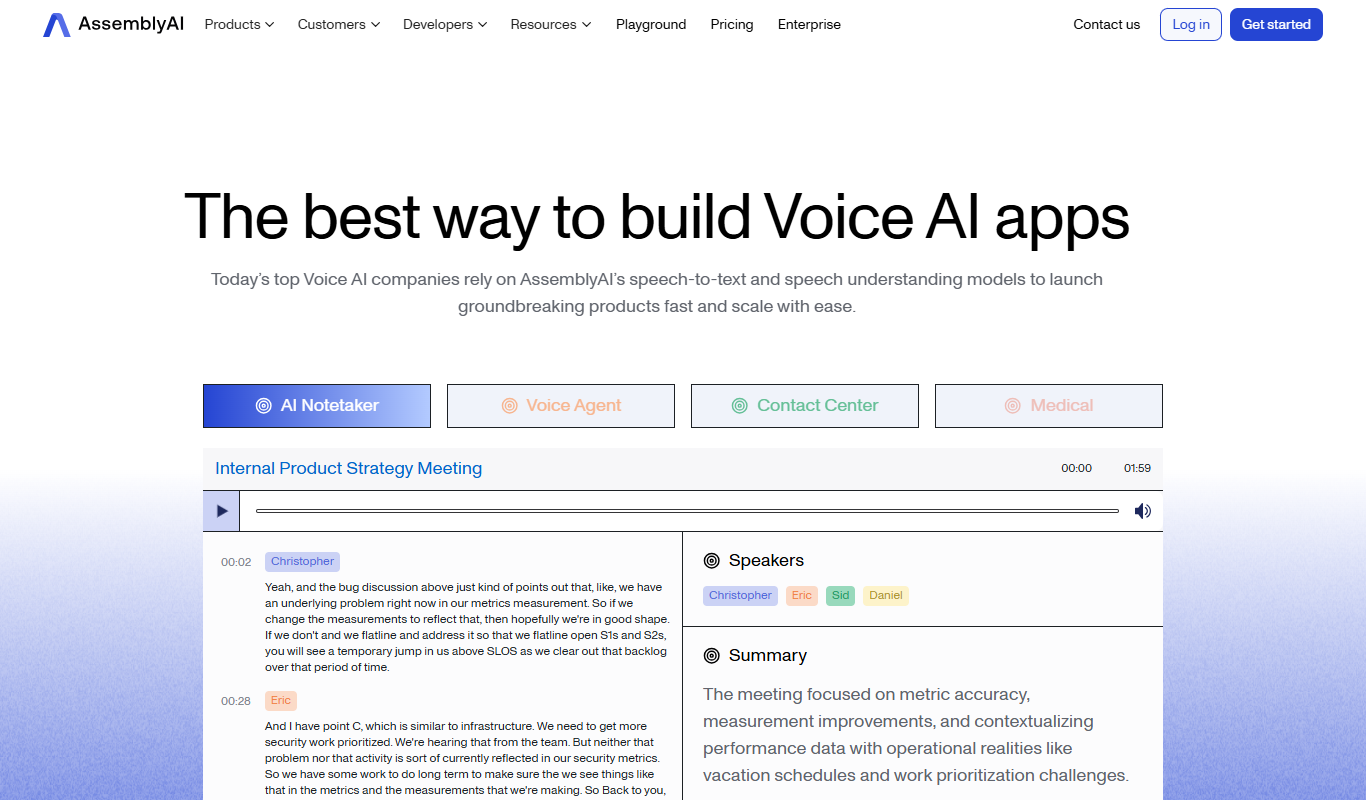
AssemblyAI
AssemblyAI is an AI platform providing high-accuracy speech-to-text transcription and audio analysis through an easy-to-use API, primarily supporting English audio.

More comparisons with these tools

Assemblyai vs Whisper AI: Voice Quality, Cloning & Pricing Compared
AssemblyAI vs Whisper AI — compare voice naturalness, cloning speed, language support, and pricing to find the best AI voice tool.
- AssemblyAI: From $0.65/hr Starts at Whisper AI: $0.006/minute
- AssemblyAI: 2 Platforms Whisper AI: 3
-
Deepgram vs Whisper AI: Voice Cloning, API Access & Pricing
Compare Deepgram and Whisper AI on voice cloning quality, API features, response latency, pricing tiers, and enterprise support.
- Deepgram: $4K+/year Starts at Whisper AI: $0.006/minute
- Deepgram: 2 Platforms Whisper AI: 3
-
Whisper AI vs Descript: Free Tier, Storage & Export Options
Compare Whisper AI and Descript on free plan limits, transcript storage, export formats, and pricing value.
- Whisper AI: $0.006/minute Starts at Descript: $24/month ($16/month billed annually)
- Whisper AI: 3 Platforms Descript: 3
-
Whisper AI vs Google Stt: Languages, API Access & Pricing Tiers
Whisper AI vs Google Stt — compare supported languages, API reliability, accuracy, and pricing for developers.
-
Whisper AI vs Assemblyai: For Teams: Collaboration & Workflow Fit
Whisper AI or AssemblyAI for team meetings? Compare collaboration features, CRM integrations, accuracy, and pricing.
- Whisper AI: $0.006/minute Starts at AssemblyAI: From $0.65/hr
- Whisper AI: 3 Platforms AssemblyAI: 2
-
Whisper AI vs Deepgram: Meeting Notes, Summaries & Integrations
Compare Whisper AI and Deepgram on AI meeting summaries, action item detection, calendar integrations, and pricing.
- Whisper AI: $0.006/minute Starts at Deepgram: $4K+/year
- Whisper AI: 3 Platforms Deepgram: 2


