

PatentBots AI Patent Drafting and Review Software for Legal Professionals
PatentBots is an AI-powered platform that automates patent drafting and review to help patent attorneys create accurate and compliant patent applications faster.
- Best for
- Patent Drafting Automation
- Key capability
- Automated Patent Draft Generation
Save PatentBots, follow its updates and vote on it — everything stays in your account.
Sign in or create a free account
What is PatentBots?
PatentBots is an AI-powered software platform designed to assist patent attorneys and agents in drafting, reviewing, and managing patent applications. It leverages machine learning to automate the generation of patent drafts and to identify errors or inconsistencies in patent documents, helping legal professionals improve accuracy and efficiency in intellectual property prosecution.
Key features of PatentBots
PatentBots offers automated patent drafting, AI-driven error detection, office action response assistance, and workflow integration tools tailored for patent law professionals. Its AI models are trained specifically on patent office data to ensure compliance and quality.
Automated Patent Draft Generation
Generates initial patent drafts based on invention disclosures and technical inputs.
AI-Powered Error Detection
Identifies common drafting errors, missing claims, and formatting issues.
Office Action Response Assistance
Helps prepare responses to patent office rejections with AI-suggested language.
Collaboration Tools
Supports team collaboration with version control and commenting features.
Compliance with USPTO Standards
Ensures patent documents meet the formatting and content requirements of the USPTO.
Pros and cons of PatentBots
Pros
- Significantly reduces time spent on patent drafting
- Improves accuracy by catching common errors
- User-friendly interface tailored for legal professionals
- Supports collaboration within patent teams
Cons
- Currently limited to USPTO patent applications
- Subscription cost may be high for solo practitioners
Key use cases for PatentBots
Patent Drafting Automation
Automate the creation of patent applications by generating high-quality drafts that comply with USPTO standards.
Patent Application Review
Use AI to analyze patent drafts for errors, inconsistencies, and compliance issues before filing.
Patent Office Action Response
Assist patent attorneys in preparing responses to office actions with AI-suggested edits and improvements.
Legal Workflow Efficiency
Streamline patent prosecution workflows by reducing manual review time and improving accuracy.
Patent Portfolio Management Support
Support patent portfolio teams by providing consistent, error-checked patent documents.
How PatentBots works
- 1
Upload or Create Patent Draft
Users upload existing patent drafts or create new ones within the platform.
- 2
AI Review and Suggestions
The AI analyzes the draft for errors, missing sections, and compliance issues, providing actionable suggestions.
- 3
Edit and Refine
Users review AI feedback and make edits directly in the platform to improve the patent application.
- 4
Finalize and Export
Once finalized, the patent application can be exported in USPTO-compliant formats for filing.
Who is using PatentBots
PatentBots pricing
Free Trial
$0 for 14 days
Access to core features with limited patent drafts and reviews.
Prep & Pros Pro
$702 per person per year
For individuals; businesses have separate subscriptions.
Plans and prices are as published by the vendor and can change. Check the official site before you buy. Open the pricing page (opens in a new tab)
Frequently asked questions about PatentBots
Yes, PatentBots is designed with an intuitive interface that requires no prior AI knowledge.
Currently, PatentBots focuses on USPTO patent applications but plans to expand support.
No, it is a tool to assist attorneys by automating routine tasks, not replacing legal expertise.
PatentBots uses industry-standard encryption and security protocols to protect user data.
It depends on your specific needs and how you plan to use the tool. The official website and documentation are the best sources for the latest details.
It depends on your specific needs and how you plan to use the tool. The official website and documentation are the best sources for the latest details.
Yes, it can help with that use case depending on how you configure it and what features are available. You’ll get the best results with clear inputs and a defined goal.
Conclusion
This drafting and review platform is built for patent attorneys and agents, intellectual property law firms and corporate patent departments. A draft is uploaded or created in the platform, checked for errors, missing sections and compliance issues, then edited in place and exported in USPTO-compliant formats for filing. It also helps prepare responses to patent office rejections and supports team collaboration with version control and commenting.
Support centers on USPTO patent applications, so international filings are currently outside its scope. The page notes that it assists attorneys by automating routine tasks rather than replacing legal expertise. A 14-day trial is available, and the Prep & Pros Pro plan for individuals costs $702 per person per year, with separate subscriptions for businesses.
Sources
Sign in to review this tool.
Sign In to ReviewNo reviews yet
Be the first to share how this tool worked for you.
Ask about pricing, limits, or how it compares — or answer someone else.
Sign In to AskNo questions yet
Have a question about using or paying for this tool? Be the first to ask.
Featured on TiorAI



More AI Code Assistant tools
Other tools in the same category, for when this one is not quite the fit.

Refraction
Refraction is an AI tool for developers that refactors code, generates documentation and unit tests, detects bugs and converts code between languages.
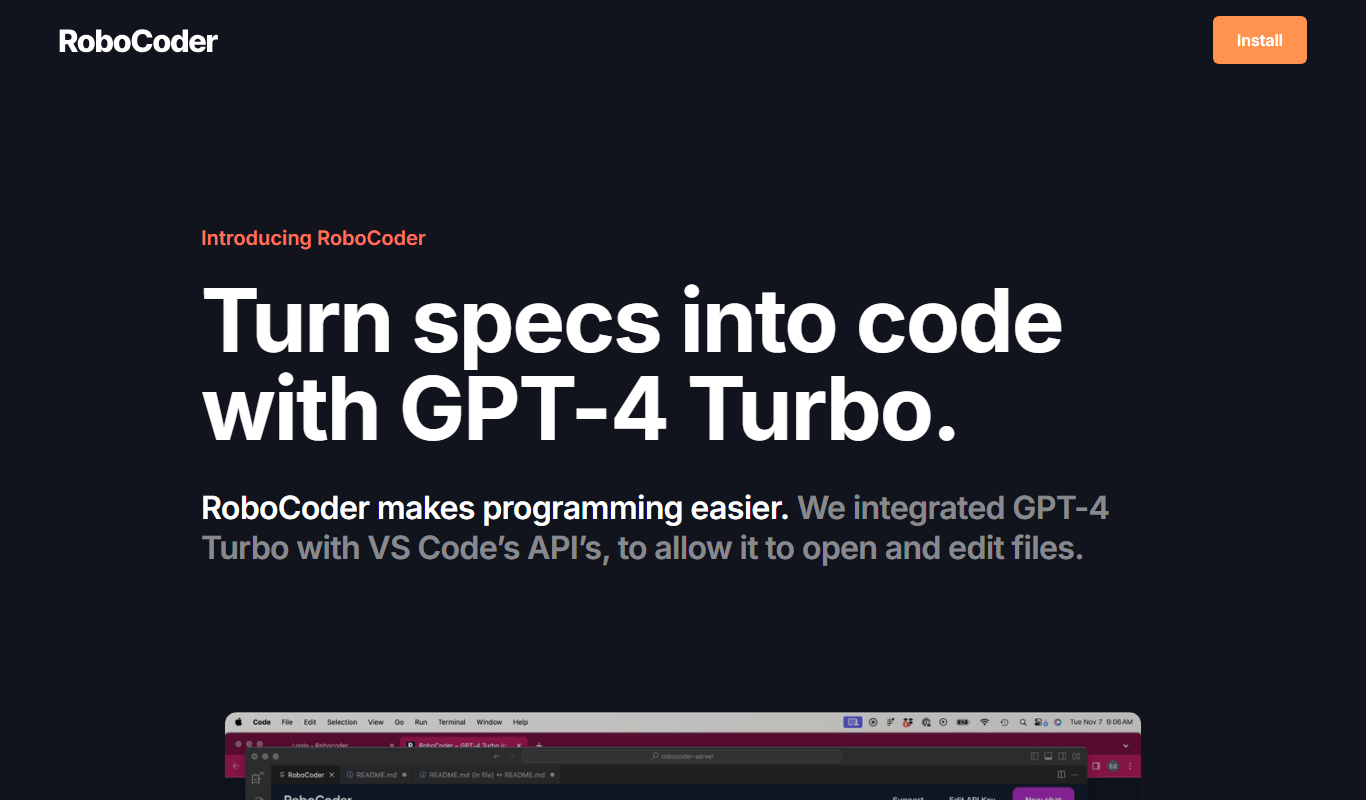
RoboCoder
RoboCoder is a VS Code extension that lets GPT-4o open and edit files, navigate your codebase and propose patches, using your own OpenAI API key.

Trae
TRAE is a development tool deeply integrated with AI, where you code in an IDE or delegate complex tasks to AI agents, on desktop, web and mobile.

Cosine
Cosine trains AI models and specialised coding agents for organisations that need frontier capability within secure environments.

WhatTheDiff
What the Diff is an AI code review assistant for GitHub and GitLab that automates pull request descriptions and simplifies team updates.

Code Fundi
Code Fundi turns any repository into a searchable, blast-radius-aware codebase map for AI agents and engineering teams.

Butterfish Shell
Butterfish Shell adds AI prompting to bash and zsh with OpenAI or compatible APIs: prompt with a capital letter and the AI sees your shell history.
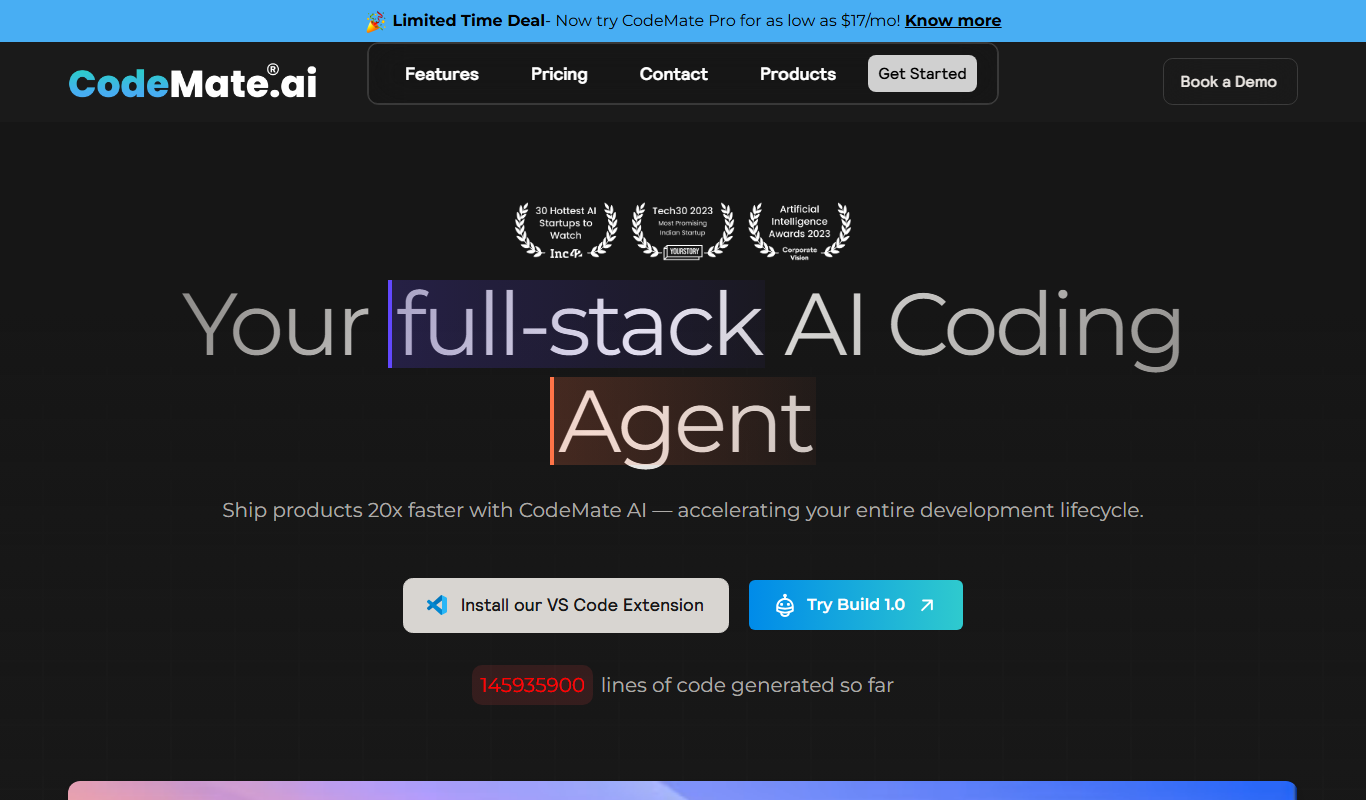
CodeMate AI
CodeMate AI is a sovereign AI pair programmer and developer assistant with private, self-hosted code completion, automated code reviews, debugging and terminal workflows.