

From my experience with PatentPal, I found it excels at automating the tedious and time-consuming process of drafting patent applications. The AI-driven suggestions help improve the clarity and legal compliance of drafts, which is invaluable for patent attorneys and agents managing multiple filings. However, while the tool significantly speeds up drafting, complex inventions still require careful manual review to ensure accuracy. Overall, if you are a patent professional or inventor looking to streamline patent document creation, PatentPal offers a practical and secure solution that balances automation with professional oversight.
PatentPal AI Patent Drafting Software for Efficient IP Document Creation
PatentPal is an AI-driven patent drafting tool that automates the creation of patent application drafts from invention disclosures, streamlining the patent filing process for IP professionals.
- Best for
- Patent Drafting Automation
- Key capability
- AI-Powered Drafting
Your actions
Save PatentPal, follow its updates and vote on it — everything stays in your account.
Sign in or create a free accountWhat is PatentPal?
PatentPal is an AI-powered patent drafting software designed to help patent attorneys, agents, and inventors create, review, and manage patent applications more efficiently. By leveraging natural language processing and machine learning, PatentPal automates the generation of patent drafts from invention disclosures, reducing manual effort and improving accuracy.
Key features of PatentPal
PatentPal offers automated patent draft generation, AI-driven editing suggestions, customizable templates, and integration capabilities to streamline the patent application process for intellectual property professionals.
AI-Powered Drafting
Automatically generates detailed patent application drafts from invention disclosures.
Customizable Templates
Offers templates tailored to different patent types and jurisdictions.
Editing Assistance
Provides AI-driven suggestions to improve clarity, grammar, and legal compliance.
Collaboration Tools
Supports team collaboration with version control and commenting features.
Secure Cloud Platform
Ensures data privacy and security with encrypted cloud storage.
Pros and cons of PatentPal
Pros
- Significantly reduces time spent drafting patent applications
- AI suggestions improve draft quality and compliance
- User-friendly interface tailored for patent professionals
- Supports collaboration and version management
- Secure cloud-based platform
Cons
- Limited to English language support
- May require manual review for complex inventions
- Pricing may be high for individual inventors
Key use cases for PatentPal
Patent Drafting Automation
Automate the creation of patent applications by generating high-quality draft documents based on invention disclosures.
Patent Application Review
Review and edit patent drafts efficiently with AI-powered suggestions to improve clarity and compliance.
Patent Portfolio Management Support
Assist patent attorneys and agents in managing multiple patent applications by streamlining document generation.
Legal Document Standardization
Ensure consistency and adherence to patent office formatting and language standards across all patent documents.
How PatentPal works
- 1
Upload Invention Disclosure
Users upload detailed invention disclosures or technical documents describing their invention.
- 2
AI Draft Generation
PatentPal’s AI analyzes the input and generates a comprehensive patent draft including claims, descriptions, and abstracts.
- 3
Review and Edit
Users review the draft and utilize AI suggestions to refine language, structure, and compliance with patent office standards.
- 4
Export and File
Finalized patent drafts can be exported in standard formats ready for submission to patent offices.
Who is using PatentPal
Patent attorneys and agents
Corporate IP departments
Independent inventors
Legal tech professionals
Patent paralegals
PatentPal pricing
Free Trial
$0 for 7 days
Access to core features with limited patent drafts to test the platform.
Professional
$99/month
Full access to all drafting tools, templates, and collaboration features.
Enterprise
Custom pricing
Tailored solutions with advanced integrations and dedicated support.
Plans and prices are as published by the vendor and can change. Check the official site before you buy. Open the pricing page (opens in a new tab)
Frequently asked questions about PatentPal
No, PatentPal is designed to assist patent professionals by automating drafting tasks but does not replace legal expertise.
Yes, PatentPal uses encrypted cloud storage and follows strict data privacy protocols.
PatentPal provides templates and drafting support for multiple jurisdictions but users should verify jurisdiction-specific requirements.
Yes, the platform includes collaboration features such as commenting and version control.
Yes, it can help with that use case depending on how you configure it and what features are available. You’ll get the best results with clear inputs and a defined goal.
It depends on your specific needs and how you plan to use the tool. The official website and documentation are the best sources for the latest details.
Pricing depends on the plan and included features. For the most accurate and up-to-date details, check the official pricing page.
Sign in to review this tool.
Sign In to ReviewNo reviews yet
Be the first to share how this tool worked for you.
Ask about pricing, limits, or how it compares — or answer someone else.
Sign In to AskNo questions yet
Have a question about using or paying for this tool? Be the first to ask.
Featured on TiorAI



Alternative Tools
Explore similar AI tools that might fit your needs
Subscription
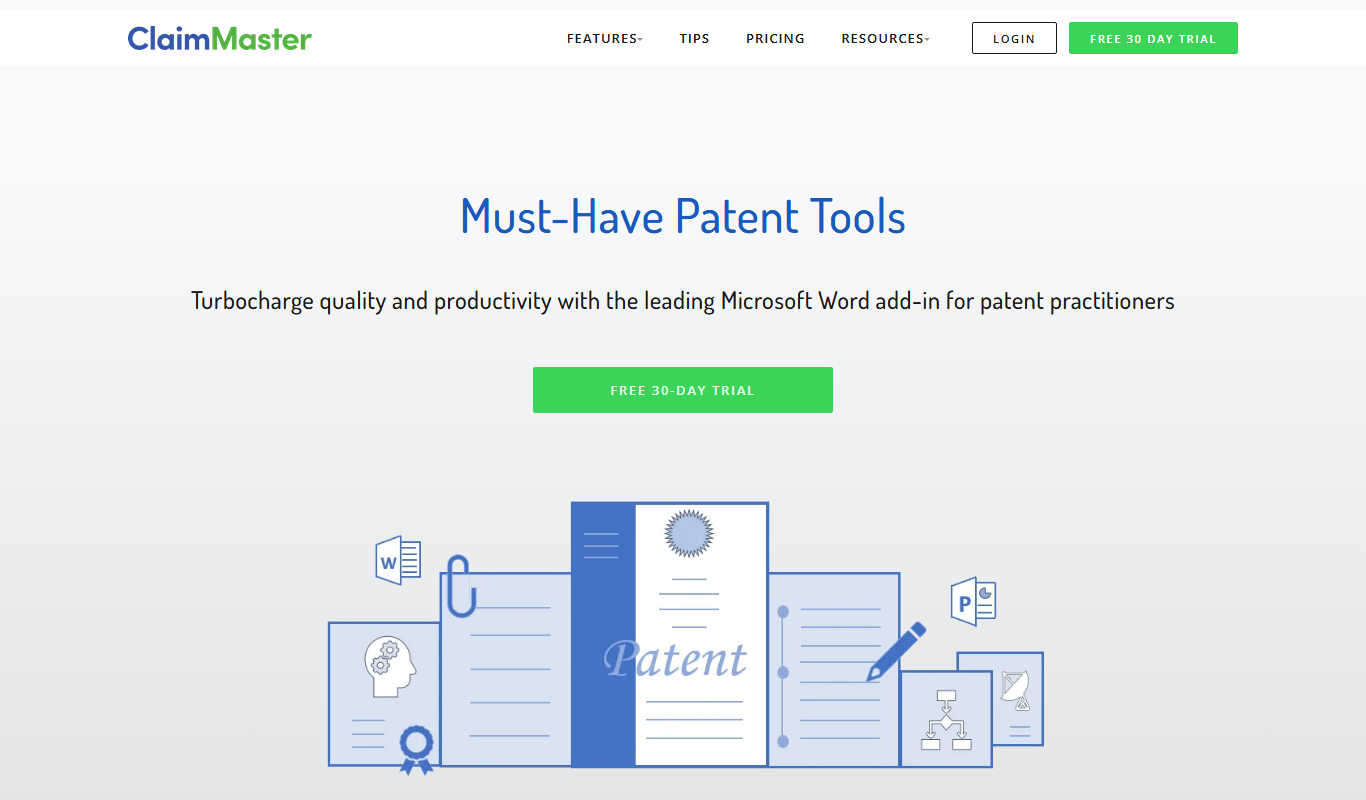
ClaimMaster
ClaimMaster is a Windows-based patent drafting and proofreading software that automates patent claim creation, error detection, and compliance checking to improve patent application quality.

Free Trial
PatentBots
PatentBots is an AI-powered platform that automates patent drafting and review to help patent attorneys create accurate and compliant patent applications faster.
More AI Documents Generator tools
Other tools in the same category, for when this one is not quite the fit.

Custom Pricing
ocrolus.com
Ocrolus is an AI-driven platform that automates the extraction and validation of data from financial documents like bank statements and pay stubs, combining OCR technology with human review to ensure accuracy and compliance.
Free
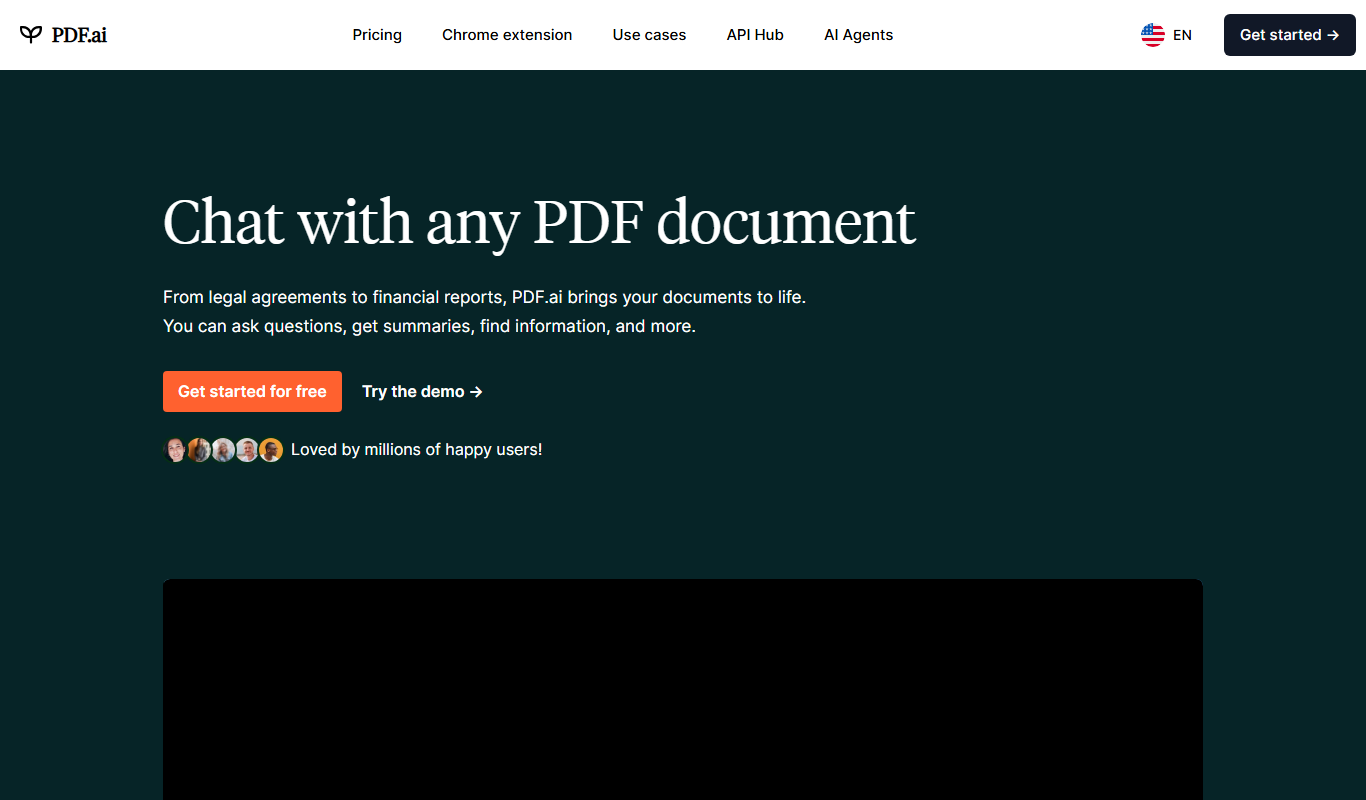
PDF.ai
PDF.ai is a web-based AI tool that allows users to upload PDFs and interact with their content through natural language queries, enabling fast search, summarization, and data extraction.

Free
AI Text Generator
AI Text Generator is a web tool that uses AI to generate written content from user prompts, with a free playground and paid plans.

Custom Pricing
instabase.com
Instabase is an AI-driven intelligent automation platform that enables enterprises to automate complex document processing and workflow tasks by combining machine learning, human review, and customizable applications.
Free Trial
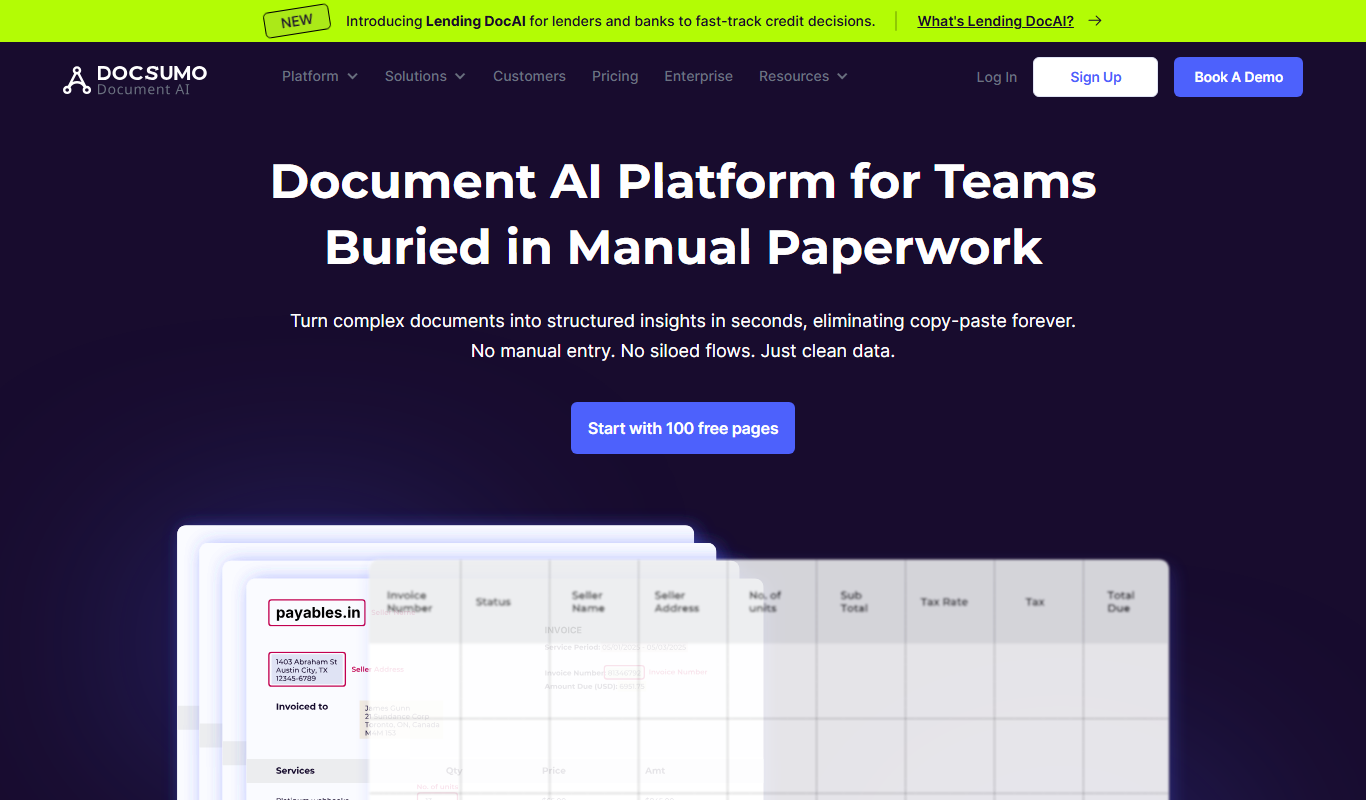
Docsumo
Docsumo is an AI-driven document processing platform that automates extraction of data from scanned documents, PDFs, and images using OCR and machine learning, helping businesses digitize workflows and reduce manual data entry.
N/A
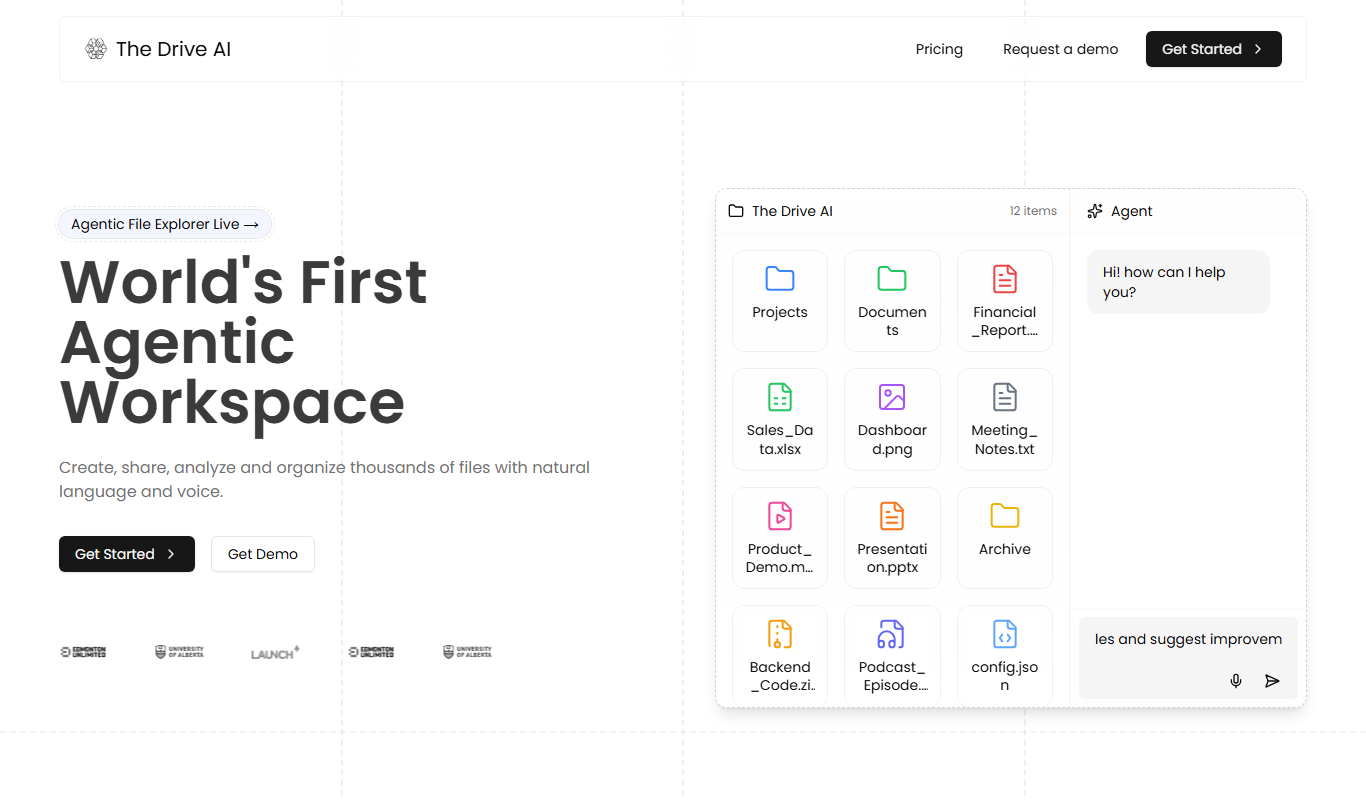
The Drive AI
The Drive AI was an AI software platform for autonomous vehicles, providing perception, mapping, and decision-making capabilities to enable self-driving cars in urban environments.
Free
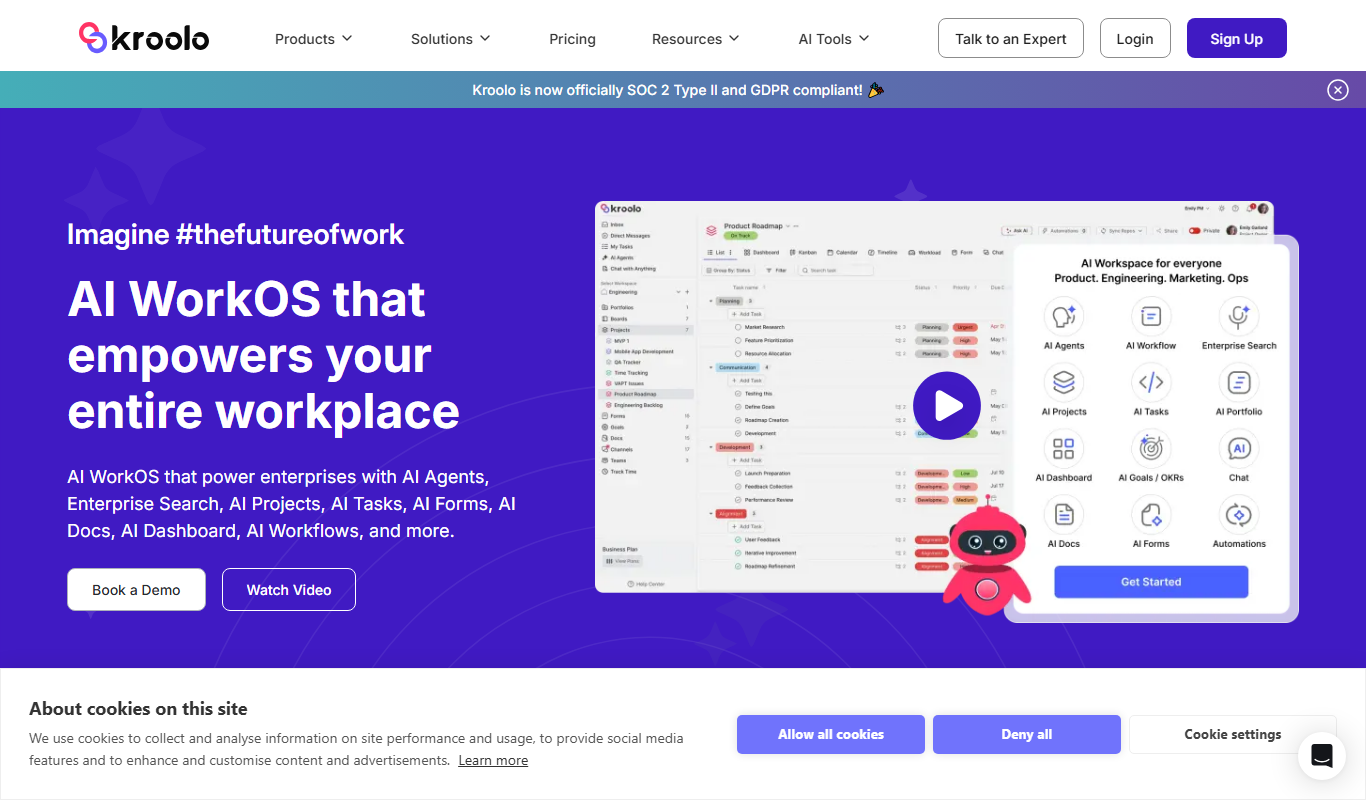
Kroolo
Kroolo is an AI-powered writing assistant designed to generate and optimize content for blogs, marketing, and SEO purposes, helping users create quality text efficiently.
Free Trial
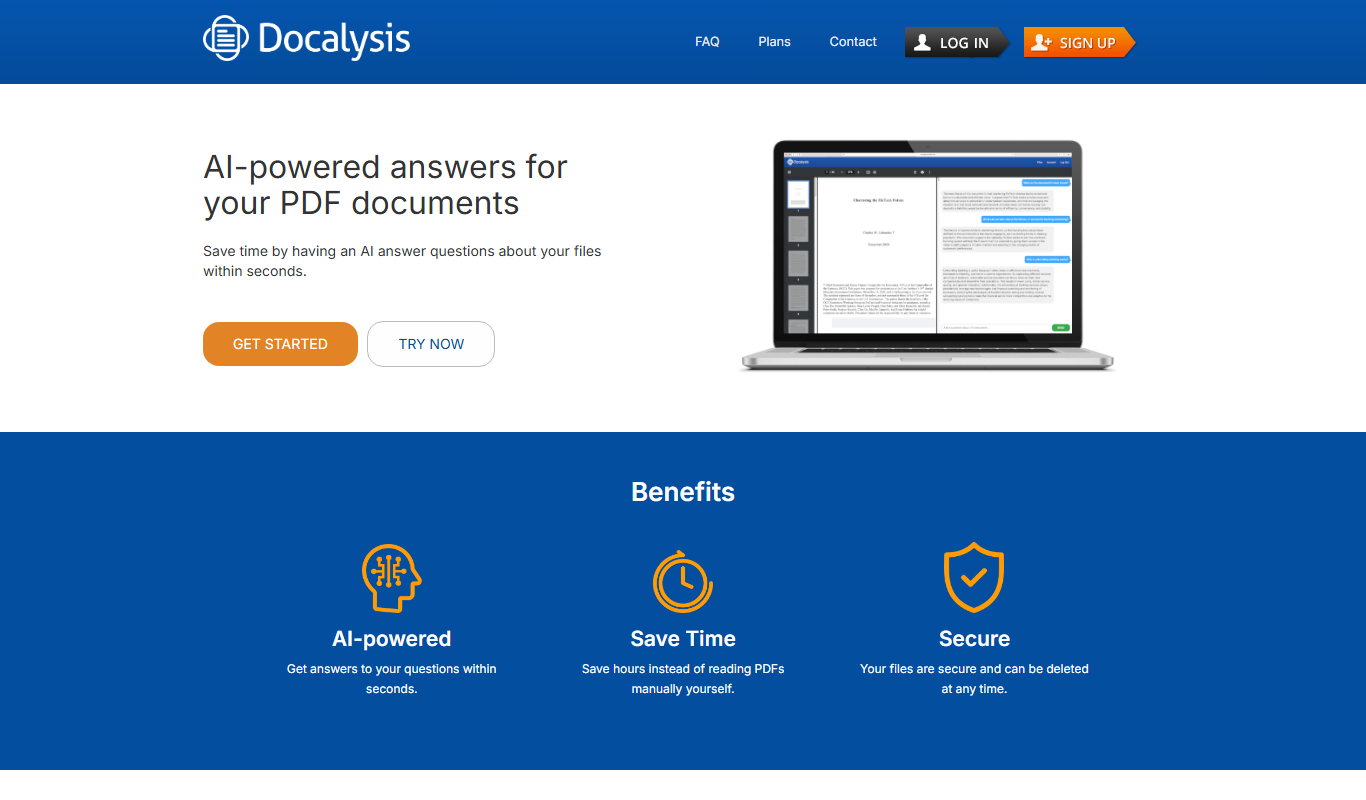
Docalysis
Docalysis is an AI-driven document analysis platform that automates extraction of structured data from unstructured documents like PDFs and invoices, improving workflow efficiency.