

Doctly document extraction, document chat and document workflows
Doctly extracts data from complex documents, lets you chat with your documents and turns your sources into finished work you can verify.
- Best for
- Data extraction
- Key capability
- Extraction and conversion
Save Doctly AI, follow its updates and vote on it — everything stays in your account.
Sign in or create a free account

What is Doctly AI?
Doctly is an AI document platform that extracts data from complex documents, lets users chat with their documents and turns sources into finished work. It converts handwriting, tables, charts and scanned pages into JSON, CSV, Markdown or XML, answers questions over document collections with citations, and drafts structured documents with references.
Key features of Doctly AI
Doctly extracts text, tables, figures and handwriting into JSON, CSV, Markdown or XML, offers chat over document collections with citations, and automates document workflows such as drafting and resolving amendments.
Extraction and conversion
Turn handwriting into text, tables into spreadsheets and charts into data while preserving how the details fit together.
Multiple output formats
Export extracted content as JSON, CSV, Markdown or XML.
Chat with documents
Add documents to a collection and get answers with evidence from across your files; open any citation to check the source.
Document workflows
Turn reports, research and notes into a structured document with references, refine it with your team and export it.
Multi-Device Accessibility
Accessible via web and mobile platforms for flexibility in clinical environments.
Pros and cons of Doctly AI
Pros
- Data is never used to train AI models
- Free trial on all plans with no credit card required
- JSON, CSV, Markdown and XML export
- Secure and compliant with healthcare regulations
Cons
- Usage is billed per page beyond included volumes
- Pricing may be high for small practices
- Dependent on audio quality for transcription accuracy
Key use cases for Doctly AI
Data extraction
Convert scanned documents, tables and charts into usable data.
Document research
Answer questions across a collection of reports, manuals and notes with citations.
Drafting from sources
Turn research and notes into a first draft with references.
RFPs and amendments
Use dedicated workflows to resolve amendments and answer RFPs and questionnaires.
How Doctly AI works
- 1
Upload documents
Add documents such as reports, spreadsheets, notes and scans to a collection.
- 2
Extract data
Doctly reads handwriting, tables and charts and converts them into structured data.
- 3
Ask questions
Chat with the collection and check each cited source.
- 4
Create finished work
Draft a structured document with references and export it.
- 5
Export or Integrate Notes
Export finalized notes or integrate them directly with EHR systems.
Who is using Doctly AI
Doctly AI pricing
Flexible
$0.02 per page, pay as you go
No monthly commitment; all document formats, Markdown, JSON and CSV output and API access.
Professional
$499/month (25,000 pages included, then $0.02 per page)
For growing teams: 25,000 pages per month, priority processing, custom extractors and webhook integrations.
Enterprise
Custom volume-based pricing
Unlimited document processing for organizations requiring custom solutions.
Plans and prices are as published by the vendor and can change. Check the official site before you buy. Open the pricing page (opens in a new tab)
Frequently asked questions about Doctly AI
It extracts data from complex documents, lets you chat with your documents and turns your sources into finished work.
JSON, CSV, Markdown or XML.
Yes. All plans include a free trial, and no credit card is required to start.
No. Doctly states that your data is never used to train AI models.
It depends on your specific needs and how you plan to use the tool. The official website and documentation are the best sources for the latest details.
It depends on your specific needs and how you plan to use the tool. The official website and documentation are the best sources for the latest details.
Integration support depends on the tool and its available connectors or API. Check the official documentation or integrations page to confirm what is supported.
Pricing depends on the plan and included features. For the most accurate and up-to-date details, check the official pricing page.
Conclusion
Scanned pages, handwriting, tables and charts go into Doctly. Structured data comes out as JSON, CSV, Markdown or XML. The extraction keeps track of how the details fit together, so a table becomes a spreadsheet and a chart becomes data. Documents can also be grouped into a collection and questioned in chat, with every answer carrying a citation that opens the source.
Workflows extend this to drafting a structured document with references from reports and notes, resolving amendments and answering RFPs. Industry pages range from financial services and insurance to legal, healthcare and government, and the service states that customer data is never used to train AI models. Billing starts with a pay-as-you-go plan charged per page, while monthly plans include a set page volume and charge per page beyond it.
Sources
Sign in to review this tool.
Sign In to ReviewNo reviews yet
Be the first to share how this tool worked for you.
Ask about pricing, limits, or how it compares — or answer someone else.
Sign In to AskNo questions yet
Have a question about using or paying for this tool? Be the first to ask.
Featured on TiorAI



Alternative Tools
Explore similar AI tools that might fit your needs

Suki AI
Suki is an ambient clinical documentation product for healthcare providers that supports sessions in 80+ languages and produces notes in English.

Augmedix
Augmedix is an AI-powered medical documentation platform that combines speech recognition and remote medical scribes to automate clinical note-taking for healthcare providers.
More AI Document Extraction tools
Other tools in the same category, for when this one is not quite the fit.

Bank Statement Converter
Bank Statement Converter converts single or multiple PDF bank statements into a single CSV file containing only the transaction data extracted from their tables.
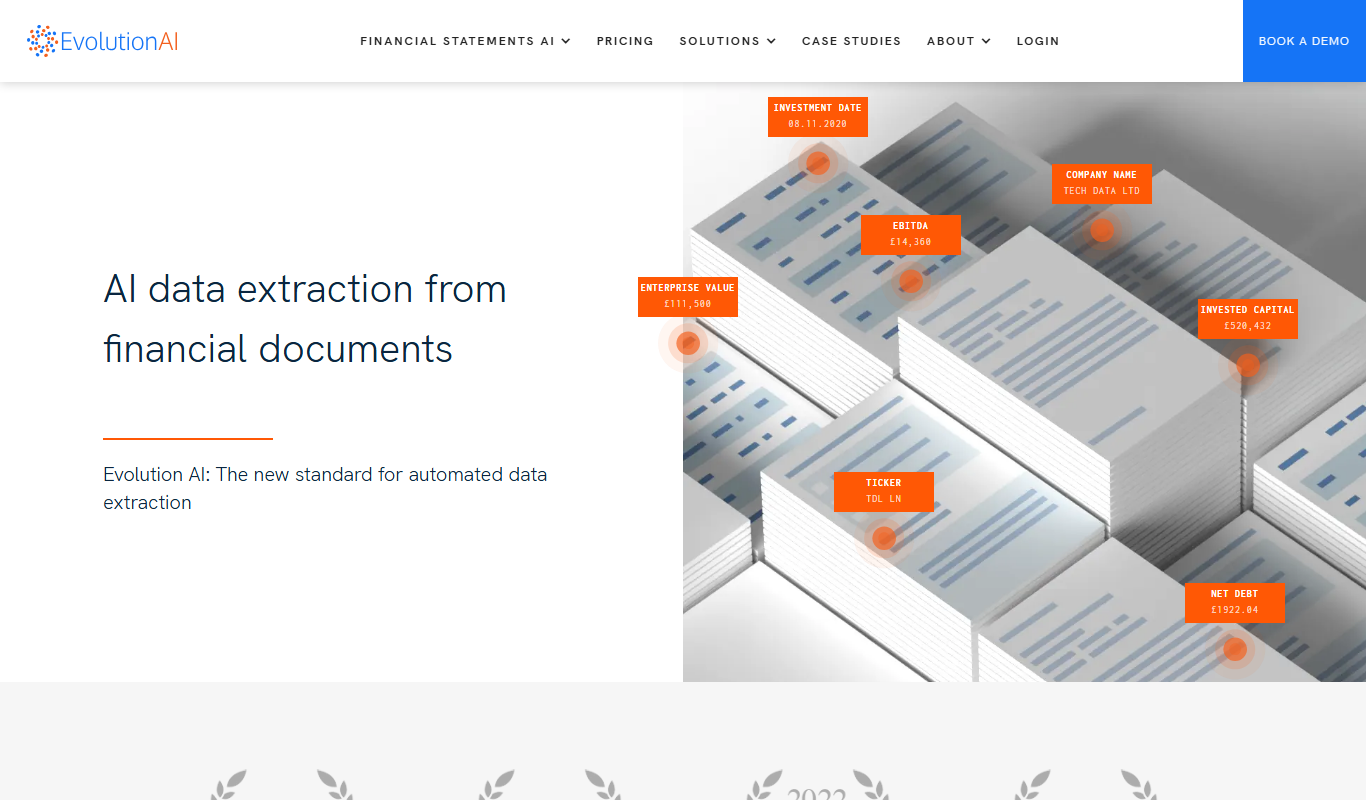
Evolution AI
Evolution AI extracts data from financial statements, invoices, bank statements and other documents with generative AI, priced per page.

docugami
Docugami is agentic document AI that turns entire business documents into Knowledge Graphs of actionable data to power business workflows at enterprise scale.

AlgoDocs
Algodocs is intelligent document data extraction and workflow automation for invoices, bills of lading, customs declarations and documents of any format.
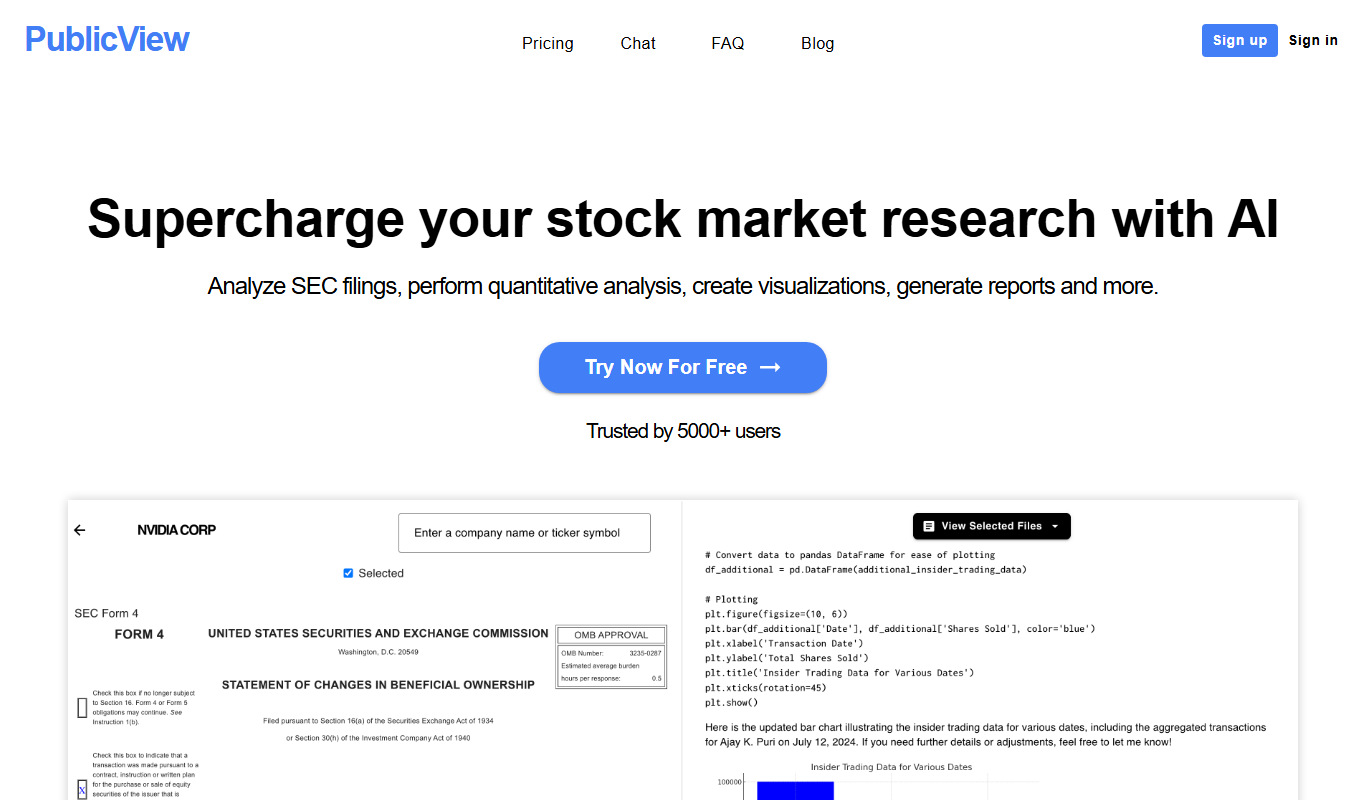
PublicView
PublicView analyzes public-company SEC filings with grounded AI chat, a visual knowledge graph, relationship maps, timelines and real-time filing alerts.

Extracta LABS
Extracta LABS uses AI to extract specific data from any kind of document, photo or image, with no training required.
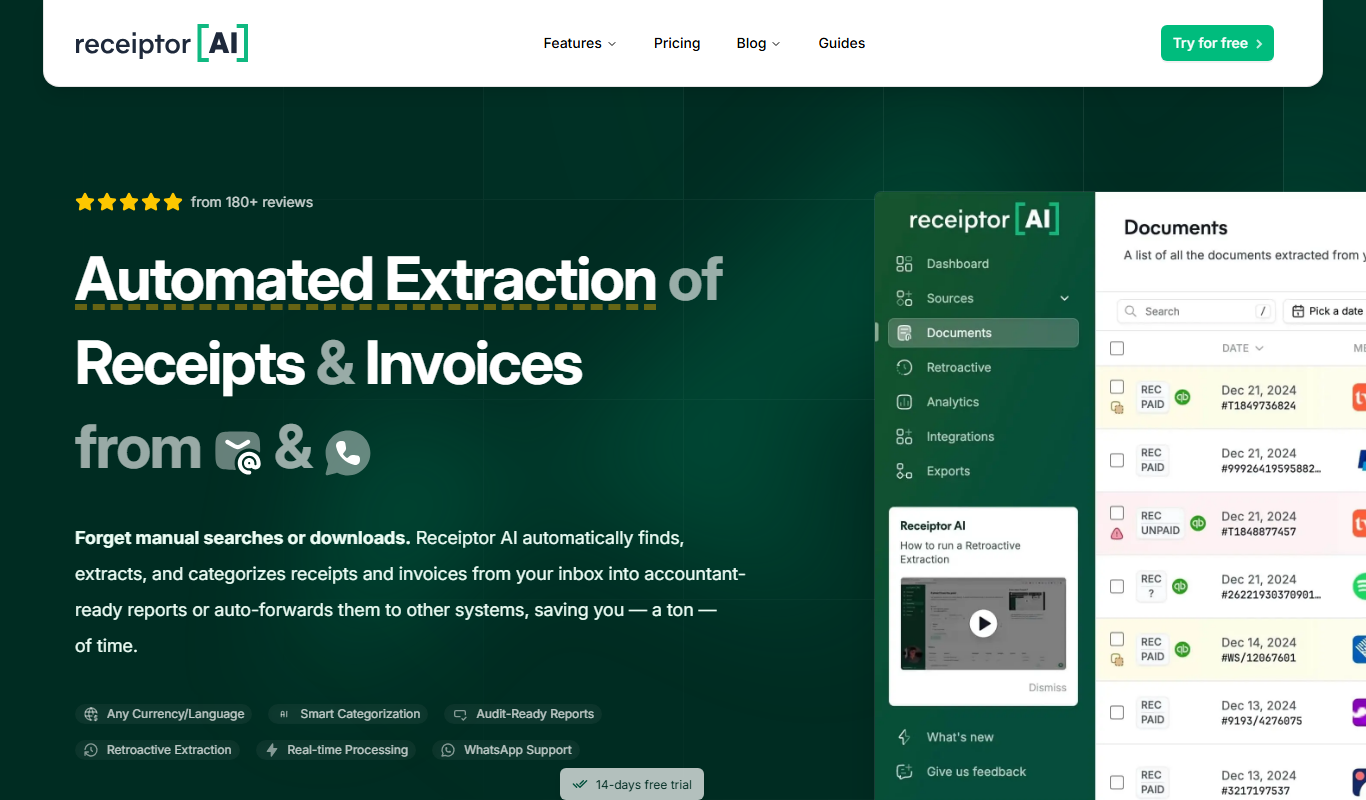
Receiptor.ai
Receiptor AI catches receipts and invoices from email, WhatsApp, iMessage and uploads, categorizes them and files them into Xero, QuickBooks or other destinations with the original attached.

FileAI
FileAI lets you upload contracts, reports and research, then reads them privately and answers your questions with citations you can open.