

Colorings - AI Coloring Page Generator
Colorings is an AI coloring page generator that turns your ideas or photos into engaging, printable coloring pages.
- Best for
- Family coloring time
- Key capability
- Text to coloring pages
Save Colorings, follow its updates and vote on it — everything stays in your account.
Sign in or create a free account
What is Colorings?
Colorings is an AI coloring page generator that turns your ideas or photos into printable coloring pages. Users type a prompt or upload a photo, choose a difficulty level and image size, and download the page as PNG or PDF; a library of ready-made templates is also available.
Key features of Colorings
Colorings transforms any text into coloring pages, turns photos into coloring designs, lets users choose difficulty levels and dimensions such as square or landscape, offers a large library of pre-designed templates and downloads pages as PNG or PDF.
Text to coloring pages
Transform any text into unique coloring pages.
Photo to coloring page
Transform photos of vacations, pets or special events into coloring designs.
Difficulty levels and dimensions
Pick easy designs for young kids or intricate patterns for adults, in square or landscape formats.
Template library
A library of pre-designed coloring page templates in many themes, styles and difficulty levels.
Pros and cons of Colorings
Pros
- Free plan for up to 10 printable coloring pages
- Difficulty levels from easy designs for kids to intricate patterns for adults
- Downloads as PNG or PDF
- No design experience needed
Cons
- Commercial use requires the Pro plan
- Free and Basic plans are for personal use only
Key use cases for Colorings
Family coloring time
Design coloring pages that bring the family together.
Learning activities
Create designs to teach concepts such as geography, numbers or historical figures.
Coloring pages from memories
Turn photos of vacations, pets or special events into coloring pages.
Selling coloring pages
Craft and sell custom coloring pages; commercial use requires the Pro plan.
How Colorings works
- 1
Type your creative prompt
Write a description of the coloring page you want.
- 2
Choose the difficulty level
Select a difficulty level based on who will use the page.
- 3
Select the image size
Pick the image size, such as square or landscape.
- 4
Generate and download
Generate the coloring page and download it as a PNG or PDF file to print.
Who is using Colorings
Colorings pricing
Free
Free
Create, save and print up to 10 printable coloring pages; personal use.
Basic
$5.24/month billed annually
Up to 50 coloring pages per month from text prompts; personal use.
Pro
$9.49/month billed annually
Up to 100 coloring pages per month; commercial use.
Plans and prices are as published by the vendor and can change. Check the official site before you buy. Open the pricing page (opens in a new tab)
Frequently asked questions about Colorings
Type a prompt, choose a difficulty level, select the image size and generate your coloring page.
Yes. Photos of vacations, pets or special events can be transformed into coloring designs.
Yes, but using the coloring pages for commercial purposes requires a subscription to the Pro plan.
Download the finished page as a PNG or PDF file and print it.
Yes. The free plan lets you create, save and print up to 10 printable coloring pages.
Conclusion
A typed prompt or an uploaded photo is all Colorings needs to produce a printable coloring page, which downloads as PNG or PDF. Before generating, users choose a difficulty level, from easy designs for young kids to intricate patterns for adults, and an image size such as square or landscape. Photos of vacations, pets or special events can become coloring designs too.
Kids, parents, teachers and hobbyists are the people the tool was created for, whether for family time or for pages that teach geography or numbers. A library of ready-made templates covers many themes and difficulty levels. The free plan stops at 10 printable pages, and both it and the Basic plan are limited to personal use, so selling pages requires the Pro plan.
Sources
Sign in to review this tool.
Sign In to ReviewNo reviews yet
Be the first to share how this tool worked for you.
Ask about pricing, limits, or how it compares — or answer someone else.
Sign In to AskNo questions yet
Have a question about using or paying for this tool? Be the first to ask.
Featured on TiorAI



More AI Image & Visual Tools tools
Other tools in the same category, for when this one is not quite the fit.

Toyify Me
Toyify Me turns photos into PVC figurine-style images with an AI editor, and new users get started with free credits.

Openart
OpenArt is an AI platform for creating art, images, videos and music online with 100+ models from Google, OpenAI, Seedance and more.

Pencil Sketch Generator: Make Creative Sketch Drawing
Pencil Sketch Generator (PenKetch) is an AI tool that creates pencil sketch drawings from text descriptions and converts photos into sketches.
Scout by Asseter.ai
Scout by Asseter.ai is an AI-powered visual search engine that finds 3D models, textures and materials by picture across stock marketplaces such as 3DSky, CGTrader and Quixel Megascans.

TwoShot
TwoShot is an AI creative suite for music, audio, video and images: generate music and sounds from text, split stems, make voiceovers and produce in an online studio.

Midjourney API
Midjourney API is available through TTAPI, which gives access to Midjourney and 100+ AI models through one unified REST API with one API key, one balance and pay as you go billing.

Sticker.Show
Sticker.Show is an online AI sticker generator that creates custom stickers from a text description, with transparent-background downloads and a searchable sticker gallery.
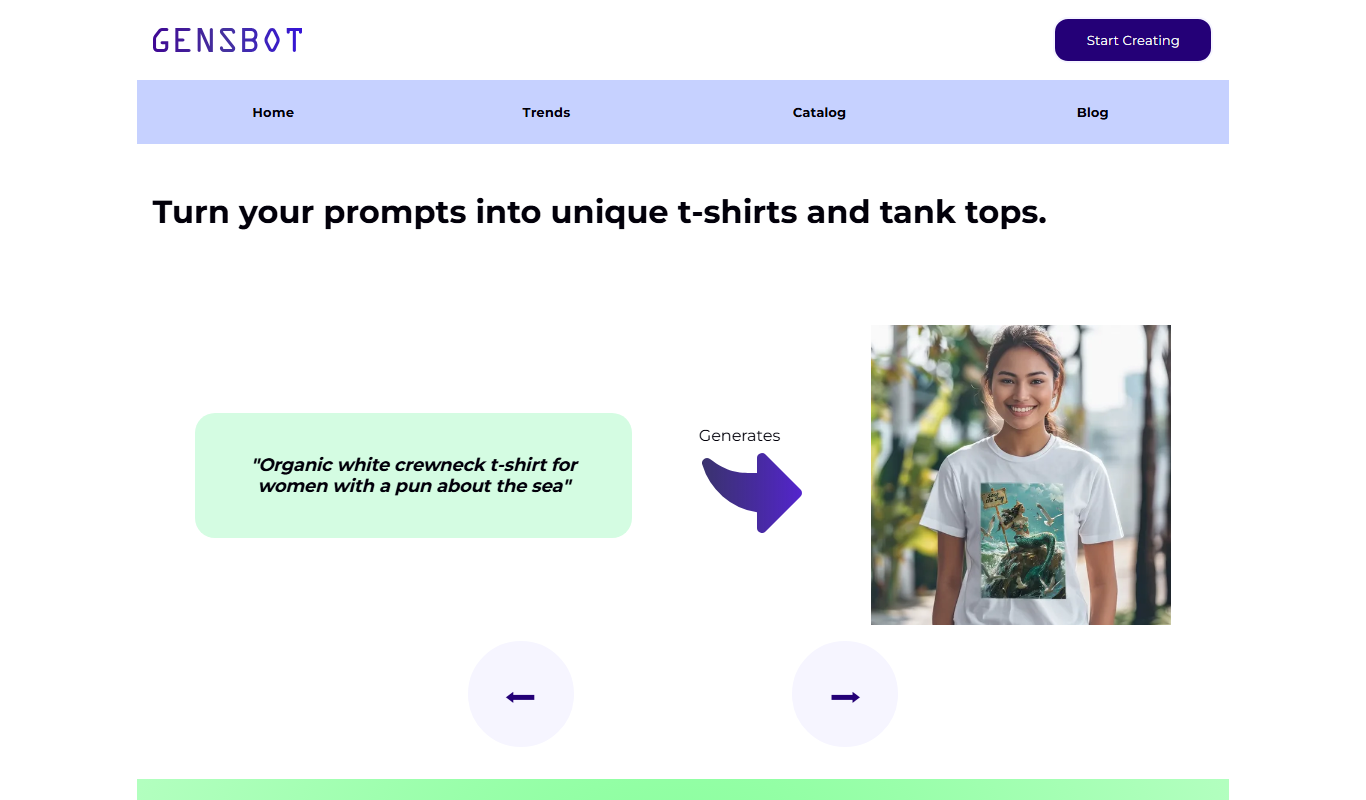
Gensbot
Gensbot turns your prompts into personalized printed merchandise, from t-shirts and mugs to canvas art, designed by AI in less than a minute and produced on demand.