

Glorify - graphic design tool for e-com business owners
Glorify is an online graphic design tool for e-com business owners that creates high converting social media posts, ads, infographics, presentations and videos.
- Best for
- Social media posts and ads
- Key capability
- Infinite canvas
Save Glorify, follow its updates and vote on it — everything stays in your account.
Sign in or create a free account
What is Glorify?
Glorify is an online graphic design tool for e-com business owners that creates social media posts, ads, infographics, presentations, product images and videos on an infinite canvas. It adds AI tools such as an AI image generator, AI product background, AI writer and background remover, plus product photo tools, templates, a brand kit and team collaboration.
Key features of Glorify
Glorify unites design work on a limitless canvas, offers AI tools for images, product backgrounds, writing and background removal, adds realistic shadows, reflections and annotations for product photos, and includes templates, a brand kit, comments and batch export.
Infinite canvas
Design multiple graphics and videos on one platform that unites design work on a limitless canvas.
AI tools
AI image generator, AI product background, AI writer and AI background remover; the image generator is powered by Leonardo.ai.
Product photo tools
Remove backgrounds and add realistic shadows and reflections to give product photos a sense of depth.
Templates and stock assets
More than 11,000 templates, plus stock photos, illustrations and mockups available for commercial use.
Brand kit and collaboration
Centralize logos, fonts, text styles and color palettes in a brand kit and comment directly on files with your team.
Pros and cons of Glorify
Pros
- Commercial licence on every plan
- More than 11,000 templates
- Unlimited guests can be invited to edit
- Stock assets available for commercial use
- Mobile apps available for on-the-go editing
Cons
- No permanent free plan; paid plans start with a free trial
- AI tools use monthly AI credits on the Basic and Pro plans
- No offline desktop version
Key use cases for Glorify
Social media posts and ads
Create professional, high converting social media posts and ads.
Product images for online stores
Create informative, professional product images with background removal, shadows and the annotate tool.
Infographics and presentations
Design infographics and presentations in the same workspace.
Video and animation
Trim, merge and layer video clips with transitions, effects and sounds.
How Glorify works
- 1
Start from a template
Pick one of the thematic template collections and customize it.
- 2
Design on the canvas
Create multiple graphics and videos on a limitless canvas.
- 3
Enhance with AI and product tools
Generate images from a text prompt, remove backgrounds or add AI product backgrounds.
- 4
Export and share
Download multiple designs at once with batch export or produce ready-to-print PDF files.
Who is using Glorify
Glorify pricing
Basic
$19 per month, billed monthly
1 user, 1 project, 50 AI credits per month, unlimited files, commercial licence.
Pro
$32 per month, billed monthly
3 users, 3 projects, 100 AI credits per month.
Business
$97 per month, billed monthly
6 users, unlimited projects, unlimited AI credits.
Enterprise plan
Book a demo
Customized number of users, unlimited features and priority support.
Plans and prices are as published by the vendor and can change. Check the official site before you buy. Open the pricing page (opens in a new tab)
Frequently asked questions about Glorify
Social media posts, ads, infographics, presentations, videos and more.
No. Glorify is built to create images at scale with no design skills required.
An AI image generator, AI product background, AI writer and AI background remover.
Each AI tool use costs 1 credit, covering background removal, AI images and the AI writer; the Basic plan includes 50 credits per month.
Yes. Plans include a commercial licence: designs can be used to promote and sell digital products and services.
Yes. Teams can add comments directly to files, and guests can be invited into the workspace.
Yes. You can trim, merge and layer video clips and add transitions, effects and sounds.
Yes. Each paid plan can be started with a free trial and cancelled anytime.
Conclusion
Marketing visuals for online stores are what Glorify is built around: social media posts, ads, infographics and presentations designed on one limitless canvas. Product photos get dedicated help, with background removal, realistic shadows and reflections, and an annotate tool for informative product images. AI tools cover image generation from a text prompt, AI product backgrounds and an AI writer.
E-com business owners, entrepreneurs and marketers are the intended users, and no design skills are required to start from more than 11,000 templates. Teams can keep logos and fonts in a brand kit, comment directly on files and export several designs at once. Every paid tier carries a commercial licence, but there is no permanent free plan, and AI usage draws on monthly credits outside the Business plan.
Sources
Sign in to review this tool.
Sign In to ReviewNo reviews yet
Be the first to share how this tool worked for you.
Ask about pricing, limits, or how it compares — or answer someone else.
Sign In to AskNo questions yet
Have a question about using or paying for this tool? Be the first to ask.
Featured on TiorAI



More AI Design & Creative Tools tools
Other tools in the same category, for when this one is not quite the fit.

Openart
OpenArt is an AI platform for creating art, images, videos and music online with 100+ models from Google, OpenAI, Seedance and more.

Pencil Sketch Generator: Make Creative Sketch Drawing
Pencil Sketch Generator (PenKetch) is an AI tool that creates pencil sketch drawings from text descriptions and converts photos into sketches.

GiFTEM
GiFTEM is recruiting intelligence software that understands jobs, runs semantic candidate search across 800M+ profiles, evaluates candidates and handles outreach.

AI Song Generator
AI Song Generator is a web tool that creates original songs and lyrics from your genre, mood and topic, with a limited free plan and paid subscriptions.

TwoShot
TwoShot is an AI creative suite for music, audio, video and images: generate music and sounds from text, split stems, make voiceovers and produce in an online studio.

Remodel AI
Remodel AI is a web-based AI tool that redesigns any room or home exterior from an uploaded photo in seconds.

AI Song Generator-Make Song
AI Song Generator-Make Song is an online tool that uses artificial intelligence to create original songs by generating melodies and lyrics based on user inputs such as themes or moods.
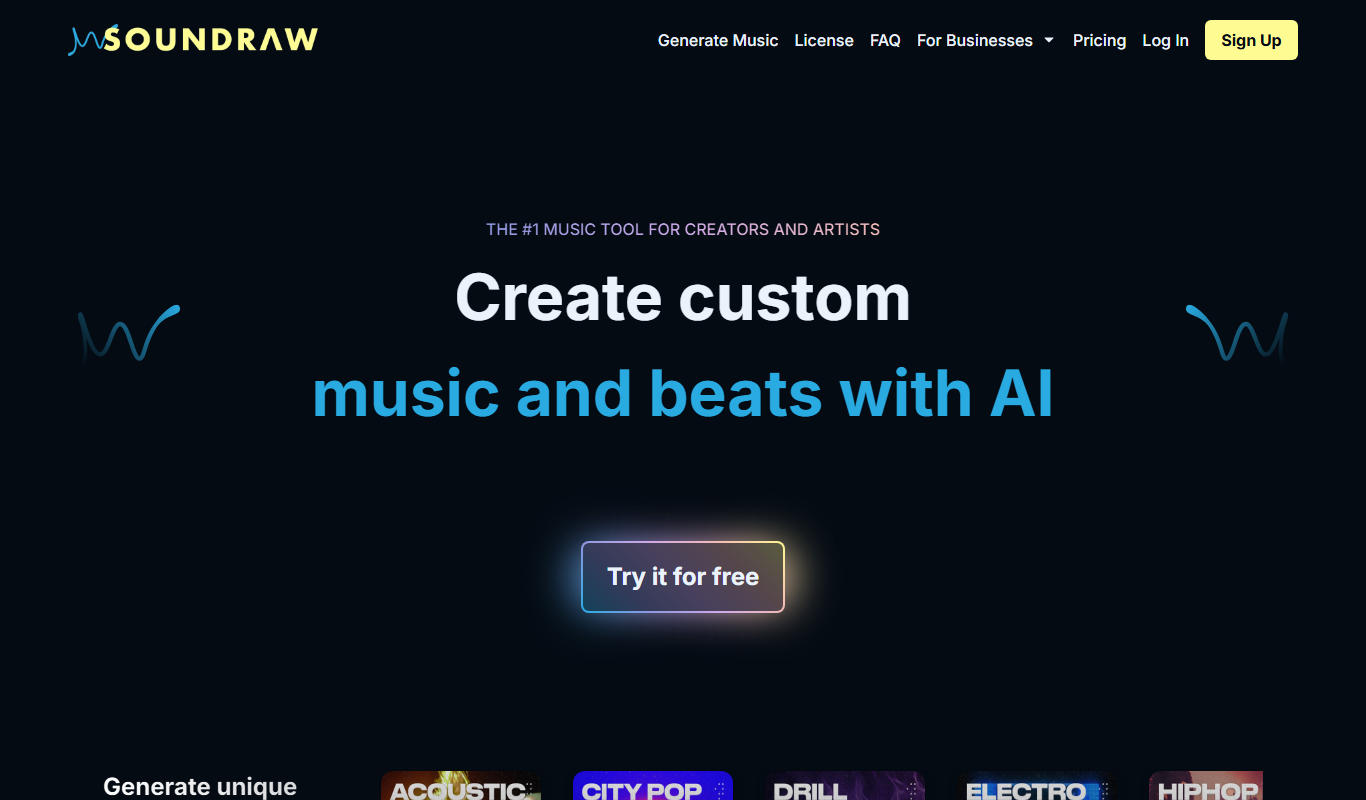
Soundraw
Soundraw is an AI-powered music generator that creates original, royalty-free music tracks customizable by mood, genre, and length, ideal for content creators and marketers.