
From my experience with PaintsChainer, I found it excels at quickly transforming black-and-white anime sketches into vibrant colored artwork with minimal effort. The ability to add color hints gives artists a useful level of control without needing advanced painting skills. It’s particularly well-suited for manga artists and digital illustrators looking to speed up their coloring process or experiment with color palettes. However, the tool works best with clean line art inputs and can sometimes struggle with complex details or shading nuances. Overall, if you want a fast, AI-driven way to color anime-style drawings, PaintsChainer delivers practical and creative results.
PaintsChainer AI Colorization Tool for Automatic Anime and Art Coloring
PaintsChainer is an AI tool that automatically colors black-and-white anime and manga line art using deep learning, allowing users to add color hints and choose styles via a web interface.
Tech Stack:
Deep Learning
Neural Networks
Python
What is PaintsChainer?
PaintsChainer is an AI-powered automatic colorization tool designed primarily for anime and manga-style line art. Developed by Preferred Networks, it uses deep learning models to predict and apply colors to black-and-white sketches, enabling artists and enthusiasts to quickly visualize colored versions of their drawings without manual painting.

Key Features of PaintsChainer
Automatic AI Colorization
Transforms black-and-white line art into colored images using trained neural networks.
Multiple Style Models
Offers different AI models to produce varied coloring styles and artistic effects.
User Color Hinting
Allows users to provide color hints to influence the AI’s color choices for better control.
Web-Based Access
No installation required; accessible via web browser for quick and easy use.
Free and Premium Options
Basic usage is free with limitations; premium plans offer higher resolution and faster processing.
Pros and Cons of PaintsChainer
Pros
- Quickly colorizes line art with minimal user input
- Supports user color hints for customization
- Accessible via web browser without installation
- Offers multiple AI models for different styles
Cons
- Best results require clean line art input
- Limited control over fine details in colorization
- Free tier has usage and resolution restrictions
Key Use Cases for PaintsChainer
Anime and Manga Art Coloring
Automatically colorize black-and-white anime or manga line art with AI-generated colors.
Digital Art Enhancement
Enhance sketches and line drawings by adding color quickly to speed up digital art workflows.
Creative Experimentation
Explore different color palettes and styles generated by AI to inspire new artistic ideas.
Learning Tool for Artists
Use AI colorization as a reference or guide to understand color application in anime-style art.
How PaintsChainer Works
-
1
Upload Line Art
Users upload a black-and-white sketch or line drawing to the PaintsChainer web interface.
-
2
Select Colorization Style
Choose from different AI models or styles to influence the colorization output.
-
3
Add Color Hints (Optional)
Users can add rough color hints to guide the AI on preferred colors for specific areas.
-
4
Generate Colored Image
The AI processes the input and produces a fully colored version of the artwork.
-
5
Download or Refine
Users can download the result or tweak inputs and regenerate to refine the coloring.
Who's Using PaintsChainer
Anime and manga artists
Digital illustrators
Art students learning color theory
Hobbyists exploring AI art tools
Content creators needing quick colorization
PaintsChainer Pricing
Free
$0/month
Basic access with limited daily colorizations and standard resolution output.
Premium
Varies (subscription-based)
Offers higher resolution images, faster processing, and priority access.
Frequently Asked Questions About PaintsChainer
PaintsChainer works best with clean black-and-white line art, especially anime or manga-style drawings.
Yes, you can add rough color hints on your line art to guide the AI’s color choices.
There is a free tier with usage limits; premium plans provide enhanced features and higher resolution.
No, it is a web-based tool accessible through modern browsers without installation.
It depends on your specific needs and how you plan to use the tool. The official website and documentation are the best sources for the latest details.
Yes, it can help with that use case depending on how you configure it and what features are available. You’ll get the best results with clear inputs and a defined goal.
Yes, it can help with that use case depending on how you configure it and what features are available. You’ll get the best results with clear inputs and a defined goal.
Share your review
Reviews are limited to one per logged-in user and are published after moderation.
You need an account to review this tool.
0.0
★
★
★
★
★
0 reviews
5 star
0
4 star
0
3 star
0
2 star
0
1 star
0
No reviews yet
Be the first to share how this tool worked for you.
Questions from the community
Read questions and answers about this tool, or ask your own.
No questions yet
Start the conversation by asking the first question about this tool.
Is this tool helpful?

Free
Picrew
Picrew is a free online avatar maker platform that lets users create custom anime-style avatars by selecting and layering various art elements from different creators.
Free
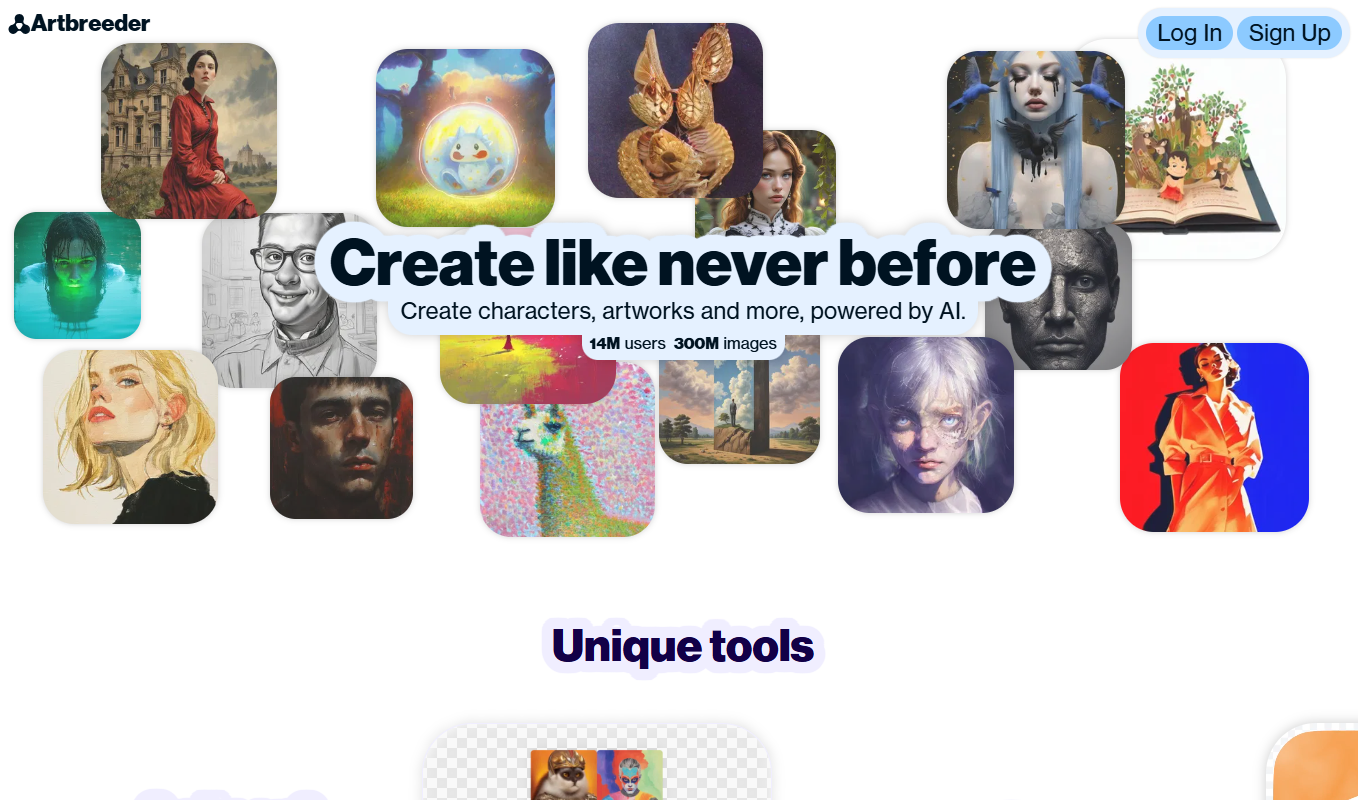
Artbreeder
Artbreeder is an AI-powered platform that allows users to create and evolve images by blending and editing visual traits using generative adversarial networks.

Free
Gencraft
Gencraft is an AI-powered tool that generates digital artwork from text prompts, enabling users to create unique images quickly and easily.

Free
Krita AI
Krita AI is a free, open-source digital painting software that integrates AI features like automatic colorization and brush assistance to help artists create detailed artworks on desktop platforms.

Free
Waifu Labs
Waifu Labs is a free AI-powered web tool that generates custom anime-style avatars through an interactive selection process, allowing users to create unique high-resolution anime characters without artistic skills.

Free
Waifu2x
Waifu2x is a free web-based AI tool that upscales anime-style images up to 2x and reduces noise using deep learning models.
Free
FursonaMaker
FursonaMaker is an AI avatar generator that lets users create custom furry characters by selecting species, colors, and features through a web interface.
Free
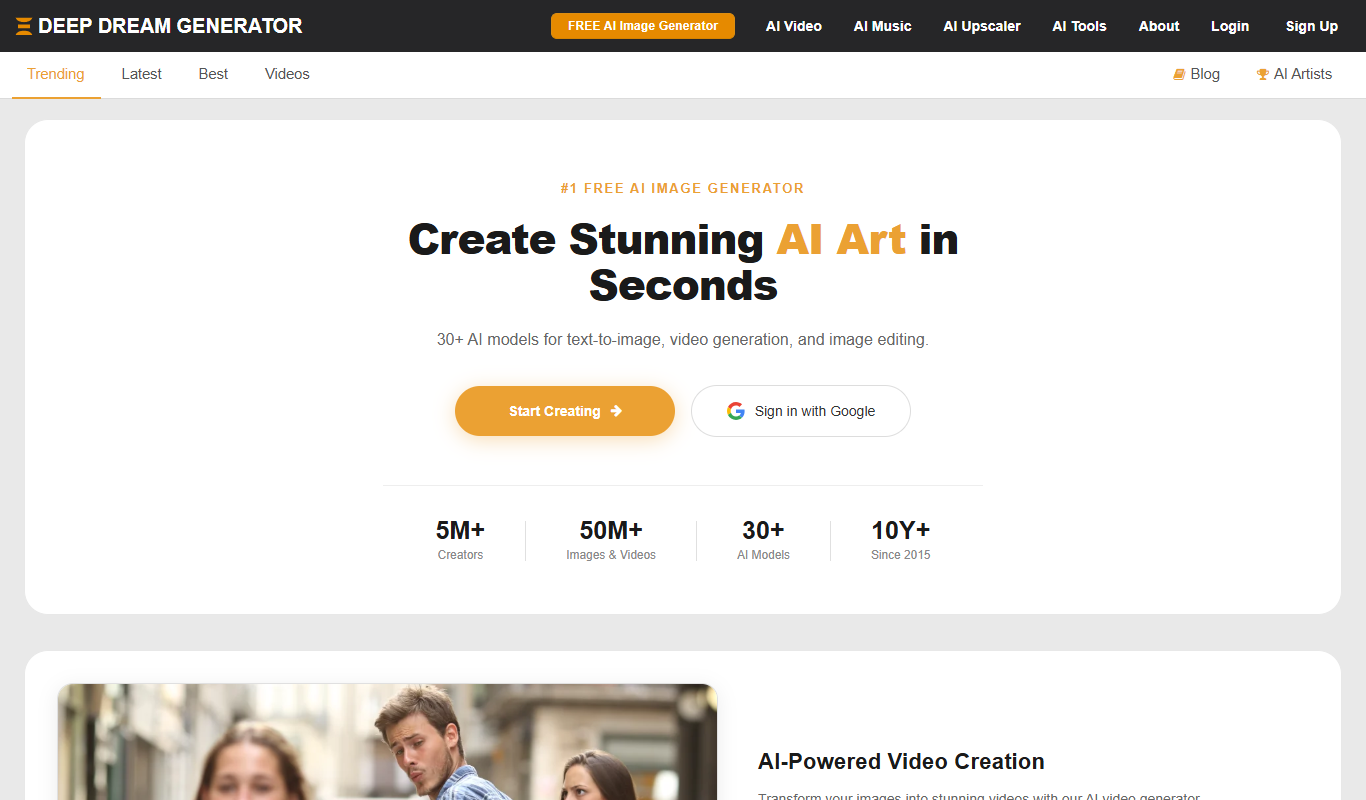
Deep Dream Generator
Deep Dream Generator is an online AI tool that uses neural networks to create surreal and artistic images from user photos by applying various AI styles and effects.