

From my experience with Tabnine, it stands out as a highly effective AI code completion assistant that genuinely speeds up coding by offering relevant suggestions in real time. Its seamless integration with popular IDEs and support for many programming languages make it a versatile tool for developers at all levels. I found the privacy-focused local model option particularly valuable for sensitive projects. However, the more advanced features require a subscription, and sometimes the AI suggestions need manual vetting to ensure accuracy. Overall, if you want to boost your coding productivity with AI assistance, Tabnine is a solid choice.
AI-Powered Code Completion and Assistance Tool for Developers
Tabnine is an AI-driven code completion tool that integrates with popular IDEs to provide context-aware code suggestions, supporting multiple programming languages and customizable models.
- Best for
- Code Completion
- Key capability
- AI-Powered Code Completion
Your actions
Save Tabnine, follow its updates and vote on it — everything stays in your account.
Sign in or create a free account

What is Tabnine?
Tabnine is an AI-powered code completion tool designed to enhance developer productivity by providing intelligent, context-aware code suggestions. Leveraging deep learning models trained on vast codebases, it predicts and suggests code snippets as developers type, helping reduce errors and speed up coding workflows.
Key features of Tabnine
Tabnine offers real-time AI code completions, supports multiple programming languages, integrates with popular IDEs, and provides customizable models to fit team or individual coding styles.
AI-Powered Code Completion
Predicts and suggests relevant code snippets in real-time to accelerate coding.
Multi-Language Support
Supports dozens of programming languages including Python, JavaScript, Java, C++, and more.
IDE Integration
Works seamlessly with popular IDEs such as VS Code, IntelliJ IDEA, Sublime Text, and others.
Custom Model Training
Allows teams to train Tabnine on proprietary codebases for tailored suggestions.
Privacy and Security
Offers local model options to keep code private without sending data to external servers.
Pros and cons of Tabnine
Pros
- Significantly speeds up coding with accurate AI suggestions
- Supports a wide range of programming languages
- Integrates smoothly with many popular IDEs
- Offers privacy-focused local models
- Customizable for team-specific codebases
Cons
- Advanced features require paid subscription
- AI suggestions may sometimes be generic or require manual review
- Customization and training can be complex for some users
Key use cases for Tabnine
Code Completion
Provides AI-driven code completions to speed up coding by predicting and suggesting relevant code snippets.
Code Review Assistance
Helps developers identify potential issues and improve code quality through intelligent suggestions.
Multi-Language Support
Supports a wide range of programming languages, enabling developers to work efficiently across different tech stacks.
Learning and Onboarding
Assists new developers by offering context-aware code suggestions, reducing the learning curve.
Integration with Popular IDEs
Seamlessly integrates with IDEs like VS Code, IntelliJ, and others to provide real-time AI assistance.
How Tabnine works
- 1
Install Plugin
Add the Tabnine plugin to your preferred IDE or editor.
- 2
Start Coding
As you write code, Tabnine analyzes the context and suggests completions.
- 3
Accept Suggestions
Choose from AI-generated code snippets to complete your code faster and with fewer errors.
- 4
Customize Model
Optionally train or configure Tabnine on your own codebase for personalized suggestions.
Who is using Tabnine
Software developers
Development teams
Startups and enterprises
Coding bootcamp students
Open source contributors
Tabnine pricing
Dev
$9/month
Basic AI completions with limited features and usage.
Business
$24/user/month
Enhanced completions, priority support, and access to advanced AI models.
Enterprise
Custom pricing
Custom solutions with dedicated support, on-premise deployment, and team training.
Plans and prices are as published by the vendor and can change. Check the official site before you buy. Open the pricing page (opens in a new tab)
Compare similar tools
How Tabnine lines up against the tools people weigh it against.
 Tabnine
 Cursor AI
Tabnine vs Cursor AI: Which AI Coding Tool Saves More Dev Time?
Tabnine GitHub Copilot
Tabnine vs Github Copilot: Autocomplete Quality, IDE Support & Price
Frequently asked questions about Tabnine
Tabnine supports popular IDEs including VS Code, IntelliJ IDEA, Sublime Text, Atom, and more.
Yes, Tabnine offers local model options that run entirely on your machine to ensure code privacy.
Yes, Tabnine provides options to train custom models on your proprietary code for better suggestions.
Yes, it supports dozens of languages including Python, JavaScript, Java, C++, and others.
This tool is designed to help users accomplish its core tasks more efficiently. It is typically used by individuals or teams looking to improve productivity and workflow.
It depends on your specific needs and how you plan to use the tool. The official website and documentation are the best sources for the latest details.
Some tools offer a free plan or trial with limited features. Availability can vary, so confirm on the official website.
Yes, it can help with that use case depending on how you configure it and what features are available. You’ll get the best results with clear inputs and a defined goal.
Sign in to review this tool.
Sign In to ReviewNo reviews yet
Be the first to share how this tool worked for you.
Ask about pricing, limits, or how it compares — or answer someone else.
Sign In to AskNo questions yet
Have a question about using or paying for this tool? Be the first to ask.
Featured on TiorAI



Alternative Tools
Explore similar AI tools that might fit your needs

Free Trial
GitHub Copilot
GitHub Copilot is an AI code assistant developed by GitHub and OpenAI that integrates with popular IDEs to provide real-time code suggestions, autocompletion, and code generation to help developers code faster and learn new programming patterns.

Free
Cursor AI
Cursor AI is an AI-powered code assistant that enhances developer productivity by providing context-aware code completions, explanations, and debugging help integrated into popular code editors.
More Business Management tools
Other tools in the same category, for when this one is not quite the fit.
Custom Pricing
Automation Anywhere
Automation Anywhere is a comprehensive RPA platform that uses AI and machine learning to automate business processes, enabling organizations to improve efficiency and reduce operational costs.

Custom Pricing
Optimizely
Optimizely is a digital experience platform that enables businesses to run A/B tests, personalization campaigns, and feature flag rollouts to optimize websites and apps for better user engagement and conversions.

Custom Pricing
Clearpath Robotics
Clearpath Robotics, part of Rockwell Automation since 2023, provides robots for research and development; its industrial offering is now OTTO by Rockwell.

Subscription
Airmeet
Airmeet is a web-based virtual event platform that enables hosting interactive online conferences, webinars, and networking sessions with features like virtual stages, breakout rooms, and live engagement tools.

Custom Pricing
vFairs
vFairs is an event management platform for in-person, hybrid and virtual events, from conferences and trade shows to career fairs and webinars.

Custom Pricing
Community Sift
Community Sift is an AI-driven content moderation platform, now offered by Microsoft Game Dev, that detects and filters harmful online content in 22 languages.
Free
Jamovi
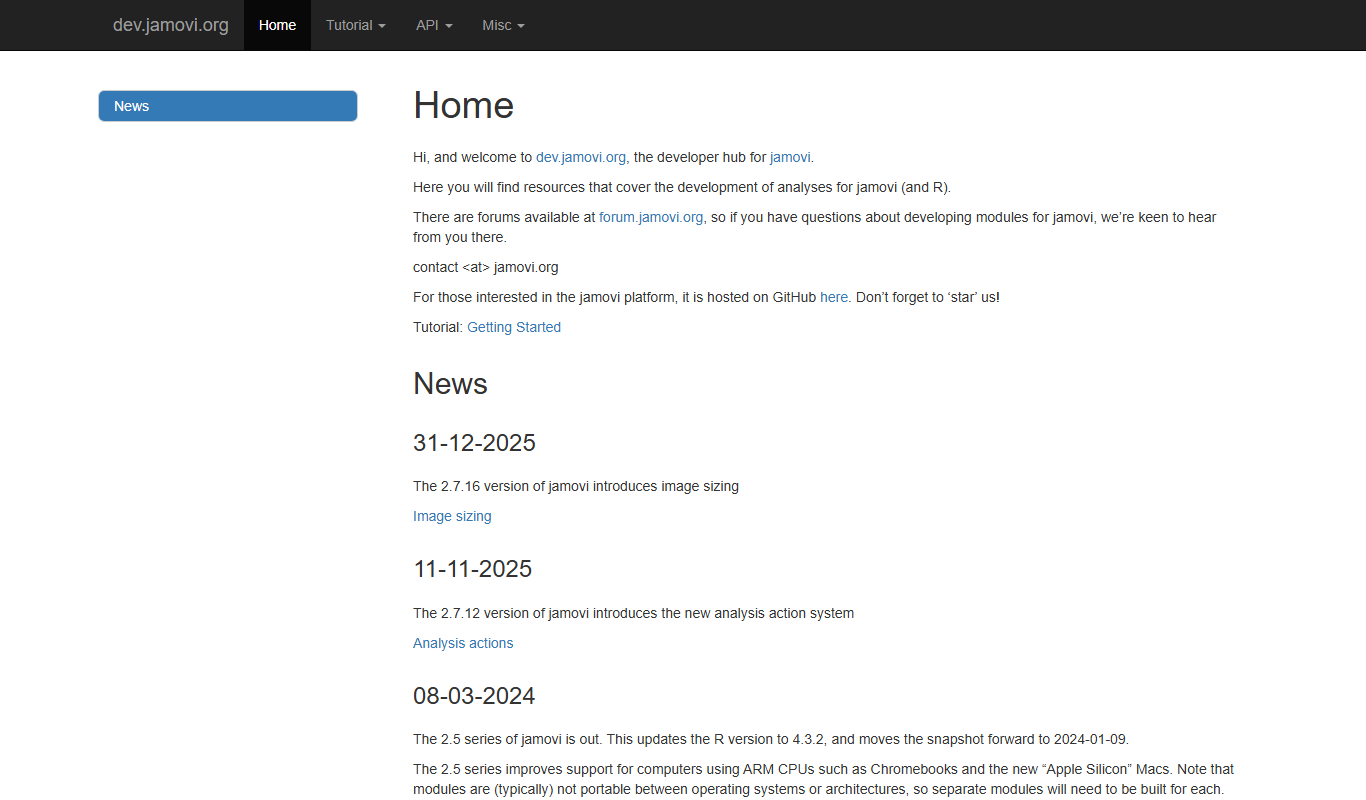
Jamovi is a free, open-source statistical software designed for easy and reproducible data analysis with a user-friendly interface built on R.

Enterprise Licensing
SPSS
IBM SPSS Statistics is a powerful software suite for statistical analysis, data management, and predictive analytics used by researchers and analysts worldwide.