

CodeRabbit AI Code Review for Pull Requests
CodeRabbit is an AI code reviewer that reviews every pull request automatically, with line-by-line suggestions, PR triage, change explanations and security monitoring, plus reviews in the IDE and CLI.
- Best for
- Pre-Merge Checks
- Key capability
- Automated PR Review
Save CodeRabbit, follow its updates and vote on it — everything stays in your account.
Sign in or create a free account
What is CodeRabbit?
CodeRabbit is an AI code review tool that reviews every pull request automatically with context-aware feedback and line-by-line code suggestions. Alongside independent AI code review it offers PR triage, change explanations and continuous security monitoring, and the same reviews run in the IDE and the CLI before a PR is raised.
Key features of CodeRabbit
CodeRabbit offers automated AI reviews on every pull request, one-click fixes, learnings that adapt to the team, PR triage, Change Stack explanations for large diffs, continuous security monitoring, and reviews in the IDE and CLI.
Automated PR Review
Reviews every pull request automatically with context-aware feedback and line-by-line code suggestions.
One-Click Fixes
Use one-click fixes to incorporate review comments back into the codebase.
IDE and CLI Reviews
Free extensions for Visual Studio Code, Cursor and Windsurf review every commit in the IDE, and the CodeRabbit CLI gives feedback on staged and unstaged changes before a pull request is raised.
PR Triage
CodeRabbit Triage scores, ranks and routes pull requests so high-value changes ship first.
Security Monitoring
Continuous security monitoring and security reviews on pull requests are included with Advanced and Enterprise.
Pros and cons of CodeRabbit
Pros
- Reviews every pull request automatically with line-by-line suggestions
- Catch defects, code refactors and missed unit tests in review comments
- Learns from team usage and adapts to its preferences
- Supports linters and SAST tools with Jira and Linear integrations
- Free reviews forever for public repositories
Cons
- Limited IDE integration currently
- Supports primarily English language
- The free plan covers public repositories only
Key use cases for CodeRabbit
Pre-Merge Checks
Enforce standards before merge and complete follow-up work after it.
Code Review Assistance
Get AI-powered suggestions to improve code quality and fix bugs.
Generate-Review-Iterate Cycles
Run CLI reviews with coding agents such as Claude Code and Codex in generate, review and iterate cycles.
Debugging Support
Receive help identifying issues and debugging code more efficiently.
Change Stack
Change Stack helps reviewers understand a thousand-line diff in minutes.
How CodeRabbit works
- 1
Sign Up and Install
Sign up for CodeRabbit using GitHub or GitLab and install it on a repository.
- 2
Open a Pull Request
CodeRabbit reviews every PR automatically and comments on potential issues line by line.
- 3
Apply Fixes
Use one-click fixes to incorporate review comments back into the codebase.
- 4
Loop With Coding Agents
Coding agents loop with the review to address all the review feedback.
Who is using CodeRabbit
CodeRabbit pricing
Free
Free forever for public repositories
Free reviews forever for public repositories after signing up with GitHub or GitLab.
Essentials
$24 per developer per month billed annually, or $30 monthly
Agentic AI reviews on PRs and CLI, 1-click fixes, learnings, MCP connections, agentic chat, linters and SAST tools support, and Jira and Linear integrations.
Team
$48 per developer per month billed annually, or $60 monthly
More context and control with triage, custom checks and higher limits.
Advanced
$72 per developer per month, billed annually
Deeper code review with architectural insights and continuous security monitoring.
Enterprise
Custom, billed annually
Enterprise controls, flexible deployment and dedicated support, including API access and a self-hosting option.
Plans and prices are as published by the vendor and can change. Check the official site before you buy. Open the pricing page (opens in a new tab)
Frequently asked questions about CodeRabbit
CodeRabbit supports major languages including Python, JavaScript, Java, and more.
Yes. Free CodeRabbit extensions for Visual Studio Code, Cursor and Windsurf review every commit in the IDE, and a CLI is also available.
Yes, CodeRabbit uses secure protocols and does not store your code beyond processing.
It depends on your specific needs and how you plan to use the tool. The official website and documentation are the best sources for the latest details.
Yes, it can help with that use case depending on how you configure it and what features are available. You’ll get the best results with clear inputs and a defined goal.
Some tools offer a free plan or trial with limited features. Availability can vary, so confirm on the official website.
Conclusion
Pull requests are the main surface: once installed on a GitHub or GitLab repository, CodeRabbit reviews every PR automatically and leaves context-aware, line-by-line suggestions. Review comments can be applied with one-click fixes, and the reviewer learns from a team’s usage to adapt to its preferences. Coding guidelines and review style are customizable, with Quiet, Chill and Assertive profiles.
Reviews do not have to wait for a pull request either. Free extensions for Visual Studio Code, Cursor and Windsurf check staged and unstaged changes inside the editor, and a CLI does the same in the terminal. The CLI is designed to work with coding agents such as Claude Code and Codex in generate, review and iterate cycles. Beyond reviews, Triage ranks incoming PRs and Change Stack explains large diffs, while continuous security monitoring is reserved for the Advanced and Enterprise plans.
Public repositories receive free reviews forever, while private work runs on paid plans priced per developer, each with a free trial. Only developers who create pull requests are billed, and API access and a self-hosting option appear only in the Enterprise plan.
Sources
Sign in to review this tool.
Sign In to ReviewNo reviews yet
Be the first to share how this tool worked for you.
Ask about pricing, limits, or how it compares — or answer someone else.
Sign In to AskNo questions yet
Have a question about using or paying for this tool? Be the first to ask.
Featured on TiorAI


More AI Code Explanation tools
Other tools in the same category, for when this one is not quite the fit.

Quantum Copilot
Quantum Copilot is an AI assistant designed to aid quantum computing development by generating code, visualizing circuits, and providing explanations.

Kodezi ai
Kodezi finds bugs, applies fixes and updates documentation to keep codebases healthy, through the Kodezi Code web IDE, Kodezi CLI and Kodezi OS.

AskCodi
AskCodi is a coding cofounder that builds, maintains and keeps shipping your product, from an idea or an existing app.

AI Code Mentor
AI Code Mentor is an AI code explainer for optimizing, refactoring and reviewing code, with explanations in different styles.

PowerTelegram
PowerTelegram is a PromptBoom tool that lets you use AI on Telegram to answer questions, tell jokes, generate stories and more.
Spellbox
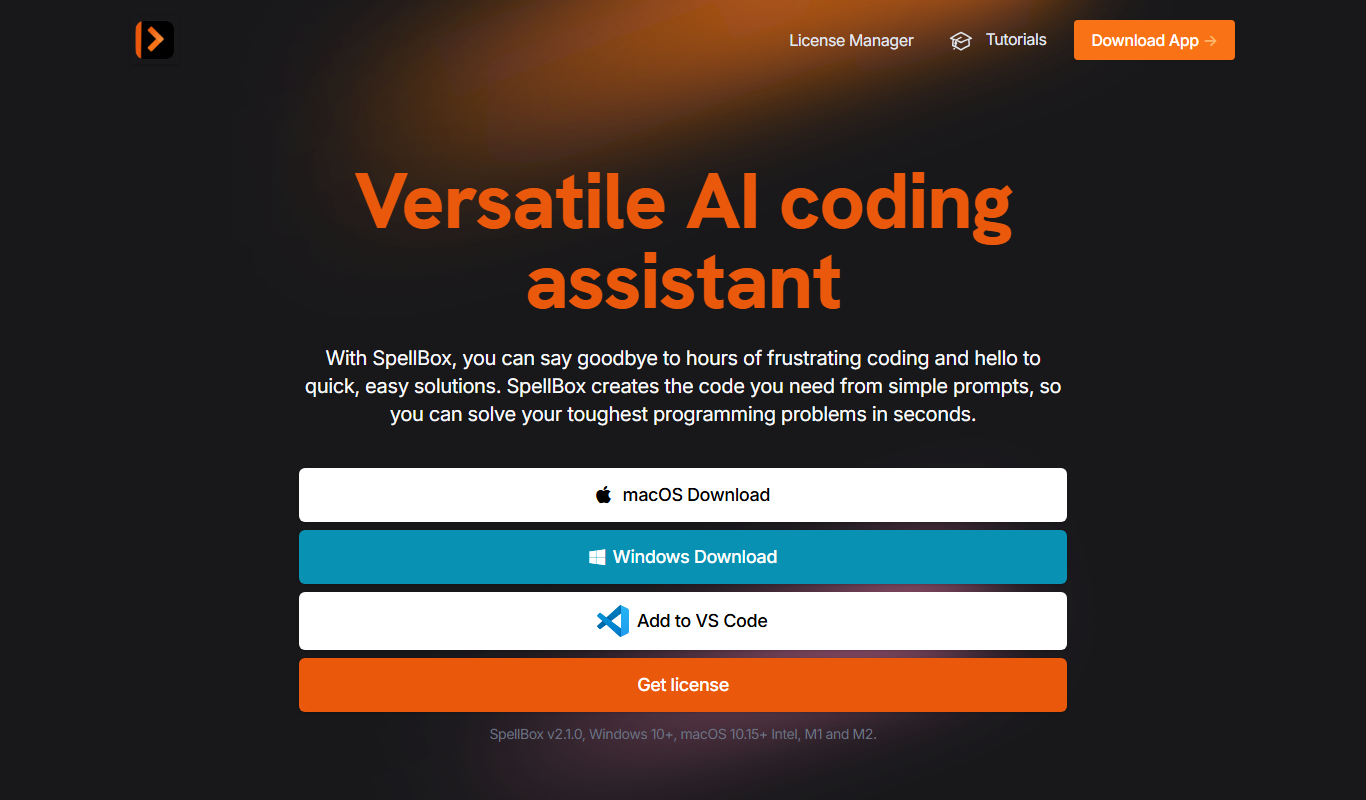
SpellBox is an AI programming assistant that creates code from simple prompts and explains code, as a desktop app and a VS Code extension.

Stenography
Stenography documents code automatically: an extension for Visual Studio Code comments your code files on save.
Netron
Netron is a free, open-source viewer that allows users to visualize and inspect AI and machine learning models interactively across many popular formats.