

AI Code Mentor - AI-Powered Coding Assistant for Developers and Learners
AI Code Mentor is an AI code explainer for optimizing, refactoring and reviewing code, with explanations in different styles.
- Best for
- Code Review and Debugging
- Key capability
- AI-Powered Code Review
Save AI Code Mentor, follow its updates and vote on it — everything stays in your account.
Sign in or create a free account

What is AI Code Mentor?
AI Code Mentor is a code explainer tool that uses artificial intelligence to generate complete and comprehensive explanations for code sections. It also offers code complexity, code refactor and code review features for optimizing, refactoring and reviewing code.
Key features of AI Code Mentor
AI Code Mentor explains inserted code in the style you choose, and offers Code Complexity, Code Refactor and Code Review features.
AI-Powered Code Review
Automatically detects bugs, code smells, and potential improvements.
Explainer Models
Choose how the code is explained: Robot, 5 Years Old, Beginner Programmer, Teacher or NASA Programmer, with more styles on PRO.
Programming Explanations
Provides clear, beginner-friendly explanations of code and concepts.
Multi-language Support
Supports popular programming languages such as Python, JavaScript, Java, and more.
Code Complexity and Refactor
Turn complicated code into simpler, cleaner code, and (PRO) improve readability and find bugs or vulnerabilities.
Pros and cons of AI Code Mentor
Pros
- Real-time AI feedback improves code quality quickly
- Helpful for both beginners and experienced developers
- Supports multiple programming languages
- Accessible via web without installation
- Clear explanations aid learning
Cons
- Limited free tier usage may restrict heavy users
- No desktop or mobile app currently available
- Tech stack details are not publicly disclosed
Key use cases for AI Code Mentor
Code Review and Debugging
AI Code Mentor helps developers identify bugs and improve code quality by providing AI-powered code review and debugging suggestions.
Learning Programming
Beginners and learners can use AI Code Mentor to get explanations, coding examples, and step-by-step guidance on programming concepts.
Code Complexity
Optimize complicated code into simpler, cleaner code that anyone could read and understand.
Improving Code Efficiency
The tool offers recommendations to optimize code for better performance and readability.
Multi-language Support for Developers
Supports multiple programming languages, enabling developers to get assistance across different coding environments.
How AI Code Mentor works
- 1
Sign Up
Create an account on the AI Code Mentor website to access the platform.
- 2
Input Code
Paste your code or write directly in the editor to receive AI-driven suggestions.
- 3
Receive Feedback
The AI analyzes your code and provides real-time feedback, including bug fixes, optimizations, and explanations.
- 4
Apply Suggestions
Review and apply the AI’s recommendations to improve your code quality and efficiency.
Who is using AI Code Mentor
AI Code Mentor pricing
Basic Plan
Free
Code explainer and code complexity with a 500 characters limit.
Pro Monthly Plan
$7/mth
Code explainer, code complexity, 2000 characters, code refactor, code review, 5 new explainer models.
Pro Yearly Plan
$29/year
Code explainer, code complexity, 2000 characters, code refactor, code review, 5 new explainer models.
Plans and prices are as published by the vendor and can change. Check the official site before you buy. Open the pricing page (opens in a new tab)
Frequently asked questions about AI Code Mentor
AI Code Mentor supports multiple popular languages including Python, JavaScript, Java, C++, and more.
Yes, there is a free plan with limited daily usage and basic features.
Absolutely, it provides explanations and step-by-step guidance tailored for learners.
The platform uses industry-standard security measures to protect user data and code privacy.
This tool is designed to help users accomplish its core tasks more efficiently. It is typically used by individuals or teams looking to improve productivity and workflow.
Yes, it can help with that use case depending on how you configure it and what features are available. You’ll get the best results with clear inputs and a defined goal.
Some tools offer a free plan or trial with limited features. Availability can vary, so confirm on the official website.
It depends on your specific needs and how you plan to use the tool. The official website and documentation are the best sources for the latest details.
Conclusion
After the code is inserted, the user chooses how it is explained, from Robot and Teacher styles to a 5 Years Old or NASA Programmer version. Further explanation styles such as Magician or Doctor are marked PRO. Code Complexity turns complicated code into simpler, cleaner code, while the PRO Code Refactor feature can improve readability and find bugs or vulnerabilities. A PRO Code Review feature reviews the code and provides the necessary explanations.
Explanations are available for HTML or CSS, JavaScript and Python code. Programming students and coding bootcamp attendees are among the intended users, alongside software developers. The free Basic plan accepts 500 characters of code, while the Pro plans raise that to 2000 characters and are billed monthly or yearly.
Sources
Sign in to review this tool.
Sign In to ReviewNo reviews yet
Be the first to share how this tool worked for you.
Ask about pricing, limits, or how it compares — or answer someone else.
Sign In to AskNo questions yet
Have a question about using or paying for this tool? Be the first to ask.
Featured on TiorAI


More AI Code Explanation tools
Other tools in the same category, for when this one is not quite the fit.

Quantum Copilot
Quantum Copilot is an AI assistant designed to aid quantum computing development by generating code, visualizing circuits, and providing explanations.

CodeRabbit
CodeRabbit is an AI code reviewer that reviews every pull request automatically, with line-by-line suggestions, PR triage, change explanations and security monitoring, plus reviews in the IDE and CLI.

Kodezi ai
Kodezi finds bugs, applies fixes and updates documentation to keep codebases healthy, through the Kodezi Code web IDE, Kodezi CLI and Kodezi OS.

AskCodi
AskCodi is a coding cofounder that builds, maintains and keeps shipping your product, from an idea or an existing app.

PowerTelegram
PowerTelegram is a PromptBoom tool that lets you use AI on Telegram to answer questions, tell jokes, generate stories and more.
Spellbox
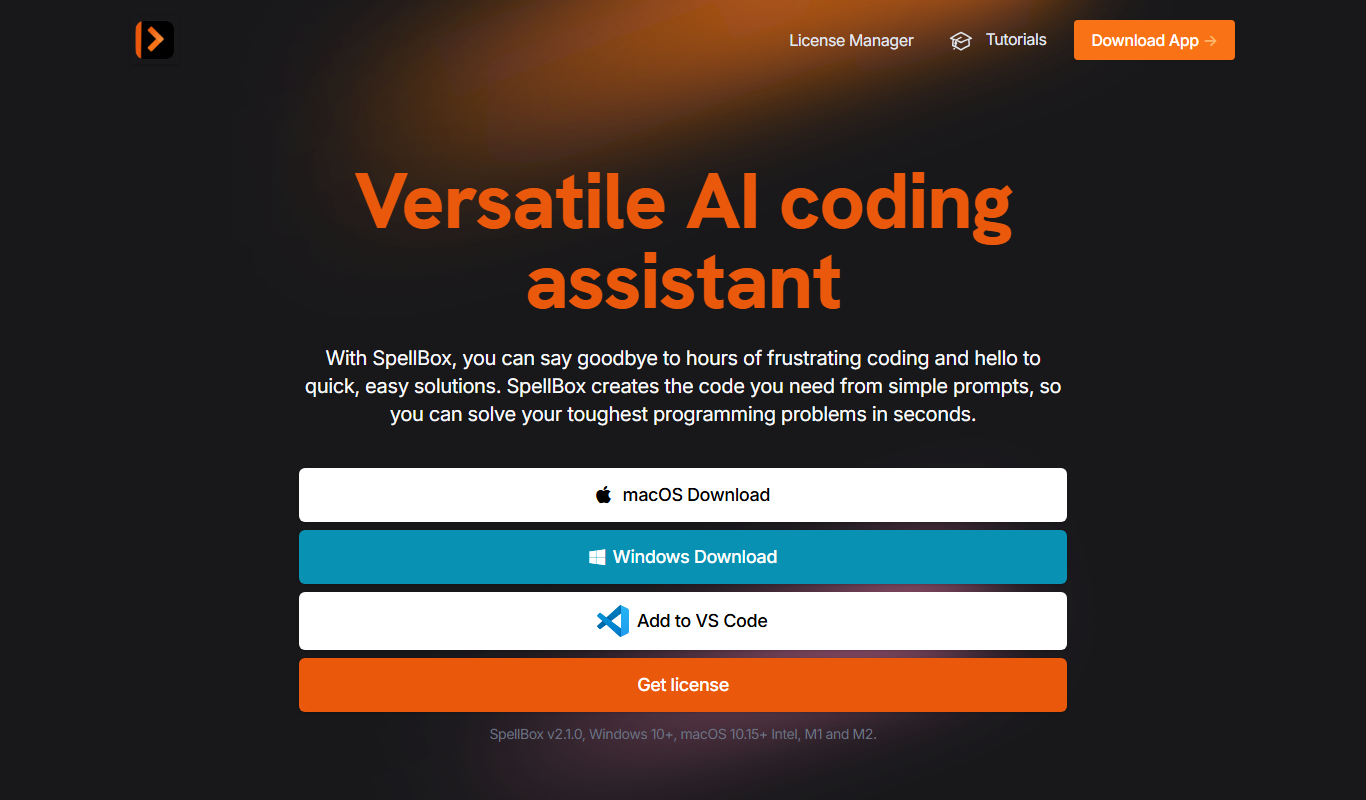
SpellBox is an AI programming assistant that creates code from simple prompts and explains code, as a desktop app and a VS Code extension.

Stenography
Stenography documents code automatically: an extension for Visual Studio Code comments your code files on save.
Netron
Netron is a free, open-source viewer that allows users to visualize and inspect AI and machine learning models interactively across many popular formats.