

Learnt.ai - AI content tools for education professionals
Learnt.ai gives education professionals AI tools to build lesson plans, training content, ice breakers, group activities and more.
- Best for
- Lesson planning
- Key capability
- Task-specific AI tools
Save Learnt.ai, follow its updates and vote on it — everything stays in your account.
Sign in or create a free account
What is Learnt.ai?
Learnt.ai is a library of AI tools and AI sidekicks for education and L&D teams. Users select a tool, enter a short prompt and generate learning content such as course outlines, learning objectives, interactive activities, scenario-based questions, quizzes and facilitator guides, ready to copy into their next project.
Key features of Learnt.ai
Learnt.ai offers task-specific AI tools for course outlines, learning objectives, activities, scenarios, quizzes and facilitator guides, AI sidekicks that act as assistants, and a Composer for curriculum, projects, events and documents.
Task-specific AI tools
Each tool is designed around a specific job, such as course outlines, learning objectives, interactive activities, quizzes or facilitator guides.
AI sidekicks
Assistants you can ask for ideas, mini writing tasks or inspiration, each with their own specialisms.
Standardised outputs
Consistent outputs that align with learning standards, internal frameworks and brand tone across the team.
Custom tools
Organisations that repeatedly create the same documents can get custom tools tailored to their standards.
Pros and cons of Learnt.ai
Pros
- Free plan with 80+ AI tools and no credit card required
- Tools built for specific learning tasks rather than generic prompting
- No technical expertise required
- User-friendly interface for students and teachers
Cons
- Voice-over, image generation and audio or video transcription need a higher paid plan
- Paid plan amounts are not shown on the pricing page
Key use cases for Learnt.ai
Lesson planning
Generate and download a lesson plan and supporting resources.
Course design
Create course outlines, learning objectives and evaluation materials.
Training activities
Build training content, ice breakers and group activities.
Turning recordings into handouts
Transform video and audio files into transcriptions, handouts and summaries.
How Learnt.ai works
- 1
Select a tool
Pick a tool for course outlines, interactive activities, scenario-based questions, facilitator guides and more.
- 2
Enter your prompt
Tell the AI tool what you are looking for.
- 3
Click Generate
After a few seconds the AI generated content is ready to copy and paste into your next project.
- 4
Monitor Progress
Use dashboards and reports to track learning outcomes and adjust strategies as needed.
Who is using Learnt.ai
Learnt.ai pricing
Free
$0
80+ AI tools, no credit card required.
Pro
$25/month
Full access to all features including advanced analytics and curriculum customization.
Essentials
Everything in Starter plus 2nd generation tools and the smartest AI model.
Professional
For educationalists, freelancers and businesses: everything in Essentials plus 20+ AI sidekicks, early access to new features and priority support.
Plans and prices are as published by the vendor and can change. Check the official site before you buy. Open the pricing page (opens in a new tab)
Frequently asked questions about Learnt.ai
A set of AI tools and sidekicks built for education and L&D teams to generate learning content such as course outlines, activities and facilitator guides.
Teachers, trainers and HR managers who create learning experiences.
Select a tool, enter your prompt and click Generate; after a few seconds the content is ready to copy into your project.
Yes. The Free plan includes 80+ AI tools and needs no credit card.
Assistants that work like a junior colleague: you can ask them for ideas, mini writing tasks or inspiration.
It depends on your specific needs and how you plan to use the tool. The official website and documentation are the best sources for the latest details.
Conclusion
Learning professionals in education and L&D teams are the intended users, and each tool is designed around a specific job. The user picks a tool, types a short prompt and clicks Generate, and within seconds gets material ready to paste into a project. Outputs range from course outlines and learning objectives to scenario activities, quizzes and facilitator guides. AI sidekicks add a looser option: they behave like a junior colleague who can supply ideas or handle mini writing tasks.
For organisations that keep producing the same documents, Learnt.ai can build custom tools tailored to their standards so outputs stay consistent across a team. A free plan with 80+ tools needs no credit card, while voice-over, image generation and audio or video transcription sit in the higher paid tiers. Amounts for the paid plans are not displayed on the pricing page.
Sources
Sign in to review this tool.
Sign In to ReviewNo reviews yet
Be the first to share how this tool worked for you.
Ask about pricing, limits, or how it compares — or answer someone else.
Sign In to AskNo questions yet
Have a question about using or paying for this tool? Be the first to ask.
Featured on TiorAI



Alternative Tools
Explore similar AI tools that might fit your needs

DreamBox Learning
DreamBox Learning, part of Discovery Education, offers personalized, adaptive online math and reading programs for K-8 students.
More AI Artificial Intelligence Tools tools
Other tools in the same category, for when this one is not quite the fit.
RecetasIA
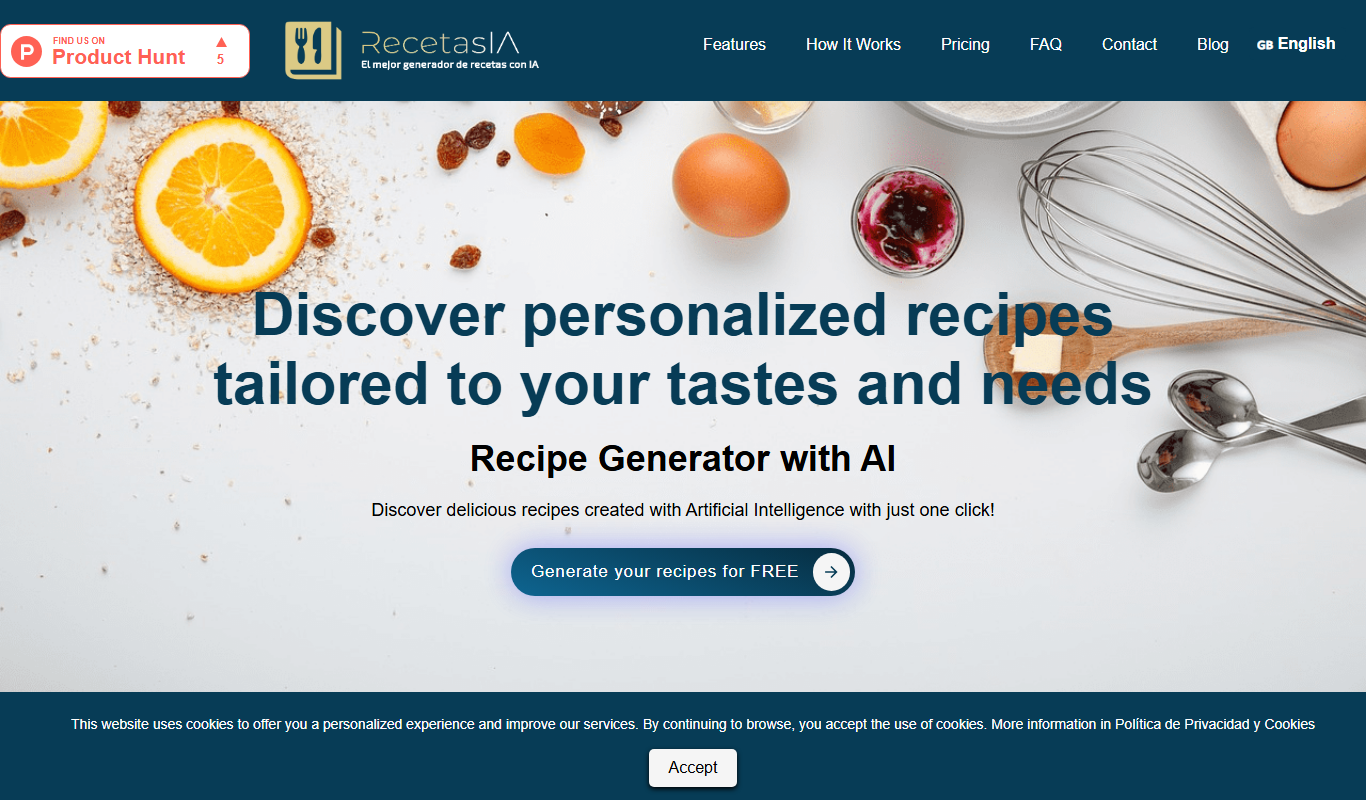
RecetasIA is an AI-based web tool with a free plan that generates personalized recipes from your tastes, dietary restrictions and intolerances, in English or Spanish.

Newmoney.AI
Newmoney.AI is an AI-powered crypto and cash wallet: buy, trade, swap and send crypto across SUI, Solana, Ethereum and Bitcoin with the AI agent Newton, including via WhatsApp and Telegram.

TwoShot
TwoShot is an AI creative suite for music, audio, video and images: generate music and sounds from text, split stems, make voiceovers and produce in an online studio.

Kuakua – Psychology & AI Tools for Well-Being
Kuakua is a free website of psychology games, tests, screenings and cognitive experiments that turns psychology research into small tools for well-being.

MixPeek
MixPeek is an AI-driven multimedia search engine that indexes videos, images, audio, and documents to enable fast, accurate search through a web interface and developer API.

Musicfy
Musicfy is an AI voice song generator for creating covers in any voice, with 100,000+ voices or a clone of your own.

MusicGen AI
MusicGen is a free AI music generation tool developed by Meta that uses a single Language Model (LM) to create music based on a prompt.

Musick AI
Musick AI is an AI-powered platform that generates original music tracks based on user-selected genres and moods, enabling easy composition for creators without musical expertise.