

AutoMapper: Open-Source Object Mapping Library for .NET Developers
AutoMapper is a .NET library that automates mapping between different object models, helping developers reduce manual code; since version 15.x it is commercial, with a free Community edition for companies under $5M revenue.
- Best for
- Object-to-Object Mapping
- Key capability
- Convention-Based Mapping
Save AutoMapper, follow its updates and vote on it — everything stays in your account.
Sign in or create a free account
What is AutoMapper?
AutoMapper is an object-to-object mapping library designed for .NET developers. It automates the process of mapping properties from one object type to another, reducing the need for manual code. Since version 15.x it is a commercial product from Lucky Penny Software under a dual license (RPL-1.5 and commercial), with a free Community edition for companies under $5M revenue.
Key features of AutoMapper
AutoMapper offers convention-based mapping, customizable configurations, support for complex types, flattening of object hierarchies, and integration with popular .NET frameworks. It is distributed as a NuGet package.
Convention-Based Mapping
Automatically maps properties with matching names and compatible types.
Custom Mapping Profiles
Allows developers to define explicit rules for complex or non-standard mappings.
Flattening and Projection
Supports flattening nested objects into simpler structures and projecting data efficiently.
Integration with Dependency Injection
Seamlessly integrates with .NET Core DI containers for easy mapper injection.
Pros and cons of AutoMapper
Pros
- Reduces boilerplate mapping code significantly
- Easy to configure with convention-based defaults
- Supports complex and custom mappings
- Active open-source community and documentation
Cons
- Learning curve for advanced configurations
- Debugging mapping issues can be challenging
- Performance overhead in very high-throughput scenarios
Key use cases for AutoMapper
Object-to-Object Mapping
Simplifies the process of mapping properties between two different object models in .NET applications.
Data Transformation
Transforms data from one shape to another, useful in DTOs (Data Transfer Objects) and View Models.
Reducing Boilerplate Code
Eliminates repetitive manual mapping code, improving maintainability and reducing errors.
Integration in Enterprise Applications
Used in large-scale .NET applications to streamline data handling between layers.
How AutoMapper works
- 1
Install Package
Add AutoMapper to your .NET project via NuGet package manager.
- 2
Configure Mappings
Define mapping profiles specifying how source and destination types relate.
- 3
Use Mapper
Invoke the mapper to convert objects at runtime with minimal code.
Who is using AutoMapper
AutoMapper pricing
Community
$0
Free only for companies under $5M revenue.
Standard
$499/year or $50/month
For 1-10 developers.
Plans and prices are as published by the vendor and can change. Check the official site before you buy. Open the pricing page (opens in a new tab)
Frequently asked questions about AutoMapper
No longer fully MIT open source: since version 15.x AutoMapper uses a dual license (RPL-1.5 plus commercial), with a free Community edition for companies under $5M revenue.
AutoMapper supports all .NET platforms including .NET Framework, .NET Core, and .NET 5/6+.
Yes, it supports complex mappings including nested objects, collections, and custom value resolvers.
This tool is designed to help users accomplish its core tasks more efficiently. It is typically used by individuals or teams looking to improve productivity and workflow.
It depends on your specific needs and how you plan to use the tool. The official website and documentation are the best sources for the latest details.
Some tools offer a free plan or trial with limited features. Availability can vary, so confirm on the official website.
Yes, it can help with that use case depending on how you configure it and what features are available. You’ll get the best results with clear inputs and a defined goal.
Conclusion
Mapping properties from one object type to another is what the library automates, and properties with matching names and compatible types are mapped automatically. It is added to a .NET project via the NuGet package manager, mapping profiles define how source and destination types relate, and the mapper converts objects at runtime. Explicit rules handle complex or non-standard mappings, including nested objects, collections and custom value resolvers.
Licensing has changed: since version 15.x it is a commercial product from Lucky Penny Software under a dual license. The Community edition is free only for companies under $5M revenue, and Standard costs $499/year or $50/month for 1-10 developers. Debugging mapping issues can be challenging, and very high-throughput scenarios may see performance overhead.
Sources
Sign in to review this tool.
Sign In to ReviewNo reviews yet
Be the first to share how this tool worked for you.
Ask about pricing, limits, or how it compares — or answer someone else.
Sign In to AskNo questions yet
Have a question about using or paying for this tool? Be the first to ask.
Featured on TiorAI



More AI Code Assistant tools
Other tools in the same category, for when this one is not quite the fit.

Refraction
Refraction is an AI tool for developers that refactors code, generates documentation and unit tests, detects bugs and converts code between languages.
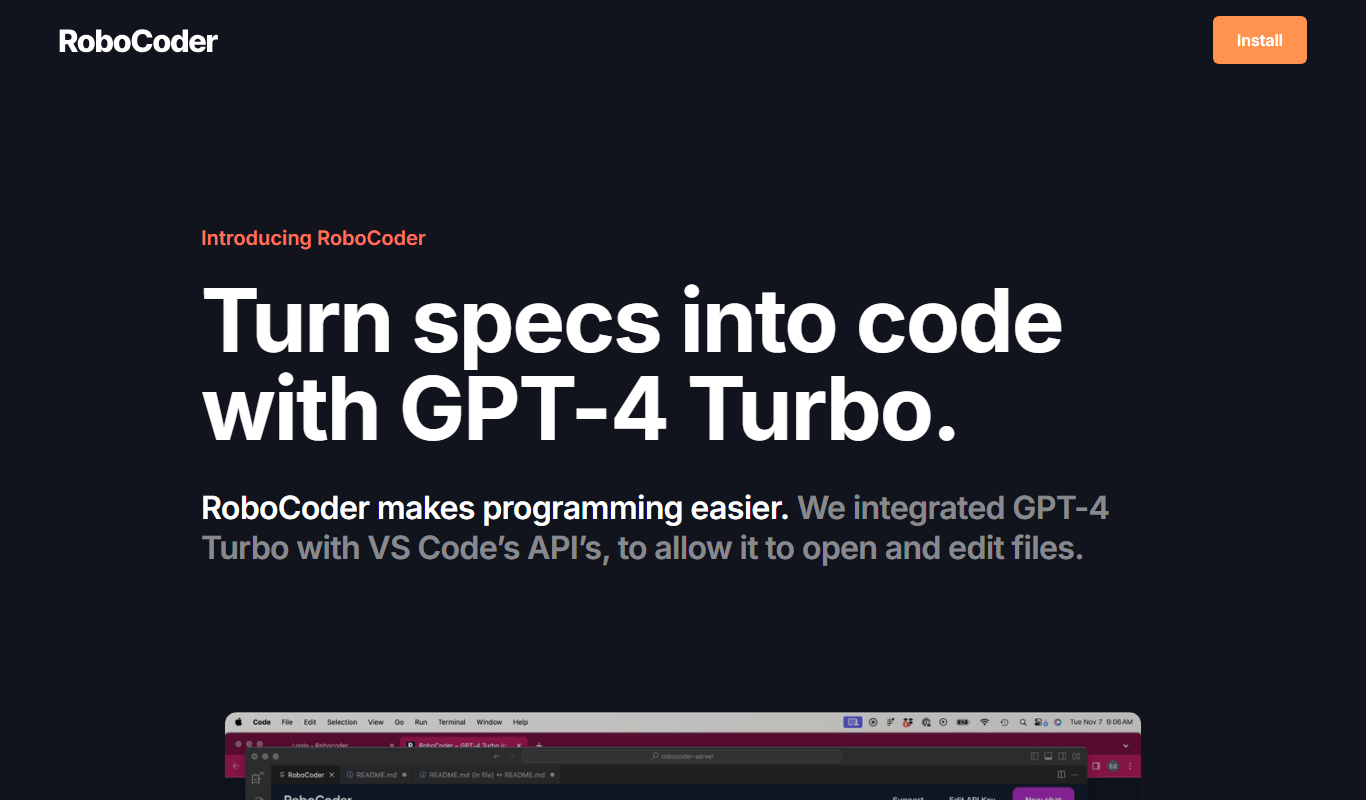
RoboCoder
RoboCoder is a VS Code extension that lets GPT-4o open and edit files, navigate your codebase and propose patches, using your own OpenAI API key.

Trae
TRAE is a development tool deeply integrated with AI, where you code in an IDE or delegate complex tasks to AI agents, on desktop, web and mobile.

Cosine
Cosine trains AI models and specialised coding agents for organisations that need frontier capability within secure environments.

WhatTheDiff
What the Diff is an AI code review assistant for GitHub and GitLab that automates pull request descriptions and simplifies team updates.

Code Fundi
Code Fundi turns any repository into a searchable, blast-radius-aware codebase map for AI agents and engineering teams.

Butterfish Shell
Butterfish Shell adds AI prompting to bash and zsh with OpenAI or compatible APIs: prompt with a capital letter and the AI sees your shell history.
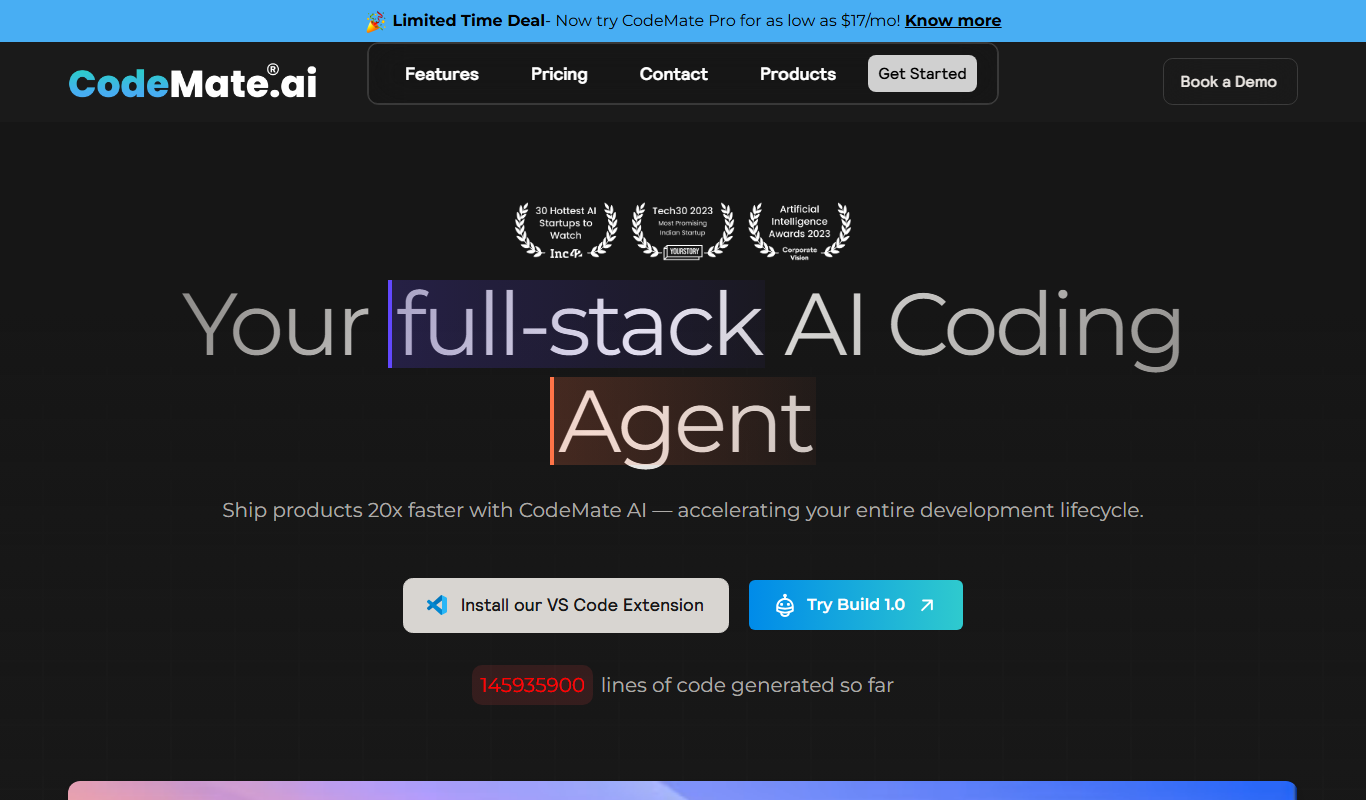
CodeMate AI
CodeMate AI is a sovereign AI pair programmer and developer assistant with private, self-hosted code completion, automated code reviews, debugging and terminal workflows.