

From my experience with Automagical Apps, I found it excels at enabling users without coding backgrounds to build functional business applications quickly. The drag-and-drop interface and workflow automation features make it accessible for business analysts and operations teams looking to digitize processes without waiting on developers. However, the platform may have limitations for highly customized or complex app scenarios, and pricing transparency beyond the trial period could be improved. Overall, if you need to rapidly prototype or deploy straightforward business apps, Automagical Apps offers a practical, user-friendly solution.
Automagical Apps Low-Code Platform for Rapid Business App Development
Automagical Apps is a low-code platform that enables users to create custom business applications quickly without coding, featuring drag-and-drop design and workflow automation.
- Best for
- Custom Business App Creation
- Key capability
- Drag-and-Drop App Builder
Your actions
Save Automagical Apps, follow its updates and vote on it — everything stays in your account.
Sign in or create a free account
What is Automagical Apps?
Automagical Apps is a low-code platform designed to empower business users and developers to rapidly create custom applications without extensive programming skills. It focuses on simplifying app development by providing intuitive tools for building, automating, and deploying business apps that address specific operational needs.
Key features of Automagical Apps
The platform offers drag-and-drop app building, workflow automation, data management capabilities, and integration options to streamline business processes efficiently.
Drag-and-Drop App Builder
Intuitive interface to design apps visually without coding.
Workflow Automation
Automate business processes with customizable logic and triggers.
Data Management
Organize and manage data collected through your apps efficiently.
Integration Capabilities
Connect your apps with other tools and services to extend functionality.
Pros and cons of Automagical Apps
Pros
- User-friendly drag-and-drop interface
- Enables rapid app development
- Supports workflow automation
- Good for non-technical users
Cons
- Limited advanced customization compared to full-code development
- Pricing details beyond trial are not extensively transparent
Key use cases for Automagical Apps
Custom Business App Creation
Build tailored applications for specific business workflows without deep coding knowledge.
Process Automation
Automate repetitive tasks and streamline operations through custom app logic.
Data Collection and Management
Create apps that facilitate structured data input and management for teams.
Workflow Integration
Integrate apps with existing business systems to enhance productivity.
How Automagical Apps works
- 1
Sign Up
Create an account on the Automagical Apps website to access the platform.
- 2
Design Your App
Use the low-code interface to build your application by dragging and dropping components.
- 3
Configure Workflows
Set up automation rules and workflows to handle business logic and processes.
- 4
Deploy and Use
Publish your app and start using it within your organization or with clients.
Who is using Automagical Apps
Small and medium businesses
Business analysts
Operations managers
Citizen developers
Startups
Automagical Apps pricing
Free Trial
$0 for 14 days
Access full features to evaluate the platform before subscribing.
Professional
$49/month
Includes full app building capabilities, workflow automation, and support.
Plans and prices are as published by the vendor and can change. Check the official site before you buy. Open the pricing page (opens in a new tab)
Frequently asked questions about Automagical Apps
No, the platform is designed for users without coding skills through its low-code interface.
Yes, it supports integration with various business tools to enhance app functionality.
This tool is designed to help users accomplish its core tasks more efficiently. It is typically used by individuals or teams looking to improve productivity and workflow.
It depends on your specific needs and how you plan to use the tool. The official website and documentation are the best sources for the latest details.
Sign in to review this tool.
Sign In to ReviewNo reviews yet
Be the first to share how this tool worked for you.
Ask about pricing, limits, or how it compares — or answer someone else.
Sign In to AskNo questions yet
Have a question about using or paying for this tool? Be the first to ask.
Featured on TiorAI


Alternative Tools
Explore similar AI tools that might fit your needs

Free Trial
OutSystems
OutSystems is a low-code platform that accelerates enterprise application development through visual tools, AI assistance, and seamless integration, enabling rapid deployment across web and mobile.

Enterprise
Mendix
Mendix is a low-code development platform that enables rapid creation, deployment, and management of enterprise-grade applications with minimal coding, supporting collaboration between business and IT teams.
More AI Brochure Maker tools
Other tools in the same category, for when this one is not quite the fit.

Freemium
Logomaster
Logomaster is an AI-driven online logo maker that generates and customizes professional logos for businesses and individuals without design experience.
Custom Pricing
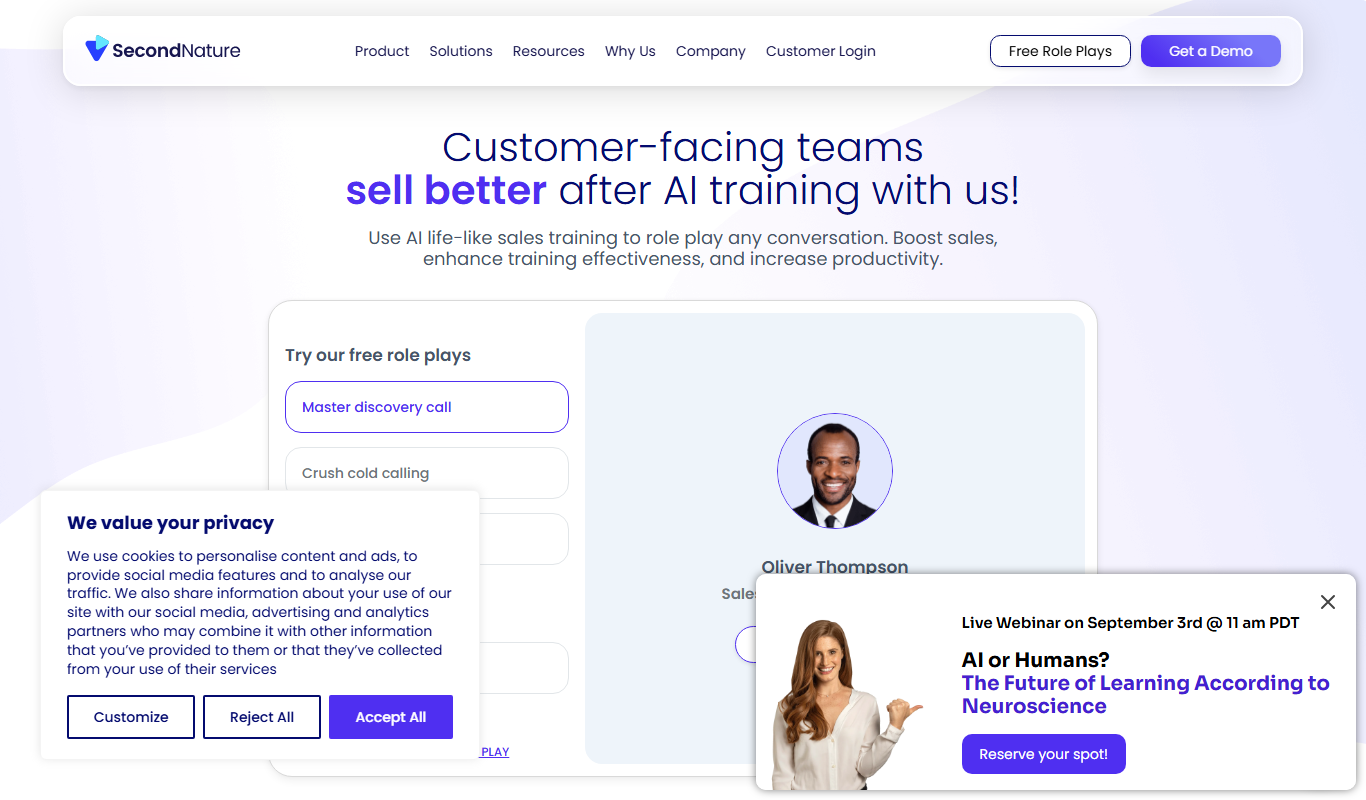
Second Nature AI
Second Nature AI is an AI-powered sales coaching platform that provides realistic conversation simulations and real-time feedback to help sales professionals improve their skills and close more deals.

Custom Pricing
salesken.ai
Salesken.ai is an AI-powered sales coaching platform that provides real-time guidance during calls, conversation analytics, and performance tracking to help sales teams improve effectiveness and close deals faster.

Custom Pricing
koncert.com
Koncert is a sales engagement platform that helps B2B sales teams automate outbound prospecting and multi-channel outreach to increase efficiency and pipeline growth.

Freemium
Blogbutler Ai
Blogbutler AI is an AI-driven writing assistant designed to help bloggers and content creators generate SEO-optimized articles and social media content efficiently through a user-friendly web platform.

Free
BixGPT ReleaseNotes
BixGPT ReleaseNotes is an AI-driven tool that automatically generates software release notes by analyzing commit messages and pull requests, primarily integrating with GitHub to streamline release documentation.

Freemium
CelebrateAlly AI
CelebrateAlly AI is a web platform that provides organizations with an inclusive holiday calendar and AI-driven event planning tools to celebrate diverse cultural and identity-based observances.

Freemium
Inksprout Video
Inksprout Video is an AI-driven platform that automates video creation by converting text content into customizable marketing videos optimized for social media.