

Jamie's Fit AI fitness coach app with camera-based guidance
Jamie's Fit is an AI fitness coach app: Jamie reconstructs your movement through your phone camera and speaks real-time coaching cues during home workouts.
- Best for
- Home workouts with live feedback
- Key capability
- Personalized starting points
Save Jamie’s Fit, follow its updates and vote on it — everything stays in your account.
Sign in or create a free account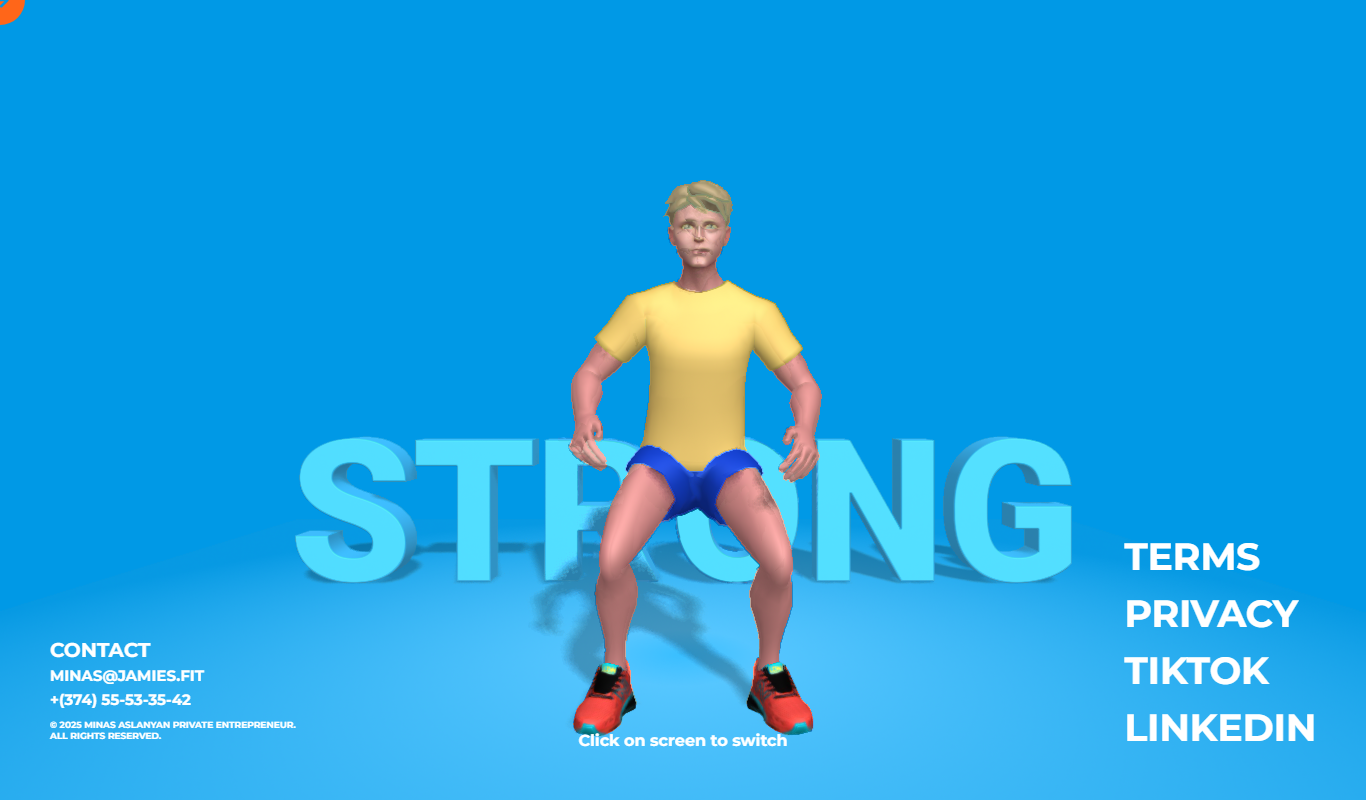
What is Jamie’s Fit?
Jamie’s Fit is an interactive fitness app built around Jamie, an AI fitness companion. Jamie reconstructs the user’s movement through the phone camera and speaks real-time coaching cues during home workouts.
Key features of Jamie’s Fit
Jamie’s Fit combines personalization, interactive guidance and a wide range of movement styles: Jamie reconstructs body position through the frontal camera and gives spoken AI guidance during the workout.
Personalized starting points
Helps choose a session that fits the day, based on time, experience, energy and the space available.
Movement reconstruction
Uses the view from the frontal camera to reconstruct body position in real time while you exercise.
Spoken AI guidance
Turns the movement context into timely spoken cues, so you stay focused on the exercise instead of checking the screen.
Many workout styles
The library includes HIIT, strength, core, yoga, Pilates, mobility, kickboxing, meditation and kids workouts.
Flexible session lengths
Workouts can fit a smaller window or a more complete session when the schedule allows.
Pros and cons of Jamie’s Fit
Pros
- Personalized coaching tailored to individual goals
- Comprehensive workout and nutrition plans
- Accessible on multiple platforms
- Supportive community features
- Free trial to test the service
Cons
- Subscription cost may be high for some users
- Limited language support (English only)
- No offline workout access currently
Key use cases for Jamie’s Fit
Home workouts with live feedback
Train at home while Jamie reconstructs your movement through the phone camera and speaks real-time coaching cues.
Training anywhere
Turn a living room, hotel room or quiet corner into a place to move; many sessions are bodyweight-friendly.
Recovery and mobility days
Choose mobility, yoga or meditation sessions for recovery-focused days, and higher-energy formats for other days.
Family workouts
Kids and family sessions make movement playful.
Community Support
Engage with a community of fitness enthusiasts for motivation and shared experiences.
How Jamie’s Fit works
- 1
Set your view
Place your device so the frontal camera has a clear view of your body and workout space.
- 2
Start moving
Follow Jamie on screen while real-time movement reconstruction runs in the background.
- 3
Hear your cues
Stay focused on the exercise as Jamie provides AI-based spoken guidance during the session.
- 4
Track Your Progress
Log workouts and monitor improvements through the app’s tracking features.
- 5
Adjust and Improve
Update your goals and plans as you progress, with ongoing support from your coach.
Who is using Jamie’s Fit
Jamie’s Fit pricing
Free Trial
$0 for 7 days
Access to basic features and a sample workout plan to try the platform.
Monthly Subscription
$29/month
Full access to personalized coaching, workout plans, and nutrition guidance.
Annual Subscription
$299/year
Discounted rate for yearly access to all features and coaching services.
Plans and prices are as published by the vendor and can change. Check the official site before you buy. Open the pricing page (opens in a new tab)
Frequently asked questions about Jamie’s Fit
Yes. Beginners can start with shorter, lower-impact sessions and focus on technique before increasing intensity.
No. Jamie provides general fitness guidance and is not medical care. Speak with a qualified professional when you need advice for an injury or medical condition.
No additional motion sensors are needed for camera-based guidance. Many workouts are bodyweight-friendly, while some strength sessions may suggest simple equipment.
The app is available on web browsers, iOS, and Android devices.
It depends on your specific needs and how you plan to use the tool. The official website and documentation are the best sources for the latest details.
Yes, it can help with that use case depending on how you configure it and what features are available. You’ll get the best results with clear inputs and a defined goal.
Some tools offer a free plan or trial with limited features. Availability can vary, so confirm on the official website.
Conclusion
A phone or tablet placed where its frontal camera can see the body is how Jamie, an AI fitness companion, follows a workout. Jamie reconstructs body position in real time and turns that movement context into spoken cues, so guidance arrives during the exercise rather than as instructions to memorize beforehand. No additional motion sensors are needed for this camera-based guidance.
Workouts range from HIIT and strength sessions to yoga, Pilates and meditation, along with kids and family workouts. Many can be done with bodyweight only, while some strength sessions suggest simple equipment. Beginners can start with shorter, lower-impact sessions and work on technique before raising intensity.
Good lighting, a stable device and enough space around the body help Jamie interpret movement more effectively. The app is described as general fitness guidance rather than medical care, and it does not replace a trainer or healthcare professional.
Sources
Sign in to review this tool.
Sign In to ReviewNo reviews yet
Be the first to share how this tool worked for you.
Ask about pricing, limits, or how it compares — or answer someone else.
Sign In to AskNo questions yet
Have a question about using or paying for this tool? Be the first to ask.
Featured on TiorAI



Alternative Tools
Explore similar AI tools that might fit your needs

Freeletics
Freeletics is an AI-driven fitness coaching app that creates personalized workout and running plans based on your fitness level and goals, focusing on bodyweight exercises and progress tracking.
More AI Personal Assistant Tools tools
Other tools in the same category, for when this one is not quite the fit.
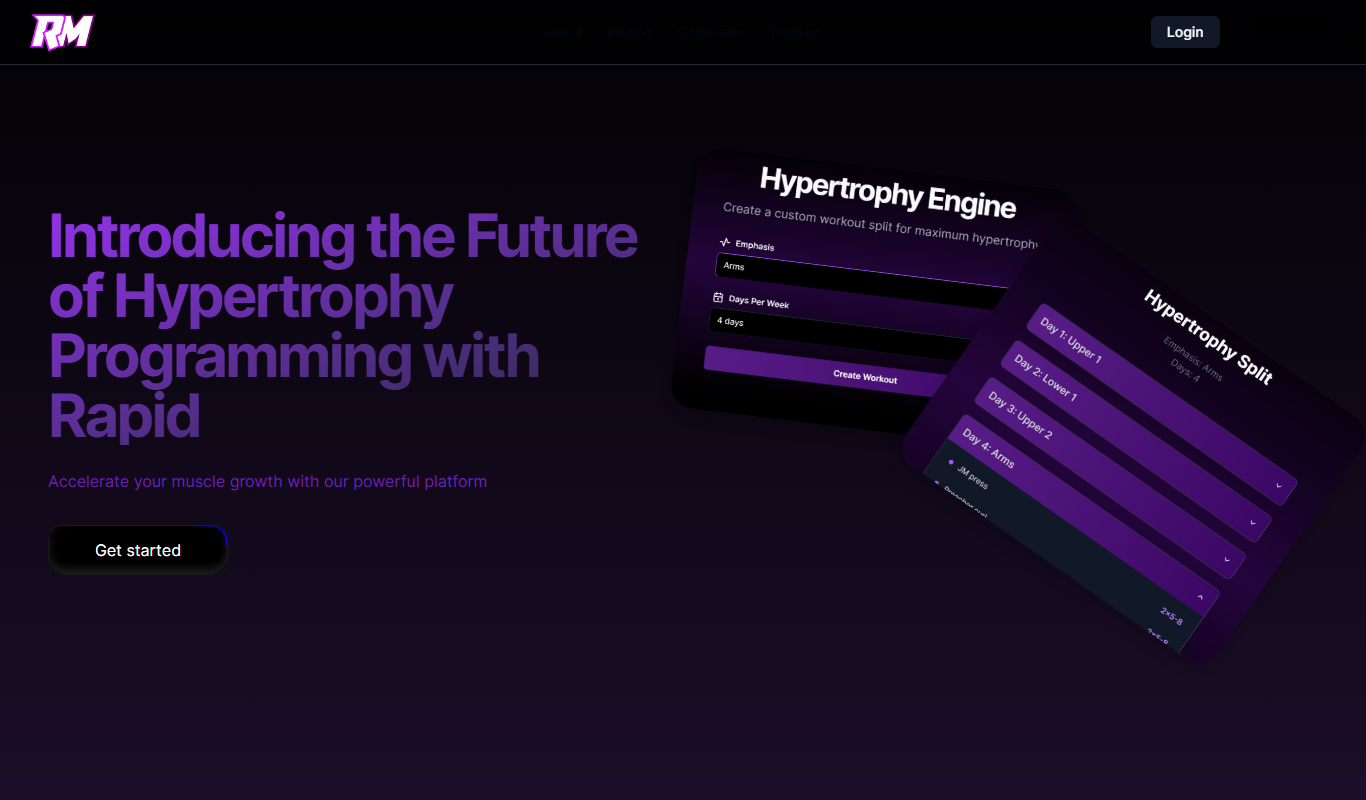
Rapid Muscle
Rapid Muscle is a fitness app that creates personalized muscle-building workout plans tailored to your fitness level and goals, available on web and mobile platforms.

Planfit – AI Personal Trainer
Planfit is an AI-powered personal trainer that generates customized workout plans and coaching based on your fitness goals, experience, and available equipment, accessible via web and mobile apps.

bodbot.com
BodBot is an AI-driven fitness app that generates personalized workout plans tailored to your fitness level, goals, and injuries, adapting dynamically as you progress.
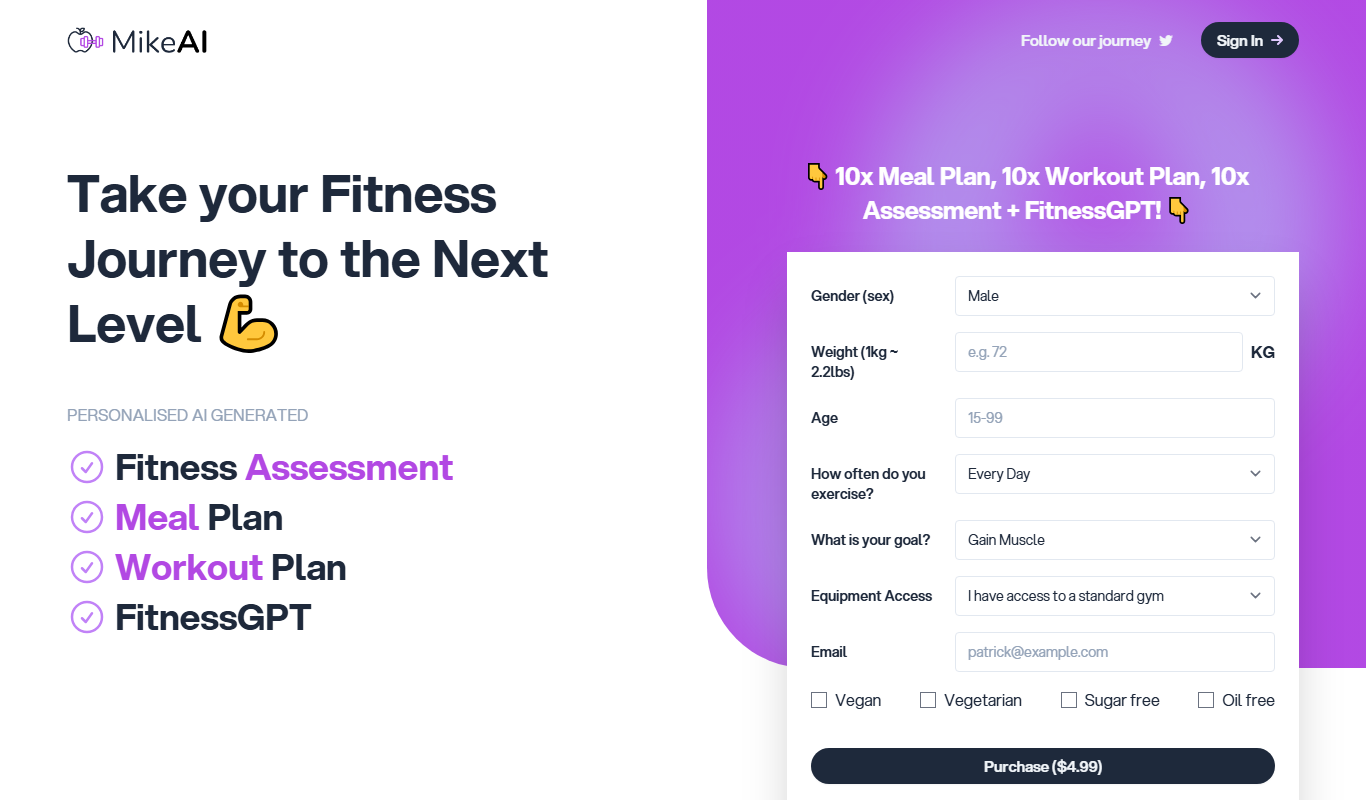
MikeAI – Personalized AI Fitness Coach
MikeAI is an AI-powered nutrition companion that creates personalized meal plans, workout routines and supplement recommendations.
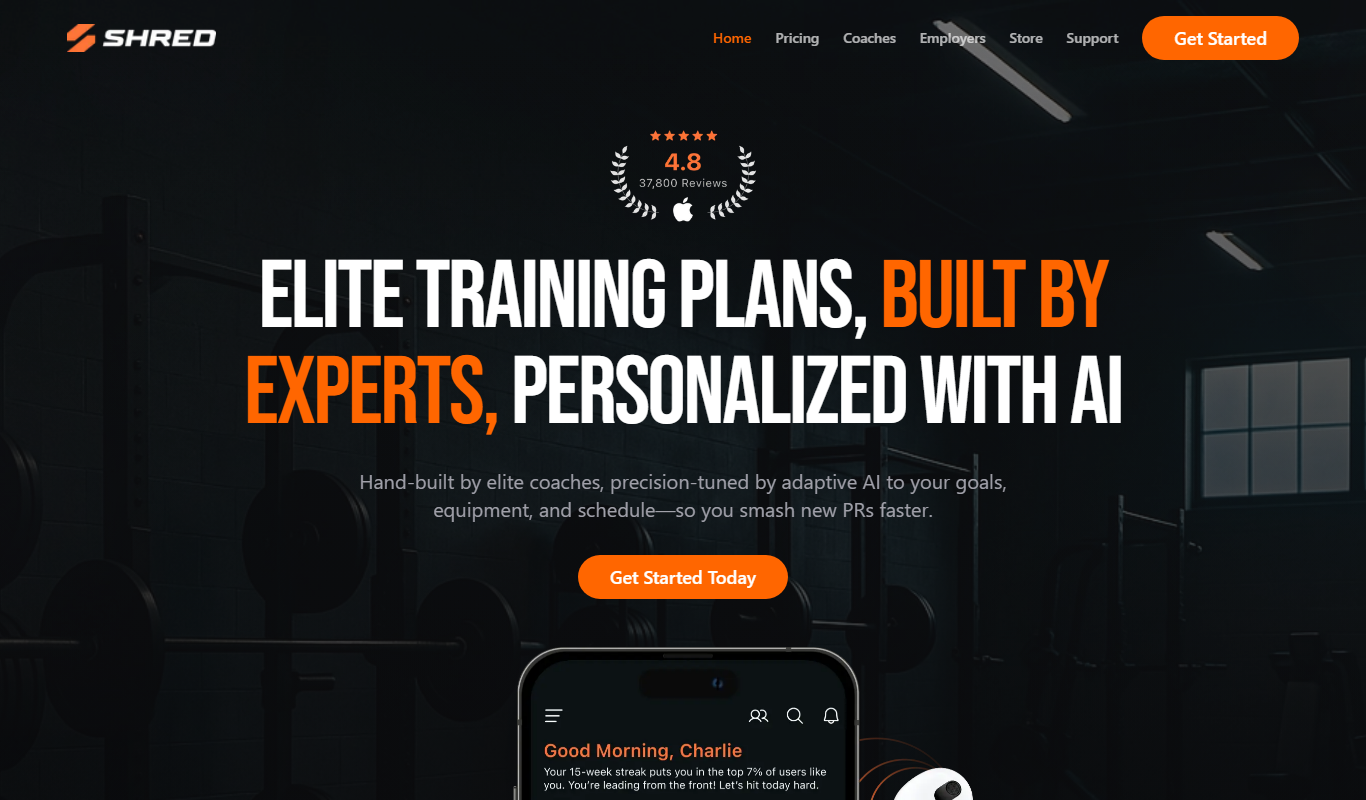
SHRED: Home & Gym Workouts App
SHRED is a fitness app providing personalized workout plans for home and gym, featuring video demonstrations, progress tracking, and motivational coaching.

Jelled.ai
Jelled.ai is an AI digital twin for your work inbox that surfaces insights from Gmail and Slack, labels and filters email and drafts informed replies.
Thalla
Thalla is an AI chief of staff on WhatsApp that remembers for you, sets up reminders and can call your contacts to remind them on your behalf.
Personaliz.ai
Personaliz.ai lets you record once while AI clones your voice and lip movements to send personalized, interactive videos and audios by email, WhatsApp or calls.