

Copper CRM Software for Sales Pipeline & Customer Relationship Management
Copper is a CRM software designed to help businesses manage sales pipelines and customer relationships with deep Google Workspace integration and automation features.
- Best for
- Sales Pipeline Management
- Key capability
- Google Workspace Integration
Save Copper, follow its updates and vote on it — everything stays in your account.
Sign in or create a free account
What is Copper?
Copper is a customer relationship management (CRM) software designed to help businesses manage their sales pipelines and customer interactions efficiently. It is built to integrate deeply with Google Workspace, enabling users to work within Gmail and other Google apps while managing contacts, deals, and tasks. Copper automates routine workflows and provides insights to improve sales productivity and customer engagement.
Key features of Copper
Copper offers pipeline management, contact and lead tracking, workflow automation, Google Workspace integration, and robust reporting features. Its user-friendly interface and automation capabilities help sales teams focus on closing deals rather than administrative tasks.
Google Workspace Integration
Native integration with Gmail, Calendar, and Drive for seamless workflow within familiar apps.
Sales Pipeline Visualization
Drag-and-drop interface to manage deals across customizable pipeline stages.
Automation and Workflow Management
Automate repetitive tasks such as email follow-ups and data entry to increase efficiency.
Contact and Lead Management
Centralized database to track customer information, communication history, and activity.
Reporting and Analytics
Comprehensive dashboards and reports to track sales performance and business metrics.
Pros and cons of Copper
Pros
- Seamless integration with Google Workspace
- User-friendly and intuitive interface
- Effective automation reduces manual tasks
- Customizable sales pipelines
- Strong reporting and analytics tools
Cons
- Pricing can be high for small teams
- Limited language support beyond English
- Some advanced features require higher-tier plans
Key use cases for Copper
Sales Pipeline Management
Track and manage sales opportunities through customizable pipelines to improve deal closure rates.
Customer Relationship Management
Centralize customer data and interactions to build stronger relationships and improve customer retention.
Google Workspace Integration
Seamlessly integrate with Gmail, Google Calendar, and Google Drive to streamline workflows within familiar tools.
Automation of Routine Tasks
Automate repetitive sales and marketing tasks such as follow-ups, reminders, and data entry to save time.
Reporting and Analytics
Generate detailed reports and dashboards to analyze sales performance and forecast revenue.
How Copper works
- 1
Sign Up
Create an account on Copper’s website and choose a plan that fits your business needs.
- 2
Integrate with Google Workspace
Connect Copper with your Gmail, Google Calendar, and Google Drive to synchronize data.
- 3
Import Contacts and Leads
Import existing customer data or add new contacts manually to start managing relationships.
- 4
Set Up Sales Pipelines
Customize pipelines to reflect your sales process stages and track deals effectively.
- 5
Automate Tasks
Configure automation rules for follow-ups, reminders, and data entry to reduce manual work.
- 6
Analyze Performance
Use built-in reports and dashboards to monitor sales activities and forecast outcomes.
Who is using Copper
Copper pricing
Basic
$29 per seat per month, or $23 per month billed annually
Core CRM features with Google Workspace integration and basic automation.
Professional
$69 per month, or $59 per month billed annually
Advanced automation, workflow customization, and enhanced reporting capabilities.
Business
$134 per month, or $99 per month billed annually
Tailored solutions with enterprise-grade features and dedicated support.
Plans and prices are as published by the vendor and can change. Check the official site before you buy. Open the pricing page (opens in a new tab)
Frequently asked questions about Copper
Yes, Copper offers native integration with Gmail, allowing you to manage contacts and deals directly from your inbox.
Copper provides a free trial period so you can evaluate its features before committing to a subscription.
Yes, Copper is designed to scale from small businesses to larger enterprises with customizable plans.
Yes, Copper has mobile applications available for both iOS and Android devices.
This tool is designed to help users accomplish its core tasks more efficiently. It is typically used by individuals or teams looking to improve productivity and workflow.
Integration support depends on the tool and its available connectors or API. Check the official documentation or integrations page to confirm what is supported.
Pricing depends on the plan and included features. For the most accurate and up-to-date details, check the official pricing page.
Conclusion
Gmail is where much of the work happens, since contacts and deals can be managed directly from the inbox through native integration. After Gmail, Google Calendar and Google Drive are connected to synchronize data, users customize pipelines to reflect their sales process stages. Deals then move across those stages with a drag-and-drop interface, and automation rules handle follow-ups, reminders and data entry.
The software is aimed at sales teams, customer success teams and Google Workspace users. Built-in reports and dashboards monitor sales activities and forecast outcomes.
Three paid tiers are offered: Basic at $29 per month or $23 billed annually, Professional at $69 or $59, and Business at $134 or $99. The Professional tier adds advanced automation, workflow customization and enhanced reporting.
Sources
Sign in to review this tool.
Sign In to ReviewNo reviews yet
Be the first to share how this tool worked for you.
Ask about pricing, limits, or how it compares — or answer someone else.
Sign In to AskNo questions yet
Have a question about using or paying for this tool? Be the first to ask.
Featured on TiorAI



Alternative Tools
Explore similar AI tools that might fit your needs

Pipedrive
Pipedrive is a CRM software that helps sales teams visualize and manage their sales pipelines, automate repetitive tasks, and analyze sales performance to close deals faster.
More AI CRM tools
Other tools in the same category, for when this one is not quite the fit.
VinSolutions CRM
VinSolutions CRM is a specialized customer relationship management platform designed for automotive dealerships to manage leads, automate sales processes, and run targeted marketing campaigns.

DealerSocket
DealerSocket is an automotive dealership software platform that combines CRM, inventory management, marketing automation, and sales analytics to help dealerships manage operations and improve customer engagement.

Privy
Privy is an e-commerce marketing platform that helps online stores grow email lists, recover abandoned carts, and increase sales through targeted popups, automated emails, and SMS campaigns.
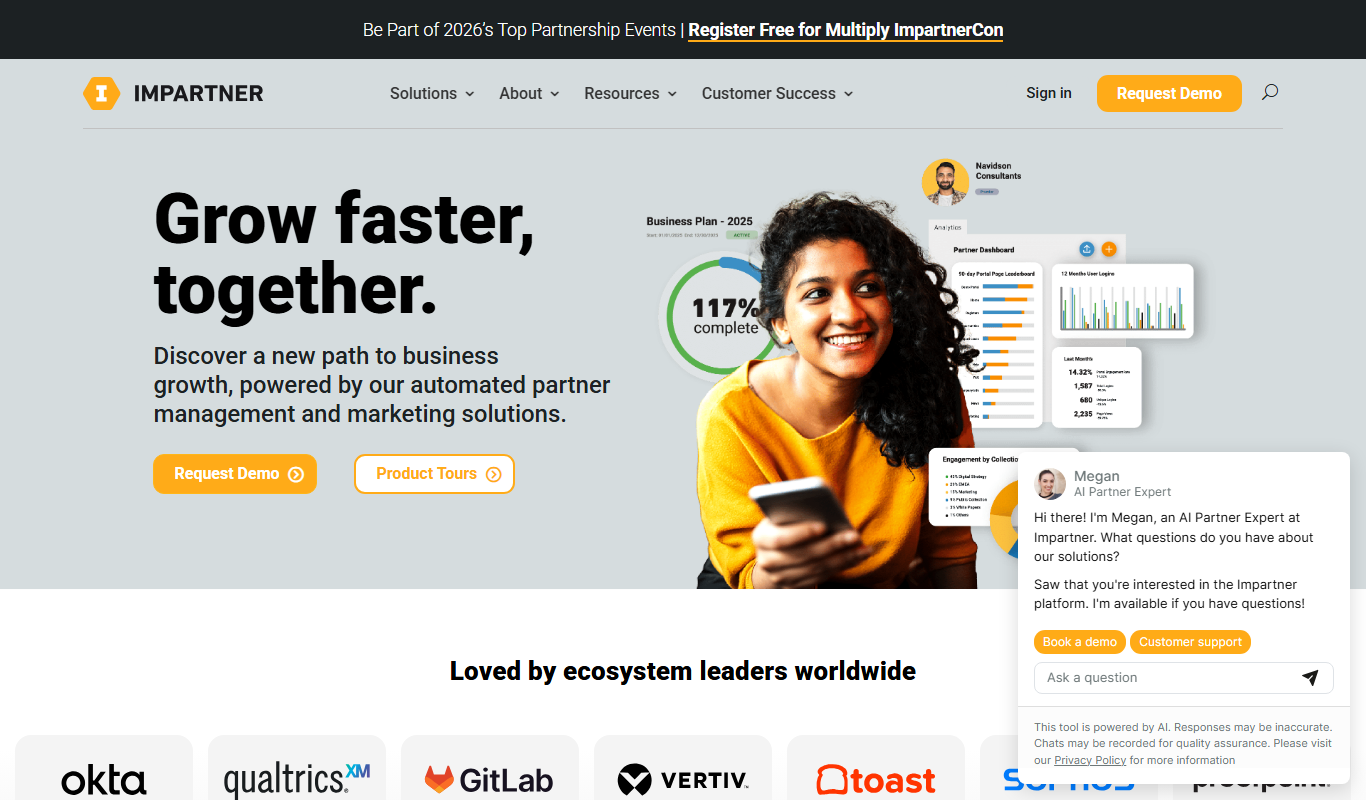
Impartner PRM
Impartner PRM is a partner relationship management platform that helps businesses manage channel partners, streamline onboarding, enable sales and marketing collaboration, and track partner performance.

Route4Me
Route4Me is a route planning and optimization software that helps businesses efficiently plan multi-stop routes, track drivers in real-time, and manage fleet operations to reduce costs and improve delivery speed.

Meet Alfred
Meet Alfred is a LinkedIn automation platform that enables sales and marketing professionals to automate outreach campaigns across LinkedIn, email, and Twitter, helping generate leads and manage multi-channel prospecting efficiently.
Glofox
Glofox is a gym management software designed to help fitness studios manage memberships, class schedules, payments, and member engagement through web and mobile apps.

Albacross
Albacross is a B2B lead generation platform that identifies anonymous website visitors, provides detailed company insights, and integrates with CRM systems to help businesses convert visitors into qualified leads.