

Spinitron Radio Automation Software for Broadcast Music Scheduling
Spinitron is a web-based playlist logging and reporting platform for radio stations that integrates with automation systems.
- Best for
- Radio Station Music Scheduling
- Key capability
- Web-Based Scheduling Interface
Save Spinitron, follow its updates and vote on it — everything stays in your account.
Sign in or create a free account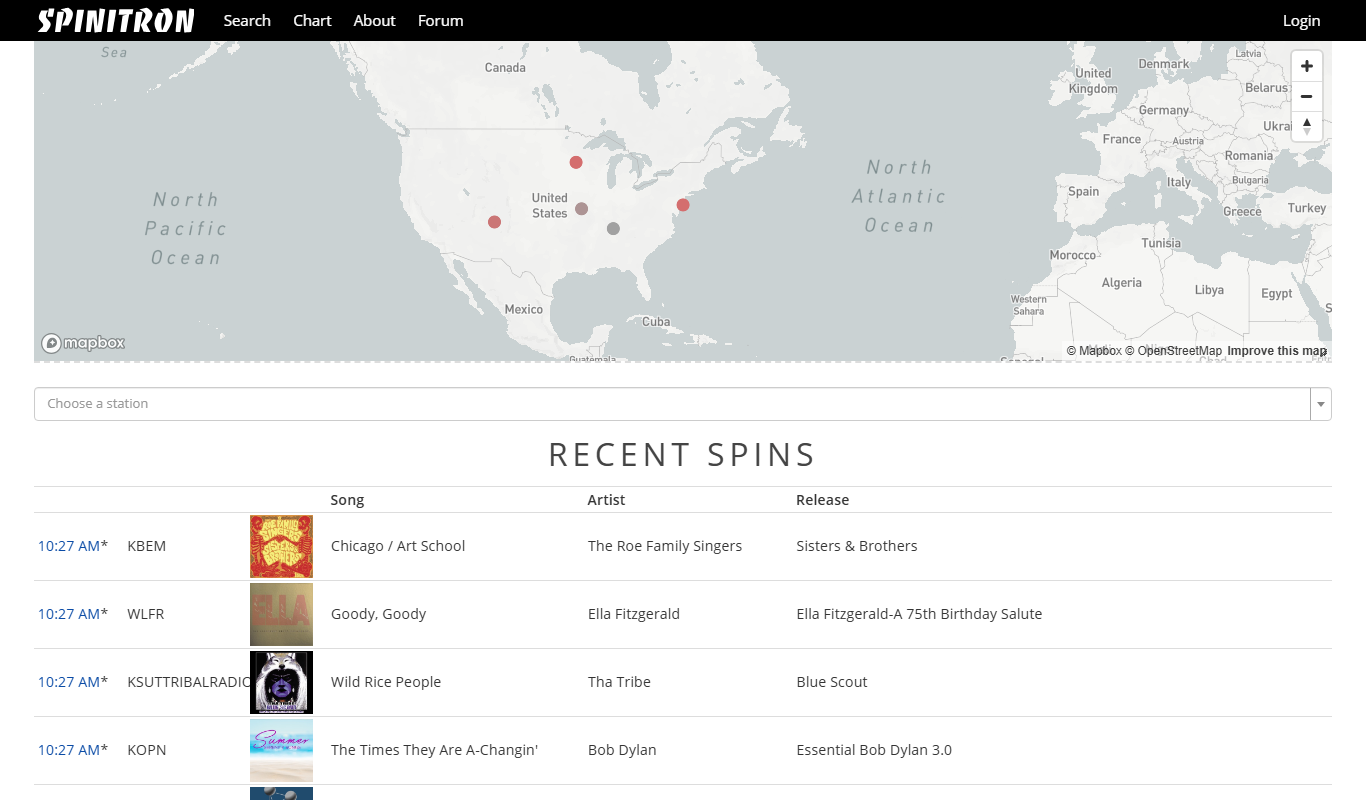
What is Spinitron?
Spinitron is a playlist logging, reporting and web publishing platform for non-commercial radio stations. It is not a music scheduling or rotation automation tool.
Key features of Spinitron
Spinitron offers playlist logging, reporting and web publishing, and it integrates with automation systems.
Web-Based Scheduling Interface
Access and manage your playlists and schedules from any web browser without installing software.
Automated Music Rotation
Set rotation rules to automate how often songs play, ensuring variety and compliance.
DJ and Show Management
Organize DJs, shows, and their assigned playlists within the platform.
Detailed Reporting Tools
Generate reports required for music licensing organizations and station analytics.
Community and Educational Focus
Tailored features to support the unique needs of community and college radio stations.
Pros and cons of Spinitron
Pros
- User-friendly web interface accessible anywhere
- Strong focus on community and college radio needs
- Comprehensive playlist and rotation management
- Built-in reporting for licensing compliance
Cons
- Pricing details are not publicly transparent
- Limited to radio broadcast scheduling, not a full automation suite
Key use cases for Spinitron
Radio Station Music Scheduling
Create, manage, and automate music playlists for radio broadcasts with precise scheduling and rotation controls.
Broadcast Automation
Automate the playback of music, announcements, and other audio content to streamline radio station operations.
Playlist Reporting and Compliance
Generate detailed reports for music licensing compliance and station analytics.
Community and College Radio Management
Support for community and college radio stations to manage DJs, shows, and music libraries efficiently.
How Spinitron works
- 1
Create an Account
Sign up on Spinitron’s website to access the radio automation platform.
- 2
Set Up Your Station
Configure your station details, including music library, DJs, and show schedules.
- 3
Build Playlists
Use Spinitron’s scheduling tools to create and organize playlists with rotation rules.
- 4
Automate Broadcasts
Schedule playlists and automate playback to ensure smooth on-air content delivery.
- 5
Generate Reports
Produce reports for music licensing and station performance tracking.
Who is using Spinitron
Spinitron pricing
Standard Subscription
Varies by station size and needs
Custom pricing based on station requirements; contact Spinitron for details.
Plans and prices are as published by the vendor and can change. Check the official site before you buy. Open the pricing page (opens in a new tab)
Frequently asked questions about Spinitron
Yes, Spinitron is designed to support community and college radio stations with scalable features.
Since Spinitron is web-based, you can access it from any device with an internet connection and a modern browser.
Yes, it provides detailed reporting tools to assist with music licensing compliance.
This tool is designed to help users accomplish its core tasks more efficiently. It is typically used by individuals or teams looking to improve productivity and workflow.
Some tools offer a free plan or trial with limited features. Availability can vary, so confirm on the official website.
Yes, it can help with that use case depending on how you configure it and what features are available. You’ll get the best results with clear inputs and a defined goal.
Conclusion
Spinitron covers playlist logging, reporting and web publishing for non-commercial radio stations. It is not a music scheduling or rotation automation tool, although it works alongside radio automation. Station setup covers the music library, DJs and show schedules, and DJs and shows are organized inside the platform. Reports serve music licensing organizations as well as station analytics.
Being web-based, it can be reached from any device with an internet connection and a modern browser. Community, college and public radio stations are its focus, and the service works with more than 300 stations. Pricing is custom, based on station requirements, and requires contacting Spinitron.
Sources
Sign in to review this tool.
Sign In to ReviewNo reviews yet
Be the first to share how this tool worked for you.
Ask about pricing, limits, or how it compares — or answer someone else.
Sign In to AskNo questions yet
Have a question about using or paying for this tool? Be the first to ask.
Featured on TiorAI


Alternative Tools
Explore similar AI tools that might fit your needs
Radio.co
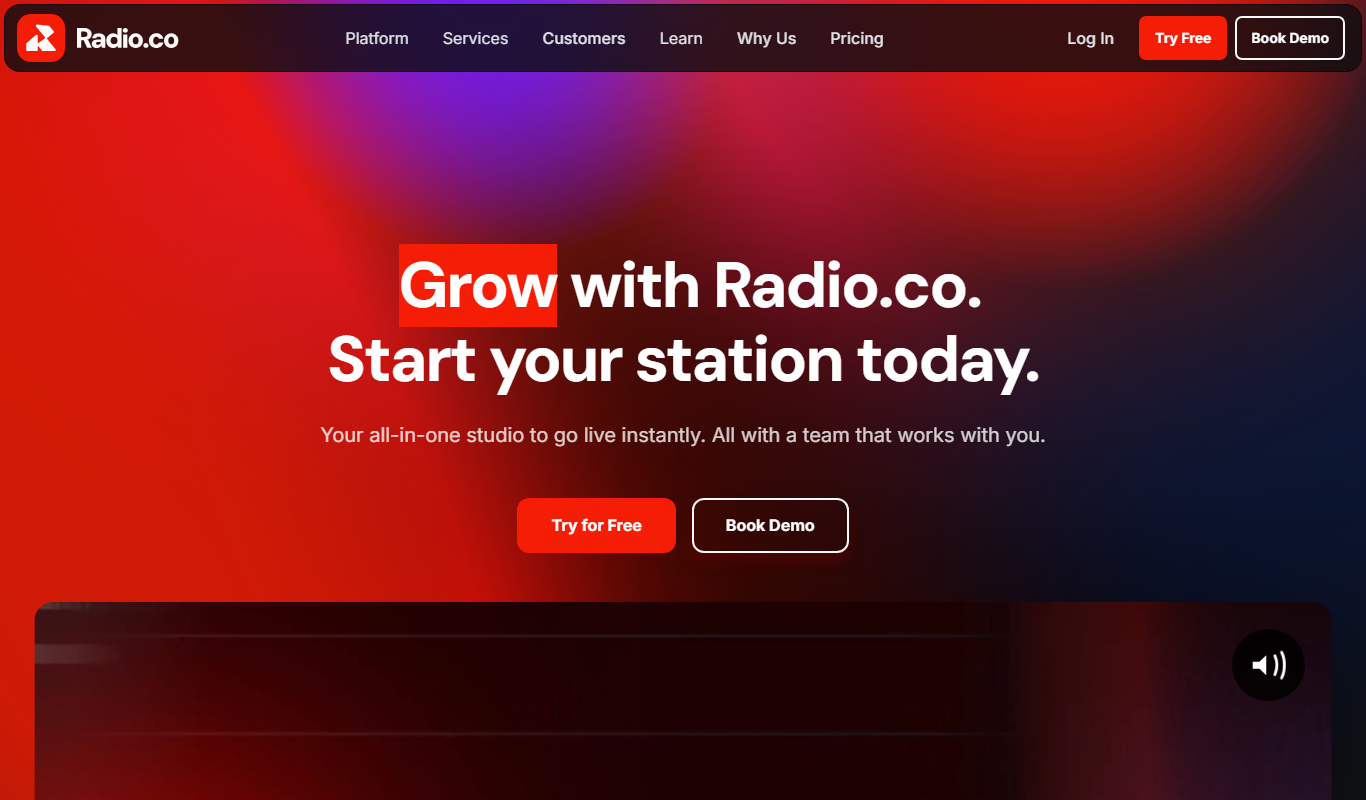
Radio.co is an online platform that allows users to create, manage, and broadcast internet radio stations and podcasts with live streaming, automated scheduling, and monetization features.
More Business Management tools
Other tools in the same category, for when this one is not quite the fit.

TwinMind
TwinMind is an AI second brain that transcribes and summarizes your day, organizes it into memory and powers any AI with the context of your life.

Wren AI Cloud
Wren AI is one governed data agent for people and AI agents: ask your data in plain language with the GenBI agent, or call it from Claude, ChatGPT or your own agents over MCP.
BioBrain Insights MROps Platform
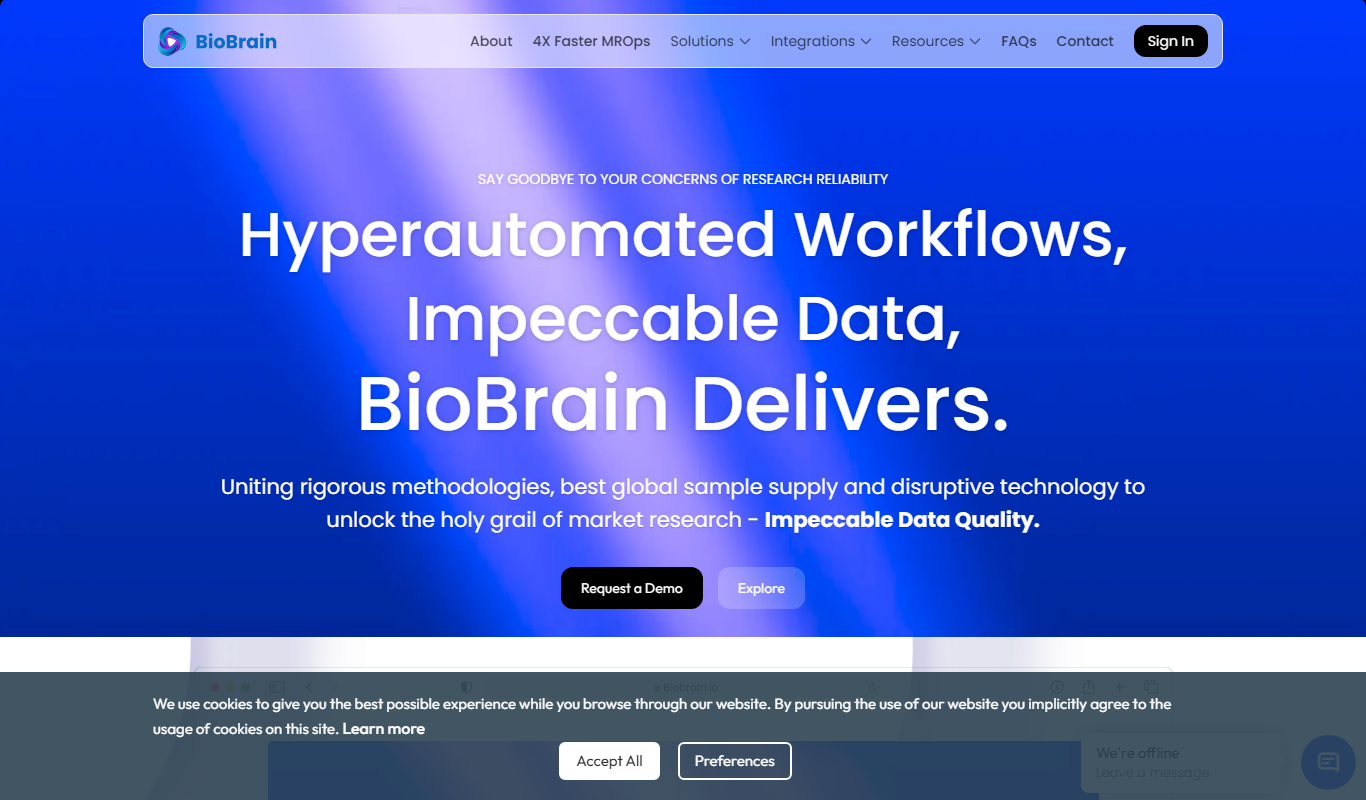
BioBrain Insights unifies all of market research operations in one platform powered by AI and automation, from automated survey programming to boardroom reports.

Justmatch
Justmatch is an AI-driven platform that provides personalized job matching, resume optimization, and career insights to help job seekers find relevant opportunities and grow professionally.

Storytide.io – Corporate Influencing
Storytide is a LinkedIn content workflow platform with strategy, writing with AI support, structured processes and analytics for ghostwriters, communications teams and corporate influencer programs.

TIL bot for Slack
TIL bot for Slack is an AI assistant that gets insights from conversations, summarizes threads, finds action items, sets one time and recurring reminders and gets answers with AI.

VenueLog
VenueLog is restaurant management software that connects POS, rostering and accounting systems for automated reporting, real-time insights and AI-powered tools.

Fiorino.AI
Fiorino.AI is an open-source tool that helps SaaS owners track per-user LLM usage and costs, set pricing tiers and automate usage-based billing.