
From my experience with HackMD, I found it excels at enabling seamless real-time collaboration on markdown documents, which is invaluable for distributed teams and developers. The platform’s intuitive interface and robust markdown support make it easy to create and maintain technical documentation or shared notes. However, a trade-off is the lack of offline editing, which means you need an internet connection to fully utilize its features. Overall, if you need a reliable, collaborative markdown editor that integrates well with developer workflows, HackMD delivers solid results.
Collaborative Markdown Editor for Teams and Developers | HackMD Features
HackMD is a web-based collaborative markdown editor that enables teams and individuals to write, share, and collaborate on markdown documents in real time with features like version control and presentation mode.
Tech Stack:
JavaScript
Node.js
React
What is HackMD?
HackMD is a web-based collaborative markdown editor designed to help teams and individuals create, share, and manage markdown documents in real time. It combines the simplicity of markdown formatting with powerful collaboration features, making it a popular choice for developers, writers, and project teams who need to work together on documentation, notes, and presentations.
Key Features of HackMD
Real-Time Collaboration
Multiple users can edit the same document simultaneously with live updates.
Markdown Support
Full support for GitHub-flavored markdown syntax for easy formatting.
Presentation Mode
Convert markdown documents into slide presentations directly within the platform.
Version History
Track changes and revert to previous versions of documents.
Integration and Export
Integrates with GitHub, Slack, and supports exporting to PDF, HTML, and other formats.
Pros and Cons of HackMD
Pros
- Intuitive real-time collaborative editing
- Robust markdown support with live preview
- Easy sharing and permission controls
- Supports presentation creation from markdown
- Integrates with popular developer platforms
Cons
- No native offline editing capability
- Limited advanced features on free plan
- Primarily English language support
Key Use Cases for HackMD
Team Collaboration
Allows multiple users to edit and comment on markdown documents in real time, facilitating seamless teamwork.
Technical Documentation
Ideal for creating and maintaining technical documents, README files, and project wikis with markdown support.
Note Taking
Supports personal and shared note-taking with easy formatting and organization using markdown syntax.
Presentation Creation
Enables users to create slide decks directly from markdown files for presentations.
Content Publishing
Supports exporting and sharing documents publicly or privately, useful for blogs, tutorials, and knowledge bases.
How HackMD Works
-
1
Create an Account
Sign up on HackMD’s website using email or third-party authentication.
-
2
Start a New Document
Create a new markdown document from scratch or use templates.
-
3
Collaborate in Real Time
Invite team members to edit and comment on the document simultaneously.
-
4
Organize and Share
Organize documents in folders, set access permissions, and share links publicly or privately.
Who's Using HackMD
Software developers
Technical writers
Project teams
Educators and students
Content creators
HackMD Pricing
Free
$0/month
Basic features with limited private documents and collaborators.
Pro
$8/month
Increased limits on private documents, collaborators, and advanced features.
Team
$20/user/month
Designed for teams with enhanced collaboration, admin controls, and priority support.
Frequently Asked Questions About HackMD
Yes, HackMD offers a free plan with basic features suitable for individual users.
HackMD is primarily a web-based tool and requires an internet connection for real-time collaboration.
Yes, documents can be exported in formats like PDF, HTML, and markdown.
Absolutely, it supports GitHub-flavored markdown and integrates with developer tools.
This tool is designed to help users accomplish its core tasks more efficiently. It is typically used by individuals or teams looking to improve productivity and workflow.
Some tools offer a free plan or trial with limited features. Availability can vary, so confirm on the official website.
Integration support depends on the tool and its available connectors or API. Check the official documentation or integrations page to confirm what is supported.
Yes, it can help with that use case depending on how you configure it and what features are available. You’ll get the best results with clear inputs and a defined goal.
Share your review
Reviews are limited to one per logged-in user and are published after moderation.
You need an account to review this tool.
0.0
★
★
★
★
★
0 reviews
5 star
0
4 star
0
3 star
0
2 star
0
1 star
0
No reviews yet
Be the first to share how this tool worked for you.
Questions from the community
Read questions and answers about this tool, or ask your own.
No questions yet
Start the conversation by asking the first question about this tool.
Is this tool helpful?
Alternative Tools
Explore similar AI tools that might fit your needs

Free
Notion
Notion is a versatile productivity tool that combines note-taking, task management, databases, and team collaboration in one customizable workspace accessible across devices.
Freemium
Typora
Typora is a desktop Markdown editor that provides a seamless live preview experience, allowing users to write and format Markdown documents without switching views. It supports extended Markdown features and exports to multiple formats.
Free
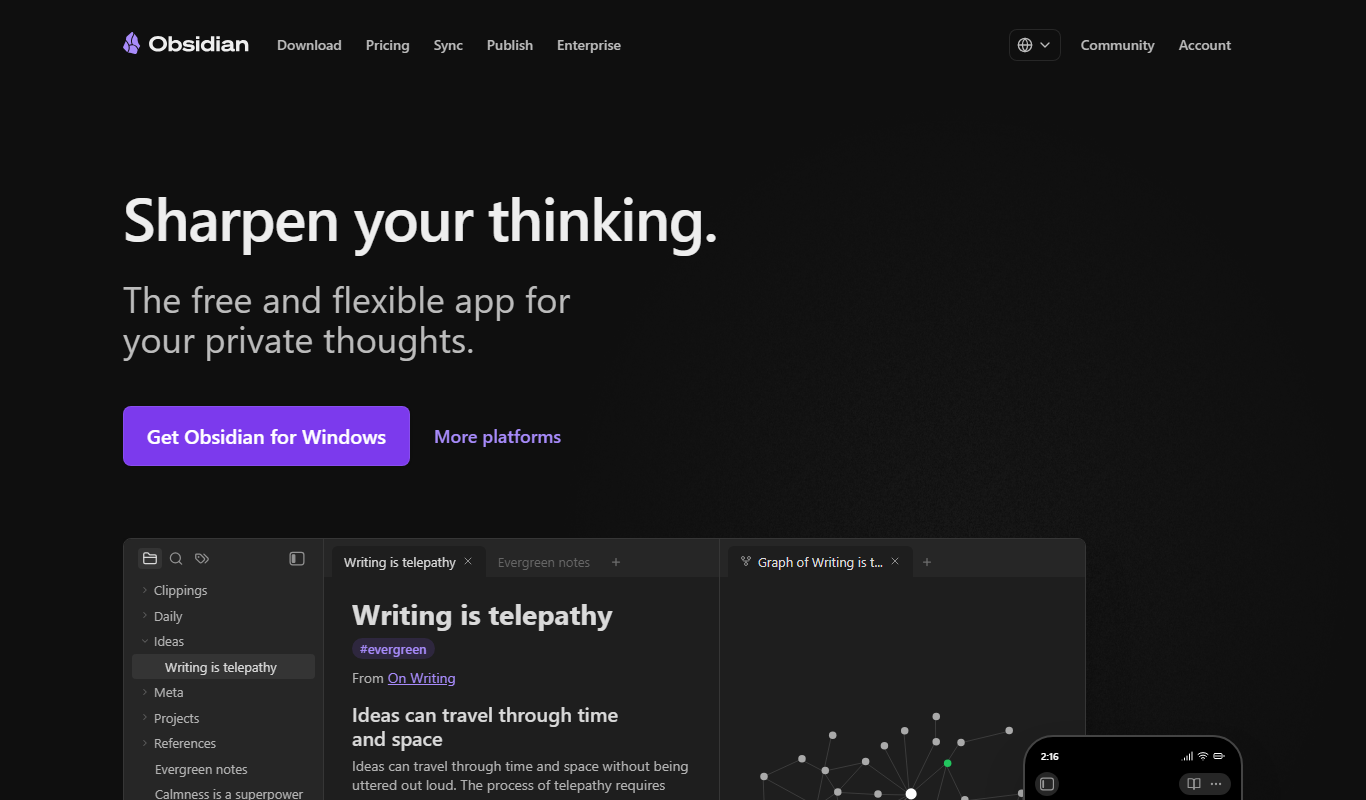
Obsidian
Obsidian is a markdown note-taking app that helps users build a personal knowledge base with linked notes, graph visualization, and extensive customization options.

Free
K8sGPT
K8sGPT is an AI assistant that simplifies Kubernetes troubleshooting and management by providing real-time, natural language responses based on live cluster data.

Free
CodeStack AI
CodeStack AI is an AI-driven tool that generates code snippets, offers intelligent code completions, detects bugs, and integrates with VS Code to improve developer productivity.
Free
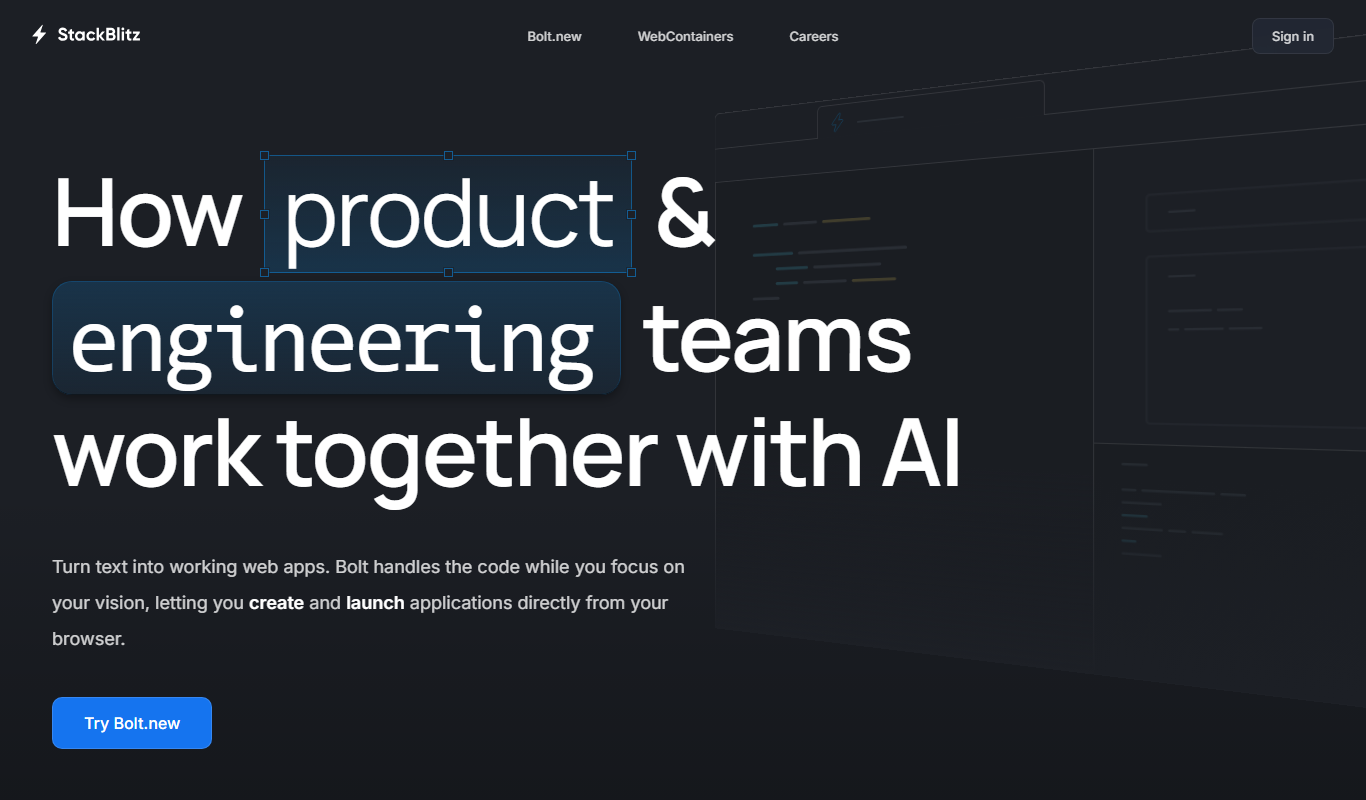
StackBlitz
StackBlitz is a cloud-based online IDE that allows developers to create, edit, and collaborate on web projects instantly in the browser without local setup.

Free
Headless UI
Headless UI is a free, open-source library providing unstyled, accessible UI components for React and Vue, enabling developers to build custom-styled interfaces with built-in accessibility features.

Free
Rank Revival
Rank Revival is a web-based SEO tool that helps users track keyword rankings on Google, monitor competitors, and analyze SEO performance with daily updates and reporting features.

Free
OpenProject
OpenProject is an open source project management software that supports agile methodologies, task tracking, time management, and team collaboration through a web-based platform.
Free Trial
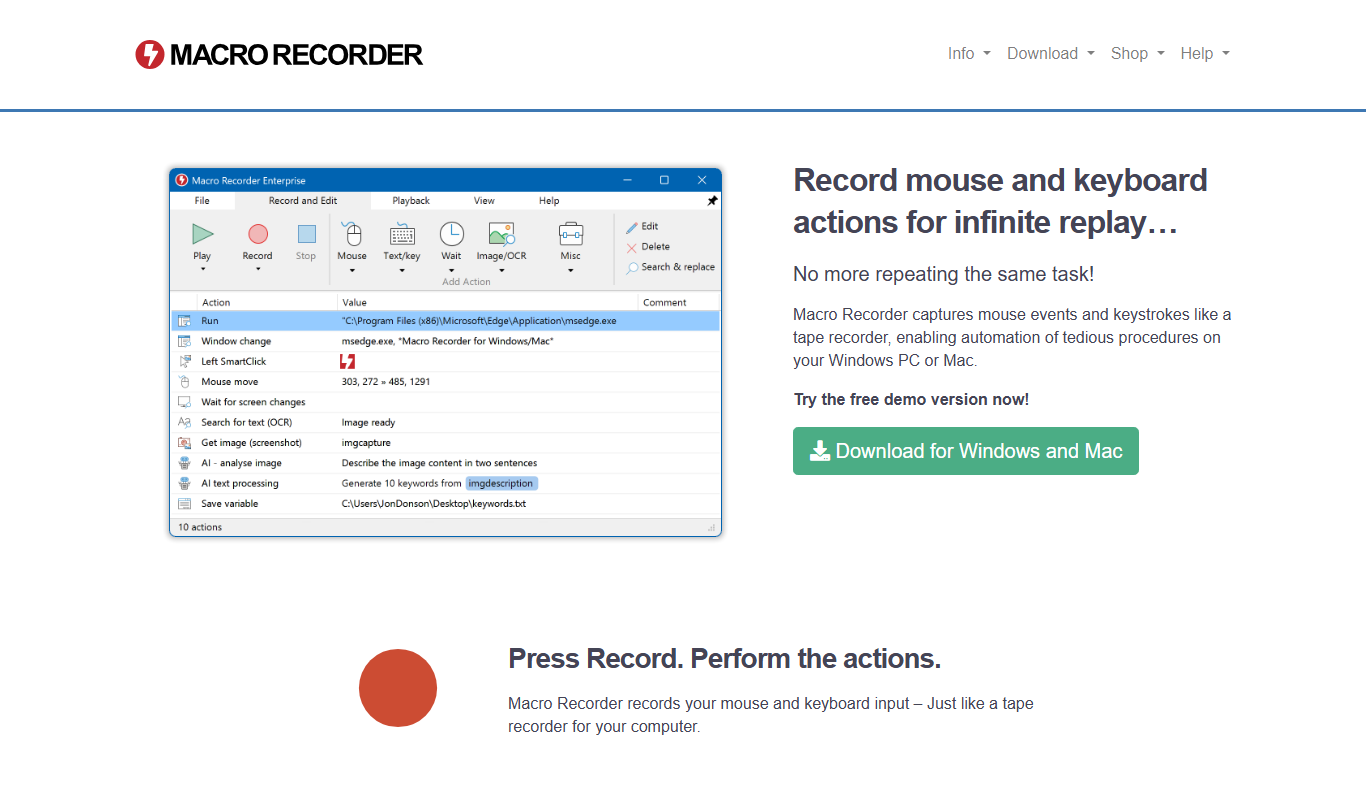
Macro Recorder
Macro Recorder is a Windows desktop tool that records mouse and keyboard actions to automate repetitive tasks by replaying recorded macros, requiring no programming skills.

Custom Pricing
Democrasee.io
Democrasee.io is a blockchain-powered online voting platform that enables secure, transparent, and verifiable elections for organizations, communities, and political groups.