

Superflow Website Annotation Tool for Live Feedback and Collaboration
Superflow is a website review platform where teams and clients pin comments on live sites and AI QA agents check every site change.
- Best for
- Design Feedback
- Key capability
- Live Website Annotation
Save Superflow: Annotate live websites, follow its updates and vote on it — everything stays in your account.
Sign in or create a free account

What is Superflow: Annotate live websites?
Superflow is a website review platform with AI QA agents. Teams and clients pin comments with screenshots to elements on live websites, and AI review agents built from a QA checklist check every site change and post their findings as comments.
Key features of Superflow: Annotate live websites
Superflow offers live website annotation, threaded comments, screenshot capture, task management integration, and easy sharing options. Its Chrome extension enables seamless annotation on any live site, while its dashboard centralizes feedback for efficient project tracking.
Live Website Annotation
Directly annotate any live website without needing to upload screenshots.
Threaded Comments
Engage in detailed discussions on specific annotations with threaded replies.
Screenshot Capture
Automatically capture annotated screenshots for documentation or sharing.
Task Management Integration
Integrate with project management tools to convert annotations into actionable tasks.
Chrome Extension
Quickly annotate websites via a lightweight browser extension.
Pros and cons of Superflow: Annotate live websites
Pros
- Easy to use live annotation on any website
- Facilitates clear, contextual feedback
- Supports collaboration with threaded comments
- Integrates with project management tools
- Chrome extension enables quick access
Cons
- Limited features on free plan
- Primarily supports English language
- No dedicated mobile app
Key use cases for Superflow: Annotate live websites
Design Feedback
Collect precise feedback on live websites by annotating directly on pages to improve design iterations.
Bug Reporting
Report bugs and issues with contextual annotations on live sites, streamlining communication between teams.
Client Collaboration
Enable clients to leave clear, visual feedback on websites during development or post-launch.
Project Management
Track and manage feedback and tasks from annotations within integrated project workflows.
User Testing
Gather user insights by allowing testers to annotate issues or suggestions directly on live sites.
How Superflow: Annotate live websites works
- 1
Install and Access
Add the Superflow Chrome extension or access the web app to start annotating live websites.
- 2
Annotate Live Pages
Click on any element on a live website to leave a comment, highlight issues, or suggest changes.
- 3
Organize Feedback
Manage annotations in the Superflow dashboard, assign tasks, and track progress.
- 4
Collaborate and Share
Invite team members or clients to view, comment, and resolve annotations in real time.
Who is using Superflow: Annotate live websites
Superflow: Annotate live websites pricing
Starter
$0 per seat / month
5 AI credits/mo (one small-site scan), 1 project, 1 team seat, unlimited guest seats, 1GB storage.
Growth
$24 per seat / month billed yearly, or $29 billed monthly; 30 AI credits/mo
Everything in Starter plus unlimited projects, pay per team seat, 10GB storage; 10-day free trial.
Scale
$28 per seat / month billed yearly, or $34 billed monthly; 60 AI credits/mo
Everything in Growth plus 30GB storage, automated screenshots and private comments; 10-day free trial.
Enterprise
Custom
Custom AI credits sized to your review volume, everything in Scale plus SAML based SSO, REST API and data self-hosting.
Plans and prices are as published by the vendor and can change. Check the official site before you buy. Open the pricing page (opens in a new tab)
Frequently asked questions about Superflow: Annotate live websites
Yes, Superflow allows you to annotate any live website using its Chrome extension or web app.
Superflow supports integrations to convert annotations into tasks, improving workflow management.
Yes, Superflow offers a free plan with basic features and limited collaborators.
It depends on your specific needs and how you plan to use the tool. The official website and documentation are the best sources for the latest details.
Some tools offer a free plan or trial with limited features. Availability can vary, so confirm on the official website.
Integration support depends on the tool and its available connectors or API. Check the official documentation or integrations page to confirm what is supported.
Conclusion
Comments pin to the element on the live site, and each one carries a screenshot of what the reviewer saw. The same review layer also covers PDFs, images, video and Lottie files. AI review agents, built from a team’s existing QA checklist or described in plain English, check every site change for spelling, broken links, accessibility and SEO issues. Clients approve from a link without an account, and findings can flow into task tools such as Asana, ClickUp and Jira.
Web designers and developers, QA and testing teams and marketing agencies are the main users. Seats are billed per user, while AI credits are priced by scan and a rescan always costs 1 credit. The free Starter plan is limited to 1 project, 1 team seat and 5 AI credits a month, and the agents themselves are still in Beta.
Sources
Sign in to review this tool.
Sign In to ReviewNo reviews yet
Be the first to share how this tool worked for you.
Ask about pricing, limits, or how it compares — or answer someone else.
Sign In to AskNo questions yet
Have a question about using or paying for this tool? Be the first to ask.
Featured on TiorAI



Alternative Tools
Explore similar AI tools that might fit your needs
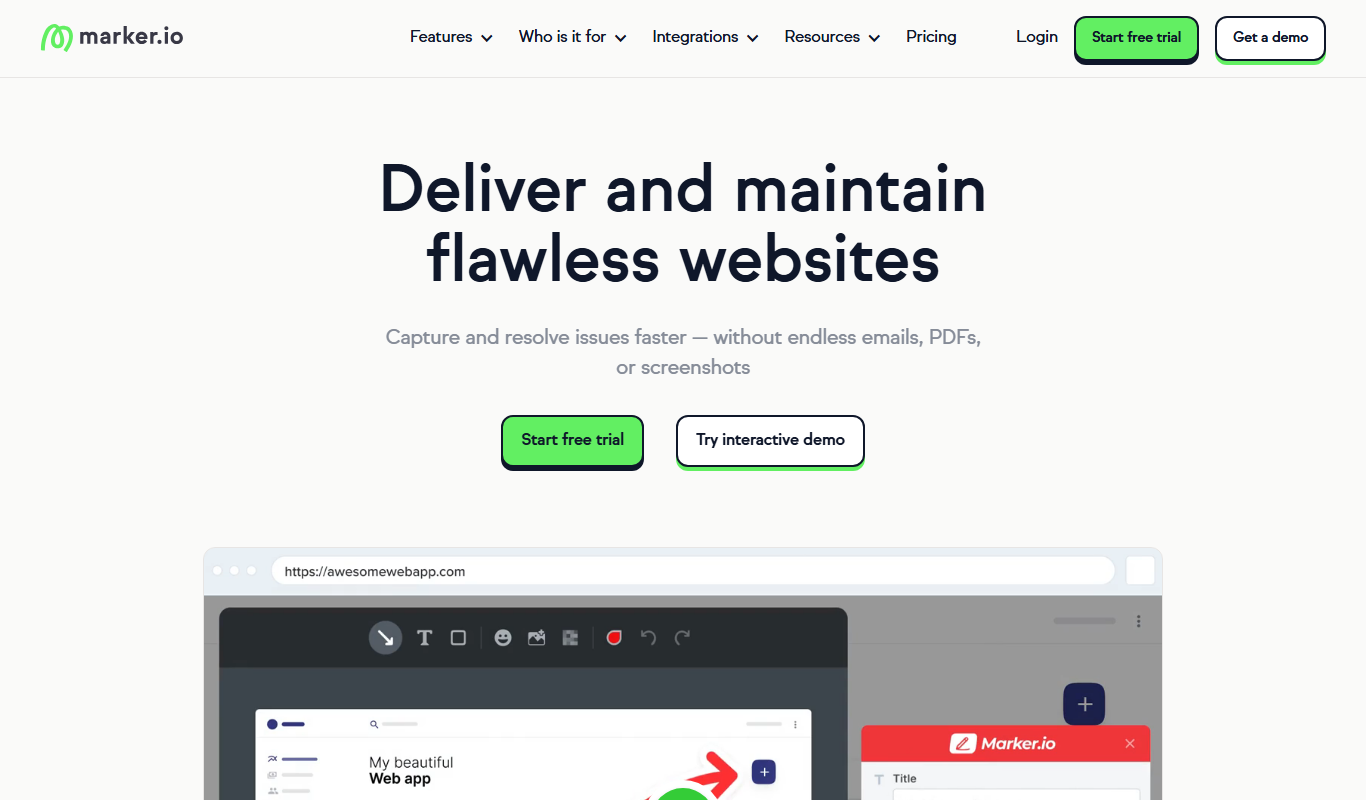
Marker.io
Marker.io is a visual bug reporting and feedback tool that allows users to capture annotated screenshots and send them directly to project management tools like Jira and Trello, streamlining website issue tracking and collaboration.
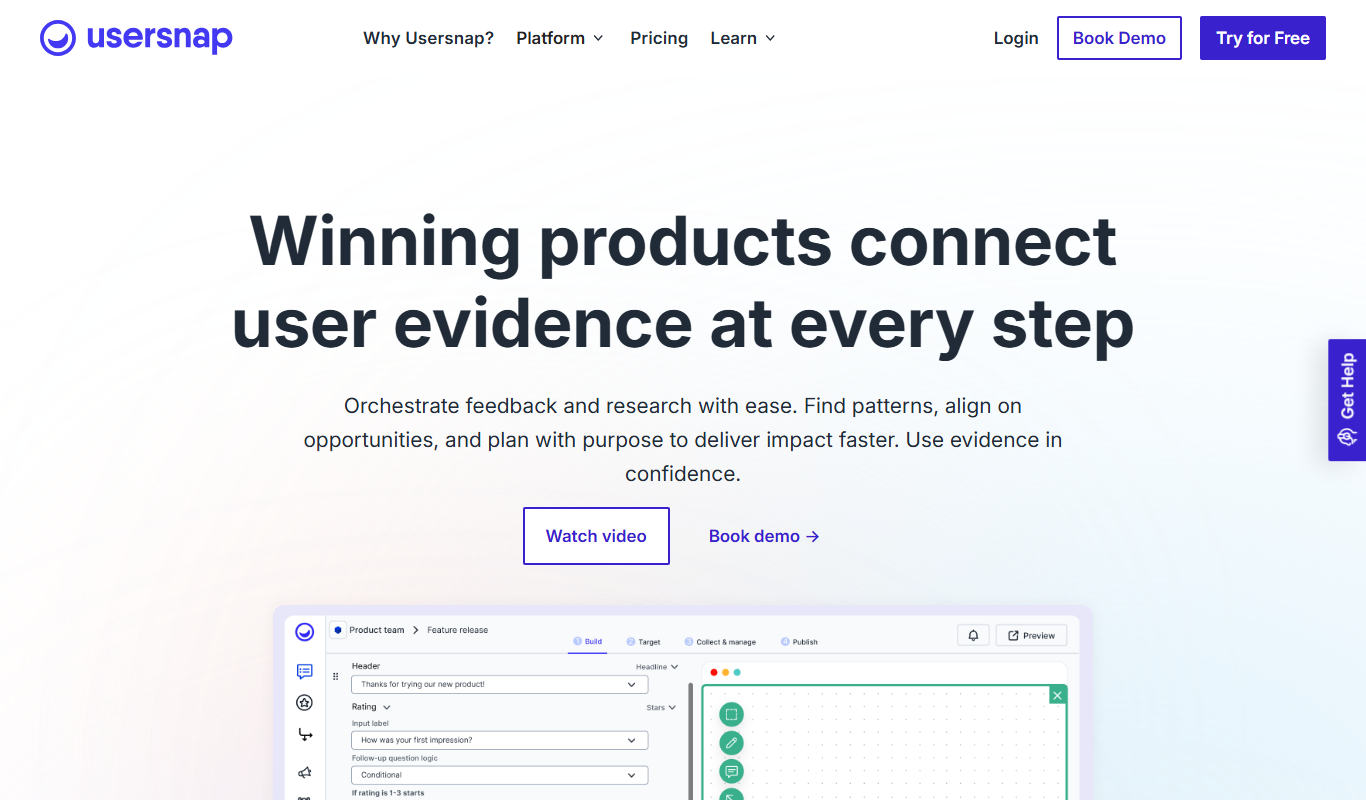
Usersnap
Usersnap is a user feedback platform for product teams where one code snippet powers segmented surveys, annotated screen-capture tickets, and an in-product feedback menu tied to support.

BugHerd
BugHerd is a visual bug tracking tool that allows teams to report, manage, and resolve website bugs by pinning issues directly on the webpage, streamlining communication and project management.