
From my experience with DocSpring, it stands out as a practical and developer-friendly document automation platform. Its combination of an intuitive PDF template editor and a robust API makes it ideal for businesses looking to automate contract generation, invoicing, or form-based workflows. The platform’s support for conditional logic adds flexibility to document creation, which is a real advantage in complex use cases. However, the lack of multi-language support and absence of a dedicated mobile app might limit accessibility for some users. Overall, if you need reliable, API-driven PDF generation and form automation, DocSpring delivers a solid, scalable solution.
DocSpring Online Document Automation Platform for PDF Generation and Forms
DocSpring is a cloud-based platform that automates PDF document creation and form building, offering an API for integration and conditional logic support.
Tech Stack:
JavaScript
Node.js
React
What is DocSpring?
DocSpring is a cloud-based document automation platform that enables users to create, customize, and generate PDF documents and forms online. It provides an intuitive interface for designing document templates and interactive forms, along with a powerful API for integrating document generation into other software applications. DocSpring simplifies workflows by automating the creation of contracts, invoices, reports, and other business documents.

Key Features of DocSpring
PDF Template Editor
Design and customize PDF templates with fillable fields for dynamic content.
Online Form Builder
Create interactive forms linked to templates for data collection.
REST API Access
Programmatically generate documents and integrate with other systems.
Conditional Logic
Add conditional fields and logic to forms for personalized document generation.
Document Storage and Management
Store generated documents securely and manage them within the platform.
Pros and Cons of DocSpring
Pros
- Easy-to-use PDF template editor
- Powerful API for seamless integration
- Supports conditional logic in forms
- Secure document storage
- Flexible pricing plans
Cons
- Limited language support (English only)
- No dedicated mobile app
- Advanced features require paid plans
Key Use Cases for DocSpring
Automated PDF Generation
Create and generate PDF documents automatically from templates and user input.
Online Form Creation
Build interactive online forms that collect data and generate documents in real time.
API Document Integration
Integrate document generation capabilities into existing applications via API.
Contract and Agreement Automation
Automate the creation of contracts, agreements, and other legal documents.
Data Collection and Processing
Collect structured data through forms and use it to populate documents dynamically.
How DocSpring Works
-
1
Create a Template
Upload or design a PDF template with fillable fields using DocSpring’s editor.
-
2
Build an Online Form
Link form fields to the template fields to collect user input.
-
3
Generate Documents
Users submit data via the form or API, triggering automatic PDF generation.
-
4
Download or Integrate
Download generated PDFs or integrate document creation into your app using DocSpring’s API.
Who's Using DocSpring
Small to medium businesses
Developers needing document APIs
Legal and contract professionals
Sales and invoicing teams
HR departments automating forms
DocSpring Pricing
Free
$0/month
Basic access with limited document generation and API calls.
Pro
$49/month
Higher limits, advanced features, and priority support.
Enterprise
Custom pricing
Tailored solutions with dedicated support and volume discounts.
Frequently Asked Questions About DocSpring
Yes, DocSpring provides a REST API that allows you to integrate document generation into your applications.
Limits depend on your pricing plan; the Free plan has lower limits, while Pro and Enterprise plans offer higher or custom limits.
Yes, you can upload your own PDF templates and add fillable fields to customize documents.
Yes, you can add conditional fields to your forms to tailor document content based on user input.
It depends on your specific needs and how you plan to use the tool. The official website and documentation are the best sources for the latest details.
Integration support depends on the tool and its available connectors or API. Check the official documentation or integrations page to confirm what is supported.
Yes, it can help with that use case depending on how you configure it and what features are available. You’ll get the best results with clear inputs and a defined goal.
Share your review
Reviews are limited to one per logged-in user and are published after moderation.
You need an account to review this tool.
0.0
★
★
★
★
★
0 reviews
5 star
0
4 star
0
3 star
0
2 star
0
1 star
0
No reviews yet
Be the first to share how this tool worked for you.
Questions from the community
Read questions and answers about this tool, or ask your own.
No questions yet
Start the conversation by asking the first question about this tool.
Is this tool helpful?
Alternative Tools
Explore similar AI tools that might fit your needs
Free
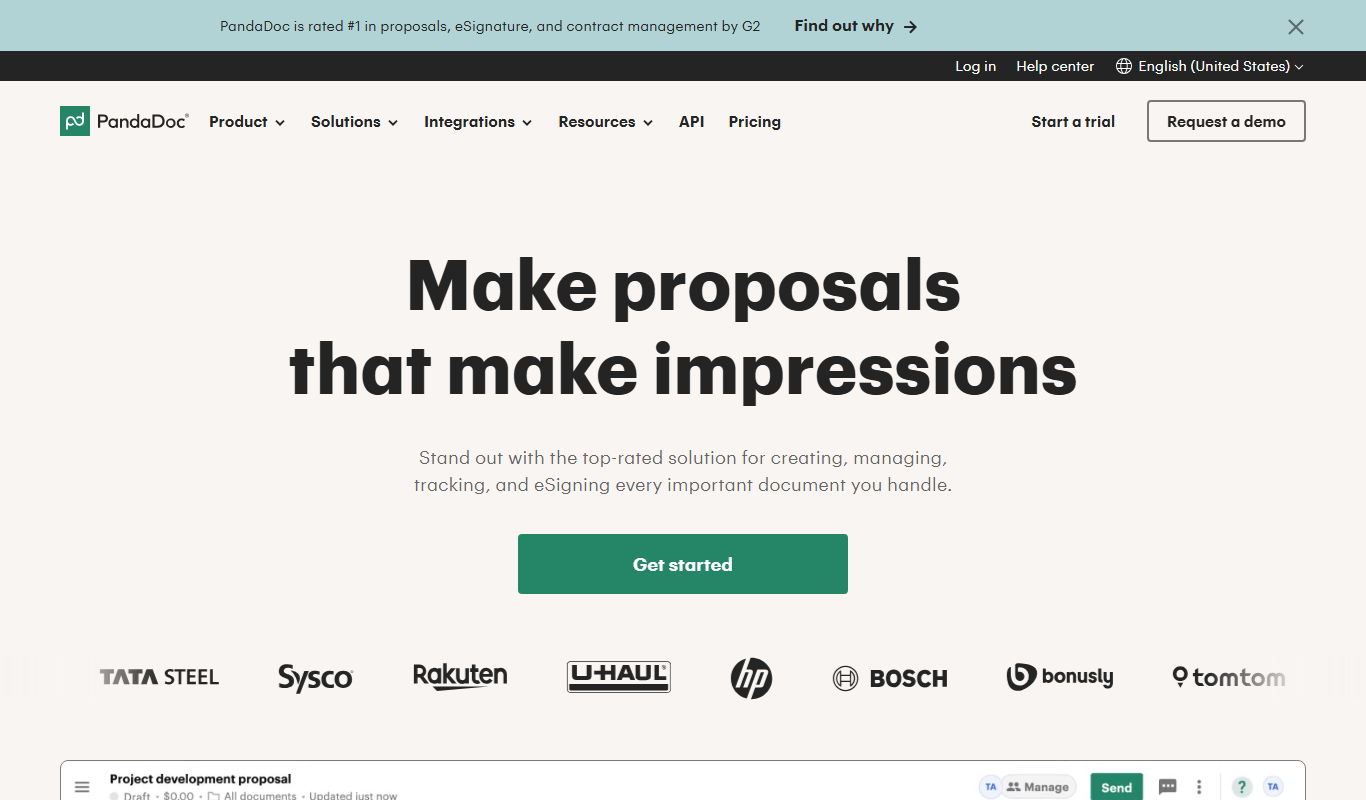
PandaDoc
PandaDoc is a cloud-based platform that automates document creation, approval workflows, and electronic signatures to help businesses streamline proposals, contracts, and payments.

Free Trial
DocuSign
DocuSign is a cloud-based electronic signature platform that enables secure, legally binding digital signing and management of documents, streamlining workflows and ensuring compliance.
Free Trial
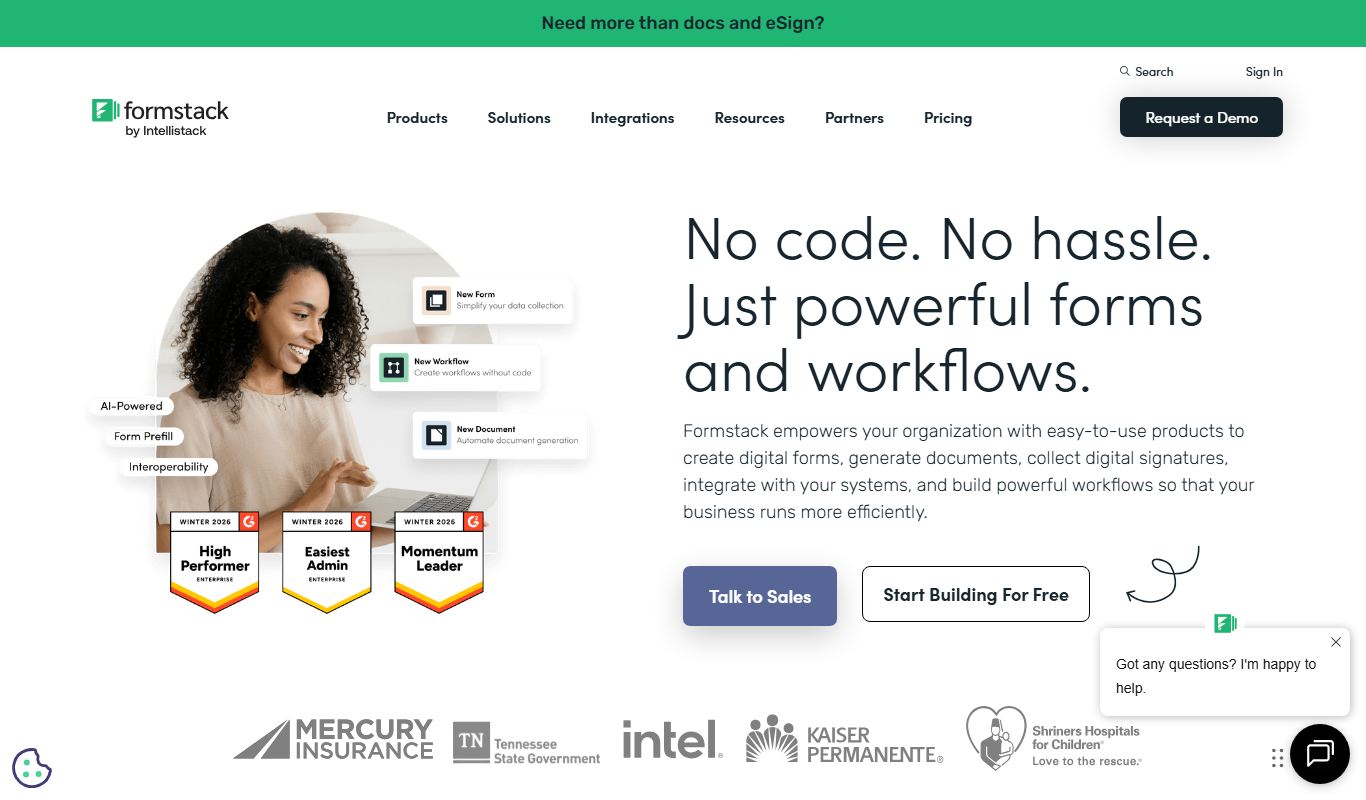
Formstack Documents
Formstack Documents is a no-code document automation platform that integrates with various apps to generate, customize, and distribute documents automatically, improving workflow efficiency.

Freemium
Krishn.ai
Krishn.ai is an AI chatbot platform that enables businesses to automate customer interactions and support using no-code tools and natural language processing.

Custom Pricing
Diffbot
Diffbot is an AI-driven platform that automatically extracts structured data from web pages using machine learning and computer vision, providing APIs for developers to access clean, organized data for various applications.

Free Trial
Answer AI
Answer AI is an AI-driven customer support platform that combines chatbots and a smart knowledge base to automate responses and improve customer service efficiency.

Free
Chainlink
Chainlink is a decentralized oracle network that securely connects smart contracts to external data sources, APIs, and payment systems, enabling reliable blockchain applications.

Subscription
AllMind AI
AllMind AI is an AI-driven investment platform that helps investors optimize portfolios, analyze markets, and manage risks using machine learning.

Contact for pricing
Cape Privacy
Cape Privacy is an AI platform that enables secure, privacy-preserving data collaboration using federated learning and encryption, helping enterprises comply with data privacy regulations while unlocking AI insights.

Freemium
Mono API
Mono API is a financial data aggregation platform that enables developers to access real-time banking data and initiate payments securely via a single API, primarily serving African markets.

Free
Handshake
Handshake is a decentralized blockchain protocol enabling users to register and auction top-level domain names securely and censorship-resistantly.