

Mictoo - Free AI Audio & Video Transcription Online
Mictoo is a free AI audio and video transcription tool: no signup, MP3, MP4, WAV and M4A support, and 50+ languages.
- Best for
- Lecture transcription
- Key capability
- Whisper large-v3 transcription
Save Mictoo, follow its updates and vote on it — everything stays in your account.
Sign in or create a free account
What is Mictoo?
Mictoo is a free AI transcription tool built on OpenAI’s Whisper large-v3 model that converts audio and video files to text in the browser, in over 50 languages, with no signup required.
Key features of Mictoo
Mictoo transcribes audio and video files, auto-detects or lets you pick the language, lets you edit, summarize and translate the transcript, and downloads it as TXT, DOCX, PDF or SRT.
Whisper large-v3 transcription
Whisper large-v3 converts speech to text with high accuracy and automatic punctuation.
No signup required
Transcribe files up to 25 MB without an account or credit card.
50+ languages
Transcribe and translate in over 50 languages, with automatic language detection.
Edit, summarize and export
Edit, summarize and translate the transcript, then download it as TXT, DOCX, PDF or SRT.
Wide format support
Supports MP3, MP4, WAV, M4A, OGG, WEBM, FLAC, AAC, MOV and MPEG.
Pros and cons of Mictoo
Pros
- Completely free with no account or credit card
- Over 50 languages with auto-detection
- Exports to TXT, DOCX, PDF or SRT
- Files are not stored on Mictoo's servers
Cons
- Anonymous uploads are limited to 25MB and 30 min per file
- A limited daily transcription budget can put files in a queue at busy times
Key use cases for Mictoo
Lecture transcription
Students transcribe lectures and study materials.
Podcast show notes
Turn episodes into show notes, blogs and social content.
Interview transcripts
Journalists transcribe interviews quickly and verify quotes.
Meeting documentation
Teams document meetings and share actionable transcripts.
Captions and articles
Content creators repurpose audio and video into captions and articles.
How Mictoo works
- 1
Upload your file
Drag and drop or choose an audio or video file, such as MP3, MP4, WAV or M4A.
- 2
AI transcribes
Whisper large-v3 converts speech to text with automatic punctuation.
- 3
Review and edit
The transcript is fully editable in your browser.
- 4
Export
Summarize, translate and download the transcript as TXT, DOCX, PDF or SRT.
Who is using Mictoo
Mictoo pricing
Free
Free
No account, no credit card, no hidden fees; files up to 25 MB, or 60 MB and 7 free transcriptions per day when signed in.
Pro
$49/month
Advanced features including unlimited interactions, full multilingual support, and priority support.
Plans and prices are as published by the vendor and can change. Check the official site before you buy. Open the pricing page (opens in a new tab)
Frequently asked questions about Mictoo
Yes. It is completely free for files up to 25 MB with no account or credit card; signed-in users get a 60 MB per-file limit and 7 free transcriptions per day.
It uses OpenAI’s Whisper large-v3; accuracy depends on audio quality and accent but typically exceeds 95% for clear recordings.
No. Files are streamed to Groq’s Whisper API for transcription, with OpenAI’s Whisper API as a fallback, and are not stored on Mictoo’s servers.
Up to 25 MB anonymously and 60 MB after a free sign-in; registered users can upload files up to 180 MB, which are auto-split and merged.
MP3, MP4, WAV, M4A, OGG, WEBM, FLAC, AAC, MOV and MPEG.
Larger files, history, AI summary, translation to 28 languages and chat with your transcript.
Mictoo runs on a limited daily transcription budget, so at busy times files join a queue instead of starting straight away.
Yes. The transcript is fully editable in your browser before you copy or download it.
Conclusion
Drop an audio or video file into the browser and Whisper large-v3 returns a punctuated transcript, with no account needed for files up to 25 MB. The language is detected automatically or picked from over 50, and the text stays editable before it is downloaded as TXT, DOCX, PDF or SRT. Files go to Groq’s Whisper API for processing and are not stored on Mictoo’s servers.
Students, podcasters, journalists and content creators each get a use case on the site, from lectures to interviews and show notes. A free sign-in raises the file limit and adds history, AI summary, translation and chat with the transcript. Everything is free, but anonymous uploads stop at 25 MB and 30 minutes, and a limited daily budget can put files in a queue at busy times.
Sources
Sign in to review this tool.
Sign In to ReviewNo reviews yet
Be the first to share how this tool worked for you.
Ask about pricing, limits, or how it compares — or answer someone else.
Sign In to AskNo questions yet
Have a question about using or paying for this tool? Be the first to ask.
Featured on TiorAI



More AI Transcription tools
Other tools in the same category, for when this one is not quite the fit.

ambient.us
ambient.us is an AI meeting assistant that provides real-time transcription, action item detection, and collaboration features to help teams capture and organize meeting content efficiently.
ecango.com
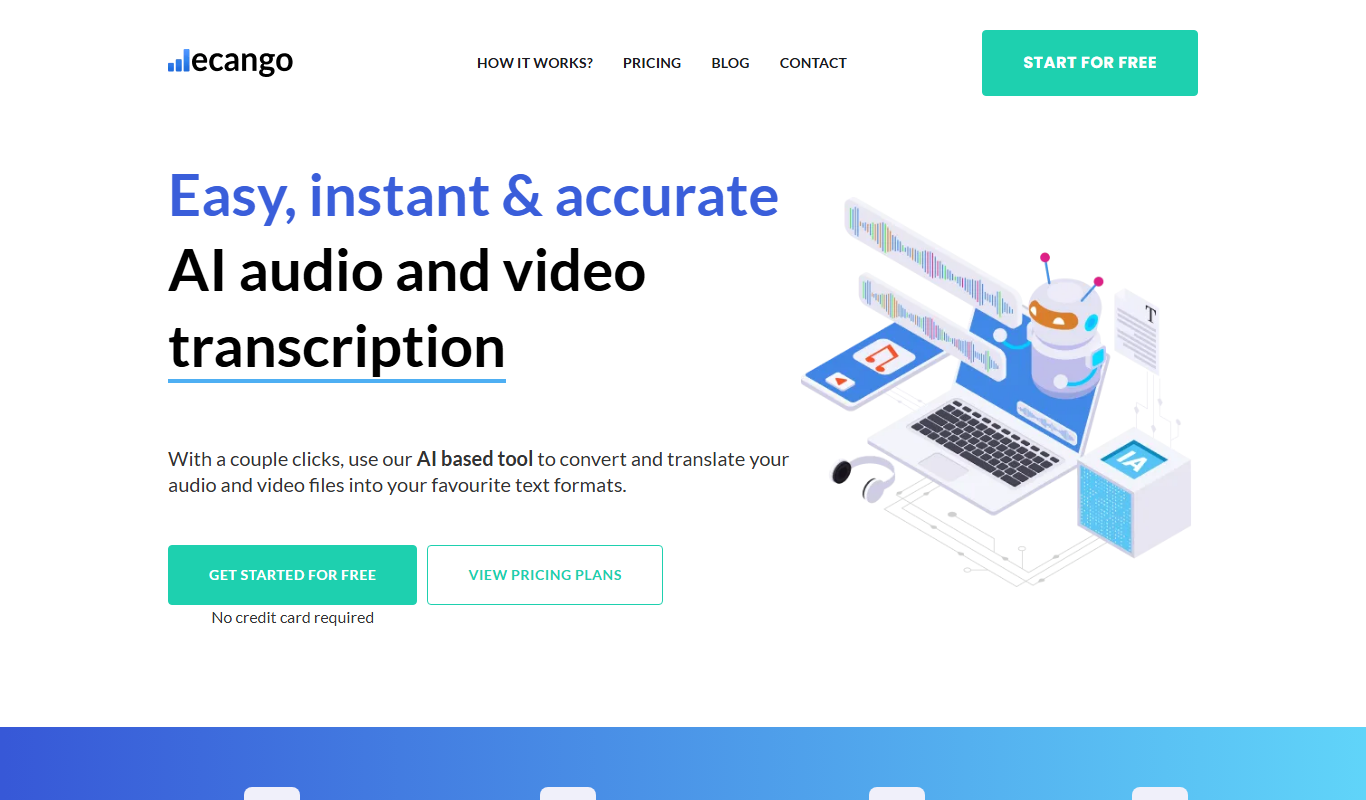
Ecango is an AI tool that converts audio and video files into text transcripts and translates them into 90+ languages.

VOMO AI
VOMO turns meetings, interviews, voice memos and YouTube videos into accurate transcripts, AI summaries, action items and shareable meeting notes in 90+ languages.

Voicenotes.com
Voicenotes records meetings directly from your device and turns them into accurate transcripts, clear summaries, action items and searchable meeting reports.

Notta
Notta is an AI note taker that transcribes, summarizes, and generates action plans from your meetings, interviews, or recordings.

Patee.io – Thai Transcription Service
Patee.io is an AI-powered online platform specializing in accurate Thai language transcription from audio and video files.

WhisperTranscribe
WhisperTranscribe is an AI-based web tool that converts audio and video files into accurate text transcripts quickly and easily, supporting multiple formats and offering editable transcripts.
superwhisper
Superwhisper turns your voice into clean, formatted text in any app and runs on macOS, Windows, iOS and Android.