

VOMO - AI Meeting Notes & Audio Transcription Software
VOMO turns meetings, interviews, voice memos and YouTube videos into accurate transcripts, AI summaries, action items and shareable meeting notes in 90+ languages.
- Best for
- Meeting notes
- Key capability
- Accurate transcription
Save VOMO AI, follow its updates and vote on it — everything stays in your account.
Sign in or create a free account

What is VOMO AI?
VOMO is AI meeting notes software that doubles as audio transcription software. It transcribes meetings, interviews, lectures, voice memos, audio files, videos and YouTube links, then writes Smart Notes with an AI summary, chapters, action items and speaker labels.
Key features of VOMO AI
VOMO transcribes recordings, uploads and YouTube links with speaker labels and timestamps, writes editable Smart Notes with summaries, chapters and action items, answers questions about the content, and shares notes through public links or exports.
Accurate transcription
Transcribe audio to text with 95%+ accuracy in 90+ languages, including mixed-language meetings.
Smart Notes
Each transcript becomes an editable note with an AI summary, chapters, action items and speaker labels.
Ask AI
Ask AI answers questions straight from your transcript and Smart Notes.
Share and export
Create a public share link or export notes and transcripts as PDF, HTML, TXT and other formats.
Pros and cons of VOMO AI
Pros
- 95%+ accuracy in 90+ languages, including mixed-language meetings
- Notes stay editable
- Share notes through a public link without sign-up
Cons
- The Free plan includes 60 minutes at signup and 30 minutes per file
- YouTube videos without captions are not supported yet
Key use cases for VOMO AI
Meeting notes
Turn meetings into transcripts, AI summaries and action items.
Interviews and lectures
Transcribe interviews and lectures into searchable notes.
YouTube transcripts
Transcribe any YouTube video that already has captions available.
Voice memos
Turn voice memos into accurate transcripts and notes.
How VOMO AI works
- 1
Record, upload or paste a link
Record live, upload up to 10 audio or video files at once, or paste a YouTube link that has captions.
- 2
Get the transcript
VOMO transcribes audio to text with speaker labels in 90+ languages.
- 3
Review the Smart Notes
Smart Notes arrive with an AI summary, chapters and action items, built from a template you can switch.
- 4
Ask, edit and share
Ask AI about the meeting, edit the note and share it through a public link.
Who is using VOMO AI
VOMO AI pricing
Free
$0
60 free minutes at signup.
Pro
$99.99 USD billed every year ($1.92 /Weekly)
Recordings up to 3 hours per file, with unlimited total transcription minutes.
Plans and prices are as published by the vendor and can change. Check the official site before you buy. Open the pricing page (opens in a new tab)
Frequently asked questions about VOMO AI
AI meeting notes software that doubles as audio transcription software, writing Smart Notes with an AI summary, chapters, action items and speaker labels.
Pro supports recordings up to 3 hours per file, with unlimited total transcription minutes.
Yes, for YouTube videos that already have captions; videos without captions are not supported yet.
VOMO works on web, iOS and Android.
Yes. A public share link lets teammates read and search the notes, transcript and action items without signing up.
VOMO protects recordings and transcripts with encryption in transit and at rest, and you can delete your recordings at any time.
Conclusion
Record live, upload files or paste a YouTube link: each source ends up as a transcript with speaker labels, then as an editable Smart Note. That note holds an AI summary, chapters and action items, and templates adapt its layout to sales meetings, interviews, standups or podcasts. Transcription covers 90+ languages, including meetings that mix Spanish and English. Ask AI answers questions from the transcript, and a public link lets teammates read the notes without signing up.
Role pages range from students and podcasters to product managers and medical scribes, and the VOMO CLI also feeds notes into agent tools such as Claude Code. It runs on web, iOS and Android. The free tier starts with 60 minutes and short files, YouTube links only work when captions exist, and longer recordings up to 3 hours per file need Pro.
Sources
Sign in to review this tool.
Sign In to ReviewNo reviews yet
Be the first to share how this tool worked for you.
Ask about pricing, limits, or how it compares — or answer someone else.
Sign In to AskNo questions yet
Have a question about using or paying for this tool? Be the first to ask.
Featured on TiorAI



More AI Meeting Assistant tools
Other tools in the same category, for when this one is not quite the fit.
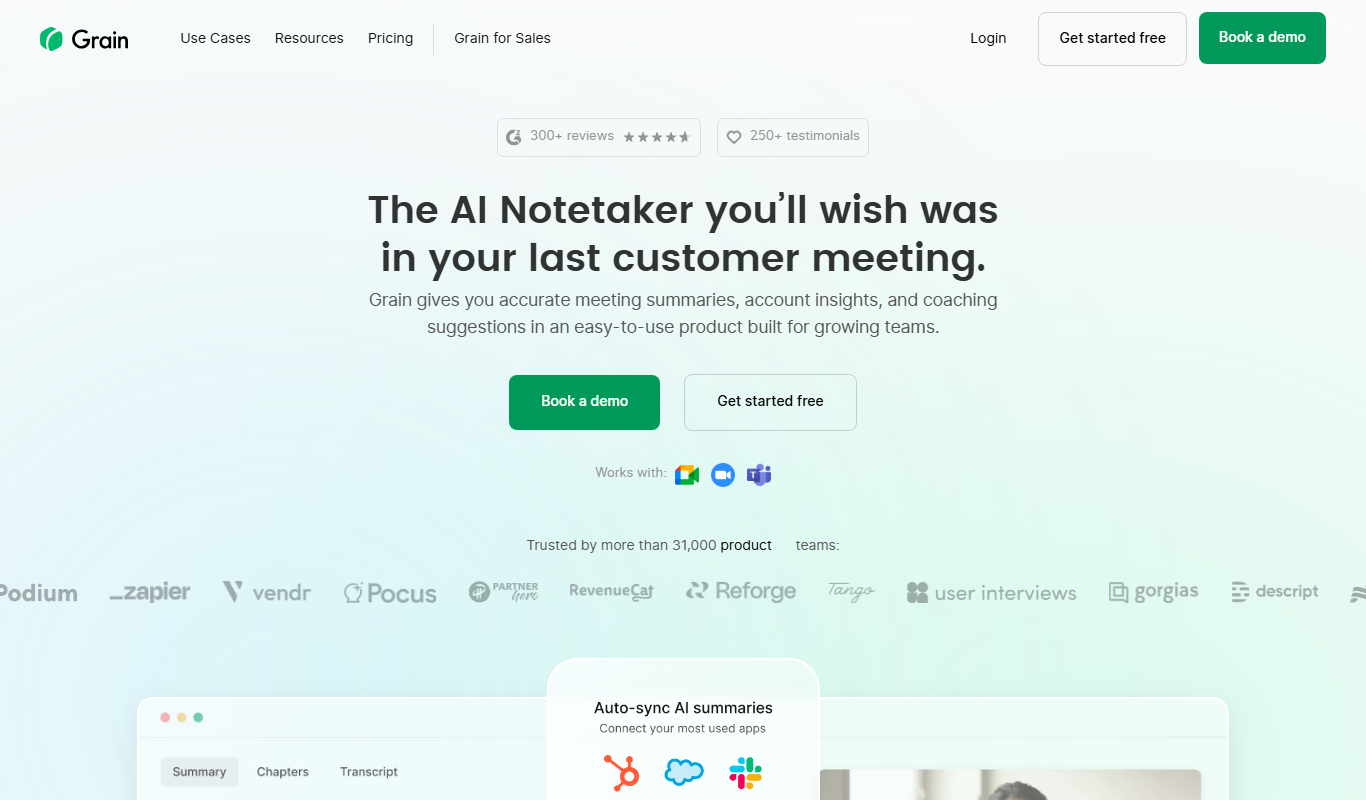
grain.co
Grain is an AI notetaker that captures and enriches meetings, then delivers them to Claude, ChatGPT or any AI tool so agents can do the follow-up work.

AiGenda
AiGenda is an AI meeting assistant that records calls in Google Meet, Zoom or Telemost, transcribes them and delivers a structured meeting summary in under 5 minutes.

ambient.us
ambient.us is an AI meeting assistant that provides real-time transcription, action item detection, and collaboration features to help teams capture and organize meeting content efficiently.

Meetsummary
Meetsummary is an AI meeting assistant that transcribes audio, generates concise summaries, and extracts action items to streamline meeting workflows.
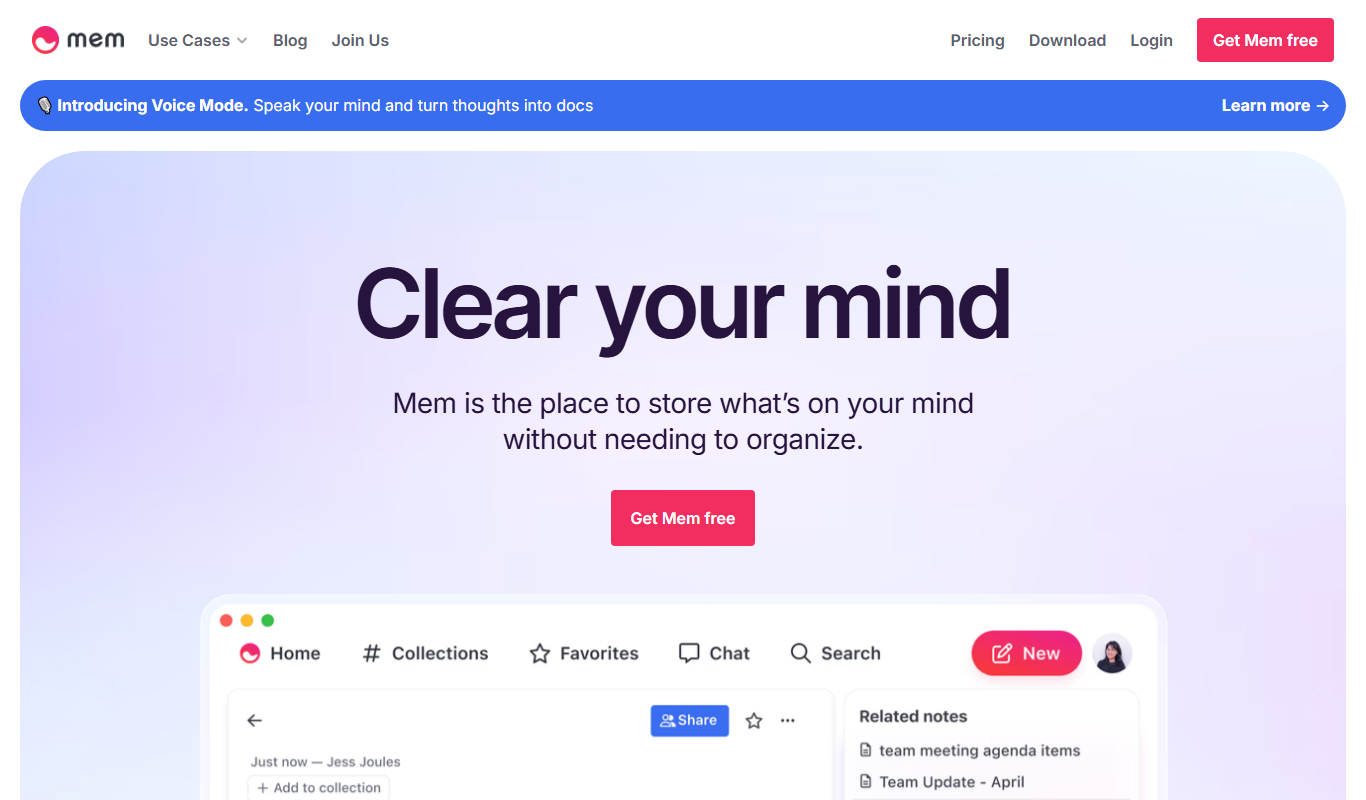
Mem.ai
Mem is an AI note-taking workspace and agent that keeps notes, meetings and ideas organized and connected, and checks in when something needs attention.

MyPop.ai
MyPop is an AI agent for product teams that integrates with Slack, Zoom, Jira and Confluence to summarize meetings, track project progress and surface areas for improvement.

Circleback
Circleback gives you AI-powered meeting notes, action items, automations and search for Zoom, Google Meet, Microsoft Teams, Slack huddles and in-person conversations.
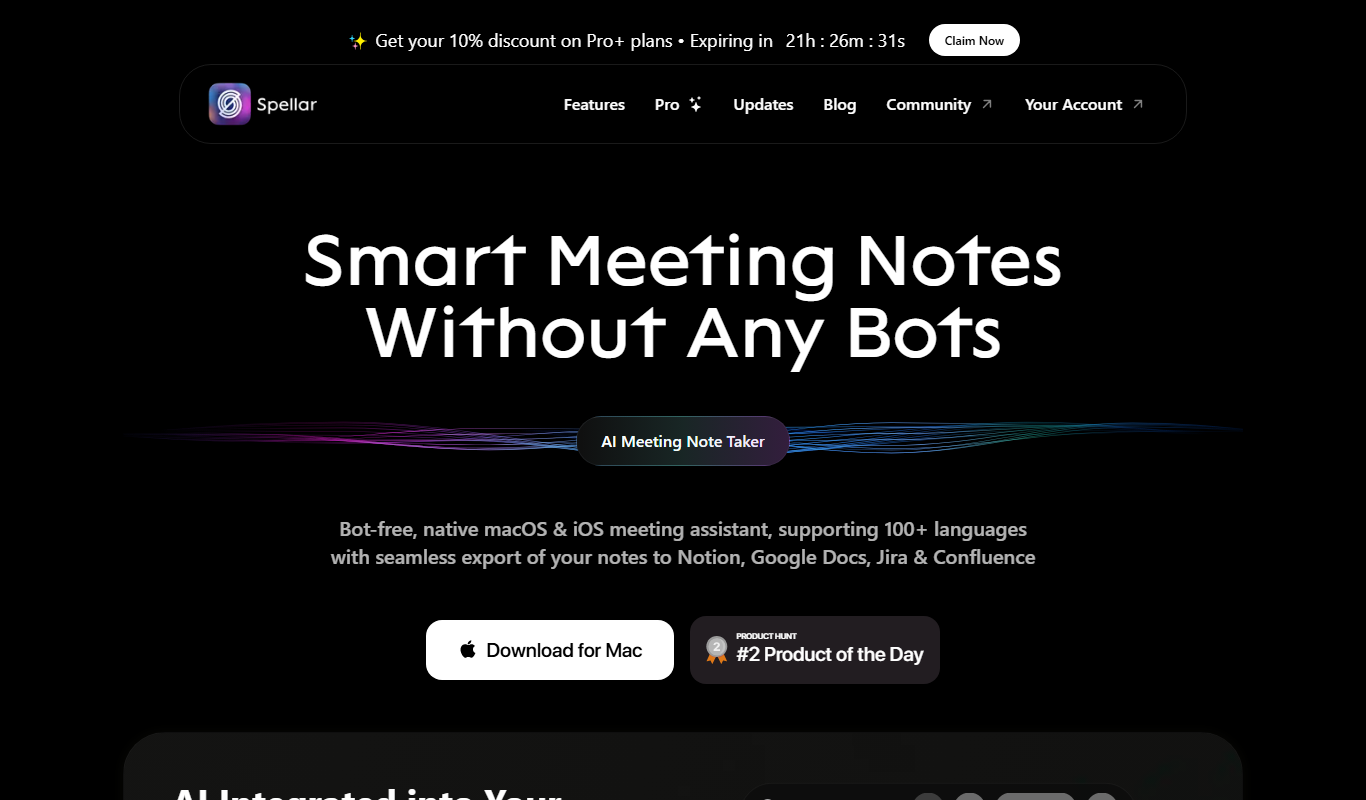
Spellar
Spellar is a bot-free AI meeting note taker for Mac, iPhone, iPad and the web: record locally, then get AI summaries, action items and chat across meetings.