

Voxer Walkie Talkie App for Instant Voice Messaging and Team Communication
Voxer is a walkie talkie app that enables instant live voice messaging combined with text and multimedia chat, designed for team communication and personal use across mobile and web platforms.
- Best for
- Instant Team Communication
- Key capability
- Live Push-to-Talk Voice Messaging
Save Voxer, follow its updates and vote on it — everything stays in your account.
Sign in or create a free account
What is Voxer?
Voxer is a walkie talkie app that combines live voice, text, photo, and location sharing into a single messaging platform. It enables instant communication for teams and individuals by allowing users to send real-time voice messages that can be listened to live or later. Voxer works over cellular and Wi-Fi networks, making it ideal for remote teams, field workers, and social groups seeking quick and efficient communication.
Key features of Voxer
Voxer offers push-to-talk live voice messaging, text chat, multimedia sharing, group chats, message playback, and end-to-end encryption. It supports both live and recorded voice messages, allowing users to listen at their convenience. The app is available on mobile and web platforms, facilitating seamless communication across devices.
Live Push-to-Talk Voice Messaging
Send and receive live voice messages instantly, just like a walkie talkie.
Text and Multimedia Chat
Complement voice messages with text, photos, videos, and location sharing.
Message Playback
Listen to voice messages live or play them back later at your convenience.
Group Chats and Broadcasts
Communicate with multiple users simultaneously through group conversations.
End-to-End Encryption
Secure your conversations with encryption to protect privacy.
Cross-Platform Support
Use Voxer on iOS, Android, and web browsers for seamless communication.
Pros and cons of Voxer
Pros
- Instant live voice messaging with push-to-talk convenience
- Supports multimedia and text messaging alongside voice
- Cross-platform availability on mobile and web
- End-to-end encryption for secure communication
- Useful for both personal and professional team communication
Cons
- Free plan has limited message history and includes ads
- Some advanced features require paid subscription
- Dependent on internet connectivity for voice messaging
Key use cases for Voxer
Instant Team Communication
Use Voxer to send real-time voice, text, and multimedia messages to individuals or groups, improving team collaboration.
Remote Workforce Coordination
Coordinate remote or mobile teams efficiently with push-to-talk voice messaging that works over cellular or Wi-Fi networks.
Customer Service and Support
Enable customer service teams to communicate quickly and resolve issues faster using instant voice messaging.
Field Operations Management
Manage field teams such as delivery drivers, technicians, or security personnel with reliable voice communication on the go.
Social and Personal Messaging
Stay connected with friends and family through instant voice and text messaging with multimedia support.
How Voxer works
- 1
Download and Install
Get the Voxer app from the App Store or Google Play, or access it via the web.
- 2
Create an Account
Sign up using your phone number or email to create your Voxer profile.
- 3
Add Contacts
Connect with friends, colleagues, or team members by adding their contacts or inviting them.
- 4
Start Messaging
Use push-to-talk to send live voice messages or record voice notes, plus send text, photos, and location.
- 5
Organize Groups
Create group chats for teams or social circles to communicate collectively.
Who is using Voxer
Voxer pricing
Free
$0/month
Basic messaging features with limited message history and ads.
Pro + AI
$7.99/month or $49.99/year
Everything in Personal plus extended message storage, Walkie Talkie mode and voice-to-text transcription.
Business
$6/user/month, billed annually
Private and secure communication hub for growing teams of 20+ people.
Enterprise
Custom pricing
Dedicated cloud or on-premise hosted custom solutions.
Plans and prices are as published by the vendor and can change. Check the official site before you buy. Open the pricing page (opens in a new tab)
Frequently asked questions about Voxer
Yes, Voxer offers a free plan with basic messaging features and limited message history.
Yes, Voxer supports iOS, Android, and web platforms, allowing access from multiple devices.
Yes, you can create group chats to communicate with multiple users at once.
Voxer uses end-to-end encryption to protect your messages and voice communications.
This tool is designed to help users accomplish its core tasks more efficiently. It is typically used by individuals or teams looking to improve productivity and workflow.
Some tools offer a free plan or trial with limited features. Availability can vary, so confirm on the official website.
It depends on your specific needs and how you plan to use the tool. The official website and documentation are the best sources for the latest details.
Yes, it can help with that use case depending on how you configure it and what features are available. You’ll get the best results with clear inputs and a defined goal.
Conclusion
Push-to-talk sends live voice messages that recipients can hear in real time or play back later at their convenience. Text, photos, videos and location sharing sit alongside the voice, and group conversations reach multiple users at once. The app runs on iOS, Android and web browsers over cellular or Wi-Fi networks.
Remote teams and field workers, customer service teams and delivery and logistics personnel are its main business users, alongside social groups and families. A free plan exists, while Pro + AI costs $7.99 per month or $49.99 per year and Business costs $6 per user per month on annual billing. Custom pricing applies only to the Enterprise plan.
Sources
Sign in to review this tool.
Sign In to ReviewNo reviews yet
Be the first to share how this tool worked for you.
Ask about pricing, limits, or how it compares — or answer someone else.
Sign In to AskNo questions yet
Have a question about using or paying for this tool? Be the first to ask.
Featured on TiorAI



Alternative Tools
Explore similar AI tools that might fit your needs
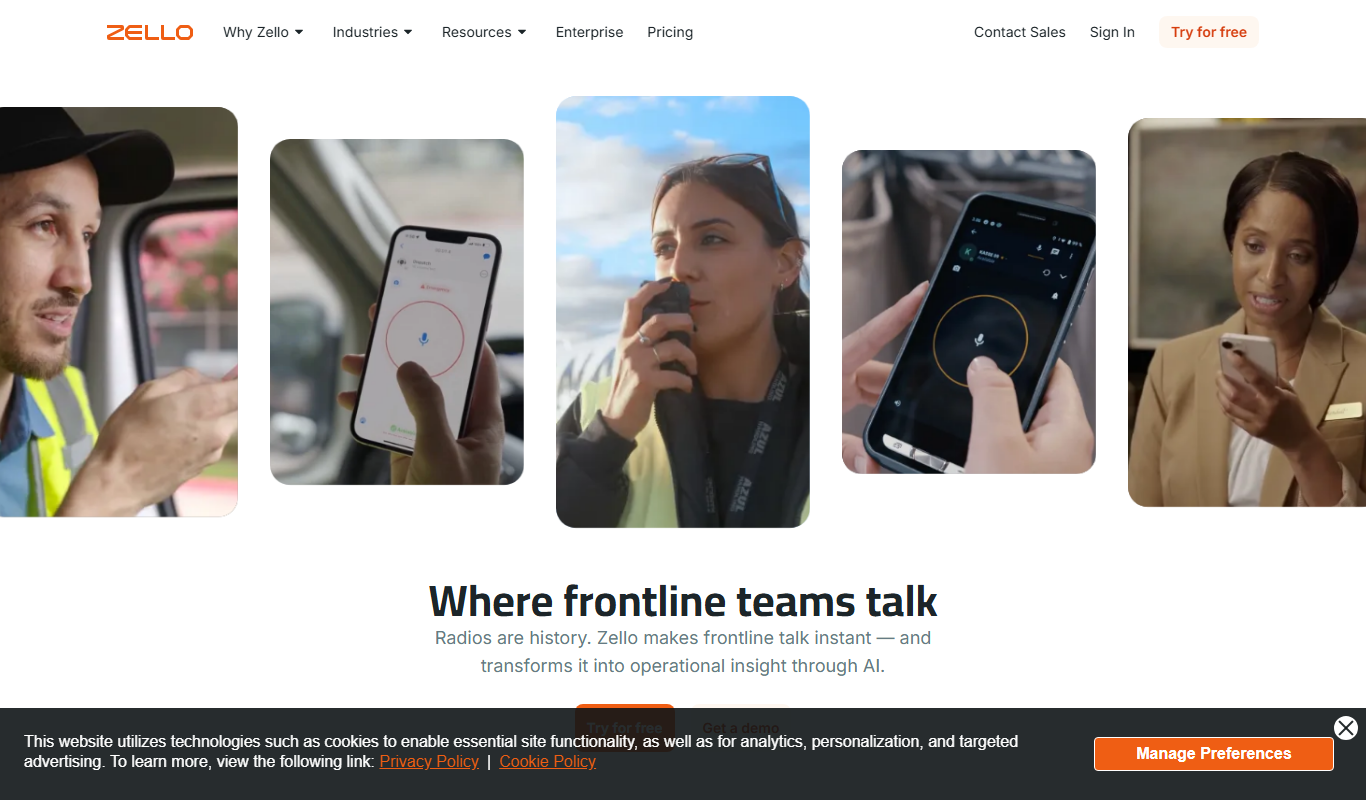
Zello
Zello is a push-to-talk app that turns your device into a walkie talkie for instant voice communication over the internet.
More AI Voice Assistants tools
Other tools in the same category, for when this one is not quite the fit.

Verse AI
Verse is an AI agent and AI texting platform for sales and marketing teams that replies to leads across channels, qualifies them through conversation and books appointments.

Auri AI
Auri is an AI keyboard for iPhone, iPad, Mac and Apple Watch that lets you dictate and improve text in any app, get visual AI answers and turn recordings into notes.

HaiVE
HaiVE deploys AI agents that close tickets and deals, self-hosted or SaaS, with on-premise data sovereignty and pay-per-minute voice pricing.

ulai
Ulai is an enterprise voice AI platform with autonomous agents for voice, WhatsApp automation, procurement, HR recruiting and real-time agent evaluation.
CogniAble
The CogniAble app is an end-to-end assistive platform for early detection and intervention of children with developmental disorders such as Autism Spectrum Disorder.
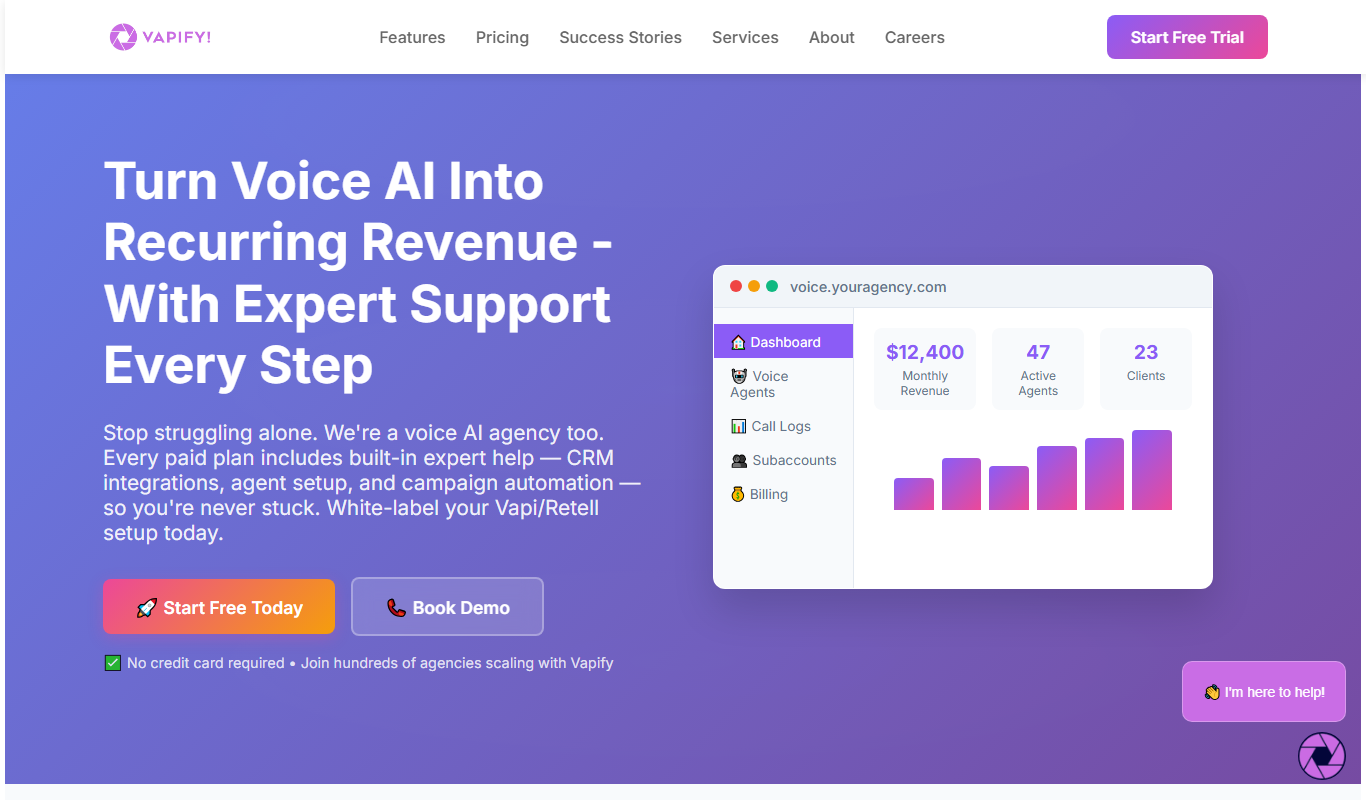
Vapify
Vapify is a white-label voice AI platform that lets agencies build, deploy and manage Vapi and Retell voice agents for their clients under their own brand.

IRCopilot
iRCopilot is a voice-controlled AI race engineer for iRacing that answers questions about pace, gaps, fuel and strategy from real-time telemetry.

Tunk
Tunk.ai builds and deploys Voice AI Agents for inbound customer support and outbound sales calling, plus speech-to-text APIs, with pay-as-you-go per-minute pricing.