

Zello Walkie Talkie App for Instant Voice Communication and Push-to-Talk
Zello is a push-to-talk app that turns your device into a walkie talkie for instant voice communication over the internet.
- Best for
- Instant Team Communication
- Key capability
- Push-to-Talk Voice Messaging
Save Zello, follow its updates and vote on it — everything stays in your account.
Sign in or create a free account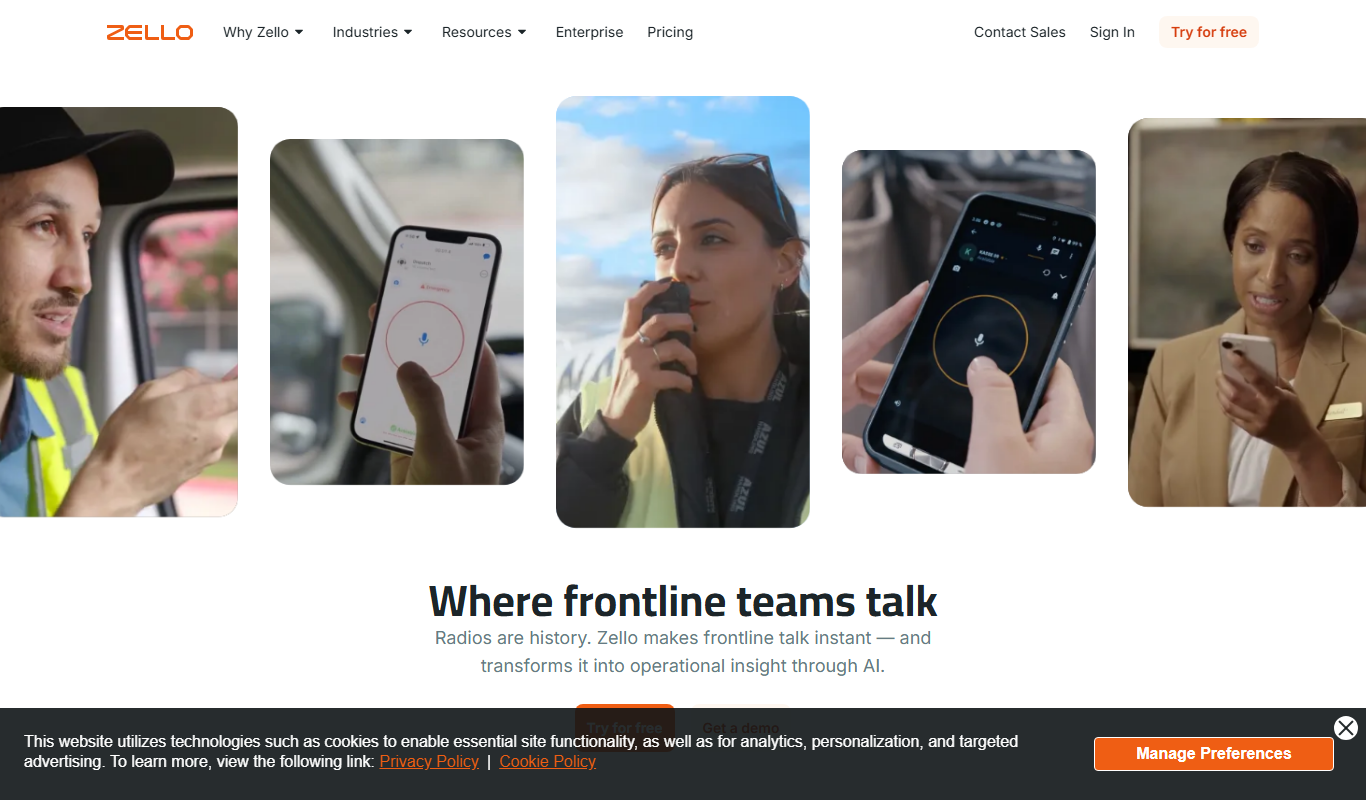
What is Zello?
Zello is a push-to-talk (PTT) walkie talkie app that transforms smartphones, tablets, and PCs into a live voice communication tool. It enables instant voice messaging over Wi-Fi or cellular data, mimicking traditional walkie talkie functionality but with the reach of the internet. Zello supports private and group channels, allowing users to communicate instantly with individuals or teams anywhere in the world.
Key features of Zello
Zello offers real-time voice communication with low latency, live voice channels, message replay, text messaging, and location sharing. It supports both one-to-one and group conversations, with robust channel management features for team coordination. The app works across multiple platforms and networks, ensuring seamless connectivity.
Push-to-Talk Voice Messaging
Instant voice communication with low latency, replicating walkie talkie experience.
Live Voice Channels
Create or join channels for group conversations with multiple participants.
Message Replay
Replay missed voice messages to catch up on conversations.
Text Chat and Location Sharing
Send text messages and share your location within channels.
Cross-Platform Support
Available on iOS, Android, Windows, Mac, and web browsers.
Pros and cons of Zello
Pros
- Real-time, low-latency voice communication
- Cross-platform availability
- Free version with generous features
- Supports large group channels
- Easy to use with push-to-talk simplicity
Cons
- Requires internet connection
- Advanced features require paid subscription
- Dependent on network quality for best experience
Key use cases for Zello
Instant Team Communication
Facilitates real-time voice communication for teams in industries like logistics, construction, and security.
Emergency Response Coordination
Used by emergency responders to quickly coordinate actions and share critical information.
Remote Workforce Collaboration
Enables remote workers to stay connected through instant voice messaging and group channels.
Social Walkie Talkie
Allows users to connect with friends or communities via live voice channels for casual conversations.
How Zello works
- 1
Download and Install
Get Zello from the official website or app stores on your device.
- 2
Create an Account
Sign up with your email or social login to start using the app.
- 3
Join or Create Channels
Join existing public or private channels or create your own for team communication.
- 4
Start Talking
Press and hold the push-to-talk button to speak instantly to your contacts or groups.
Who is using Zello
Zello pricing
Free
$0/month
Basic access with unlimited push-to-talk messaging and public channels.
Zello Work Core
$8/user/month
Includes a 14-day trial.
Zello Work Plus
$15/user/month
Everything in Core plus storage of all network communication, panic buttons, transcriptions and translations.
Enterprise
Custom pricing
Custom solutions for large-scale operations; everything in Plus plus a designated account manager and implementation support.
Plans and prices are as published by the vendor and can change. Check the official site before you buy. Open the pricing page (opens in a new tab)
Frequently asked questions about Zello
Yes, Zello offers a free version with unlimited push-to-talk messaging and access to public channels.
Zello requires an internet connection via Wi-Fi or cellular data to function.
Zello is available on iOS, Android, Windows, Mac, and web browsers.
ZelloWork provides enterprise-grade security features including private channels and admin controls.
It depends on your specific needs and how you plan to use the tool. The official website and documentation are the best sources for the latest details.
Some tools offer a free plan or trial with limited features. Availability can vary, so confirm on the official website.
Yes, it can help with that use case depending on how you configure it and what features are available. You’ll get the best results with clear inputs and a defined goal.
This tool is designed to help users accomplish its core tasks more efficiently. It is typically used by individuals or teams looking to improve productivity and workflow.
Conclusion
Pressing and holding the push-to-talk button sends speech instantly to a contact or group, turning smartphones, tablets and PCs into walkie talkies that work over Wi-Fi or cellular data. Conversations happen in public or private channels that users join or create, and missed voice messages can be replayed. Text messages and location sharing also work inside channels.
Logistics and transportation teams, emergency responders and construction and field workers are the professional users it is designed for, while social users connect with communities through live voice channels. The app itself is free, and the Zello Work business edition costs $8 per user per month for Core or $15 for Plus after a 14-day trial, with custom pricing reserved for Enterprise.
Sources
Sign in to review this tool.
Sign In to ReviewNo reviews yet
Be the first to share how this tool worked for you.
Ask about pricing, limits, or how it compares — or answer someone else.
Sign In to AskNo questions yet
Have a question about using or paying for this tool? Be the first to ask.
Featured on TiorAI



Alternative Tools
Explore similar AI tools that might fit your needs

Voxer
Voxer is a walkie talkie app that enables instant live voice messaging combined with text and multimedia chat, designed for team communication and personal use across mobile and web platforms.
More AI Speech-to-Text tools
Other tools in the same category, for when this one is not quite the fit.

Kaption AI
Kaption AI transcribes WhatsApp voice notes, summarizes long chats and translates messages inside WhatsApp Web, with a free Chrome and Edge extension, a desktop app and phone apps.

Scribebuddy
Scribebuddy transcribes audio and video to text, translates transcripts and creates subtitle files in over 100 languages, with free transcription for files up to 5 minutes and pay-as-you-go minutes for longer recordings.

Vatis Tech
Vatis Tech transcribes audio and video to text in 50+ languages, with speaker labels, translation, subtitle export and a developer speech-to-text API; 10 free minutes to start.

WhisperTranscribe
WhisperTranscribe is an AI-based web tool that converts audio and video files into accurate text transcripts quickly and easily, supporting multiple formats and offering editable transcripts.

VoicePen
VoicePen is an AI note taker app for iPhone, iPad, Apple Watch and Mac that turns meetings, lectures, memos, videos and podcasts into transcripts, notes and summaries.
DialogAi
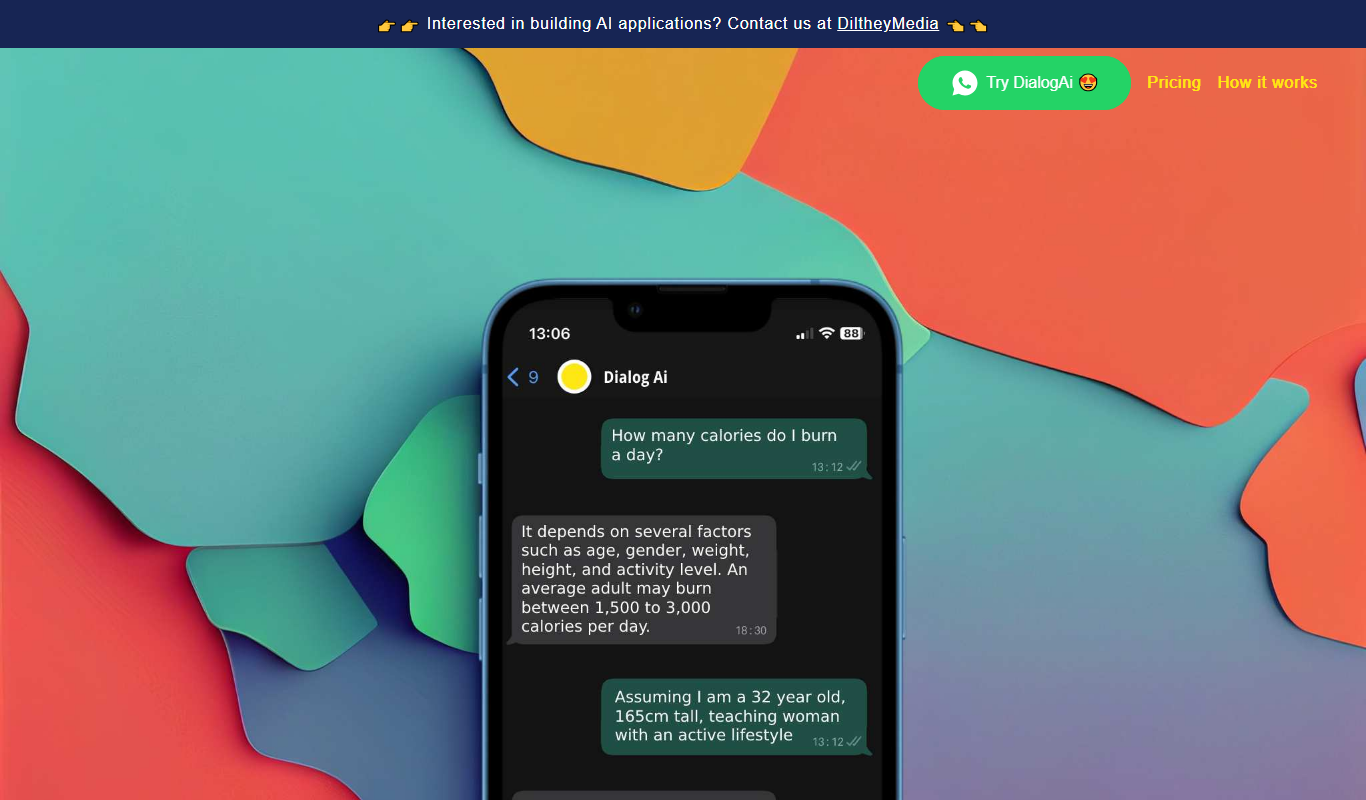
DialogAi is a WhatsApp chatbot that turns forwarded voice messages into text, summarises them and answers your questions by voice or text with ChatGPT.
WhisperBot
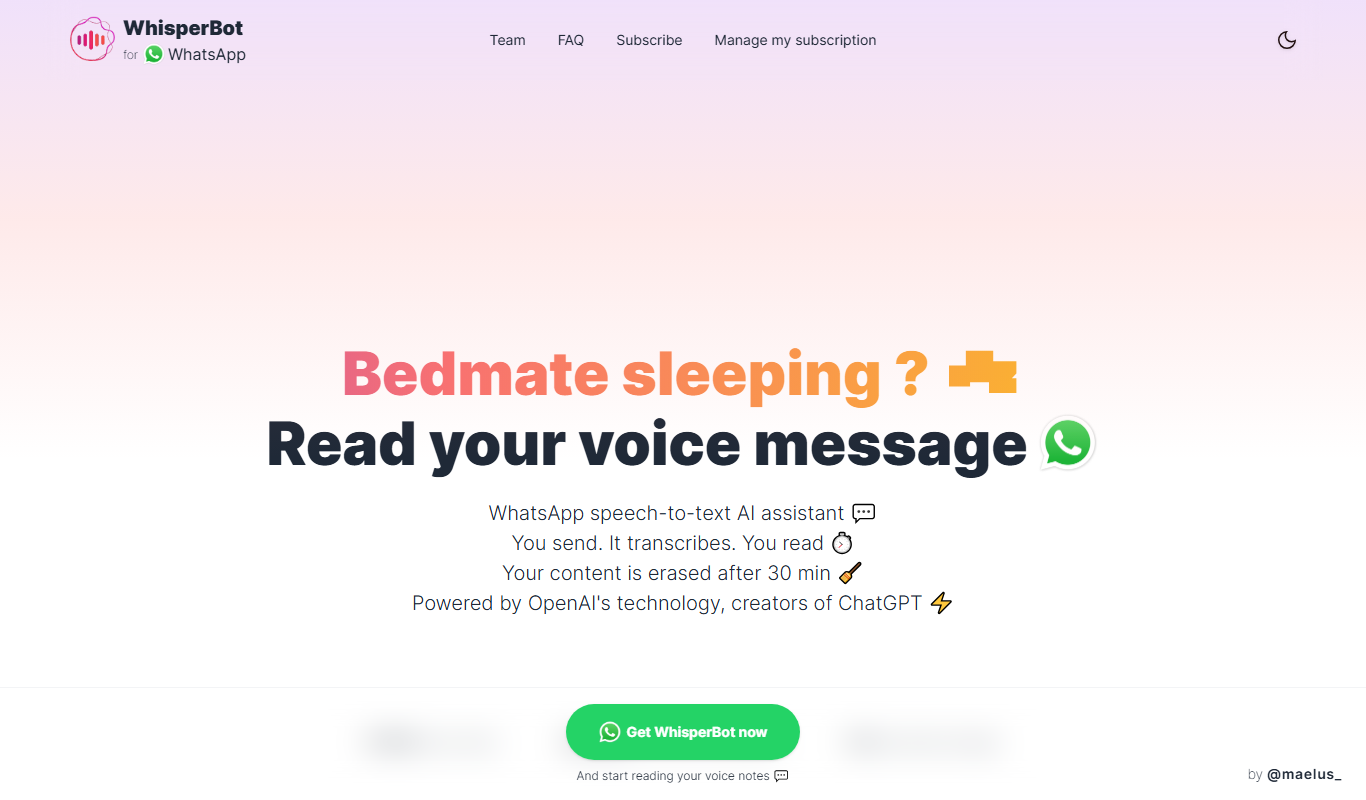
WhisperBot turns your WhatsApp voice messages into text: forward a voice note and read the transcription almost instantly, in 57 languages.
TalkTastic
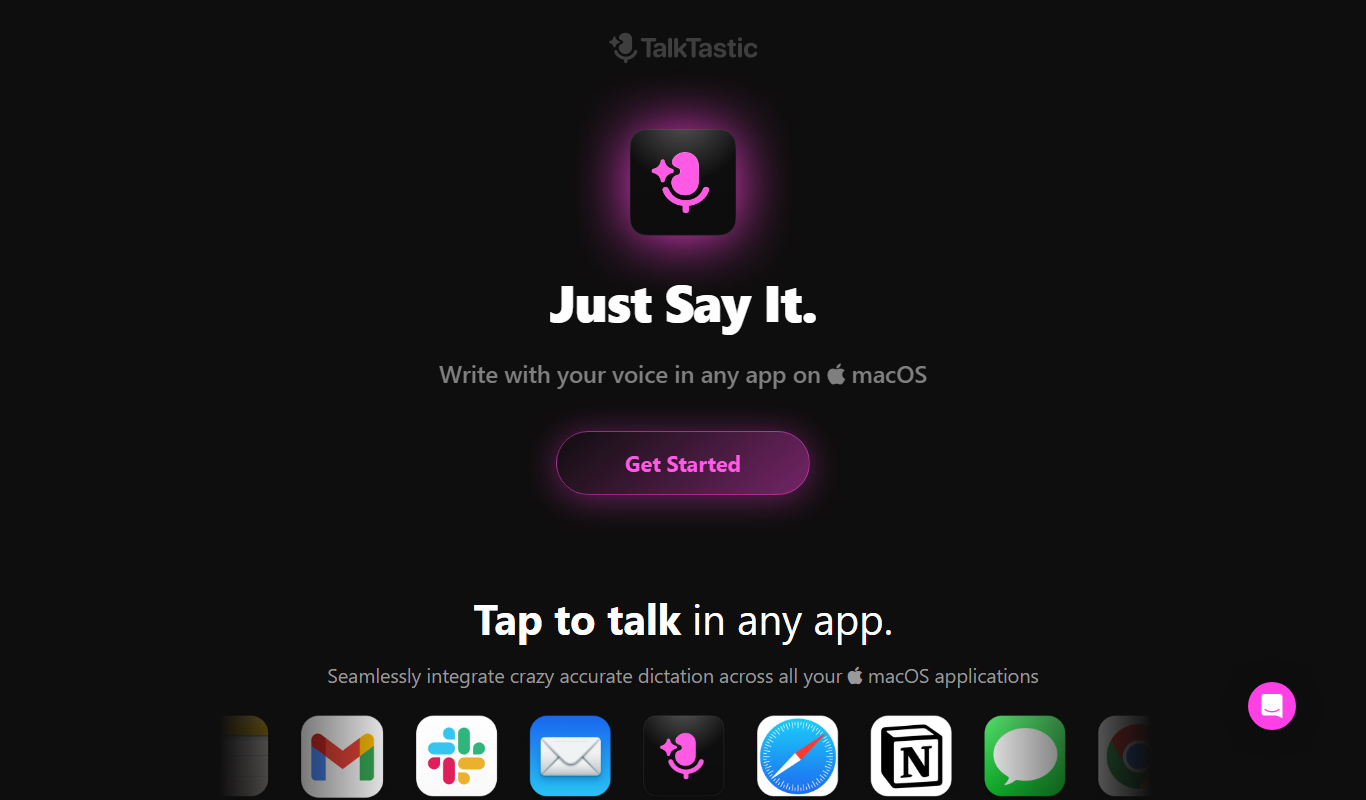
TalkTastic is a macOS app for writing with your voice in any app, using a snapshot of your screen and multimodal AI to write what you mean in your style.