

Dashlane Password Manager and Digital Wallet for Secure Online Access
Dashlane is a password manager and digital wallet that securely stores and autofills passwords and payment details, offers password generation, security monitoring, and VPN services.
- Best for
- Password Management
- Key capability
- Password Vault
Save Dashlane, follow its updates and vote on it — everything stays in your account.
Sign in or create a free account
What is Dashlane?
Dashlane is a comprehensive password manager and digital wallet designed to simplify and secure online access. It helps users generate strong passwords, store them safely, autofill login credentials, and manage payment information across multiple devices. Dashlane also provides security monitoring features to alert users about compromised passwords and potential threats.
Key features of Dashlane
Dashlane offers password storage and autofill, a secure digital wallet for payment details, password health reports, dark web monitoring, VPN for secure browsing, and business-grade password sharing and management tools.
Password Vault
Securely stores all your passwords and personal information encrypted locally.
Password Generator
Creates strong, random passwords to replace weak or reused ones.
Autofill and Auto-login
Automatically fills in login credentials and payment details to save time.
Dark Web Monitoring
Alerts you if your information appears in data breaches.
VPN Service
Provides a built-in VPN for secure and private internet browsing.
Business Password Sharing
Allows teams to share passwords securely with administrative oversight.
Pros and cons of Dashlane
Pros
- User-friendly interface with easy password management
- Strong security with end-to-end encryption and two-factor authentication
- Cross-platform support including desktop and mobile
- Includes VPN for added online privacy
- Business features for secure team password sharing
Cons
- Premium subscription can be costly compared to some competitors
- VPN included only in premium plans
Key use cases for Dashlane
Password Management
Securely store, generate, and autofill passwords across devices to enhance online security.
Digital Wallet
Store payment information and personal data securely for fast and safe online checkouts.
Security Monitoring
Monitor password health and receive alerts for data breaches or weak passwords.
Team and Business Password Sharing
Manage and share passwords securely within teams or organizations with administrative controls.
Two-Factor Authentication
Add an extra layer of security by enabling two-factor authentication for accounts.
How Dashlane works
- 1
Create an Account
Sign up on Dashlane’s website or app to create your secure password vault.
- 2
Import or Add Passwords
Import existing passwords or manually add new credentials to your vault.
- 3
Use Password Generator
Generate strong, unique passwords for your accounts to improve security.
- 4
Autofill and Sync
Autofill login forms and payment details on websites and apps, synced across your devices.
- 5
Enable Security Features
Activate two-factor authentication and monitor password health and breaches.
Who is using Dashlane
Dashlane pricing
Free trial
Free
The free plan ended in 2025; a free trial is available.
Premium
$4.99/month billed annually
Unlimited password storage, sync across devices, dark web monitoring, VPN, and priority support.
Business
Custom pricing
Advanced team management, secure password sharing, and administrative controls.
Plans and prices are as published by the vendor and can change. Check the official site before you buy. Open the pricing page (opens in a new tab)
Frequently asked questions about Dashlane
No. The free plan ended in 2025, and only a free trial is offered.
Dashlane supports autofill on most websites and apps through browser extensions and mobile apps.
Yes, Dashlane supports two-factor authentication to enhance account security.
Dashlane uses end-to-end encryption, meaning your data is encrypted locally and only you can access it.
It depends on your specific needs and how you plan to use the tool. The official website and documentation are the best sources for the latest details.
Yes, it can help with that use case depending on how you configure it and what features are available. You’ll get the best results with clear inputs and a defined goal.
Some tools offer a free plan or trial with limited features. Availability can vary, so confirm on the official website.
It depends on your specific needs and how you plan to use the tool. The official website and documentation are the best sources for the latest details.
Conclusion
Passwords and payment details are stored in a vault, then filled in on websites and apps and synced across the user’s devices. Existing credentials can be imported, and a generator creates strong, random passwords to replace weak or reused ones. Dark web monitoring alerts users if their information appears in data breaches, and two-factor authentication adds an extra layer of security.
Beyond individual users, it serves small to medium businesses that need team password sharing with administrative oversight. There is no longer a free plan, only a free trial, and Premium costs $4.99 per month billed annually. Friends & Family and Business plans are sold as well.
Sources
Sign in to review this tool.
Sign In to ReviewNo reviews yet
Be the first to share how this tool worked for you.
Ask about pricing, limits, or how it compares — or answer someone else.
Sign In to AskNo questions yet
Have a question about using or paying for this tool? Be the first to ask.
Featured on TiorAI



Alternative Tools
Explore similar AI tools that might fit your needs
LastPass
LastPass is a password manager that securely stores and autofills your passwords, generates strong passwords, and supports multi-factor authentication to protect your online accounts.

1Password
1Password is a secure password manager that stores and autofills passwords, manages two-factor authentication, and enables safe sharing for individuals and teams.

Bitwarden
Bitwarden is an open-source password manager that securely stores and encrypts your passwords locally before syncing across devices, offering features like password sharing, two-factor authentication, and cross-platform support.
More Business Management tools
Other tools in the same category, for when this one is not quite the fit.

Percepto Autonomous Inspection
Percepto Autonomous Inspection is an AI-powered autonomous drone platform that automates industrial site inspections, providing real-time anomaly detection, 3D mapping, and remote asset monitoring to enhance safety and operational efficiency.

Intuit ProConnect
Intuit ProConnect is a cloud-based tax software designed for professional accountants and tax firms to prepare, review, and electronically file federal and state tax returns efficiently.

Visier People Analytics
Visier People Analytics is a cloud-based platform that helps organizations analyze workforce data to improve talent management, predict turnover, and support strategic HR decisions.

LogicManager
LogicManager is a cloud-based governance, risk, and compliance software platform designed to help organizations identify, assess, and mitigate risks while ensuring regulatory compliance through audit, policy, and incident management tools.
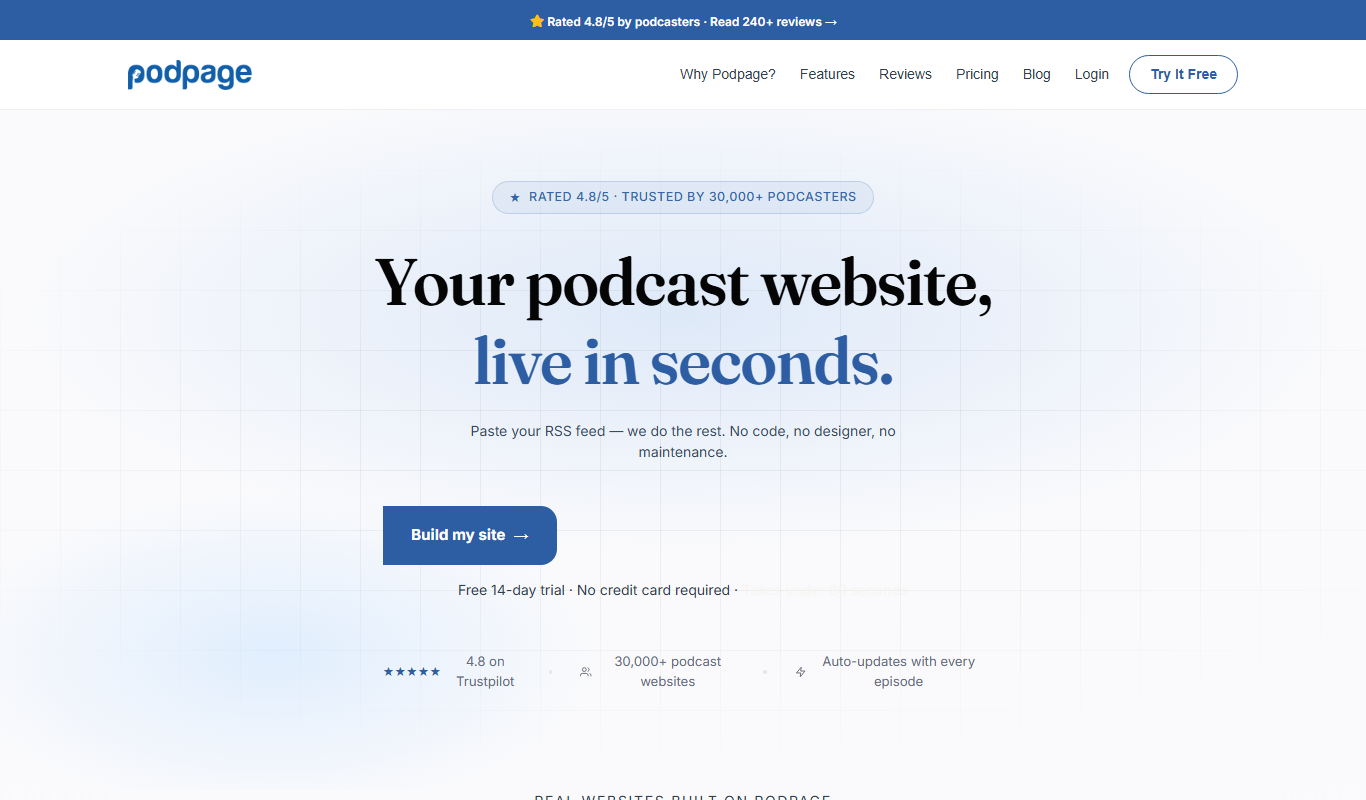
Podpage
Podpage is a web platform that automatically creates and manages podcast websites by importing episodes from your RSS feed, offering SEO optimization and customization without coding.
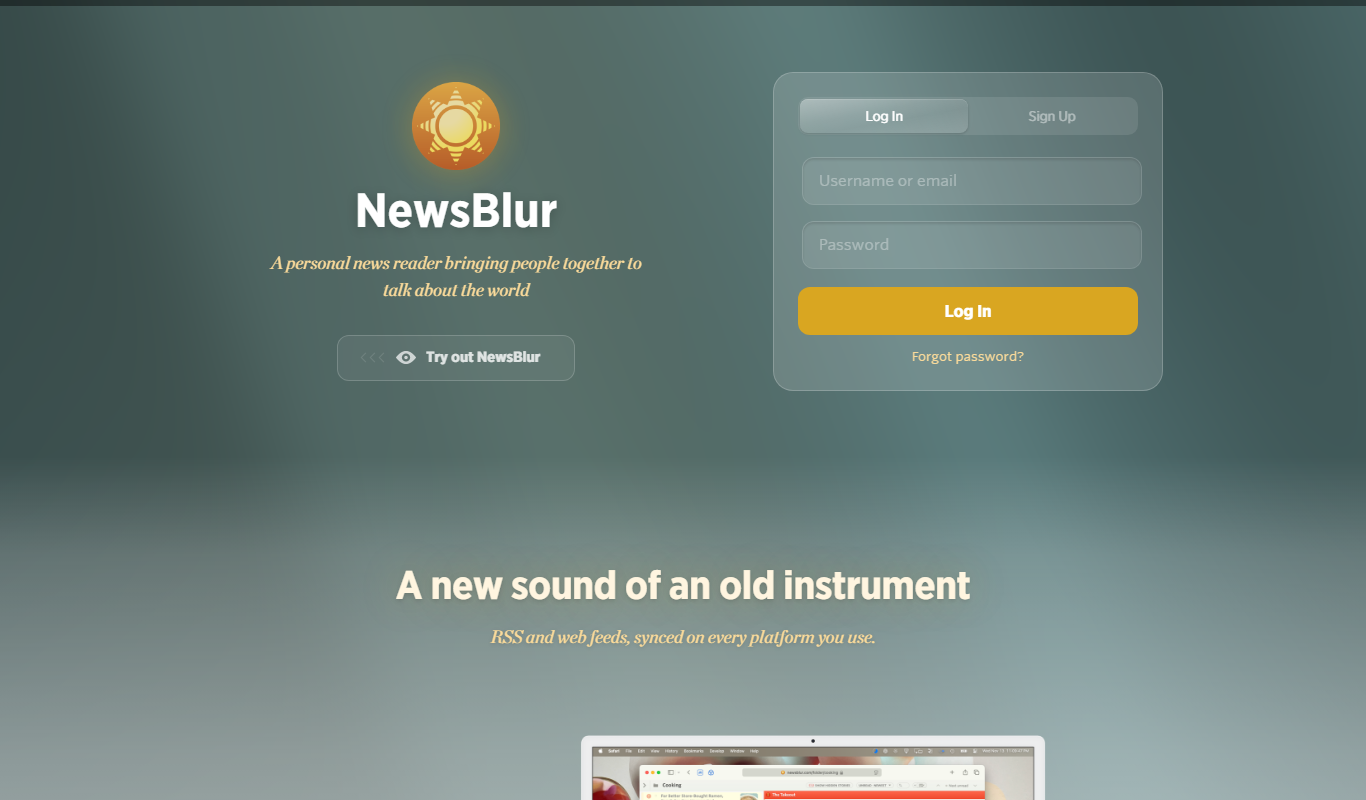
NewsBlur
NewsBlur is a personal RSS reader and news aggregator that collects and filters news from multiple sources, allowing users to customize their news feed and read across web and mobile platforms.
Clinked
Clinked is a secure client portal platform that enables businesses to collaborate with clients and teams through file sharing, task management, messaging, and workflow automation in a branded environment.
VinSolutions CRM
VinSolutions CRM is a specialized customer relationship management platform designed for automotive dealerships to manage leads, automate sales processes, and run targeted marketing campaigns.