

Hapticlabs no-code haptic design and prototyping toolkit
Hapticlabs is a no-code toolkit for designing, prototyping and deploying haptic experiences with Hapticlabs Studio, a hardware DevKit and a Mobile App.
- Best for
- Product development
- Key capability
- Hapticlabs Studio
Save Hapticlabs, follow its updates and vote on it — everything stays in your account.
Sign in or create a free account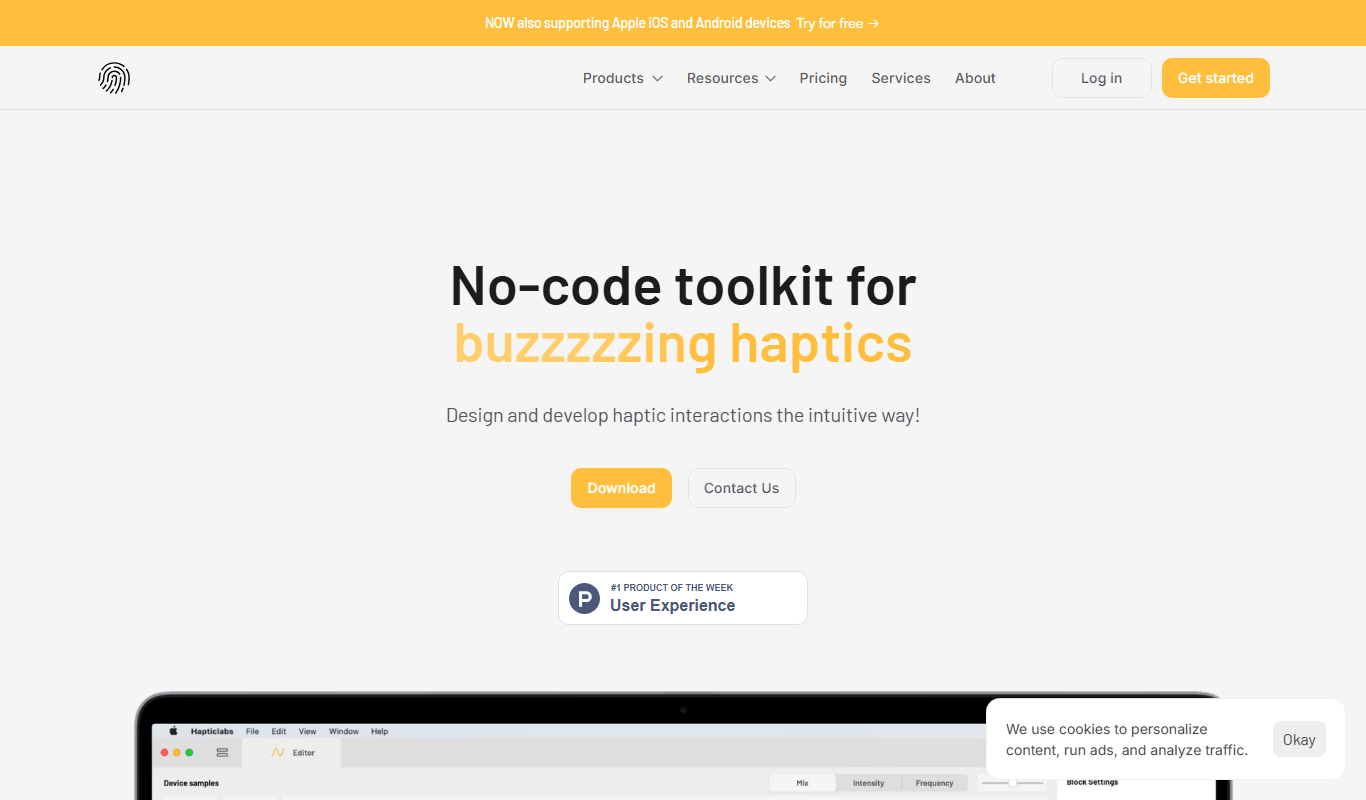
What is Hapticlabs?
Hapticlabs is a no-code toolkit for designing, prototyping and deploying haptic feedback. Designers build vibration patterns in Hapticlabs Studio, feel them in real time on the hardware DevKit or the Mobile App, and export the design to mobile apps or embedded systems, without writing code.
Key features of Hapticlabs
Hapticlabs offers Hapticlabs Studio for designing haptic patterns and custom signals, real-time evaluation on the hardware DevKit or Mobile App, an AI assistant for generating tracks, APIs to external applications, and export to custom systems.
Hapticlabs Studio
Design haptic patterns and custom signals by combining vibration, pause and pulse blocks on tracks.
Real-time evaluation
Feel the design in real time on the hardware DevKit or the Mobile App without writing code.
Hardware DevKit
An all-in-one kit with three types of actuators and plug-and-play sensors, with no soldering required.
AI assistant
Generate haptic tracks from scratch with the AI assistant.
APIs and export
Connect to Unity, Protopie or Blokdots and export designs to custom systems and microcontrollers.
Pros and cons of Hapticlabs
Pros
- No coding or soldering required
- Instant real-time playback of designs
- Free plan with a 14-day trial of Pro features
Cons
- Hardware prototyping needs the DevKit, sold separately
- C-Code and Wavefile export require talking to sales
Key use cases for Hapticlabs
Product development
Add haptic technology to an upcoming product line for intuitive interactions.
Mobile app haptics
Connect to iOS devices and create haptic experiences for mobile apps.
Education
Let students explore haptic interactions through straightforward prototyping.
Research
Run haptics research without developing custom software or hardware.
Appointment Scheduling
Enable users to book appointments or reservations via automated conversational workflows.
How Hapticlabs works
- 1
Prototype
Quickly prototype ideas with no coding or soldering required.
- 2
Design patterns
Arrange haptic blocks on tracks and press play to feel and compare them.
- 3
Evaluate
Evaluate the haptic experience across products and environments with the DevKit or Mobile App.
- 4
Deploy
Export, implement and deploy the design on the system of your choice.
Who is using Hapticlabs
Hapticlabs pricing
Free
EUR 0
Explore haptics and build simple demos: playback on mobile devices, 1 project, 2 tracks with 5 blocks and 5 AI credits.
Mobile
EUR 16 per month per user
Unlimited mobile projects, tracks and blocks, non-linear fades, custom waveforms, 25 AI credits and export for Apple iOS and Android.
DevKit
EUR 399 one-time
Hardware kit with three tactile actuators, a satellite unit, sensors and cables for haptic prototyping.
Plans and prices are as published by the vendor and can change. Check the official site before you buy. Open the pricing page (opens in a new tab)
Frequently asked questions about Hapticlabs
A no-code toolkit for designing, prototyping and deploying haptic experiences across devices.
No. You can design and evaluate haptics in real time without writing a single line of code.
Three types of actuators, a satellite unit, sensors, cables and a breadboard adapter.
Yes. Hapticlabs Free includes a 14-day trial of all Pro features.
Its APIs connect to external applications such as Unity, Protopie and Blokdots.
Yes. Custom rates are offered for students, teachers and individuals.
Yes, it can help with that use case depending on how you configure it and what features are available. You’ll get the best results with clear inputs and a defined goal.
Some tools offer a free plan or trial with limited features. Availability can vary, so confirm on the official website.
Conclusion
Vibration and touch feedback is the material here: designers build haptic patterns by combining vibration, pause and pulse blocks on tracks in Hapticlabs Studio, then press play to feel them. Playback runs in real time on the hardware DevKit or on the Mobile App, so a design can be evaluated without writing a single line of code. An AI assistant can also generate tracks from scratch.
Finished designs are exported to iOS, Android or a custom microcontroller, and APIs link the studio to tools like Unity and Protopie. Its applications span product development, education and research, where it eliminates the need to develop custom software or hardware. Hardware prototyping needs the DevKit, sold separately as a one-time purchase, while Hapticlabs Free includes a 14-day trial of all Pro features.
Sources
Sign in to review this tool.
Sign In to ReviewNo reviews yet
Be the first to share how this tool worked for you.
Ask about pricing, limits, or how it compares — or answer someone else.
Sign In to AskNo questions yet
Have a question about using or paying for this tool? Be the first to ask.
Featured on TiorAI



Alternative Tools
Explore similar AI tools that might fit your needs
Yellow.ai
Yellow.ai is an enterprise conversational AI platform that enables businesses to automate customer interactions across chat and voice channels with multilingual support and robust integrations.

Engati
Engati is an AI-powered chatbot platform that helps businesses automate customer interactions across multiple channels using no-code tools, NLP, and integrations with popular business software.
More AI Chatbot & Conversational Tools tools
Other tools in the same category, for when this one is not quite the fit.

IntelliMuse
IntelliMuse offers custom AI companions called Muses, with their own personalities, expertise and voices, for text chat on the web or voice calls on iPhone.

Mammouth
Mammouth gives you GPT, Claude, Gemini, Mistral, FLUX and other GenAI models in one subscription, with one-click reprompting between models.

Mumble
Mumble is a web platform integrated with WhatsApp that helps businesses manage customer interactions, automate sales processes, warm up leads and track customer journeys.

Emly Labs
Emly Labs offers a no-code AI framework to build AI chatbots and predictive AI models and to prepare data.

Dokko
Dokko is a document AI platform that reads contracts, manuals and policies in full, answers with citations and acts on what it finds, for teams and their customers.

OnDemand
OnDemand is an operating system for agentic AI that lets you build, orchestrate and deploy intelligent agents across any model, tool, data source or infrastructure.

AutoFlow
AutoFlow is an open source Graph RAG knowledge base tool from PingCAP, built on TiDB Vector, LlamaIndex and DSPy.
Inro
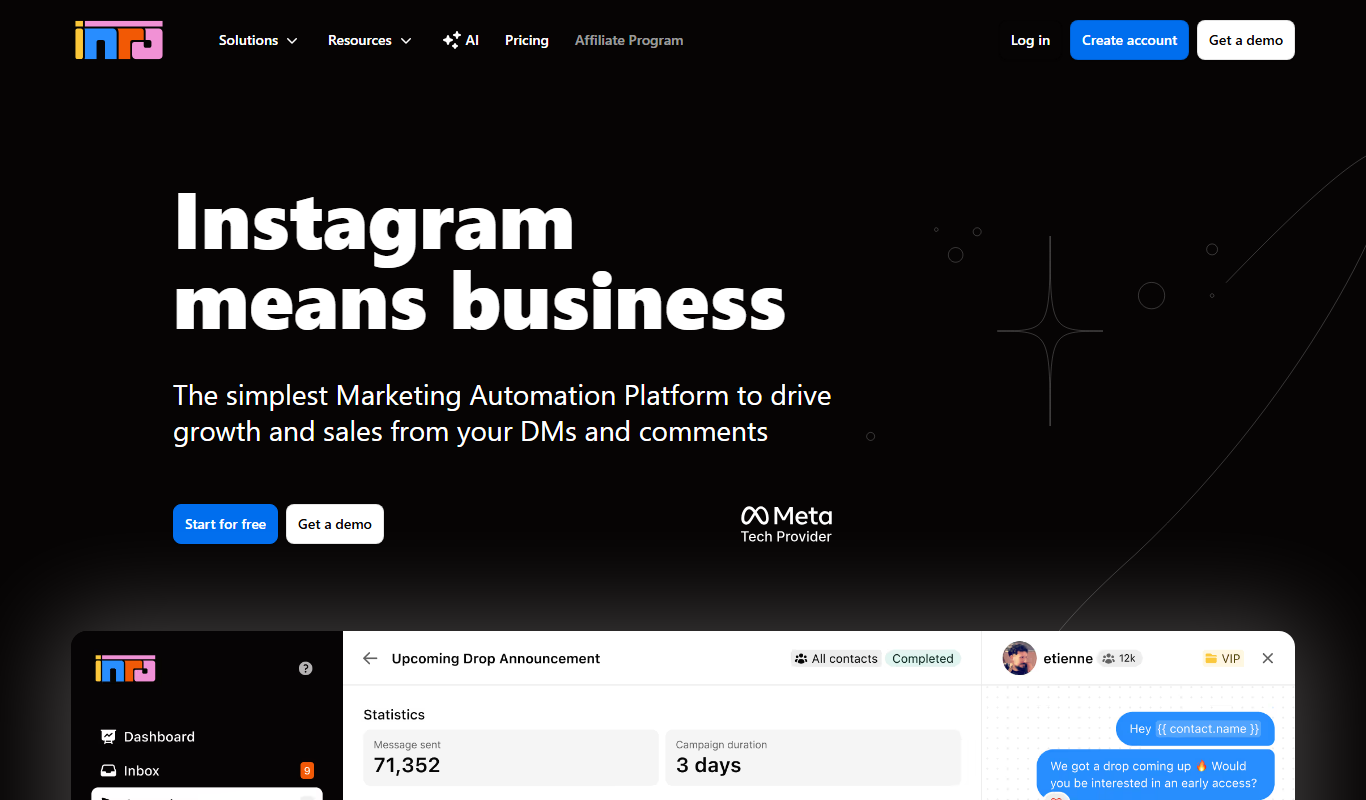
Inro is Instagram DM automation with an AI agent that answers every comment and DM in your voice, captures leads and runs DM campaigns.