
From my experience with Kin AI, I found it excels at simplifying task management through natural language input and smart reminders. The platform’s cross-device synchronization ensures I stay organized whether on my phone or desktop. It’s particularly well-suited for busy professionals and students who need an intuitive assistant to keep track of their daily activities. However, some advanced features require a subscription, and language support is currently limited to English. Overall, if you want an AI-powered personal assistant to boost your productivity with minimal setup, Kin AI delivers a solid and user-friendly solution.

Kin AI Personal Assistant for Task Management and Productivity
Kin AI is an AI personal assistant designed to help users manage tasks, set reminders, and improve productivity through natural language input and automation.
Tech Stack:
JavaScript
Python
What is Kin AI?
Kin AI is an AI-powered personal assistant designed to help individuals manage their tasks, schedules, and daily activities more effectively. It leverages artificial intelligence to automate routine tasks, provide reminders, and organize to-do lists, aiming to enhance personal productivity and reduce cognitive load.

Key Features of Kin AI
Natural Language Task Entry
Allows users to add tasks using conversational language.
Smart Reminders
Automated notifications based on task deadlines and priorities.
Cross-Platform Sync
Synchronizes tasks and data across web and mobile devices.
Task Prioritization
Helps users focus on important tasks by ranking them intelligently.
Pros and Cons of Kin AI
Pros
- User-friendly natural language input
- Cross-device synchronization
- Effective task prioritization
- Affordable pricing plans
Cons
- Limited language support
- Some advanced features require paid subscription
Key Use Cases for Kin AI
Task Management
Helps users organize, prioritize, and track daily tasks efficiently.
Personal Productivity
Assists in managing schedules, reminders, and to-do lists to boost productivity.
Automation of Routine Activities
Automates repetitive tasks to save time and reduce manual effort.
Collaboration Support
Facilitates sharing tasks and coordinating with teams or family members.
How Kin AI Works
-
1
Sign Up
Create an account on the Kin AI platform via web or mobile app.
-
2
Input Tasks
Add tasks using natural language or structured input methods.
-
3
Set Reminders and Priorities
Assign deadlines, priorities, and reminders to tasks.
-
4
Receive Notifications
Get timely alerts and suggestions to stay on track.
Who's Using Kin AI
Busy professionals
Students
Small business owners
Freelancers
Anyone seeking personal productivity improvement
Kin AI Pricing
Free
$0/month
Basic task management features with limited reminders and integrations.
Pro
$9.99/month
Advanced features including unlimited reminders, priority support, and enhanced integrations.
Frequently Asked Questions About Kin AI
Yes, Kin AI offers mobile apps for both iOS and Android platforms.
Kin AI supports integrations with popular calendar and task management apps.
Currently, Kin AI supports English only.
This tool is designed to help users accomplish its core tasks more efficiently. It is typically used by individuals or teams looking to improve productivity and workflow.
It depends on your specific needs and how you plan to use the tool. The official website and documentation are the best sources for the latest details.
Pricing depends on the plan and included features. For the most accurate and up-to-date details, check the official pricing page.
Share your review
Reviews are limited to one per logged-in user and are published after moderation.
You need an account to review this tool.
0.0
★
★
★
★
★
0 reviews
5 star
0
4 star
0
3 star
0
2 star
0
1 star
0
No reviews yet
Be the first to share how this tool worked for you.
Questions from the community
Read questions and answers about this tool, or ask your own.
No questions yet
Start the conversation by asking the first question about this tool.
Is this tool helpful?
Alternative Tools
Explore similar AI tools that might fit your needs

Free
Todoist
Todoist is a cross-platform task management app designed to help users organize tasks, set priorities, collaborate on projects, and track productivity efficiently.
Free
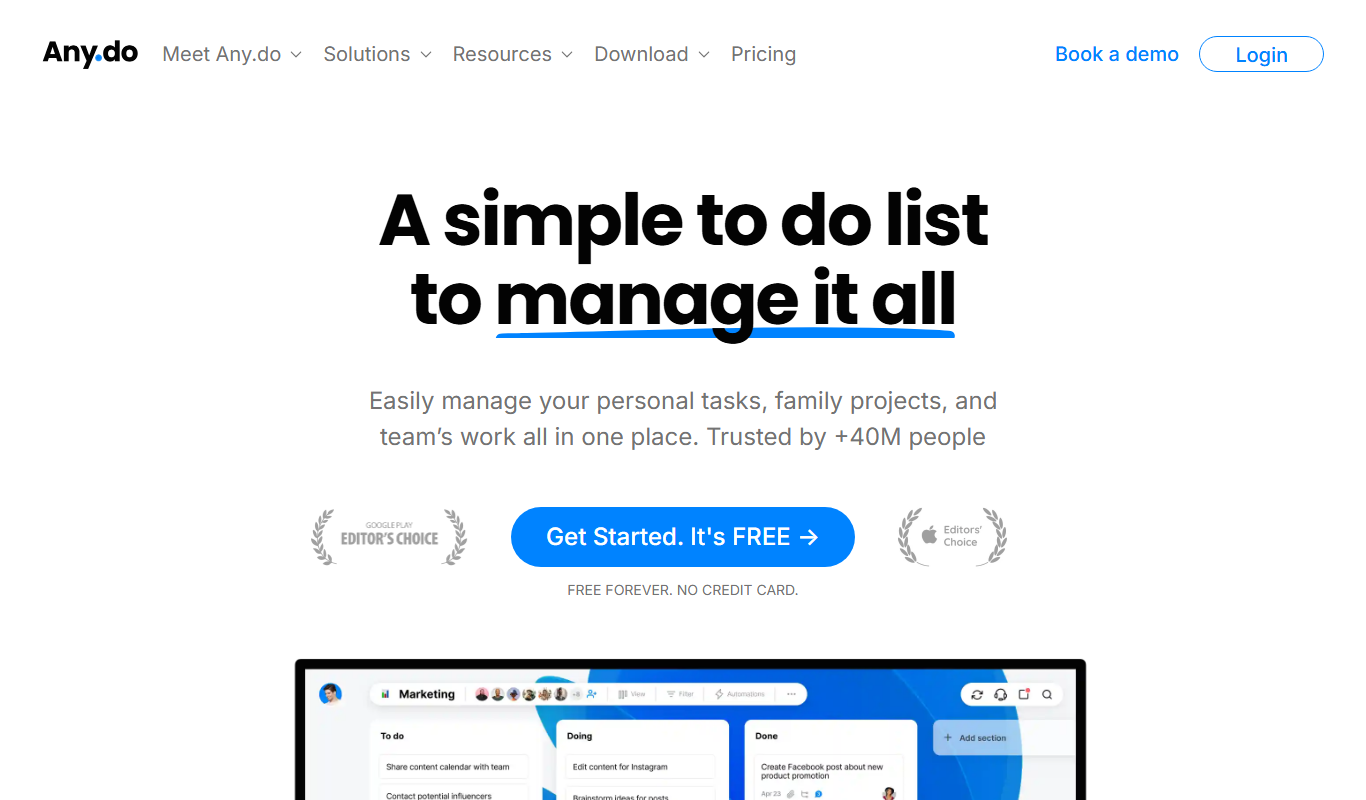
Any.do
Any.do is a task management and to-do list app that helps users organize tasks, set reminders, sync calendars, and collaborate with others across multiple platforms.

Freemium
Joe – AI Fitness Coach
Joe is an AI-powered fitness coach app that creates personalized workout and nutrition plans based on your fitness level and goals.

Free
Algo for Podcasts
Algo for Podcasts is an AI-powered platform that personalizes podcast recommendations based on your listening preferences using machine learning algorithms.

Custom Pricing
unless.com
Unless.com is a platform that enables businesses to deliver personalized website content by segmenting visitors in real-time and integrating with marketing automation tools to improve engagement and conversions.
Free Trial
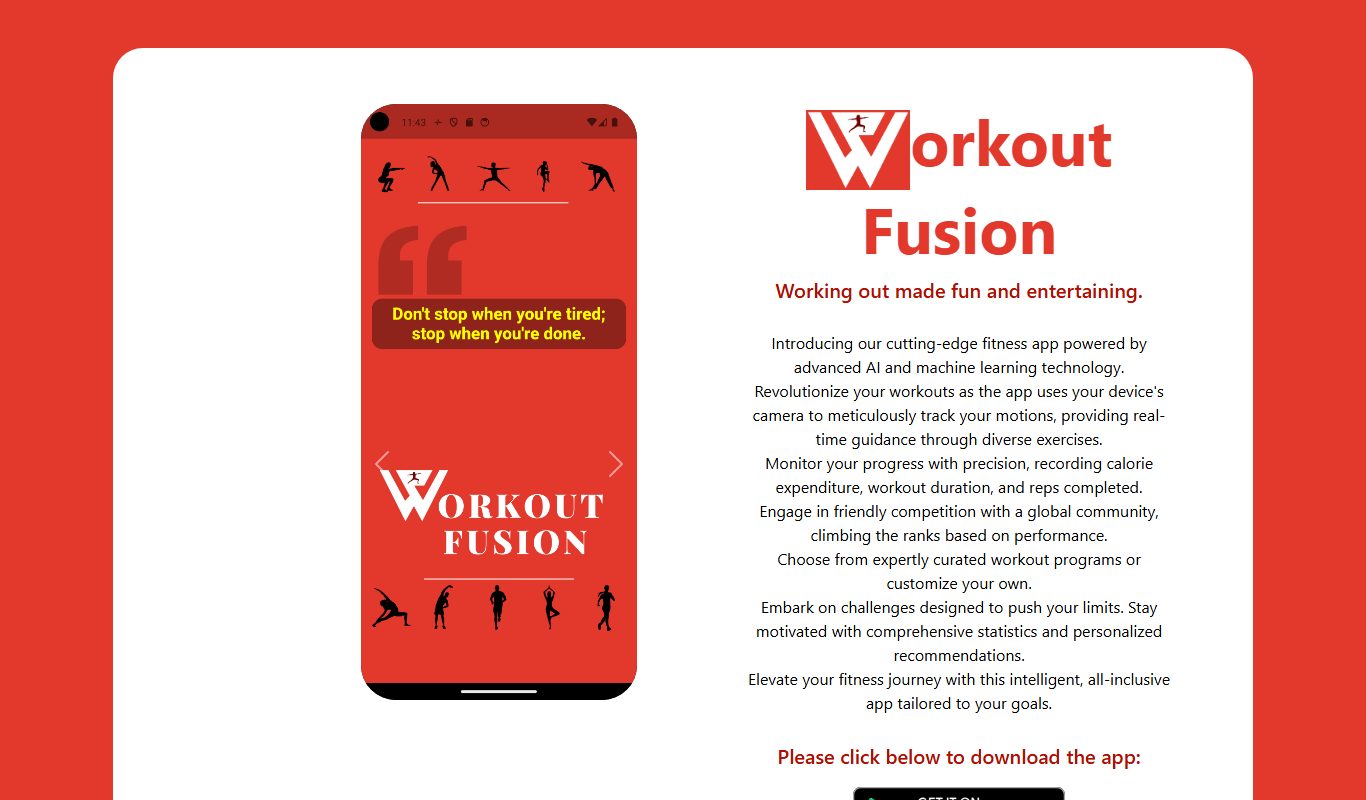
Workout Fusion
Workout Fusion is a web-based fitness platform that enables personal trainers and individuals to build custom workout plans, manage clients, and track fitness progress through an extensive exercise library and intuitive tools.
Free
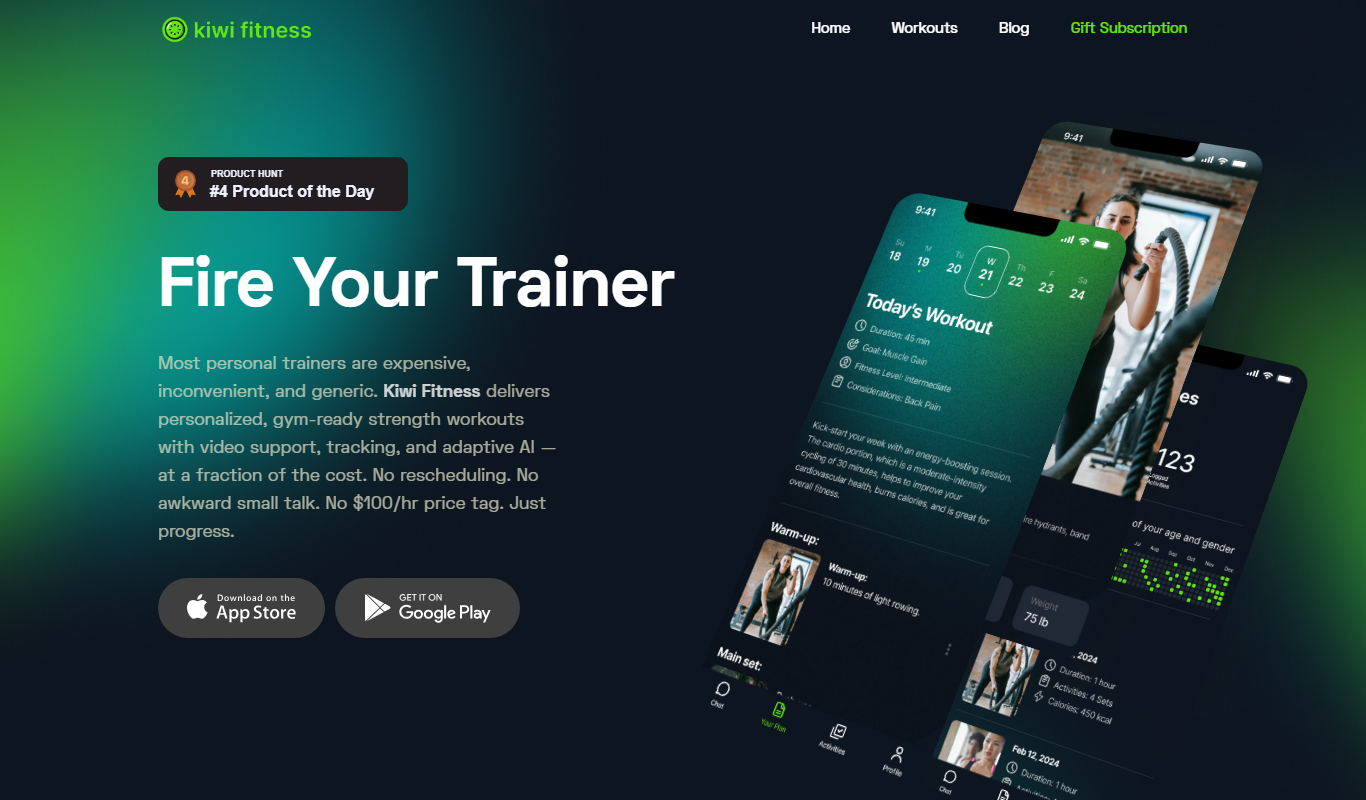
Kiwi Fitness
Kiwi Fitness is a personal training app that enables users to create custom workout plans, log exercises, track progress, and collaborate with trainers remotely.
Free
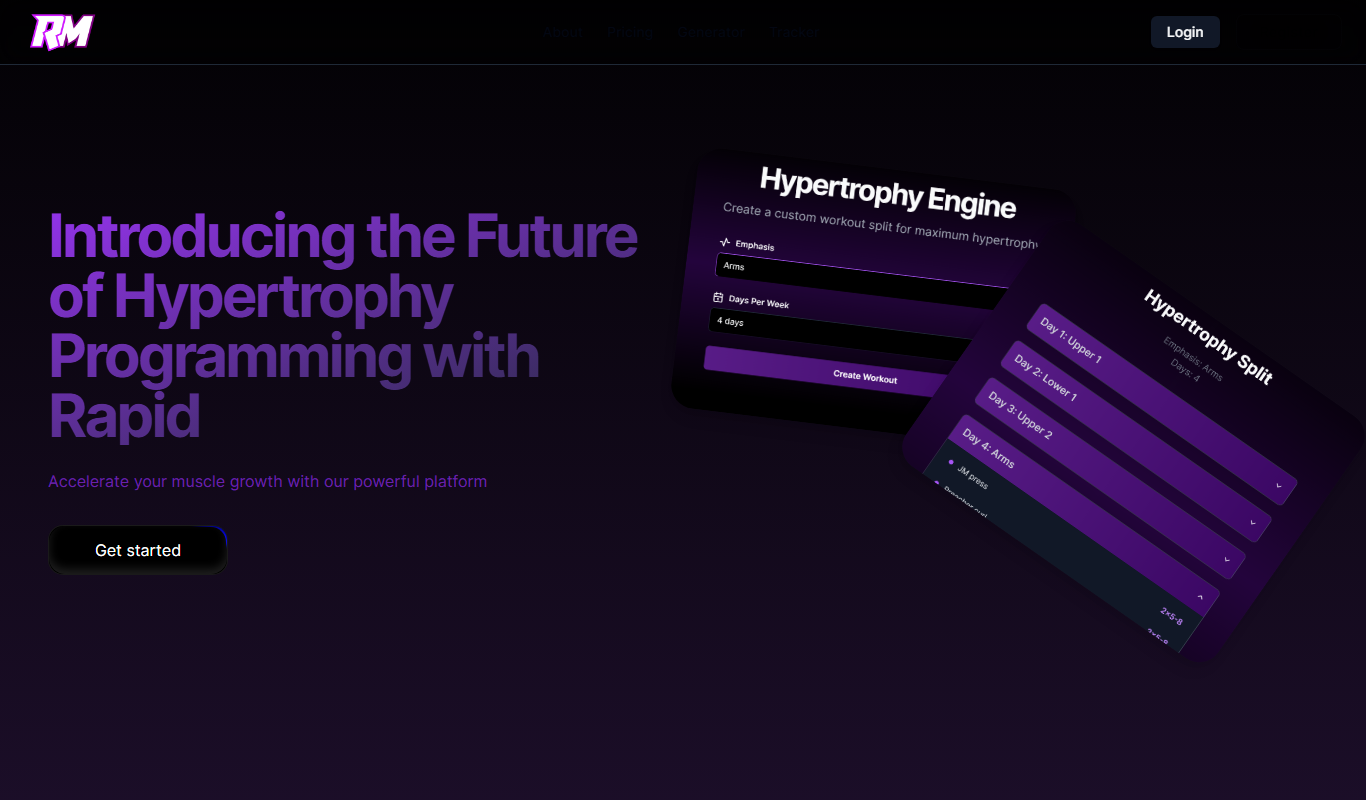
Rapid Muscle
Rapid Muscle is a fitness app that creates personalized muscle-building workout plans tailored to your fitness level and goals, available on web and mobile platforms.

Freemium
June AI
June AI is an AI-driven personal assistant that helps users manage tasks, calendars, and goals by providing smart prioritization, reminders, and meeting summaries to boost productivity.

Free
Roxy
Roxy is an AI-powered personal assistant app for iOS that helps users manage tasks, reminders, and notes with smart scheduling and voice input.