

Sortly Inventory Management Software for Small Business Asset Tracking
Sortly is an inventory management software designed for small businesses and individuals to track assets and inventory using barcode and QR code scanning with multi-platform support.
- Best for
- Small Business Inventory Tracking
- Key capability
- Customizable Inventory Fields
Save Sortly, follow its updates and vote on it — everything stays in your account.
Sign in or create a free account
What is Sortly?
Sortly is an intuitive inventory and asset management software designed to help businesses and individuals organize, track, and manage their items with ease. It offers a no-code platform that enables users to create custom inventory systems without technical expertise. Sortly supports barcode and QR code scanning, detailed item tracking, and multi-location management accessible via web and mobile apps.
Key features of Sortly
Sortly’s main features include customizable inventory fields, barcode and QR code scanning, visual item tracking with photos, multi-user collaboration, audit logs, and seamless syncing across devices. It also integrates with other tools to automate workflows and improve operational efficiency.
Customizable Inventory Fields
Tailor item details with custom fields to fit your specific tracking needs.
Barcode and QR Code Scanning
Easily scan and generate codes for fast item identification and updates.
Multi-Platform Access
Access your inventory from web browsers, iOS, and Android devices with real-time syncing.
Visual Item Tracking
Add photos and notes to items for better identification and record keeping.
Multi-User Collaboration
Share inventory access with team members and control permissions.
Pros and cons of Sortly
Pros
- User-friendly interface with minimal learning curve
- Strong mobile app support for on-the-go inventory management
- Flexible customization without coding
- Supports barcode and QR code scanning
- Good collaboration features for teams
Cons
- Free plan has limited item entries and features
- Advanced features can be costly for small businesses
- No offline mode for mobile apps
Key use cases for Sortly
Small Business Inventory Tracking
Manage and track inventory items efficiently to reduce loss and improve organization.
Asset Management
Keep detailed records of company assets including serial numbers, purchase dates, and locations.
Warehouse Organization
Streamline warehouse operations by categorizing and locating items quickly using QR codes and barcodes.
Equipment Checkout
Track equipment loans and returns to employees or clients with audit trails.
Home Inventory
Organize personal belongings for insurance or moving purposes.
How Sortly works
- 1
Create an Account
Sign up on Sortly’s website or mobile app to start managing your inventory.
- 2
Add Items
Input inventory items manually or import data via CSV files.
- 3
Organize with Folders
Group items into folders and subfolders for easy categorization.
- 4
Use QR Codes or Barcodes
Generate and scan QR codes or barcodes to quickly locate and update items.
- 5
Collaborate and Track
Invite team members, assign permissions, and track item movements in real time.
Who is using Sortly
Sortly pricing
Free
$0/month
Basic inventory management with up to 100 entries and limited features.
Advanced
$49/month
500 unique items, 2 user licenses, 5 active jobs and unlimited QR code label creation for maintaining optimal inventory levels.
Ultra
$149/month
Limited to 2,000 unique items.
Premium
$299/month
Includes 5,000 unique items, 8 user licenses, 15 active jobs and QuickBooks Online. Aimed at streamlining inventory processes and oversight.
Enterprise
Custom
10,000+ unique items, 12+ user licenses, unlimited active jobs, and API and webhooks. Aimed at customized inventory processes and control.
Plans and prices are as published by the vendor and can change. Check the official site before you buy. Open the pricing page (opens in a new tab)
Frequently asked questions about Sortly
Yes, Sortly offers native apps for both iOS and Android platforms.
Yes, you can scan and generate barcodes and QR codes within the app.
Yes, Sortly provides a free plan with basic features and limited entries.
Yes, Sortly supports multi-user collaboration with role-based permissions.
This tool is designed to help users accomplish its core tasks more efficiently. It is typically used by individuals or teams looking to improve productivity and workflow.
It depends on your specific needs and how you plan to use the tool. The official website and documentation are the best sources for the latest details.
Some tools offer a free plan or trial with limited features. Availability can vary, so confirm on the official website.
Yes, it can help with that use case depending on how you configure it and what features are available. You’ll get the best results with clear inputs and a defined goal.
Conclusion
Items are entered manually or imported from CSV files, then grouped into folders and subfolders. QR codes and barcodes can be generated and scanned to locate and update items quickly. Native apps are offered for both iOS and Android.
Besides business stock, it covers asset records with serial numbers and purchase dates as well as personal belongings organized for insurance or moving. A Free plan leads into Advanced at $49 and Ultra at $149 per month, with Ultra limited to 2,000 unique items. Premium costs $299 per month, and Enterprise is priced on a custom basis.
Sources
Sign in to review this tool.
Sign In to ReviewNo reviews yet
Be the first to share how this tool worked for you.
Ask about pricing, limits, or how it compares — or answer someone else.
Sign In to AskNo questions yet
Have a question about using or paying for this tool? Be the first to ask.
Featured on TiorAI


More AI Workflow tools
Other tools in the same category, for when this one is not quite the fit.

Lens Protocol
Lens Protocol is a blockchain stack built for SocialFi, made up of Lens Chain, the Social Protocol and Storage Nodes, where one Lens account works across many apps.

Botkeeper
Botkeeper is an AI accounting solution purpose-built for accounting firms that automates the most manual and time-consuming bookkeeping work.

Furkot
Furkot is a web-based trip planner that helps users create multi-stop routes, optimize travel paths, schedule accommodations and activities, and share itineraries for efficient road trip planning.

Trials.ai
Trials.ai is an AI-driven platform that helps medical researchers design optimized clinical trial protocols, improve patient recruitment, and ensure regulatory compliance to accelerate trial success.

ZipBooks
ZipBooks is a cloud-based accounting software designed for small businesses and freelancers to manage invoicing, expenses, payments, and financial reporting with ease.

Lookeen
Lookeen is a Windows desktop search software that enables fast and comprehensive searching of emails, files, and documents, integrating deeply with Microsoft Outlook and supporting network drives.
Ataccama
Ataccama is an AI-driven data management platform that integrates data governance, master data management, and data quality automation to help enterprises manage and improve their data assets efficiently.
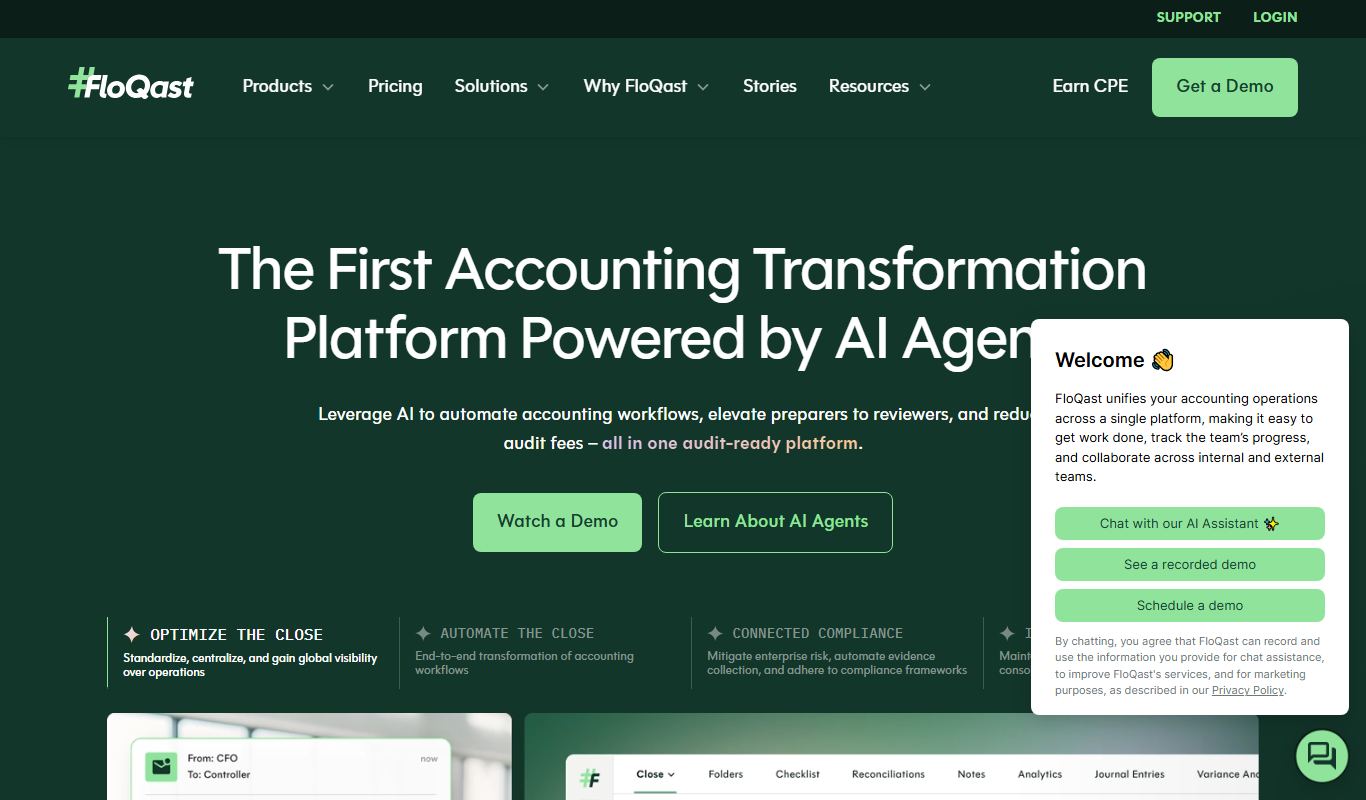
FloQast
FloQast is a cloud software designed to streamline and automate the accounting month-end close process, improving accuracy and collaboration for finance teams.