

Tales.so - podcast-style book summaries with AI author chats
Tales.so turns bestsellers into podcast-style audio and text summaries and lets you chat with AI author avatars about the books.
- Best for
- Learning from books quickly
- Key capability
- Podcast-style summaries
Save Tales.so, follow its updates and vote on it — everything stays in your account.
Sign in or create a free account
What is Tales.so?
Tales.so offers podcast-style book summaries of 10,000+ books in audio and text, so you can get the key insights from bestsellers quickly. You can also chat with AI-powered author avatars to discuss a book and get personalized recommendations.
Key features of Tales.so
Tales.so offers concise audio and text book summaries without spoilers, chats with AI-powered author avatars, AI book recommendations, influencer reading lists and personal collections, plus a mobile app with offline listening.
Podcast-style summaries
Concise audio and text summaries that highlight key insights without spoilers.
Chat with author avatars
Discuss book insights with AI-powered author avatars and get personalized recommendations.
AI book recommendations
Discover books matched to your tastes.
Personal collections
Save and organize your top picks into collections.
Pros and cons of Tales.so
Pros
- Summaries in audio and text, without spoilers
- Chats with AI-powered author avatars
- Mobile app with offline listening
- Library of 10,000+ books
Cons
- Limited language support (English only)
- No dedicated mobile app, web-only platform
- Some advanced features require paid subscription
Key use cases for Tales.so
Learning from books quickly
Learn the key ideas of a book in under 7 minutes.
Listening on the go
Enjoy book summaries on the go with the mobile app and offline listening.
Discussing a book
Dive deeper into a book's concepts with an AI-powered author avatar.
Finding what to read next
Explore curated book collections from thought leaders and influencers.
How Tales.so works
- 1
Pick a book
Choose from summaries of 10,000+ books.
- 2
Listen or read
Access the summary in text, audio or visual formats.
- 3
Chat with the author
Discuss the book’s insights with an AI-powered author avatar.
- 4
Save favorites
Organize your top picks into collections to return to later.
Who is using Tales.so
Tales.so pricing
Free trial
Free for 14 days
14-day free trial.
Pro
$9/month
Unlimited story generation, advanced customization, and priority support.
Plans and prices are as published by the vendor and can change. Check the official site before you buy. Open the pricing page (opens in a new tab)
Frequently asked questions about Tales.so
A platform for podcast-style book summaries that give the key insights from bestsellers.
Yes, with AI-powered author avatars that discuss book insights and give personalized recommendations.
Yes. The summaries highlight key insights while keeping the suspense intact.
Yes, the mobile app offers exclusive features, offline listening and personalized recommendations.
Yes, Tales.so has a 14-day free trial.
Summaries and audio podcasts for 10,000+ books.
Conclusion
Bestsellers become podcast-style summaries in audio and text, short enough to learn a book in under 7 minutes. The summaries highlight key insights while keeping the suspense intact, so they stay spoiler-free. Readers can also chat with AI-powered author avatars to discuss a book’s insights and get personalized recommendations.
The library spans 10,000+ books, with AI suggestions matched to a reader’s tastes and curated lists from thought leaders and influencers. Tales.so is aimed at busy professionals and lifelong learners, and its mobile app adds offline listening. Access begins with a 14-day free trial.
Sources
Sign in to review this tool.
Sign In to ReviewNo reviews yet
Be the first to share how this tool worked for you.
Ask about pricing, limits, or how it compares — or answer someone else.
Sign In to AskNo questions yet
Have a question about using or paying for this tool? Be the first to ask.
Featured on TiorAI



More AI Book Summarizer tools
Other tools in the same category, for when this one is not quite the fit.

Book-GPTs
Book-GPTs gives deep AI-powered analysis and instant summaries of any book, with thematic analysis, key takeaways and follow-up questions.

BookNote.AI
BookNote.AI is an AI assistant that helps you uncover a book's essence in about five minutes by searching for a book and discussing it with AI.

Categoraize.io
categorAIze.io organizes texts, URLs, images and documents into fixed or automatically generated categories using AI, through a web interface, an API or CSV batches.

BookAI.chat
BookAI.chat lets users chat with any book using GPT-3 and GPT-4, adding a book by its title and author and chatting in more than 30 languages.

Humata AI
Humata AI is an AI-powered tool that allows users to upload documents and interact with them through natural language questions, providing summaries and extracting key data.
Chapterize
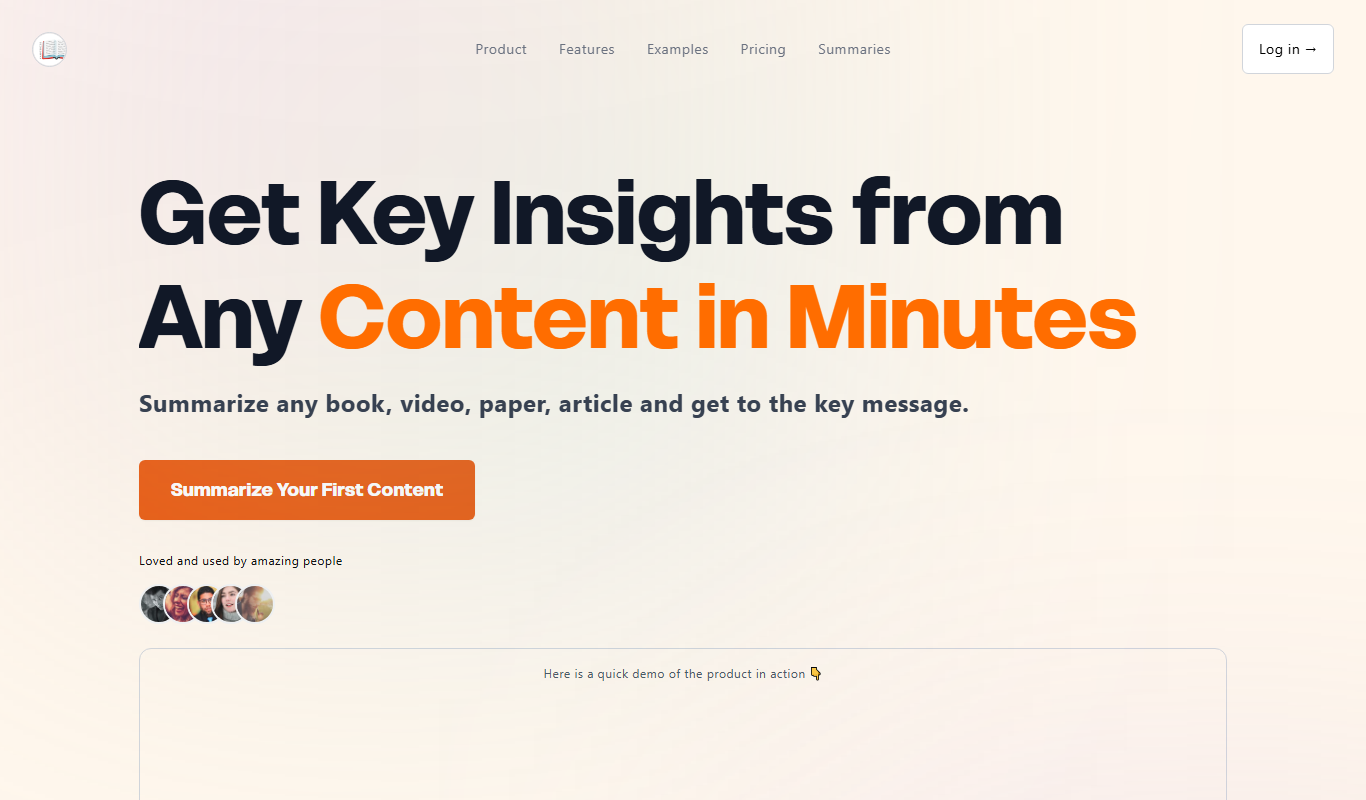
Chapterize.ai summarizes any book, video, paper or article with AI and gets you to the key message in minutes.

BookRead
BookRead is an AI-powered reading assistant that summarizes texts and provides explanations to enhance reading comprehension and efficiency.
Calorio
Calorio is an AI-driven nutrition tracking tool that helps users monitor calorie intake and receive personalized diet recommendations to support health and weight management goals.