

From my experience with BookRead, I found it excels at simplifying complex texts through AI-generated summaries and contextual explanations. The interactive interface makes it easy to engage with content, which is particularly helpful for students and professionals who need to digest large volumes of information quickly. However, the tool currently supports only English and lacks a mobile app, which may limit accessibility for some users. Overall, if you need an efficient AI reading assistant to boost comprehension and save time, BookRead delivers practical and reliable results.
BookRead AI: Advanced AI-Powered Reading Assistant for Enhanced Comprehension
BookRead is an AI-powered reading assistant that summarizes texts and provides explanations to enhance reading comprehension and efficiency.
- Best for
- Enhanced Reading Comprehension
- Key capability
- AI-Powered Summarization
Your actions
Save BookRead, follow its updates and vote on it — everything stays in your account.
Sign in or create a free account

What is BookRead?
BookRead is an AI-powered reading assistant designed to improve users’ reading comprehension and efficiency. It leverages advanced natural language processing to summarize texts, explain complex concepts, and provide interactive reading support. The tool is ideal for students, professionals, and anyone looking to enhance their understanding of written content.
Key features of BookRead
BookRead offers AI-generated text summarization, contextual explanations, interactive reading tools, and personalized learning support to help users digest and retain information more effectively.
AI-Powered Summarization
Automatically condenses lengthy texts into concise summaries highlighting essential information.
Contextual Explanations
Provides detailed explanations for complex terms and concepts within the text.
Interactive Reading Interface
Enables users to engage with the text and AI insights dynamically for better comprehension.
Multi-format Support
Supports various text formats including PDFs, articles, and pasted content.
Personalized Learning Assistance
Adapts explanations and summaries based on user preferences and reading goals.
Pros and cons of BookRead
Pros
- Effective AI summarization improves reading efficiency
- Interactive explanations aid comprehension
- Supports multiple document formats
- User-friendly web interface
- Affordable subscription plan
Cons
- Limited language support (English only)
- No mobile app available yet
- Free plan has usage restrictions
Key use cases for BookRead
Enhanced Reading Comprehension
BookRead helps users understand complex texts by providing AI-generated summaries and explanations.
Study and Research Aid
Students and researchers can use BookRead to quickly grasp key points from lengthy documents and articles.
Content Summarization
Professionals can save time by using BookRead to summarize reports, papers, and other reading materials.
Learning Support
BookRead supports language learners and readers by breaking down difficult passages into simpler explanations.
How BookRead works
- 1
Upload or Paste Text
Users provide the text they want to read by uploading documents or pasting content into the platform.
- 2
AI Processing
BookRead’s AI analyzes the text to generate summaries, explanations, and highlight key points.
- 3
Interactive Reading
Users interact with the AI-generated content, exploring summaries and explanations to deepen understanding.
- 4
Save and Export
Users can save their reading sessions and export summaries for later reference or sharing.
Who is using BookRead
Students and educators
Researchers and academics
Professionals needing quick content digestion
Language learners
Content creators and editors
BookRead pricing
Free
$0/month
Basic access with limited summaries and daily usage caps.
Pro
$15/month
Unlimited access to all features including advanced summarization and priority support.
Plans and prices are as published by the vendor and can change. Check the official site before you buy. Open the pricing page (opens in a new tab)
Frequently asked questions about BookRead
BookRead supports PDFs, web articles, and plain text pasted into the platform.
Yes, the free plan has daily limits on the amount of text you can process.
Currently, BookRead supports English language texts only.
BookRead uses encryption and does not share your content with third parties.
It depends on your specific needs and how you plan to use the tool. The official website and documentation are the best sources for the latest details.
Yes, it can help with that use case depending on how you configure it and what features are available. You’ll get the best results with clear inputs and a defined goal.
Some tools offer a free plan or trial with limited features. Availability can vary, so confirm on the official website.
Yes, it can help with that use case depending on how you configure it and what features are available. You’ll get the best results with clear inputs and a defined goal.
Sign in to review this tool.
Sign In to ReviewNo reviews yet
Be the first to share how this tool worked for you.
Ask about pricing, limits, or how it compares — or answer someone else.
Sign In to AskNo questions yet
Have a question about using or paying for this tool? Be the first to ask.
Featured on TiorAI



More AI Book Summarizer tools
Other tools in the same category, for when this one is not quite the fit.

Free Trial
Tales.so
Tales.so turns bestsellers into podcast-style audio and text summaries and lets you chat with AI author avatars about the books.

Freemium
Book-GPTs
Book-GPTs gives deep AI-powered analysis and instant summaries of any book, with thematic analysis, key takeaways and follow-up questions.

Freemium
BookNote.AI
BookNote.AI is an AI assistant that helps you uncover a book's essence in about five minutes by searching for a book and discussing it with AI.

Freemium
Categoraize.io
categorAIze.io organizes texts, URLs, images and documents into fixed or automatically generated categories using AI, through a web interface, an API or CSV batches.

Free
BookAI.chat
BookAI.chat lets users chat with any book using GPT-3 and GPT-4, adding a book by its title and author and chatting in more than 30 languages.

Freemium
Humata AI
Humata AI is an AI-powered tool that allows users to upload documents and interact with them through natural language questions, providing summaries and extracting key data.
Freemium
Chapterize
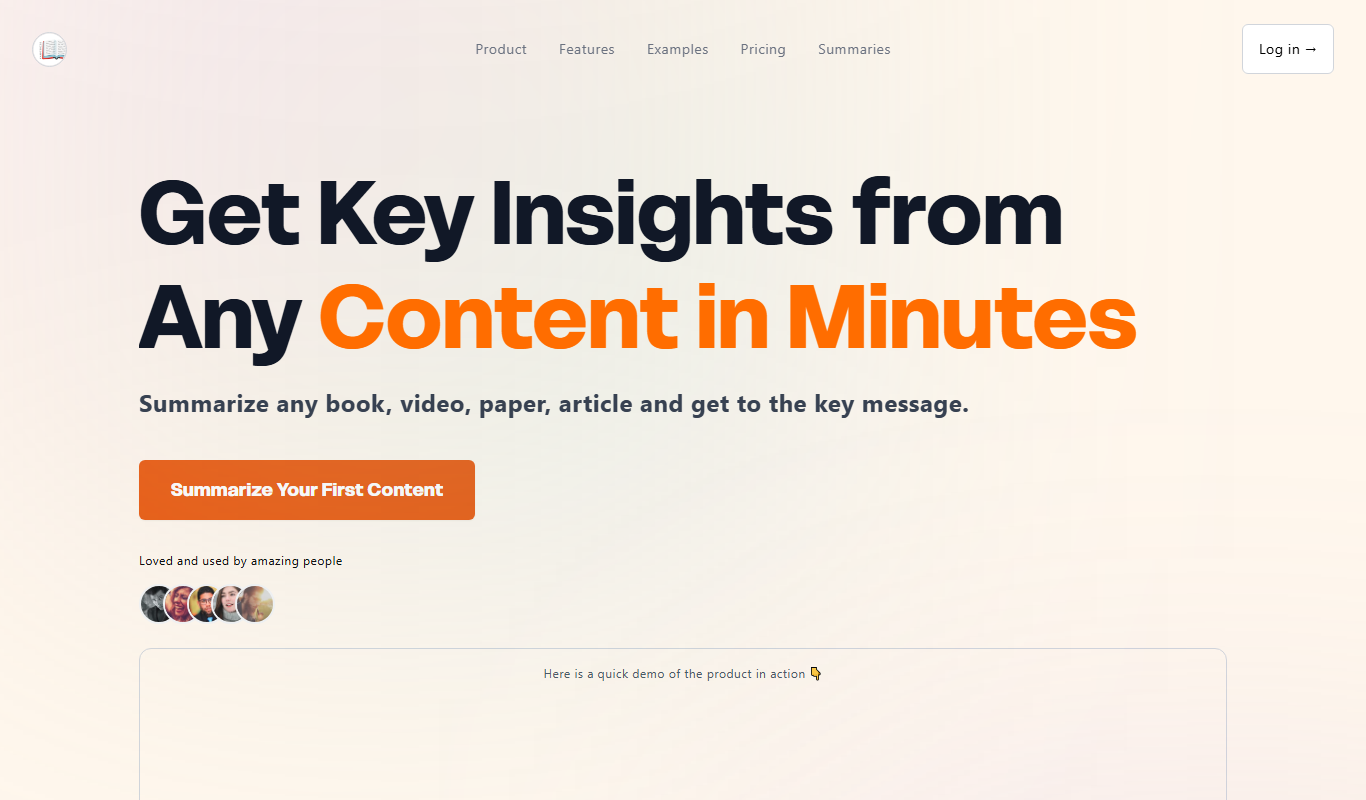
Chapterize.ai summarizes any book, video, paper or article with AI and gets you to the key message in minutes.
Freemium
Calorio
Calorio is an AI-driven nutrition tracking tool that helps users monitor calorie intake and receive personalized diet recommendations to support health and weight management goals.