

Gatsbi: AI Paper Writer and Research Automation Platform
Gatsbi is an AI paper writer and research automation platform that generates research ideas, drafts academic papers with citations and automates systematic reviews and meta-analyses.
- Best for
- Academic paper drafting
- Key capability
- Research idea discovery
Save Gatsbi, follow its updates and vote on it — everything stays in your account.
Sign in or create a free account
What is Gatsbi?
Gatsbi is an AI research assistant that generates original research topics, writes academic papers with citations, and automates systematic reviews and meta-analyses. It also drafts structured patent disclosure materials for review by patent professionals, and runs as a desktop app for Windows and macOS or as a web version.
Key features of Gatsbi
Gatsbi offers research idea discovery with originality scores and references, one-click drafts of fully formatted research papers with equations, figures and real references, AI-powered screening, data extraction and synthesis for systematic reviews and meta-analyses, and patent disclosure drafting.
Research idea discovery
Input a research topic and get 10+ innovative ideas with originality scores and relevant references.
Research paper drafts
One-click, fully formatted research paper drafts with equations, figures, in-text citations and real references.
Systematic reviews and meta-analyses
AI-powered study screening, data extraction, statistical synthesis and editable review results.
Patent disclosure drafting
Structured patent disclosure materials in 11 languages for review by qualified patent professionals.
Deep Research Agent
Plans research tasks, searches academic literature and gathers evidence from the web.
Pros and cons of Gatsbi
Pros
- Covers ideation, writing, reviews and patent drafting in one place
- Desktop version keeps data on your device
- Unlimited monthly usage on Pro plans
- Saves time on content creation
- Affordable pricing plans
Cons
- Drafts need human review: users should verify all references and revise the manuscript
- The 1-day trial cannot export generated documents
- Desktop-only OpenAI, Anthropic and Google options require your own API keys
Key use cases for Gatsbi
Academic paper drafting
Draft research papers with citations, equations and figures.
Systematic literature reviews
Screen studies, extract data and synthesize results for reviews and meta-analyses.
Patent disclosures
Draft structured patent disclosure materials for professional review.
Social Media Management
Produce engaging social media content tailored to different platforms to boost audience engagement.
How Gatsbi works
- 1
Input your research
Enter a research topic or domain, or your notes and findings.
- 2
Pick an idea
Choose one of the generated ideas and its detailed solution.
- 3
Generate the manuscript
Generate a formatted paper draft with citations, equations and figures.
- 4
Export and revise
Download the manuscript in Word, LaTeX or Markdown in a chosen citation style, then review and revise it.
- 5
Review and Edit
Review the generated content and make any necessary edits before publishing.
Who is using Gatsbi
Gatsbi pricing
Free Plan
$0 /Day
Basic features with limited usage.
Monthly Pro
$19.99 /Month
Full features with a monthly subscription.
Yearly Pro
$159.99 /Year
Full features with a yearly subscription (save 33%).
Plans and prices are as published by the vendor and can change. Check the official site before you buy. Open the pricing page (opens in a new tab)
Frequently asked questions about Gatsbi
It generates original research topics, writes academic papers with citations, and automates systematic reviews and meta-analyses.
There are desktop apps for Windows 10/11 and macOS on Apple Silicon, plus a web version.
Yes. The trial gives 1 day of free access without a payment method, but trial users cannot export generated documents.
Word (.docx), LaTeX or Markdown, in APA, IEEE, Harvard, Chicago (NB) or AMA citation style.
No. Gatsbi says the Humanizer plugin is not designed or intended to bypass AI-detection systems or support academic misconduct.
Some tools offer a free plan or trial with limited features. Availability can vary, so confirm on the official website.
Yes, it can help with that use case depending on how you configure it and what features are available. You’ll get the best results with clear inputs and a defined goal.
Yes, it can help with that use case depending on how you configure it and what features are available. You’ll get the best results with clear inputs and a defined goal.
Conclusion
Academic research, not marketing copy, is what Gatsbi automates: it moves from a research topic to ideas, then to a drafted paper with citations. Given a topic or domain, it proposes innovative ideas with originality scores and references, and one click turns a chosen idea into a formatted paper draft with equations, figures and real references. Separate workflows screen studies and synthesize data for systematic reviews and meta-analyses, or draft patent disclosures for professional review.
Researchers, engineers, enterprises and innovation teams are the intended users, working in desktop apps for Windows and macOS or in a web version. Manuscripts export to Word, LaTeX or Markdown, and the site asks users to verify every reference and revise the draft themselves. A free plan with limited usage sits next to monthly and yearly Pro subscriptions, and the 1-day trial cannot export documents.
Sources
Sign in to review this tool.
Sign In to ReviewNo reviews yet
Be the first to share how this tool worked for you.
Ask about pricing, limits, or how it compares — or answer someone else.
Sign In to AskNo questions yet
Have a question about using or paying for this tool? Be the first to ask.
Featured on TiorAI



More Academic Writing tools
Other tools in the same category, for when this one is not quite the fit.

EssayGenius
EssayGenius is a student writing workspace and essay editor to research, draft and cite essays in one place, working with verified sources.

Trinka AI – Grammar Checker Tool
Trinka AI is an AI-powered grammar checker specialized for academic and professional writing, offering advanced grammar, style, and plagiarism checks with detailed explanations.

Writefull
Writefull is an AI writing assistant focused on improving academic and professional English texts by providing grammar, vocabulary, and style suggestions based on real-world language usage.
AcademicGPT
AcademicGPT is an AI writing assistant designed to help students and researchers write, edit, and format academic papers efficiently.

EasyEssay
EasyEssay is an AI writing assistant that helps users generate essays and academic papers efficiently by providing structured drafts, grammar improvements, and topic suggestions.

MyPerfectWords
MyPerfectWords is an online platform offering custom academic writing, editing, and proofreading services with qualified writers and plagiarism-free guarantees.

AI论文初稿写作-学境思源
AcademicIdeas is a Chinese AI platform for thesis writing, from proposal and outline to draft.
ThesisAI
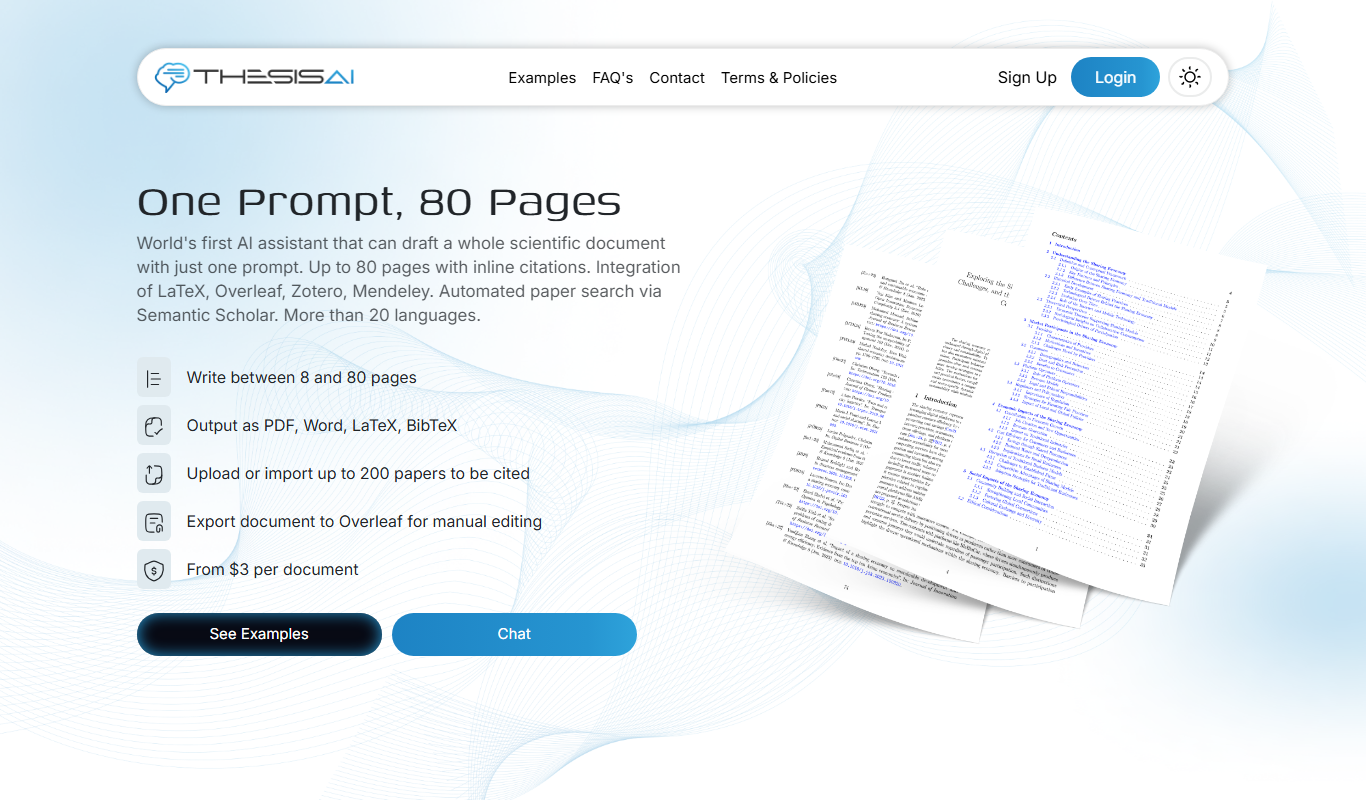
ThesisAI is an AI-driven academic writing assistant designed to help students and researchers generate, organize, and refine theses and research papers with AI-powered content suggestions and editing tools.