

Captionic free app for automatic subtitles in short videos
Captionic is a free app that automatically generates subtitles for your short videos and embeds them directly into the video, with multi-language support.
- Best for
- Subtitling short videos
- Key capability
- Automatic subtitles
Save Captionic, follow its updates and vote on it — everything stays in your account.
Sign in or create a free account
What is Captionic?
Captionic is a free app that automatically generates subtitles for short videos and embeds them directly into the video. It uses AI to create the subtitles, supports a wide range of languages and is available on Google Play and the App Store.
Key features of Captionic
Captionic automatically generates subtitles for videos with AI, embeds them directly into the video and supports a wide range of languages.
Automatic subtitles
Captionic uses AI to automatically generate subtitles for your videos.
Subtitle embedding
Embed the generated subtitles directly into your video without additional editing.
Multi-language support
Captionic supports a wide range of languages for a global audience.
Free mobile app
Get Captionic for free on Google Play or the App Store.
Supports Various Content Types
Generate captions for images, videos, and other social media content formats.
Pros and cons of Captionic
Pros
- Free app
- Subtitles are embedded without additional editing
- Supports a wide range of languages
- No manual transcription needed
Cons
- Supports only English language captions
- Limited free plan usage may restrict frequent users
- No mobile app available, web-only platform
Key use cases for Captionic
Subtitling short videos
Automatically add embedded subtitles to short videos.
Accessible video content
Subtitles make content accessible for viewers with hearing impairments.
Reaching a global audience
Subtitles in a wide range of languages make content accessible to a global audience.
Content Planning
Assist content creators and social media managers in planning captions ahead of time to maintain consistent posting schedules.
How Captionic works
- 1
Download the app
Get Captionic for free on Google Play or the App Store.
- 2
Upload your video
Use the app interface to add your video.
- 3
Generate captions
The AI creates and embeds your subtitles.
- 4
Share your content
Share the subtitled video.
- 5
Copy and Post
Copy the finalized caption and use it on your social media platforms or video descriptions.
Who is using Captionic
Captionic pricing
Free
Free
Captionic is offered as a free app.
Pro
$15/month
Unlimited caption generations, advanced customization options, and priority support.
Plans and prices are as published by the vendor and can change. Check the official site before you buy. Open the pricing page (opens in a new tab)
Frequently asked questions about Captionic
It automatically generates subtitles for your short videos and embeds them directly into the video.
Yes. Captionic is a free app.
Get Captionic for free on Google Play or the App Store.
Yes. Captionic supports a wide range of languages.
It uses AI to automatically generate subtitles for your videos, then embeds them into the video.
Some tools offer a free plan or trial with limited features. Availability can vary, so confirm on the official website.
Yes, it can help with that use case depending on how you configure it and what features are available. You’ll get the best results with clear inputs and a defined goal.
Conclusion
Short videos go into a free mobile app and come back with subtitles already burned in: Captionic generates the subtitles with AI and embeds them directly into the video. The steps are simple: download the app from Google Play or the App Store, add a video, let the AI create and embed the subtitles, and share the result.
Because the text is embedded, the finished video needs no additional editing, and no manual transcription is involved. A wide range of languages is supported, although the site does not list them. The app is aimed at both beginners and experienced creators who want accessible videos for viewers with hearing impairments or a global audience.
Sources
Sign in to review this tool.
Sign In to ReviewNo reviews yet
Be the first to share how this tool worked for you.
Ask about pricing, limits, or how it compares — or answer someone else.
Sign In to AskNo questions yet
Have a question about using or paying for this tool? Be the first to ask.
Featured on TiorAI



More AI Video Creation Tools tools
Other tools in the same category, for when this one is not quite the fit.

A.V. Mapping
A.V. Mapping is an AI platform that analyzes your video or photo, recommends licensed music and sound effects from musicians, and handles the music license in one place.
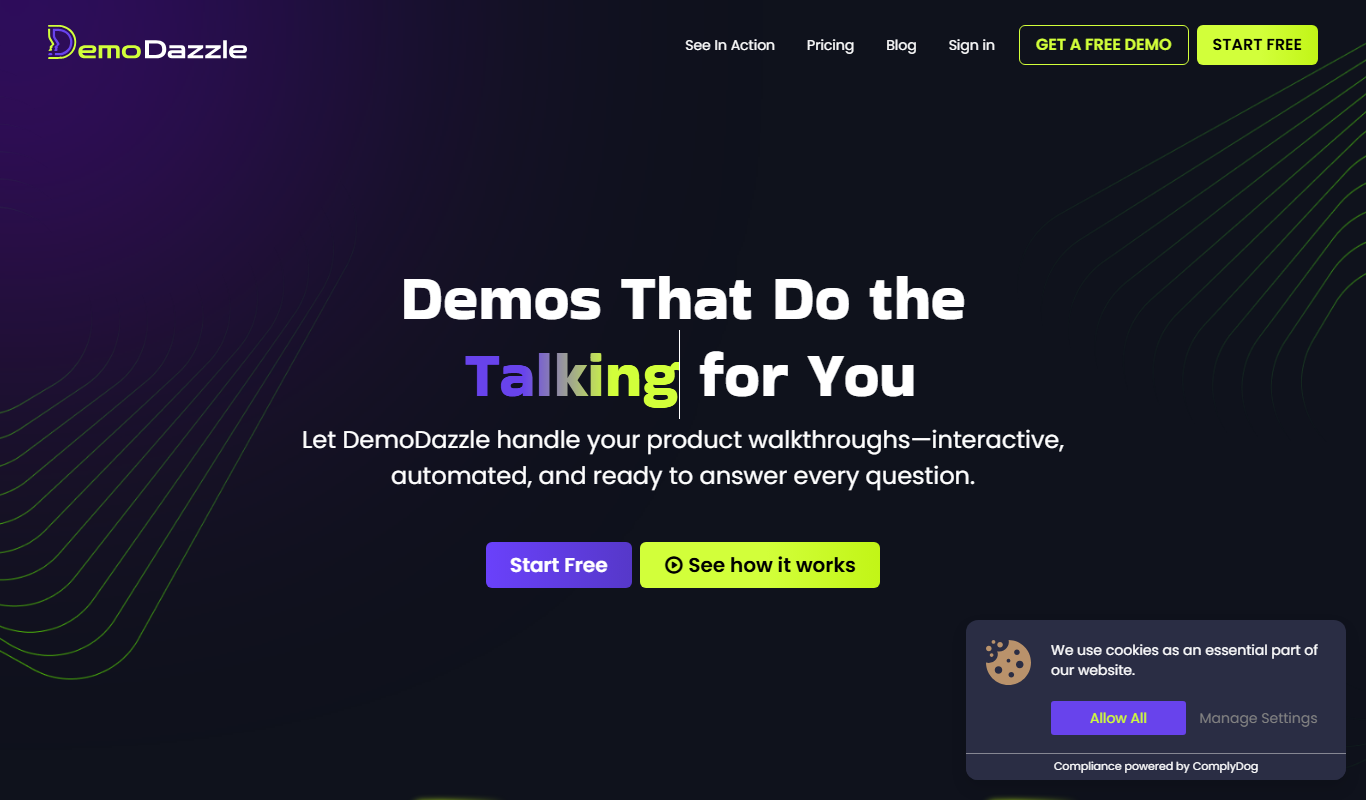
DemoDazzle
DemoDazzle is an AI-powered platform for interactive walkthroughs, featuring lifelike avatars and language models that guide users through product journeys.

Runecontent AI
RuneContent turns LinkedIn posts and articles into short educational videos for TikTok, YouTube Shorts and Instagram Reels, with no editing skills required.
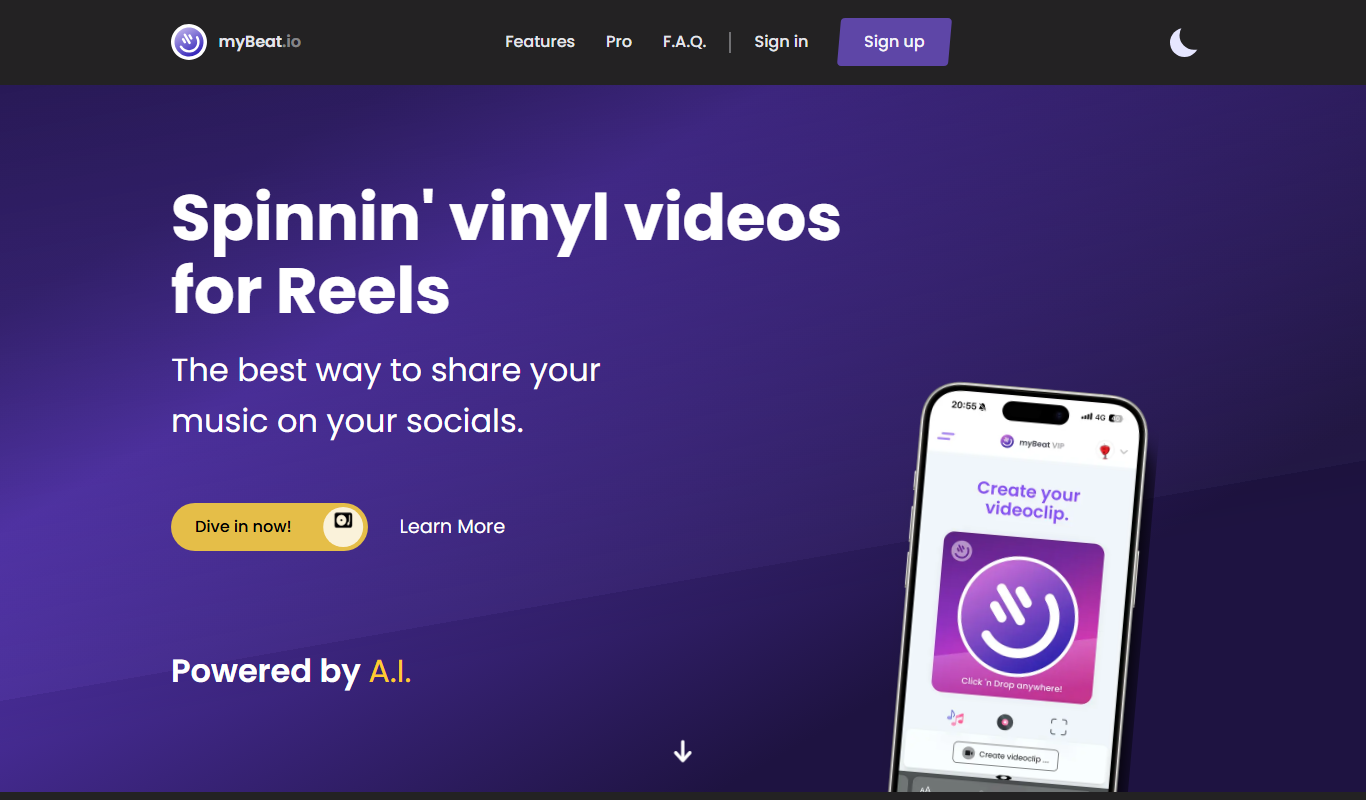
myBeat
myBeat.io makes the visual for a finished track, sends it to labels and artists through one Dropz link and adds a Spotlight artist profile; free to start.

MyKaraoke Video
MyKaraoke Video turns any song into a karaoke or lyric video: upload the track, paste the lyrics, and AI removes the vocals and syncs every word for a 1080p MP4 export.

Plump
Plump is an AI-powered referral network that connects job seekers with employees at tech companies they want to work at.

HyperClapper 2.0
HyperClapper is a LinkedIn engagement tool that brings real likes and comments from 5,000+ professionals to your post's first hour.

IACrea
IACrea is AI marketing for real estate agents: virtual staging, real estate photo editing, listing videos and 2D floor plans, all from a single photo.