
From my experience with Quick Text-To-Image, I found it excels at delivering fast and accessible AI-generated images from simple text prompts. The platform’s straightforward interface makes it easy for beginners and professionals alike to create visuals without needing design skills. It’s particularly well-suited for content creators and marketers who need quick image assets on demand. However, the tool offers limited customization options compared to more advanced AI art platforms, and it is only available as a web app. Overall, if you want a hassle-free way to generate creative images from text, Quick Text-To-Image provides solid results efficiently.
Quick Text-To-Image AI Generator for Fast Custom Image Creation
Quick Text-To-Image is a web-based AI tool that generates images from text descriptions, enabling fast and easy creation of custom visuals.
What is Quick Text-To-Image?
Quick Text-To-Image is a web-based AI-powered tool that transforms user-entered text prompts into custom images. It leverages advanced machine learning models to interpret descriptive text and generate corresponding visuals quickly and efficiently. This tool is designed for creatives, marketers, educators, and anyone needing fast, unique image content without requiring graphic design skills.
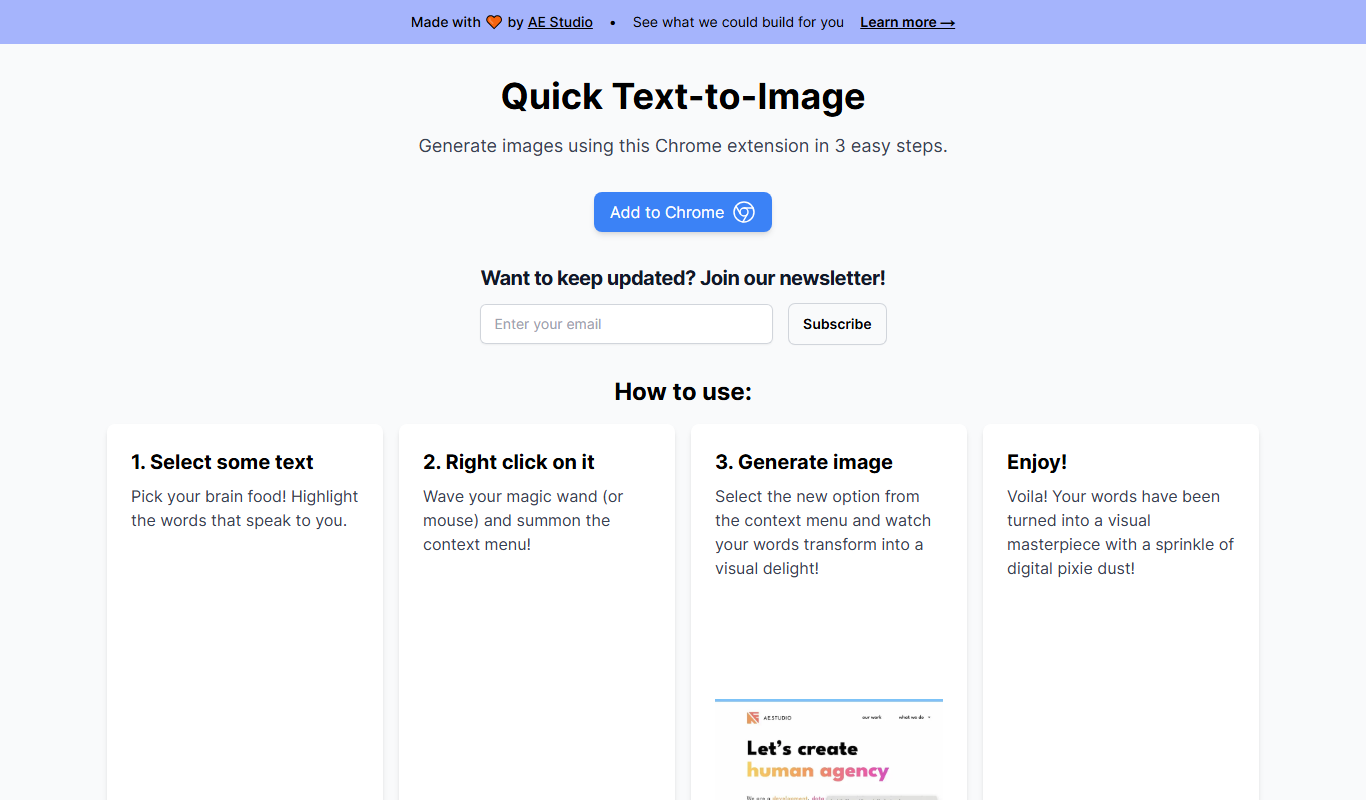
Key Features of Quick Text-To-Image
AI-Powered Image Generation
Transforms text descriptions into high-quality images using advanced AI models.
User-Friendly Interface
Simple and clean design allows quick input and image creation without technical skills.
Fast Processing
Generates images rapidly, enabling efficient creative workflows.
Download and Share Options
Easily save images locally or share them directly from the platform.
Pros and Cons of Quick Text-To-Image
Pros
- Easy to use with no technical skills required
- Fast image generation speeds
- Affordable pricing with a free tier
- Supports a wide range of creative use cases
Cons
- Limited customization options for image style
- Only available as a web platform
Key Use Cases for Quick Text-To-Image
Creative Content Generation
Generate unique images from text prompts for social media, blogs, and marketing materials.
Graphic Design Assistance
Quickly create visual concepts and ideas to support graphic design projects.
Idea Visualization
Turn abstract ideas into visual representations to aid brainstorming and presentations.
Educational Use
Help educators and students create illustrative images for learning materials.
How Quick Text-To-Image Works
-
1
Enter Text Prompt
Users type a descriptive phrase or sentence describing the desired image.
-
2
Generate Image
The AI processes the prompt and creates a unique image based on the description.
-
3
Review and Download
Users can view the generated image, make adjustments if needed, and download it for use.
Who's Using Quick Text-To-Image
Content creators
Social media marketers
Graphic designers
Educators
Small business owners
Quick Text-To-Image Pricing
Free
$0/month
Limited daily image generations with basic features.
Pro
$9.99/month
Unlimited image generations, higher resolution outputs, and priority processing.
Frequently Asked Questions About Quick Text-To-Image
It can generate a wide variety of images based on descriptive text, including abstract art, realistic scenes, and stylized graphics.
Free users have a daily limit, while Pro subscribers enjoy unlimited image generation.
Yes, images generated can be used commercially, but users should review the terms of service for specific licensing details.
It depends on your specific needs and how you plan to use the tool. The official website and documentation are the best sources for the latest details.
Yes, it can help with that use case depending on how you configure it and what features are available. You’ll get the best results with clear inputs and a defined goal.
Pricing depends on the plan and included features. For the most accurate and up-to-date details, check the official pricing page.
Share your review
Reviews are limited to one per logged-in user and are published after moderation.
You need an account to review this tool.
0.0
★
★
★
★
★
0 reviews
5 star
0
4 star
0
3 star
0
2 star
0
1 star
0
No reviews yet
Be the first to share how this tool worked for you.
Questions from the community
Read questions and answers about this tool, or ask your own.
No questions yet
Start the conversation by asking the first question about this tool.
Is this tool helpful?

Pay Per Use
DreamStaging.AI
DreamStaging.AI is an AI-powered virtual home staging platform that transforms empty property photos into beautifully furnished interiors to help real estate professionals market homes effectively.

Free
QRCode1s
QRCode1s is a free online tool that allows users to create customizable QR codes for URLs, text, emails, and other data types without registration.
Free
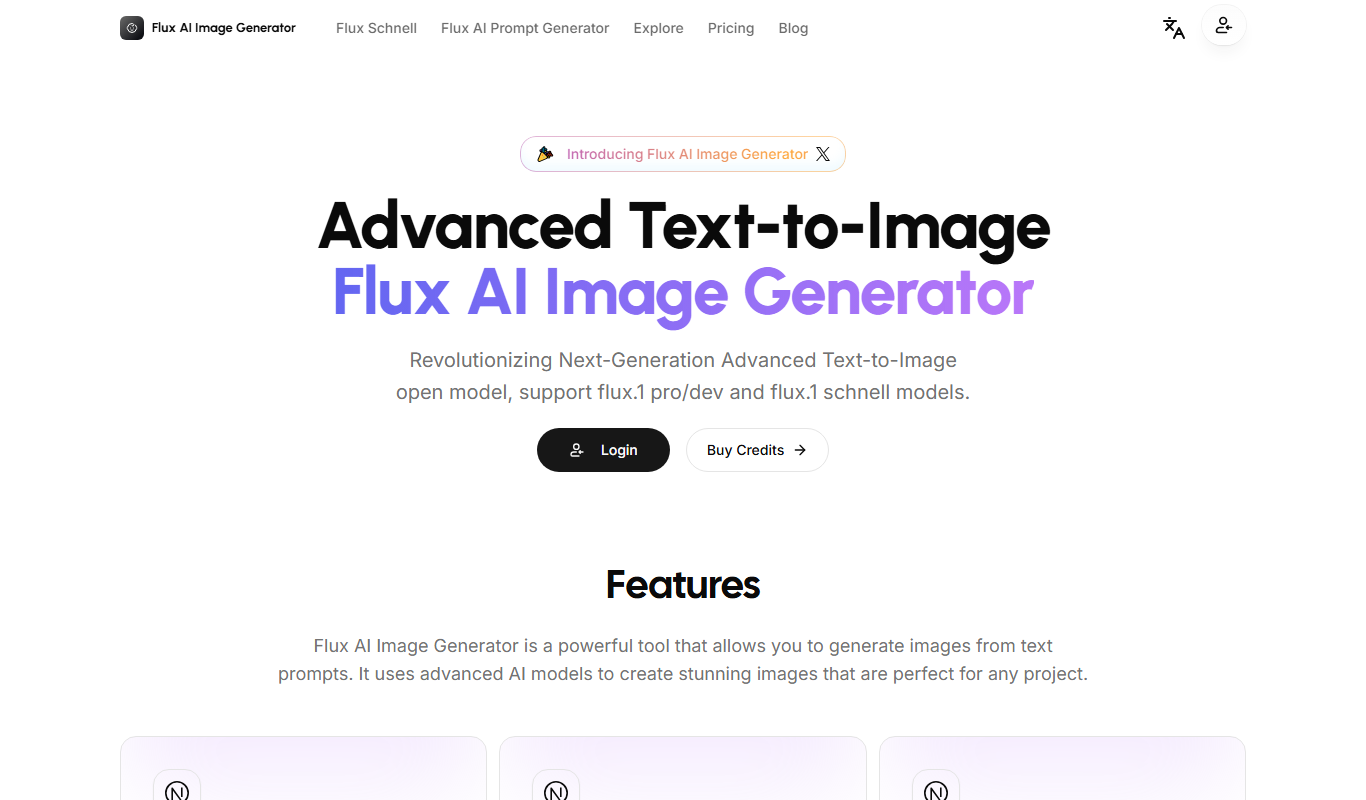
Open Source Flux AI Image Generator
Open Source Flux AI Image Generator is a free, web-based AI tool that generates images from text prompts using an open source model, ideal for artists and developers seeking creative AI art solutions.
Free
AI Art Generator | 100% Free
AI Art Generator | 100% Free is a web-based tool that allows users to create unique digital artwork instantly using AI technology without any cost or registration.

Free Trial
Pool Planner AI
Pool Planner AI is a web-based software that automates swimming pool design using AI, providing customizable templates and 3D visualizations to help builders and designers create and present pool projects efficiently.

Free
Image Prompt
Image Prompt is a free online tool that generates creative text prompts for AI image generation, helping users create unique AI artwork easily.
Freemium
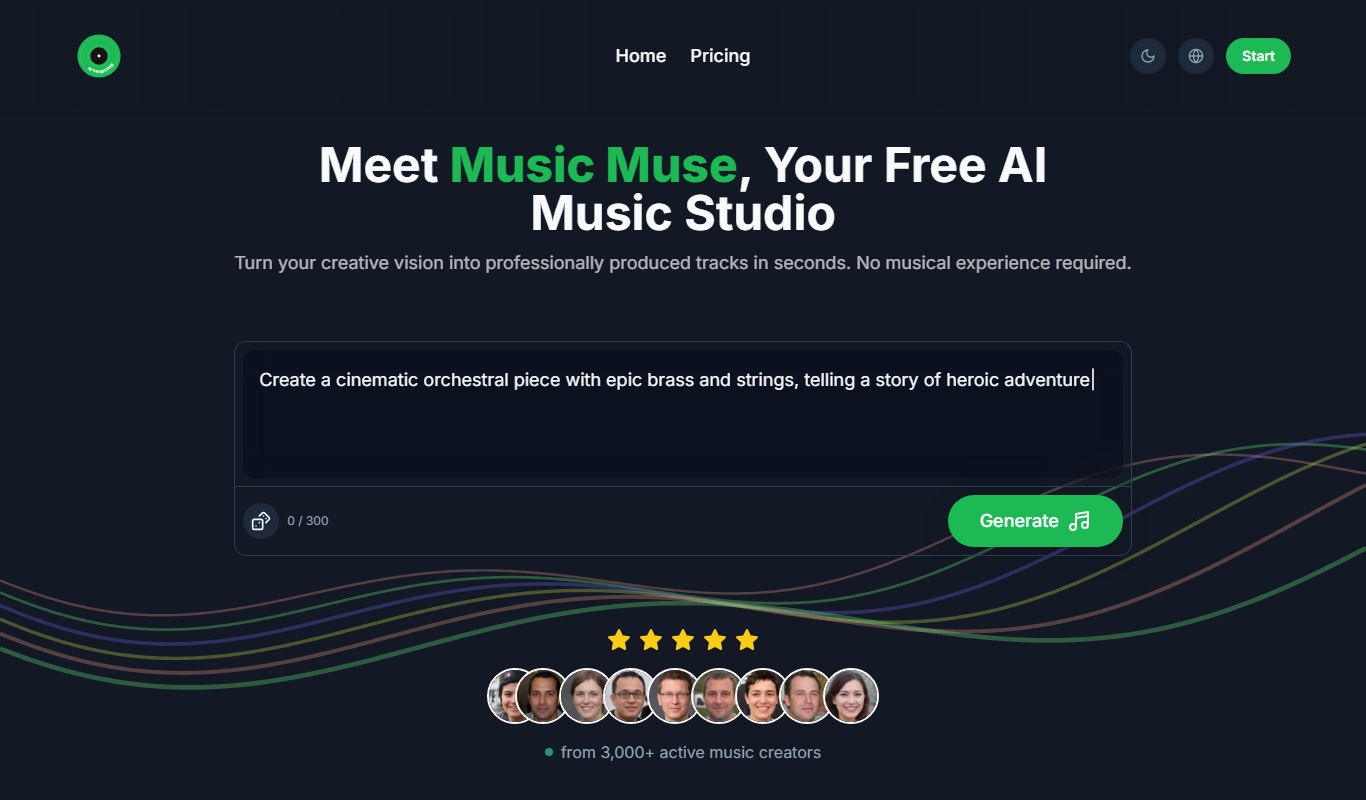
MusicMuse
MusicMuse is an AI-powered platform that generates custom, royalty-free music tracks based on user preferences like genre, mood, and tempo, ideal for content creators and marketers.

Free
Colorendo
Colorendo is a free AI-powered web tool that generates harmonious color palettes for designers, artists, and creators, allowing easy customization and export.