
From my experience with Abstract, I found it excels at bringing version control principles to the design process, which is a game-changer for creative teams managing complex projects. The platform’s branching and merging capabilities allow multiple designers to work simultaneously without overwriting each other’s work, improving collaboration and reducing errors. However, the tool primarily supports Sketch and Adobe XD, which might limit teams using other design software. Overall, if you need a structured, Git-like workflow for your design files and want to streamline team collaboration, Abstract delivers solid results.
Abstract Design Collaboration Platform for Version Control and Workflow Management
Abstract is a design collaboration platform that provides version control and workflow management tailored for design teams, integrating with tools like Sketch and Adobe XD.
What is Abstract?
Abstract is a design collaboration platform that brings version control and workflow management to design teams. It acts like Git for designers, allowing them to manage, track, and collaborate on design files efficiently. Abstract centralizes design assets, supports branching and merging, and integrates with popular design tools to streamline the creative process.
Key Features of Abstract
Version Control for Design
Track every change to design files with a history of edits and the ability to revert.
Branching and Merging
Work on multiple design ideas simultaneously and merge the best ones seamlessly.
Collaboration and Feedback
Enable team members and stakeholders to comment and review designs in context.
Design System Management
Maintain consistency across projects by managing shared design components.
Integrations
Sync with Sketch, Adobe XD, and other tools to keep workflows connected.
Pros and Cons of Abstract
Pros
- Intuitive version control designed for designers
- Streamlines collaboration and feedback
- Supports branching and merging for design workflows
- Integrates well with popular design tools
- Helps maintain design system consistency
Cons
- Limited support for design tools beyond Sketch and Adobe XD
- Pricing for larger teams can be expensive
- No mobile app available
Key Use Cases for Abstract
Design Version Control
Manage and track changes to design files with version control similar to Git, enabling teams to collaborate without overwriting work.
Team Collaboration
Facilitate real-time collaboration among designers, developers, and stakeholders by centralizing design files and feedback.
Workflow Management
Streamline design workflows with branching, merging, and review processes to improve efficiency and reduce errors.
Design System Management
Maintain and update design systems consistently across projects to ensure brand and UI consistency.
Integration with Design Tools
Seamlessly integrate with popular design tools like Sketch and Adobe XD to sync files and updates.
How Abstract Works
-
1
Connect Design Tools
Link your Sketch or Adobe XD files to Abstract to sync your design projects.
-
2
Create Branches
Work on new features or updates in isolated branches without affecting the main design.
-
3
Collaborate and Review
Share branches with team members for feedback and review before merging.
-
4
Merge Changes
Once approved, merge branches back into the main project to update the design.
Who's Using Abstract
Design teams
Product managers
UI/UX designers
Creative agencies
Developers collaborating with designers
Abstract Pricing
Free
$0/month
Basic version control and collaboration for small teams with limited projects.
Team
Custom pricing
Advanced features including unlimited projects, enhanced collaboration, and priority support.
Frequently Asked Questions About Abstract
Abstract primarily supports Sketch and Adobe XD, allowing seamless syncing of design files.
Yes, Abstract provides Git-like version control tailored specifically for design files.
Yes, Abstract offers a free plan suitable for small teams with basic features.
Yes, Abstract facilitates collaboration between designers and developers by centralizing design assets and feedback.
It depends on your specific needs and how you plan to use the tool. The official website and documentation are the best sources for the latest details.
This tool is designed to help users accomplish its core tasks more efficiently. It is typically used by individuals or teams looking to improve productivity and workflow.
Yes, it can help with that use case depending on how you configure it and what features are available. You’ll get the best results with clear inputs and a defined goal.
Some tools offer a free plan or trial with limited features. Availability can vary, so confirm on the official website.
Share your review
Reviews are limited to one per logged-in user and are published after moderation.
You need an account to review this tool.
0.0
★
★
★
★
★
0 reviews
5 star
0
4 star
0
3 star
0
2 star
0
1 star
0
No reviews yet
Be the first to share how this tool worked for you.
Questions from the community
Read questions and answers about this tool, or ask your own.
No questions yet
Start the conversation by asking the first question about this tool.
Is this tool helpful?
Alternative Tools
Explore similar AI tools that might fit your needs
Free
Figma
Figma is a cloud-based design tool for creating user interfaces and prototypes collaboratively in real time, accessible via web and desktop apps.

Free
InVision
InVision is a digital product design platform that enables teams to create interactive prototypes, collaborate on designs, manage workflows, and hand off projects to developers efficiently.
Free
Zeplin
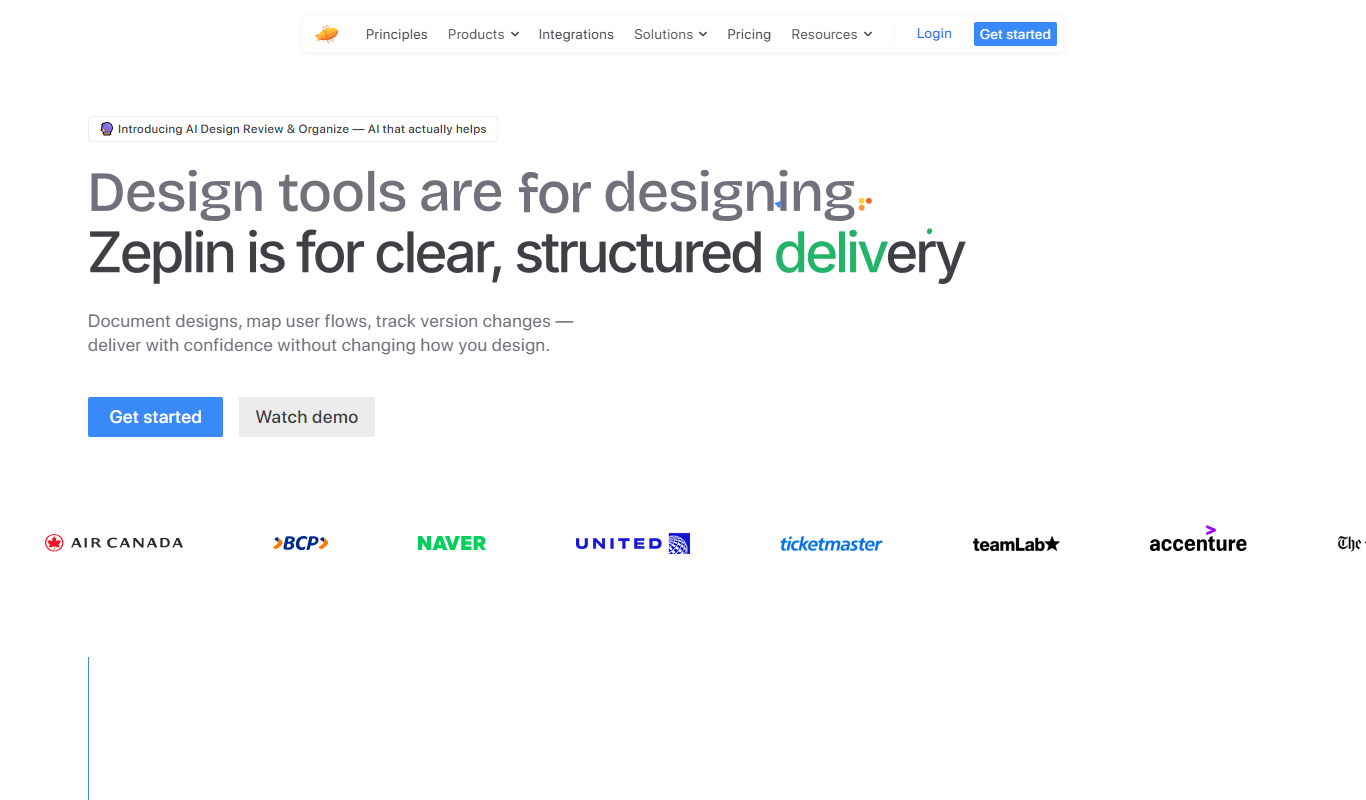
Zeplin is a collaborative platform that simplifies design handoff by generating specs, assets, and code snippets from design files, enabling seamless communication between designers and developers.

Free
EasyGift
EasyGift is an AI-powered platform that provides personalized gift recommendations based on recipient details, occasion, and budget, helping users find the perfect gift quickly.
Custom Pricing
HoloLens 2
Microsoft HoloLens 2 is a standalone mixed reality headset that overlays digital content onto the real world, primarily used for enterprise applications like training, remote assistance, and 3D design.

Freemium
bazaart.me
Bazaart is a versatile photo editing and graphic design app available on iOS and web, featuring AI background removal, layering, and templates for creative projects.

Free
Free AI Song Generator
Free AI Song Generator is a web-based tool that lets you create original music tracks instantly using AI by selecting genres and moods, with no cost or sign-up required.

Free
Cherry Studio
Cherry Studio is a web-based AI art generator that transforms text prompts into unique digital images using advanced AI models, suitable for artists and content creators.

Freemium
IDEART AI
IDEART AI is a web-based platform that uses artificial intelligence to help users create graphic designs and content quickly and easily, offering customizable templates and AI content generation tools.

Freemium
Globe Guide Ai
Globe Guide AI is an AI-driven travel planner that creates personalized itineraries and travel recommendations based on your preferences, budget, and schedule.

Free
IdeaverseAI
IdeaverseAI is an AI-driven brainstorming platform that helps users generate diverse and creative ideas for content, marketing, and product development through customizable prompts and collaborative features.