

Wendy StoryTeller personalized illustrated audio stories for children
Wendy StoryTeller creates personalized illustrated audio stories for children with AI, narrated in 32 languages on iOS, Android and the web.
- Best for
- Personalized stories for kids
- Key capability
- Personalized stories
Save Wendy StoryTeller, follow its updates and vote on it — everything stays in your account.
Sign in or create a free account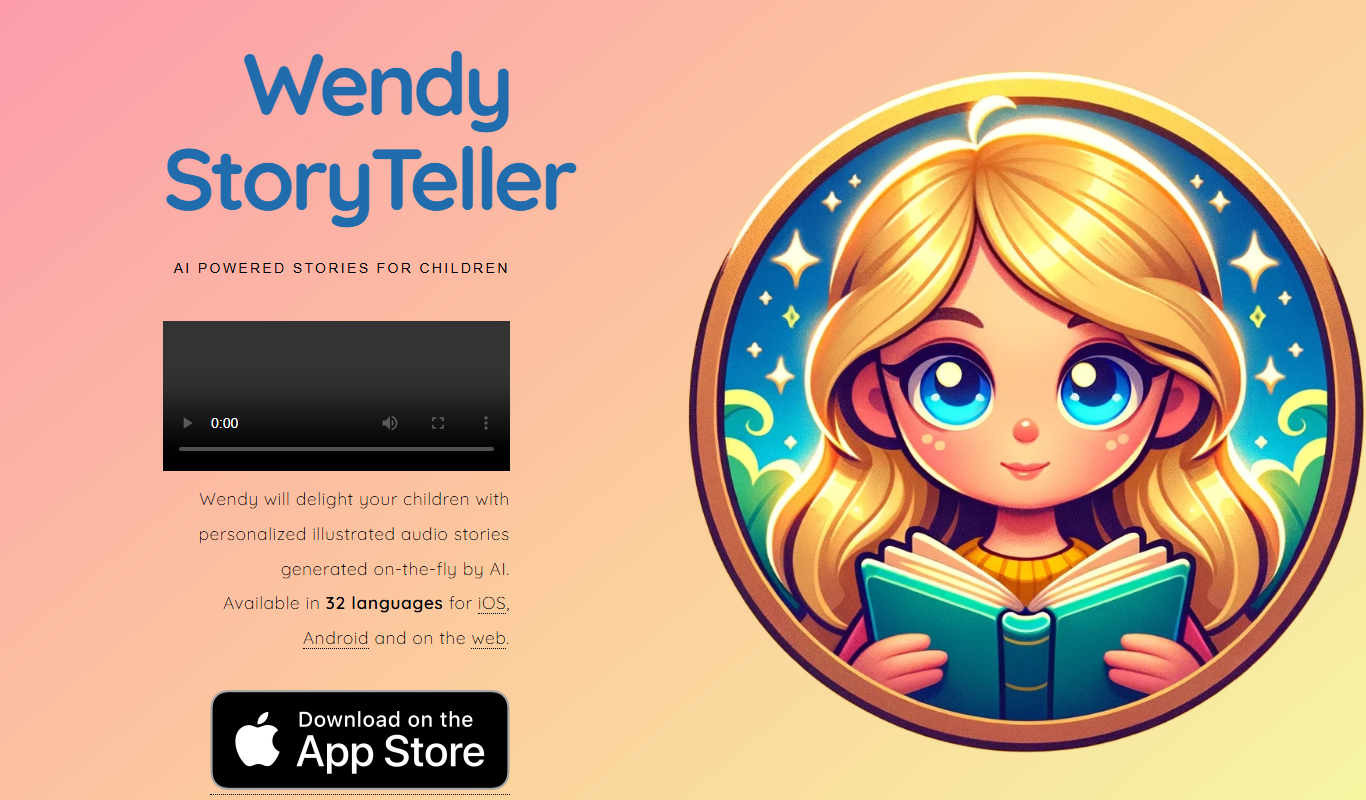
What is Wendy StoryTeller?
Wendy StoryTeller is an app that creates personalized illustrated audio stories for children, generated on-the-fly by AI. Each story stars the child by name, is narrated with AI voices in 32 languages and illustrated in real time, and it is available for iOS, Android and on the web.
Key features of Wendy StoryTeller
Wendy StoryTeller generates personalized stories with the child as protagonist, narrates them with AI voices in more than thirty languages or a parent’s recorded voice, illustrates each paragraph in real time and lets parents choose values or lessons.
Personalized stories
Each story features your child as the protagonist, with a choice of characters and environments.
Multilingual narration
AI voices in more than thirty languages, or your own recorded voice.
Real-time illustrations
Pictures are generated for each paragraph to match the story's events and characters.
New chapters
Start a fresh adventure or continue the previous tale with a new chapter.
Values and lessons
Parents can select specific values or lessons for each story.
Pros and cons of Wendy StoryTeller
Pros
- Core story creation is free
- Narration in 32 languages
- Parents can record their own voice
- Available on iOS, Android and the web
Cons
- Premium illustrated audio stories cost extra
- Prices for premium stories are not shown on the website
Key use cases for Wendy StoryTeller
Personalized stories for kids
Personalized illustrated audio stories that star your child.
Teaching values
Choose values or lessons so each story teaches a life lesson.
Stories in the parent's voice
Record your own voice to tell the stories.
Classroom storytelling
Illustrated and animated audio stories for a learning class.
How Wendy StoryTeller works
- 1
Open the app
Use Wendy StoryTeller on iOS, Android or the web.
- 2
Personalize the story
Add your child’s name and choose characters, environments and optional values or lessons.
- 3
Listen and watch
The AI writes the story while narrating it and generating illustrations for each paragraph.
- 4
Continue the tale
Start a new adventure or continue with a new chapter.
Who is using Wendy StoryTeller
Wendy StoryTeller pricing
Free
Free
Core story creation with countless tales at no cost.
Premium illustrated audio stories
In-app purchases
Premium illustrated audio stories for a small fee, with detailed illustrations and immersive audio.
Plans and prices are as published by the vendor and can change. Check the official site before you buy. Open the pricing page (opens in a new tab)
Frequently asked questions about Wendy StoryTeller
Children, with stories for parents to share at home or teachers in a learning class.
Core story creation is free; premium illustrated audio stories are offered for a small fee.
Stories are available in 32 languages.
Yes. You can record your own voice to tell the stories.
iOS, Android and the web.
Yes. Parents can select specific values or lessons for each story.
Conclusion
Stories starring the child are the output: each personalized story uses the child’s name, with characters and settings picked to match their interests. As the AI writes each sentence, the story is narrated aloud and every paragraph gets a matching illustration in real time. Voices cover 32 languages, and parents can also record their own voice to tell the stories.
Parents can choose specific values or lessons for a story, and the app also addresses teachers who want illustrated stories for a learning class. It runs on iOS, Android and the web, and a tale can continue with a new chapter instead of starting over. Core story creation is free, while premium illustrated audio stories cost a small fee through in-app purchases.
Sources
Sign in to review this tool.
Sign In to ReviewNo reviews yet
Be the first to share how this tool worked for you.
Ask about pricing, limits, or how it compares — or answer someone else.
Sign In to AskNo questions yet
Have a question about using or paying for this tool? Be the first to ask.
Featured on TiorAI



More AI Parenting tools
Other tools in the same category, for when this one is not quite the fit.

Evidence Me
Evidence Me is an app designed for early years educators to capture and track children's development through multimedia observations, linked to educational frameworks, with secure parent sharing and reporting features.
CogniAble
The CogniAble app is an end-to-end assistive platform for early detection and intervention of children with developmental disorders such as Autism Spectrum Disorder.
Toca Boca
Toca Boca offers creative apps for children, with no third-party ads; Toca Boca World is free to download and relies on in-app purchases for extra places and packs.
Articulation Station
Articulation Station is a mobile app by Little Bee Speech that helps children practice and improve their speech articulation through interactive exercises and audio modeling.
Speech Blubs
Speech Blubs is an AI-driven speech therapy app that helps children with speech delays improve their communication skills through interactive exercises, video modeling, and real-time voice feedback.

Accountable2You
Accountable2You is a parental control and accountability software that helps families and individuals monitor device usage, receive alerts on risky content, and manage screen time across multiple platforms.

SneakPeek Early Gender DNA Test
SneakPeek Early Gender DNA Test is an at-home prenatal DNA test that predicts a baby's gender from 6 weeks of pregnancy.

MyTherapy
MyTherapy is a free medication reminder and health tracking app designed to help people manage chronic illnesses by providing timely medication alerts, symptom tracking, and health report generation.