

md.ai Medical Image Annotation Platform for AI Training and Research
md.ai is a cloud platform designed for annotating medical images to create labeled datasets that improve AI model training in healthcare.
- Best for
- Medical Image Annotation
- Key capability
- Multi-Modality Support
Save md.ai, follow its updates and vote on it — everything stays in your account.
Sign in or create a free account
What is md.ai?
MD.ai is an annotation and reporting platform for radiology.
Key features of md.ai
md.ai offers advanced annotation tools tailored for medical images, collaborative project management, multi-user workflows with role-based permissions, integration with AI training pipelines, and support for exporting datasets in multiple formats. Its interface is optimized for radiology and other medical imaging specialties.
Multi-Modality Support
Supports annotation of X-rays, CT, MRI, ultrasound, and other medical imaging types.
Collaborative Annotation
Enables multiple users to work together with role-based access and review workflows.
Advanced Annotation Tools
Includes polygon, bounding box, point, and freehand drawing tools optimized for medical images.
Integration with AI Pipelines
Exports data in formats ready for machine learning frameworks like TensorFlow and PyTorch.
Cloud-Based Platform
Accessible from anywhere with secure data storage and compliance with healthcare data standards.
MD.ai Reporting
MD.ai Reporting uses LLMs for radiology reporting.
Pros and cons of md.ai
Pros
- Specialized tools for medical image annotation
- Supports collaboration among multidisciplinary teams
- Cloud-based with easy access and data management
- Flexible export options for AI training
- Free tier available for individual users
Cons
- MD.ai Reporting includes Multilingual support.
- Pricing details for enterprise plans require direct contact
- Primarily web-based, no dedicated mobile apps
Key use cases for md.ai
Medical Image Annotation
Annotate medical images such as X-rays, CT scans, and MRIs to create high-quality labeled datasets for AI model training.
AI Model Training Support
Provide accurate and standardized annotations to improve the performance of machine learning models in medical imaging.
Collaborative Research
Enable teams of radiologists, data scientists, and researchers to collaborate on image labeling projects remotely.
Quality Control and Review
Facilitate multi-level review workflows to ensure annotation accuracy and consistency across datasets.
Dataset Management
Organize, manage, and export annotated datasets in various formats compatible with AI frameworks.
How md.ai works
- 1
Create an Account
Sign up on the md.ai platform to start managing annotation projects.
- 2
Upload Medical Images
Import medical imaging data such as DICOM files into the platform.
- 3
Annotate Images
Use specialized tools to label regions of interest, segment structures, and add metadata.
- 4
Collaborate and Review
Invite team members to review annotations, provide feedback, and ensure quality.
- 5
Export Labeled Data
Download annotated datasets in formats compatible with AI frameworks for model training.
Who is using md.ai
md.ai pricing
Free
$0/month
Basic access with limited projects and annotation tools for individual users.
Enterprise
Custom pricing
Advanced features, unlimited projects, dedicated support, and compliance options for organizations.
Plans and prices are as published by the vendor and can change. Check the official site before you buy. Open the pricing page (opens in a new tab)
Frequently asked questions about md.ai
md.ai supports a variety of medical imaging modalities including X-rays, CT scans, MRIs, ultrasound, and more.
Yes, md.ai allows collaborative annotation with role-based permissions and review workflows.
md.ai provides secure data handling and offers enterprise options that comply with healthcare regulations.
Annotated data can be exported in multiple formats compatible with popular AI frameworks for seamless integration.
Yes, it can help with that use case depending on how you configure it and what features are available. You’ll get the best results with clear inputs and a defined goal.
This tool is designed to help users accomplish its core tasks more efficiently. It is typically used by individuals or teams looking to improve productivity and workflow.
It depends on your specific needs and how you plan to use the tool. The official website and documentation are the best sources for the latest details.
Conclusion
Medical imaging data such as DICOM files is imported, regions of interest are labeled and structures segmented, and the annotated datasets are downloaded for model training. Modalities covered include X-rays, CT, MRI and ultrasound. Multiple users work together with role-based access and review workflows. Exports are ready for machine learning frameworks like TensorFlow and PyTorch.
The platform covers radiology reporting as well as annotation. Its MD.ai Reporting product uses LLMs and includes Multilingual support. Radiologists, healthcare AI researchers and academic research groups in medical imaging are the intended users. Pricing details for enterprise plans require direct contact.
Sources
Sign in to review this tool.
Sign In to ReviewNo reviews yet
Be the first to share how this tool worked for you.
Ask about pricing, limits, or how it compares — or answer someone else.
Sign In to AskNo questions yet
Have a question about using or paying for this tool? Be the first to ask.
Featured on TiorAI



Alternative Tools
Explore similar AI tools that might fit your needs

V7 Darwin
V7 Darwin is an AI platform that automates video annotation and labeling to accelerate computer vision model training with integrated collaboration and API access.
More AI Artificial Intelligence Tools tools
Other tools in the same category, for when this one is not quite the fit.
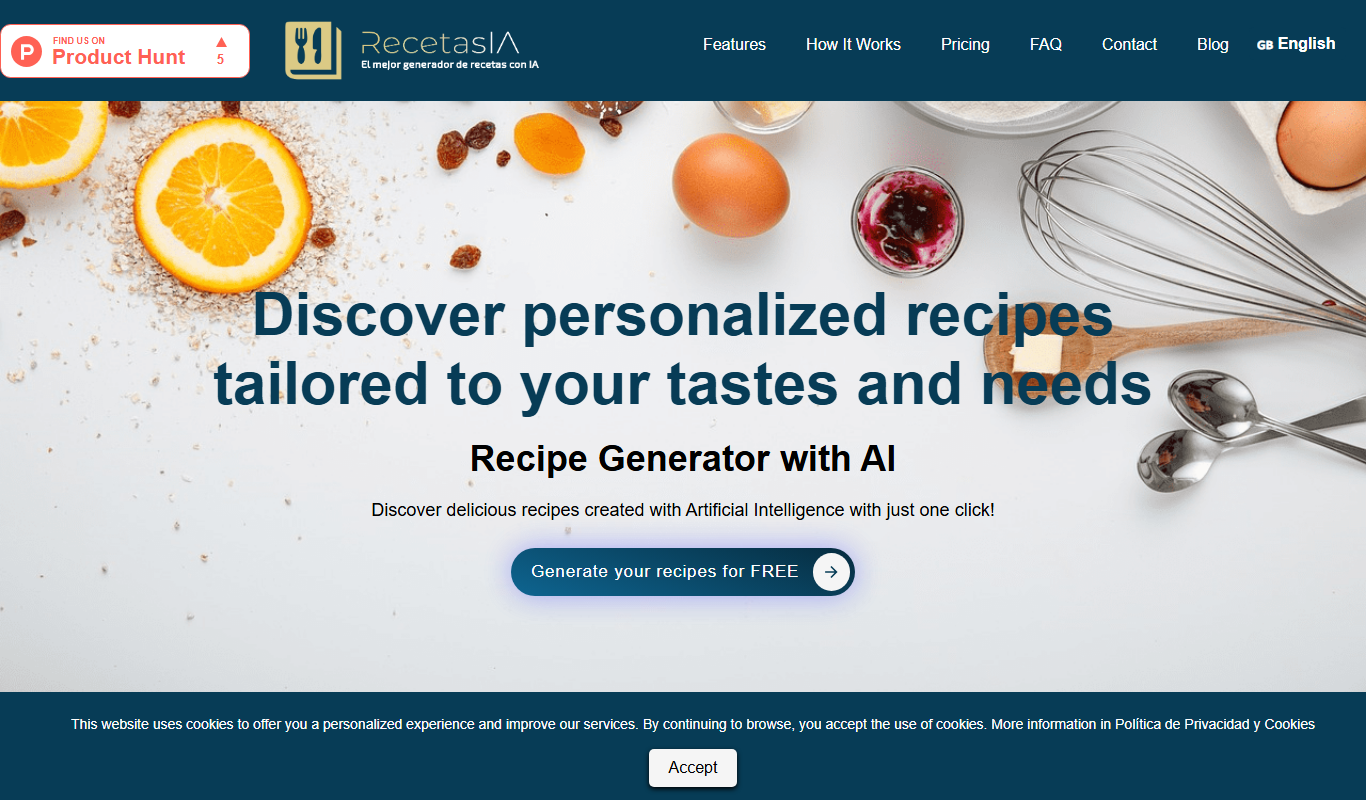
RecetasIA
RecetasIA is an AI-based web tool with a free plan that generates personalized recipes from your tastes, dietary restrictions and intolerances, in English or Spanish.

Newmoney.AI
Newmoney.AI is an AI-powered crypto and cash wallet: buy, trade, swap and send crypto across SUI, Solana, Ethereum and Bitcoin with the AI agent Newton, including via WhatsApp and Telegram.

TwoShot
TwoShot is an AI creative suite for music, audio, video and images: generate music and sounds from text, split stems, make voiceovers and produce in an online studio.

Kuakua – Psychology & AI Tools for Well-Being
Kuakua is a free website of psychology games, tests, screenings and cognitive experiments that turns psychology research into small tools for well-being.

MixPeek
MixPeek is an AI-driven multimedia search engine that indexes videos, images, audio, and documents to enable fast, accurate search through a web interface and developer API.

Musicfy
Musicfy is an AI voice song generator for creating covers in any voice, with 100,000+ voices or a clone of your own.

MusicGen AI
MusicGen is a free AI music generation tool developed by Meta that uses a single Language Model (LM) to create music based on a prompt.

Musick AI
Musick AI is an AI-powered platform that generates original music tracks based on user-selected genres and moods, enabling easy composition for creators without musical expertise.