

From my experience with SkyDeck.ai, it stands out for its ability to quickly generate polished presentations with minimal input, saving valuable time. The AI-driven content suggestions and customizable templates make it especially useful for startup founders and business professionals who need to create compelling pitch decks or proposals without design expertise. However, the platform currently supports only English and is web-based, which might limit flexibility for some users. Overall, if you want to streamline your presentation creation process and produce professional slide decks efficiently, SkyDeck.ai is a practical choice.
SkyDeck.ai AI Presentation Generator for Engaging Slide Decks
SkyDeck.ai is an AI-driven tool that automates the creation of professional slide decks, helping users quickly generate and customize presentations for various purposes.
- Best for
- Startup Pitch Decks
- Key capability
- AI-Powered Slide Generation
Your actions
Save SkyDeck.ai, follow its updates and vote on it — everything stays in your account.
Sign in or create a free account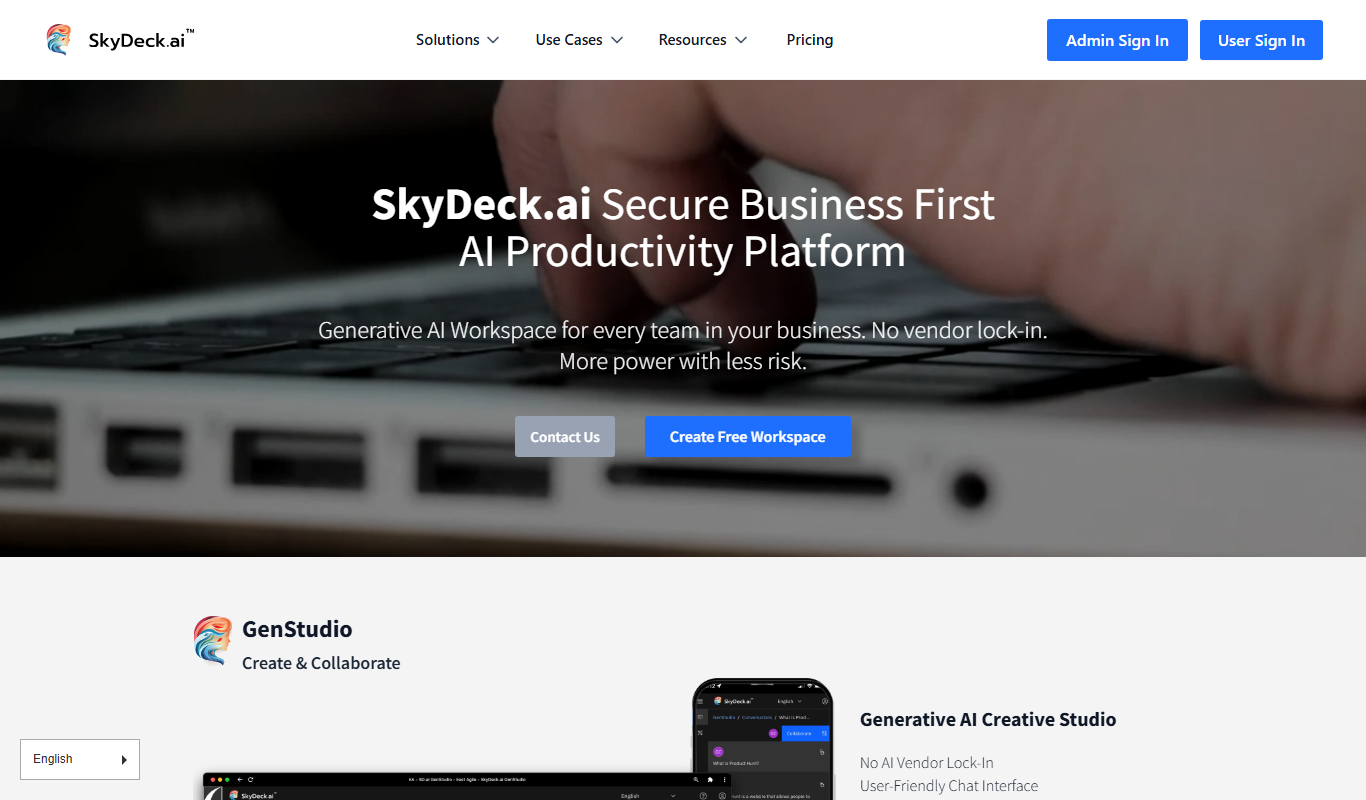

What is SkyDeck.ai?
SkyDeck.ai is an AI-powered presentation generator designed to help users create professional slide decks effortlessly. By leveraging artificial intelligence, it automates the content creation and design process, enabling users to produce visually appealing presentations tailored to their specific needs.
Key features of SkyDeck.ai
SkyDeck.ai offers automated slide generation, customizable templates, AI-driven content suggestions, and export options to streamline the presentation creation workflow.
AI-Powered Slide Generation
Automatically creates structured and relevant slides from minimal input.
Customizable Templates
Offers a variety of design templates to match different presentation styles.
Content Suggestions
Provides AI-driven recommendations to enhance slide content and clarity.
Easy Export Options
Supports exporting presentations to formats like PDF and PowerPoint.
Pros and cons of SkyDeck.ai
Pros
- Quickly generates professional presentations
- User-friendly interface with minimal learning curve
- Customizable templates enhance creativity
Cons
- Limited language support (English only)
- No desktop or mobile app, web-only platform
Key use cases for SkyDeck.ai
Startup Pitch Decks
Create professional and compelling pitch decks quickly to impress investors and stakeholders.
Business Presentations
Generate engaging slide decks for meetings, proposals, and strategy sessions with minimal effort.
Educational Content
Develop clear and visually appealing presentations for teaching and training purposes.
Marketing Campaigns
Design persuasive marketing presentations to showcase products and services effectively.
How SkyDeck.ai works
- 1
Input Your Topic
Enter the subject or purpose of your presentation to guide the AI.
- 2
Customize Your Slides
Select templates and adjust content as needed to fit your style and message.
- 3
Generate Presentation
Let the AI create a complete slide deck based on your inputs.
- 4
Review and Export
Make final edits and export your presentation in preferred formats.
Who is using SkyDeck.ai
Startup founders
Business professionals
Educators and trainers
Marketing teams
SkyDeck.ai pricing
Free
$0/month
Access to basic features with limited slide generation and templates.
Pro
$19/month
Unlocks full template library, unlimited slide generation, and priority support.
Plans and prices are as published by the vendor and can change. Check the official site before you buy. Open the pricing page (opens in a new tab)
Frequently asked questions about SkyDeck.ai
Yes, users can edit and customize all slides after generation to suit their needs.
Presentations can be exported as PDFs or PowerPoint files for easy sharing.
SkyDeck.ai offers a free tier with basic features; details on Pro trials can be found on their website.
It depends on your specific needs and how you plan to use the tool. The official website and documentation are the best sources for the latest details.
Yes, it can help with that use case depending on how you configure it and what features are available. You’ll get the best results with clear inputs and a defined goal.
It depends on your specific needs and how you plan to use the tool. The official website and documentation are the best sources for the latest details.
Sign in to review this tool.
Sign In to ReviewNo reviews yet
Be the first to share how this tool worked for you.
Ask about pricing, limits, or how it compares — or answer someone else.
Sign In to AskNo questions yet
Have a question about using or paying for this tool? Be the first to ask.
Featured on TiorAI



Alternative Tools
Explore similar AI tools that might fit your needs

Free
Visme
Visme is a web-based platform for creating presentations, infographics, and marketing visuals with customizable templates and data visualization tools.
More AI Ai Tools tools
Other tools in the same category, for when this one is not quite the fit.
Free
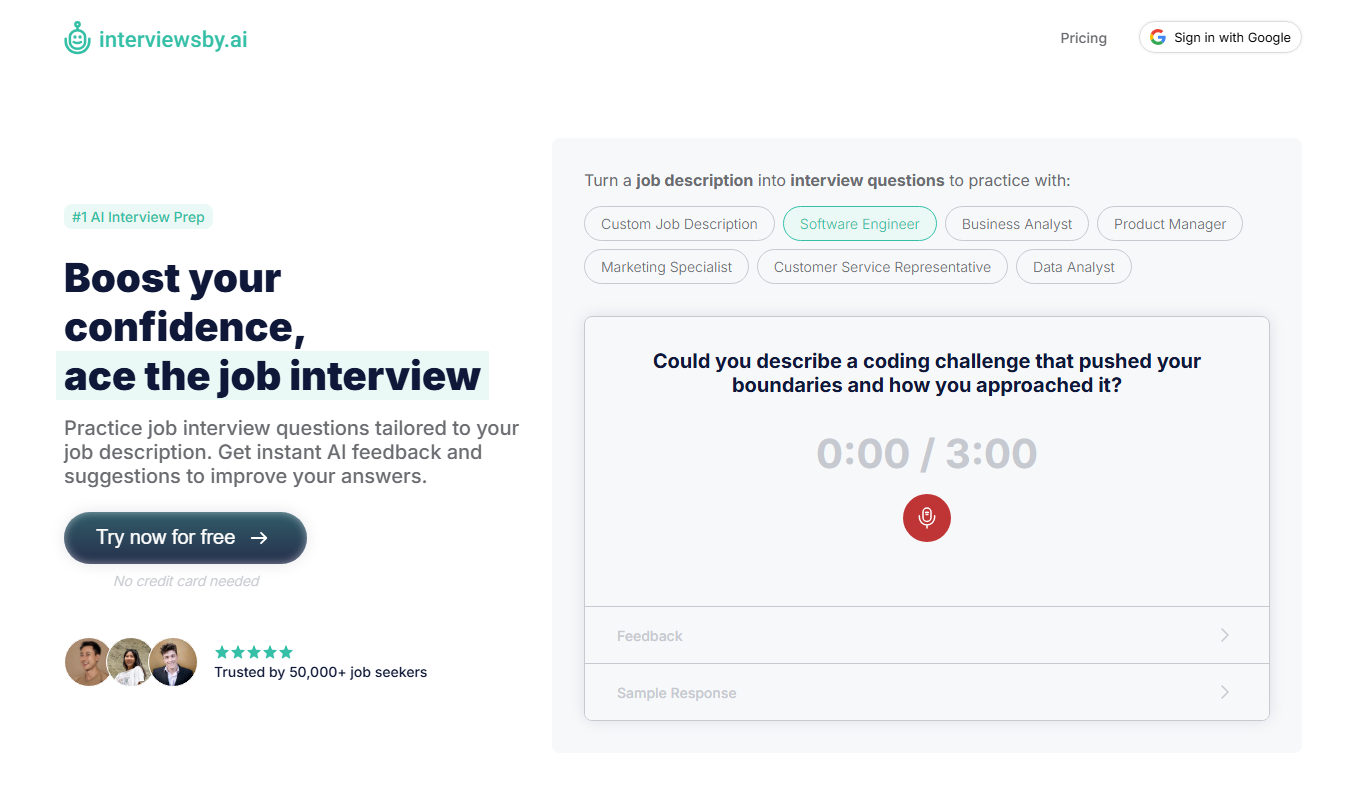
Interviews by AI
Interviews by AI is a web-based platform that uses artificial intelligence to simulate job interviews by generating tailored questions and providing personalized feedback to help users improve their interview skills.

Freemium
Wonderin Resume AI
Wonderin Resume AI is an AI-powered resume builder that helps job seekers create professional, ATS-optimized resumes quickly using customizable templates and intelligent content suggestions.

Free Trial
Recruitcrafts
Recruitcrafts is an AI-driven recruitment platform that automates candidate sourcing, resume screening, and interview scheduling to help recruiters hire faster and more efficiently.

Freemium
Sage Cooking
Sage Cooking is an AI-powered web tool that generates personalized recipes based on your dietary preferences, restrictions, and available ingredients to simplify meal planning and inspire cooking creativity.

Free
Infinite Meals
Infinite Meals is a free AI-based meal planner that generates personalized healthy meal plans tailored to your dietary preferences, allergies, and nutritional goals.

Freemium
REimagine Home
REimagine Home is an AI-driven platform that transforms your room photos into virtual interior design makeovers, helping you visualize new furniture and decor styles quickly and easily.

Subscription
Free AI QR Code Generator by MyQRCode
MyQRCode is a web-based QR code generator for restaurants, vCards, events and businesses, with custom designs, editable links, logos and colors.

Free
AIQRHub
AIQRHub is an online tool that uses AI to turn the QR code for a URL into an artistic QR code in a preset style.