

Roam Research Note-Taking App for Networked Thought and Knowledge Management
Roam Research is a note-taking and knowledge management tool that uses bidirectional linking and graph visualization to help users organize and connect ideas effectively.
- Best for
- Personal Knowledge Management
- Key capability
- Bidirectional Linking
Save Roam Research, follow its updates and vote on it — everything stays in your account.
Sign in or create a free account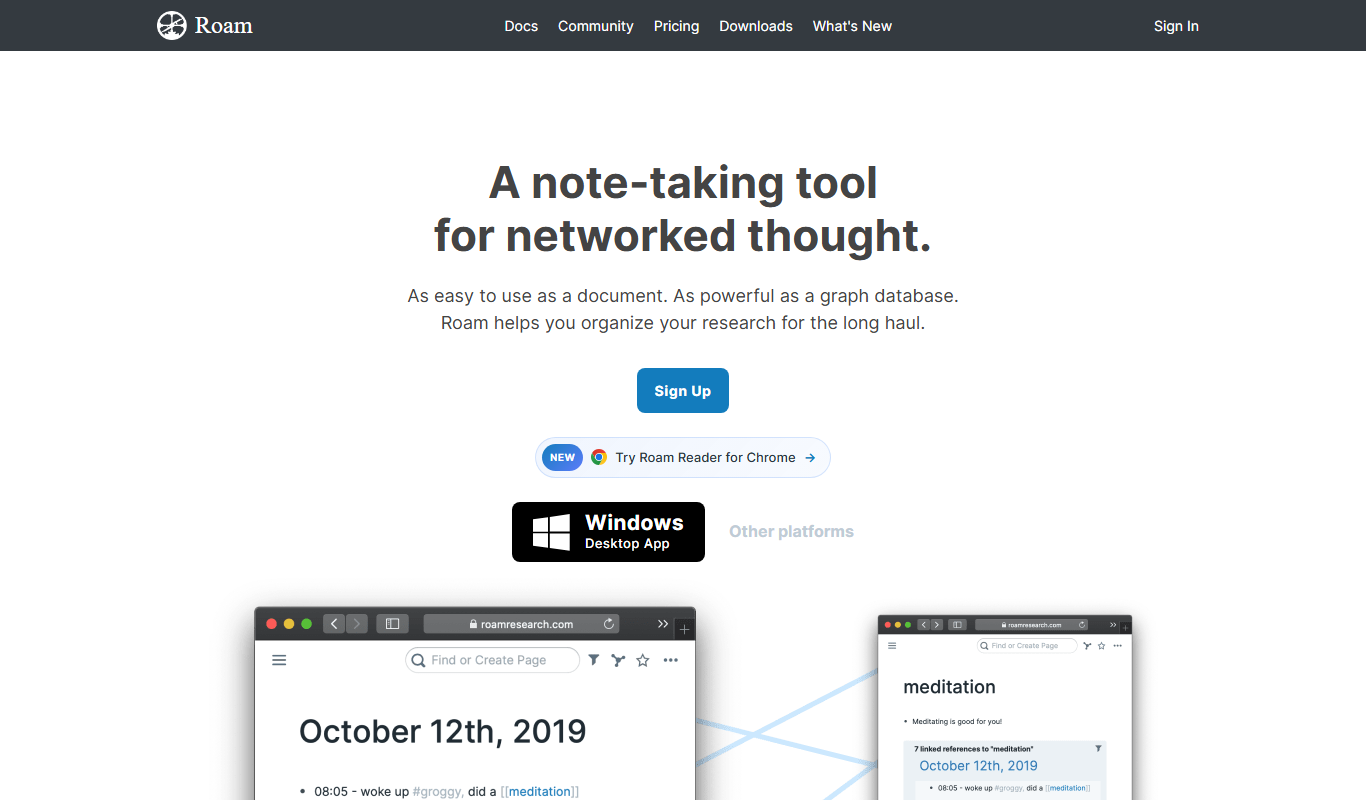
What is Roam Research?
Roam Research is a note-taking and knowledge management application designed around the concept of networked thought. It allows users to create notes that are interlinked bidirectionally, enabling a web-like structure of information rather than traditional hierarchical folders. This approach helps users capture ideas, research, and projects in a flexible, connected way that mirrors how human memory and cognition work.
Key features of Roam Research
Roam Research offers features such as bidirectional linking, daily notes, graph overview visualization, hierarchical outlining, markdown support, and real-time collaboration. These tools empower users to build a dynamic, interconnected knowledge base that evolves naturally with their work and thinking.
Bidirectional Linking
Automatically creates two-way links between notes to maintain context and relationships.
Graph Overview
Visual map of all notes and their connections to help users navigate and discover insights.
Daily Notes
A dedicated page for each day to capture thoughts, tasks, and ideas in a chronological flow.
Hierarchical Outlining
Organize information in nested bullet points for clarity and structure.
Markdown Support
Format notes easily with markdown syntax for headings, lists, links, and more.
Real-Time Collaboration
Multiple users can edit and contribute to the same knowledge base simultaneously.
Pros and cons of Roam Research
Pros
- Powerful bidirectional linking for deep knowledge connections
- Visual graph to understand relationships between notes
- Flexible outlining and markdown support
- Real-time collaboration for teams
- Daily notes feature encourages consistent capturing of ideas
Cons
- Steeper learning curve compared to traditional note apps
- Primarily web-based with limited offline functionality
- Subscription pricing may be high for casual users
Key use cases for Roam Research
Personal Knowledge Management
Organize and interlink notes to build a personal knowledge base that grows over time.
Academic Research
Manage research notes, references, and ideas with bidirectional linking for easy retrieval.
Project Planning
Outline projects and tasks with hierarchical and linked notes to track progress and dependencies.
Writing and Brainstorming
Capture ideas, draft content, and connect concepts seamlessly to enhance creativity.
Team Collaboration
Share and collaborate on interconnected notes and knowledge bases with team members.
How Roam Research works
- 1
Create an Account
Sign up on the Roam Research website to start your personal knowledge graph.
- 2
Start Taking Notes
Use the daily notes page or create new pages to jot down ideas and information.
- 3
Link Notes Bidirectionally
Create links between notes using double brackets to build connections and context.
- 4
Visualize Your Knowledge
Explore the graph overview to see how your notes interconnect and discover new relationships.
- 5
Collaborate and Share
Invite team members to collaborate on shared knowledge bases in real time.
Who is using Roam Research
Roam Research pricing
Free Trial
31 days
Full access to Roam Research features during the trial period.
Personal
$15/month
Access for individual users with unlimited notes and graph size.
Believer
$500 for 5 years
Includes unlimited private or public Roam graphs, unlimited collaborators, and API access and apps.
Plans and prices are as published by the vendor and can change. Check the official site before you buy. Open the pricing page (opens in a new tab)
Frequently asked questions about Roam Research
Yes, while it has a learning curve due to its unique approach, many beginners find it intuitive after initial use.
Yes, Roam allows exporting notes in multiple formats including Markdown and JSON.
Roam Research primarily works online, but it has limited offline capabilities through its desktop app.
Roam Research uses encryption and secure servers to protect user data, but users should review their privacy policy for details.
This tool is designed to help users accomplish its core tasks more efficiently. It is typically used by individuals or teams looking to improve productivity and workflow.
It depends on your specific needs and how you plan to use the tool. The official website and documentation are the best sources for the latest details.
Some tools offer a free plan or trial with limited features. Availability can vary, so confirm on the official website.
Yes, it can help with that use case depending on how you configure it and what features are available. You’ll get the best results with clear inputs and a defined goal.
Conclusion
Notes begin on the daily notes page or on new pages, and double brackets create links between them. Two-way links between notes are created automatically to maintain context and relationships. A graph overview maps how notes interconnect, while nested bullet points give the content structure. Notes can be exported in formats including Markdown and JSON.
Researchers and academics, writers and students are among the people it is designed for, and team members can collaborate on shared knowledge bases in real time. After a 31-day trial, Pro costs $15 per month or $165 per year, and the Believer plan is $500 for 5 years.
Sources
Sign in to review this tool.
Sign In to ReviewNo reviews yet
Be the first to share how this tool worked for you.
Ask about pricing, limits, or how it compares — or answer someone else.
Sign In to AskNo questions yet
Have a question about using or paying for this tool? Be the first to ask.
Featured on TiorAI



Alternative Tools
Explore similar AI tools that might fit your needs
Obsidian
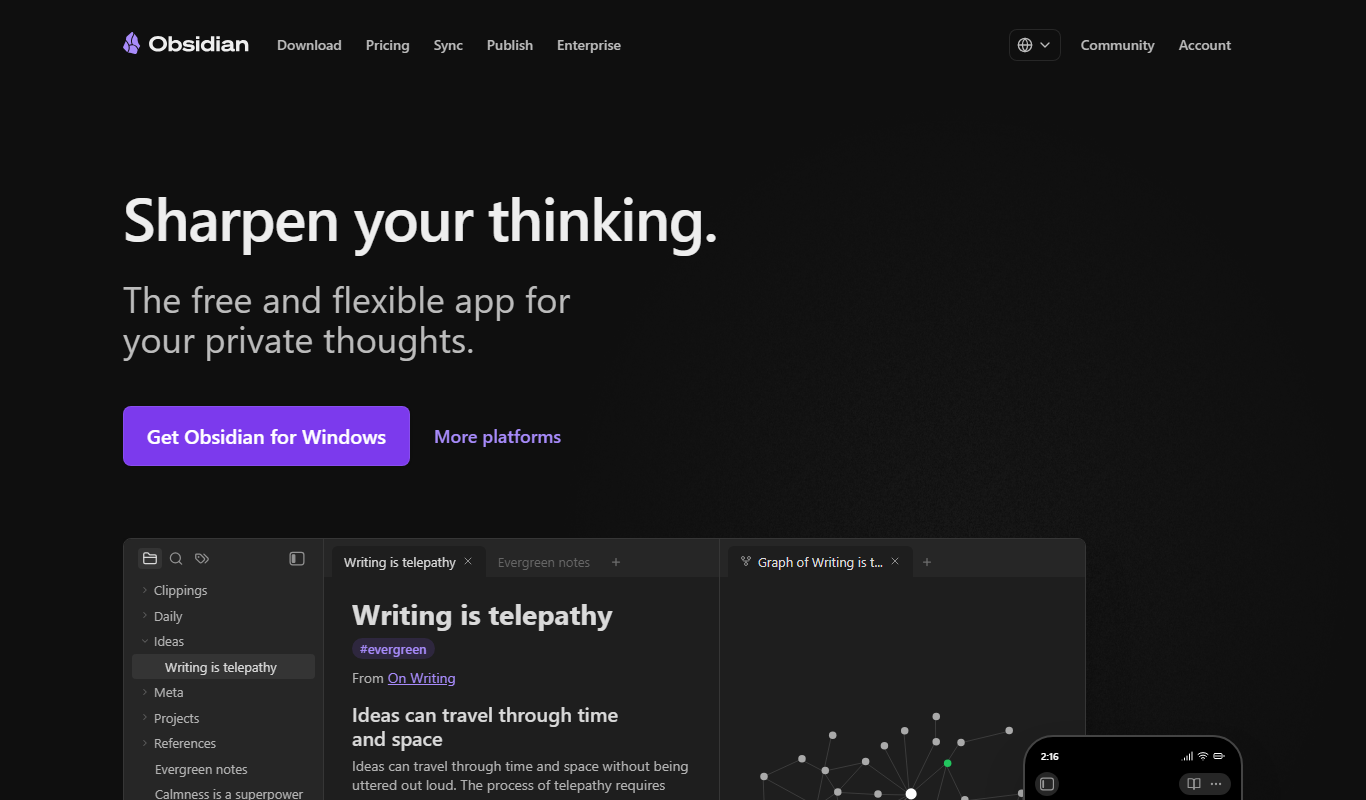
Obsidian is a markdown note-taking app that helps users build a personal knowledge base with linked notes, graph visualization, and extensive customization options.

Evernote
Evernote is a cross-platform note-taking app that helps users capture, organize, and collaborate on notes, tasks, and projects with multi-format support and powerful search.
More AI Workflow tools
Other tools in the same category, for when this one is not quite the fit.

Intuit ProConnect
Intuit ProConnect is a cloud-based tax software designed for professional accountants and tax firms to prepare, review, and electronically file federal and state tax returns efficiently.

LogicManager
LogicManager is a cloud-based governance, risk, and compliance software platform designed to help organizations identify, assess, and mitigate risks while ensuring regulatory compliance through audit, policy, and incident management tools.
Clinked
Clinked is a secure client portal platform that enables businesses to collaborate with clients and teams through file sharing, task management, messaging, and workflow automation in a branded environment.

Unacademy
Unacademy is an Indian online education platform providing live classes, recorded lectures, and test series for competitive exams and skill development.

ScriptRunner
ScriptRunner is an automation platform that centralizes management, security, and execution of PowerShell scripts to streamline IT workflows and enable self-service automation.

RELEX Solutions
RELEX Solutions is an AI-powered supply chain management platform that helps retailers and wholesalers optimize demand forecasting, inventory, and workforce planning to improve efficiency and reduce costs.
Things 3
Things 3 is a premium task management app designed exclusively for Apple devices, offering intuitive task creation, project organization, and seamless iCloud syncing to boost productivity.

Ziflow
Ziflow is an online proofing software that helps creative teams review, annotate, and approve digital assets efficiently through automated workflows and real-time collaboration.