

From my experience with Roast My Desk, I found it excels at providing candid and often humorous feedback that helps users rethink and improve their workspace setups. The community-driven approach offers a unique blend of honest critique and inspiration, making it especially useful for remote workers and home office users seeking fresh ideas. However, the blunt nature of some comments may not suit everyone, and the platform is limited to web access without mobile apps. Overall, if you want straightforward feedback and diverse workspace inspiration, Roast My Desk is a solid, free resource.
Roast My Desk - Online Workspace Setup Feedback and Inspiration Platform
Roast My Desk is a free web platform where users upload photos of their desks to receive honest, often humorous feedback from a community, helping improve and inspire workspace setups.
- Best for
- Workspace Feedback
- Key capability
- User-Submitted Workspace Photos
Your actions
Save Roast my desk, follow its updates and vote on it — everything stays in your account.
Sign in or create a free account

What is Roast my desk?
Roast My Desk is a web-based platform where users share photos of their workspaces or desks and receive candid feedback from a community of enthusiasts. It serves as both a source of inspiration and a place to get constructive criticism to improve your workspace setup.
Key features of Roast my desk
The platform offers user submissions of desk photos, community voting and commenting, and a gallery of diverse workspace setups. It emphasizes honest, often humorous feedback to help users optimize their work environments.
User-Submitted Workspace Photos
Allows users to upload images of their desks to share with the community.
Community Feedback and Ratings
Users can rate and comment on submitted desks, providing honest critiques.
Workspace Gallery
A curated collection of diverse desk setups for browsing and inspiration.
Anonymous and Open Feedback
Encourages candid and humorous feedback to help users improve their workspace.
Pros and cons of Roast my desk
Pros
- Free and easy to use platform
- Honest and humorous community feedback
- Large variety of real workspace setups for inspiration
Cons
- Feedback can sometimes be blunt or sarcastic
- Limited to workspace and desk-related content
- No mobile app, web-only access
Key use cases for Roast my desk
Workspace Feedback
Users can submit photos of their desks or workspaces to receive honest feedback and critiques from the community.
Workspace Inspiration
Browse a wide variety of real user-submitted desk setups to gather ideas and inspiration for improving your own workspace.
Community Engagement
Engage with a community of workspace enthusiasts by commenting, rating, and discussing different desk setups.
How Roast my desk works
- 1
Submit Your Desk
Upload a photo of your workspace through the website submission form.
- 2
Community Reviews
Other users view your submission and provide feedback, ratings, and comments.
- 3
Browse and Get Inspired
Explore other users’ desks to find ideas and inspiration for your own setup.
Who is using Roast my desk
Remote workers
Home office users
Workspace enthusiasts
Content creators
Small business owners
Roast my desk pricing
Free
$0
Full access to submit desks, browse the gallery, and participate in community feedback.
Plans and prices are as published by the vendor and can change. Check the official site before you buy. Open the pricing page (opens in a new tab)
Frequently asked questions about Roast my desk
Yes, the platform is completely free for all users.
Yes, users can submit desks without revealing personal information.
Feedback is honest and often humorous, aimed at helping improve your workspace.
Yes, you can comment on and rate other users’ desk submissions.
It depends on your specific needs and how you plan to use the tool. The official website and documentation are the best sources for the latest details.
Some tools offer a free plan or trial with limited features. Availability can vary, so confirm on the official website.
Yes, it can help with that use case depending on how you configure it and what features are available. You’ll get the best results with clear inputs and a defined goal.
It depends on your specific needs and how you plan to use the tool. The official website and documentation are the best sources for the latest details.
Sign in to review this tool.
Sign In to ReviewNo reviews yet
Be the first to share how this tool worked for you.
Ask about pricing, limits, or how it compares — or answer someone else.
Sign In to AskNo questions yet
Have a question about using or paying for this tool? Be the first to ask.
Featured on TiorAI



More Content, Media & Communication tools
Other tools in the same category, for when this one is not quite the fit.

Free
Pop-Plan
Pop-Plan is a web-based social media content calendar tool designed to help marketing teams plan, schedule, and collaborate on social media posts using a visual calendar and team workflows.

Free Trial
yonderhq.com
YonderHQ is a web-based AI-powered platform that helps marketing teams plan, organize, and collaborate on content strategies efficiently with features like AI content ideation, content calendars, and task management.

Custom Pricing
smartvel.com
Smartvel is a travel content API platform providing real-time destination data such as weather, events, and travel guides to enhance travel websites and apps.
Free
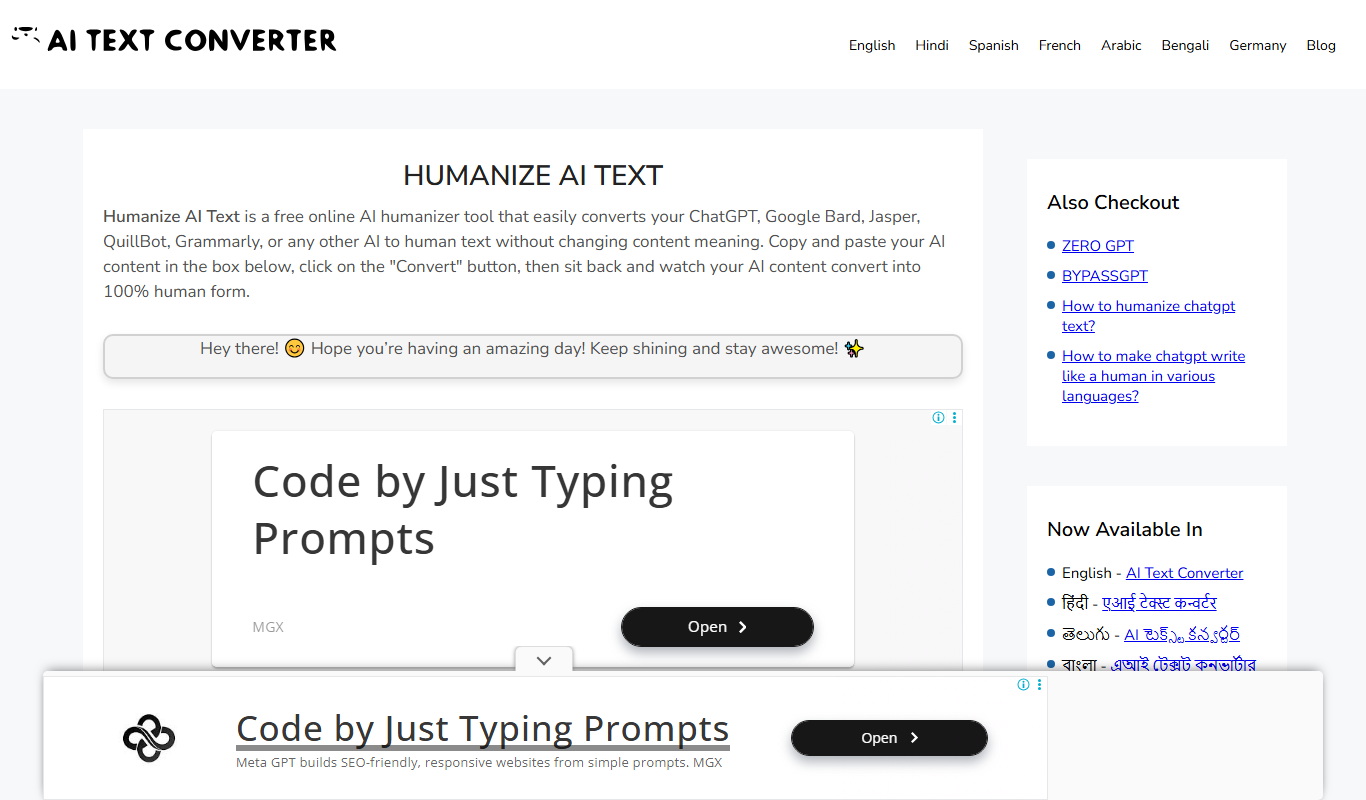
Humanize AI Text Converter
Humanize AI Text Converter is a web tool that rewrites AI-generated text to make it sound more natural and human-like, improving readability and engagement.

Free Trial
Contentfries
Contentfries is an AI-driven platform that transforms long-form video and audio content into multiple short clips optimized for social media, helping marketers and creators save time and increase engagement.
Free Trial
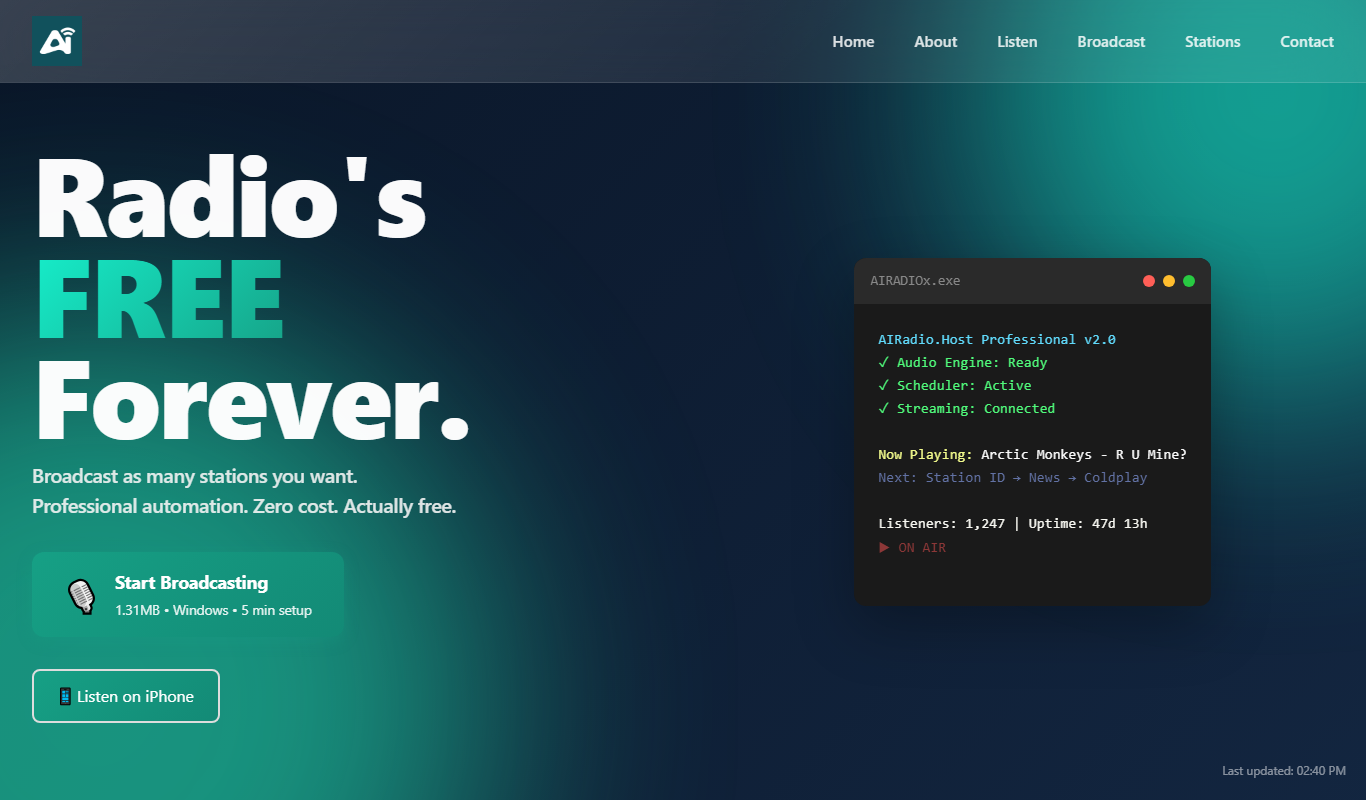
AIRadio.Host
AIRadio.Host is an AI-driven online radio automation platform that enables broadcasters to create, schedule, and manage internet radio stations with ease, supporting both automated playlists and live streaming.

Freemium
AI Social Recommendator
AI Social Recommendator is an AI-based tool that provides social media managers with relevant content suggestions and scheduling features to enhance audience engagement.

Freemium
Skim It
Skim It is an AI-based tool that summarizes long texts into concise, easy-to-read summaries, helping users quickly grasp key information from articles, reports, and emails.