

Feedback Widget by Olvy - User Feedback Collection & Analysis Tool
Feedback Widget by Olvy is a tool that enables businesses to collect, analyze, and manage user feedback directly on their websites or apps, helping prioritize product improvements and communicate updates.
- Best for
- Collect User Feedback
- Key capability
- Customizable Feedback Widget
Save Feedback Widget by Olvy, follow its updates and vote on it — everything stays in your account.
Sign in or create a free account
What is Feedback Widget by Olvy?
Feedback Widget by Olvy is a lightweight, embeddable tool designed to help businesses collect, manage, and analyze user feedback directly on their websites or applications. It enables product teams to capture customer insights in real-time, prioritize feature requests, and communicate product updates effectively to their user base.
Key features of Feedback Widget by Olvy
The tool offers an intuitive feedback widget that can be embedded on any website or app, real-time analytics dashboards, feature request tracking, user segmentation, and integration capabilities with popular tools. It also supports direct communication with users through update notifications.
Customizable Feedback Widget
Easily customizable widget to match your brand and collect various types of feedback.
Real-Time Analytics
Dashboard providing insights into user feedback trends and sentiment.
Feature Request Management
Organize, track, and prioritize feature requests from your users.
User Segmentation
Segment feedback by user attributes to understand different customer groups.
Update Notifications
Communicate product updates and improvements directly through the widget.
Integrations
Connect with tools like Slack, Jira, and others to streamline your workflow.
Pros and cons of Feedback Widget by Olvy
Pros
- Easy to embed and customize feedback widget
- Real-time analytics for actionable insights
- Effective feature request tracking and prioritization
- Supports user segmentation for targeted feedback
- Integrates with popular productivity tools
Cons
- Limited response quota on free plan
- No mobile app version available
Key use cases for Feedback Widget by Olvy
Collect User Feedback
Easily gather feedback from website visitors or app users to understand their needs and pain points.
Analyze Customer Insights
Aggregate and analyze feedback data to identify trends and prioritize product improvements.
Manage Feature Requests
Organize and track feature requests from users to align product roadmap with customer demands.
Improve Customer Experience
Use real-time feedback to enhance user satisfaction and reduce churn.
Communicate Product Updates
Notify users about new features and improvements directly through the widget.
How Feedback Widget by Olvy works
- 1
Embed the Widget
Add the Olvy feedback widget code snippet to your website or app to start collecting user feedback.
- 2
Collect Feedback
Users submit feedback, report bugs, or request features through the widget interface.
- 3
Analyze and Prioritize
Use the Olvy dashboard to review feedback, identify common themes, and prioritize product improvements.
- 4
Communicate Updates
Notify users about implemented features or fixes directly via the widget to keep them engaged.
Who is using Feedback Widget by Olvy
Feedback Widget by Olvy pricing
Free
$0/month
For individuals to explore Olvy: 1 builder, unlimited release notes, SEO settings, analyze up to 25 feedback, announcement and feedback widgets, 1,000 unique visitors per month, add feedback via email and the Olvy Chrome Extension.
Essentials
$60 per month
Everything in Free, 1 builder with additional builders at $25 per builder per month, $20 per month per integration, analyze up to 100 feedback, advanced customization, 2 announcement and feedback widgets, no Olvy branding on widgets, release scheduling, unlimited visitors and custom domain.
Enterprise
Let's Talk
For larger teams in need of extra control: everything in Business, customized limits, bulk user import, Single Sign-on / SAML, audit logs, custom contract and invoicing, priority customer support, custom integrations, migration from other tools and white-glove onboarding.
Business
$240 per month (shown with 20% Off)
Everything in Essentials, 5 builders, unlimited viewers, analyze up to 10,000 feedback, feedback summarization, unlimited announcement and feedback widgets, unlimited integrations, API keys and webhooks, CRM integrations, multi-language support, user segmentation and custom properties.
Plans and prices are as published by the vendor and can change. Check the official site before you buy. Open the pricing page (opens in a new tab)
Frequently asked questions about Feedback Widget by Olvy
Yes, Olvy allows you to customize the widget’s appearance to align with your brand colors and style.
Yes, Olvy integrates with popular tools like Slack, Jira, and others to help streamline your feedback management.
Olvy limits analyzed feedback and visitors rather than responses; the Free plan analyzes up to 25 feedback items and allows 1,000 unique visitors per month.
Yes, Olvy provides update notifications to keep your users informed about new features and fixes.
It depends on your specific needs and how you plan to use the tool. The official website and documentation are the best sources for the latest details.
Yes, it can help with that use case depending on how you configure it and what features are available. You’ll get the best results with clear inputs and a defined goal.
Integration support depends on the tool and its available connectors or API. Check the official documentation or integrations page to confirm what is supported.
Some tools offer a free plan or trial with limited features. Availability can vary, so confirm on the official website.
Conclusion
Embedded in a product, the widget listens to users in real time through in-app surveys, feedback widgets and screen capture. A general widget asks for feedback at the right time and place, while a rating widget lets users add a rating, answer a custom question and attach files. Issues can also be submitted with video recordings and annotated screenshots. On the analysis side, Olvy AI Copilot helps make sense of customer voices from different platforms, and Ask Olvy answers questions about the qualitative data.
Product managers, customer support teams and SaaS companies are the main groups it is designed for. The free plan covers one builder and a monthly cap on unique visitors, while Essentials adds unlimited visitors and removes Olvy branding from widgets. Multi-language support and user segmentation arrive with the Business plan.
Sources
Sign in to review this tool.
Sign In to ReviewNo reviews yet
Be the first to share how this tool worked for you.
Ask about pricing, limits, or how it compares — or answer someone else.
Sign In to AskNo questions yet
Have a question about using or paying for this tool? Be the first to ask.
Featured on TiorAI



Alternative Tools
Explore similar AI tools that might fit your needs

UserVoice
UserVoice is a customer feedback management tool that collects and prioritizes user suggestions to help product teams make informed decisions and improve customer satisfaction.
More AI Product Management Tools tools
Other tools in the same category, for when this one is not quite the fit.

Productroadmap.ai (by Ignition)
Productroadmap.ai by Ignition is an AI roadmapping suite that aligns roadmaps with Sales, prioritizing feature gaps by revenue impact.

ChatPRD
ChatPRD is an AI tool that automates the creation of product requirement documents, helping product managers and agile teams save time and improve collaboration.

Looppanel
Looppanel is an AI UX research tool for qualitative research analysis, with transcripts, automatic notes, shareable video clips and a searchable repository of insights.
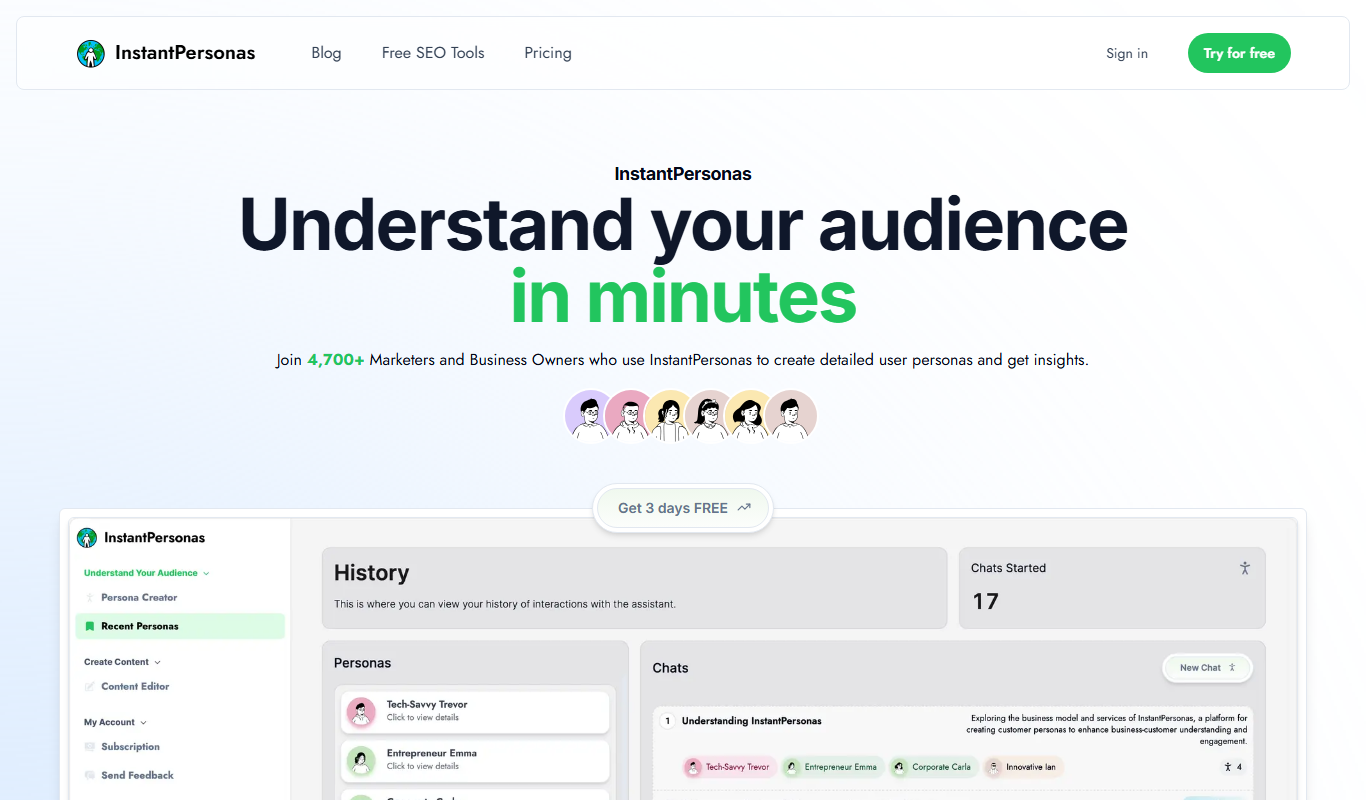
InstantPersonas
InstantPersonas is a web tool that helps marketing and product teams quickly generate detailed user personas using AI assistance and customizable templates.

Appflows
AppFlows by Pocketworks is a free online tool to scope, estimate and visualise app ideas: type your app features to create visual app specifications, growth plans and mobile strategies.

unitQ agentQ
unitQ GPT is an AI-powered customer feedback analytics tool that uses GPT-4 to aggregate, analyze, and provide real-time insights from multiple feedback channels, helping product teams improve quality and user experience.

WriteMyPRD
WriteMyPRD is an AI-driven tool that automates the creation of product requirement documents, helping teams save time and improve documentation quality.

Canny Autopilot
Canny Autopilot is a platform that helps product teams collect, prioritize, and act on customer feedback and feature requests through automated scoring and transparent roadmaps.